Search "computer geeks Calgary" and you get a wall of listings that all sound the same. The hard part isn't finding someone. It's finding someone who'll fix the actual problem, tell you the truth about whether it's worth fixing, and not talk down to you while they do it. Here's how to tell good help from the rest, and when a house call beats hauling everything to a shop.
- Most home and small-business jobs come down to a short, familiar list of problems.
- Good help explains the problem in plain language and quotes before starting.
- The best test: ask what happens if the repair doesn't work.
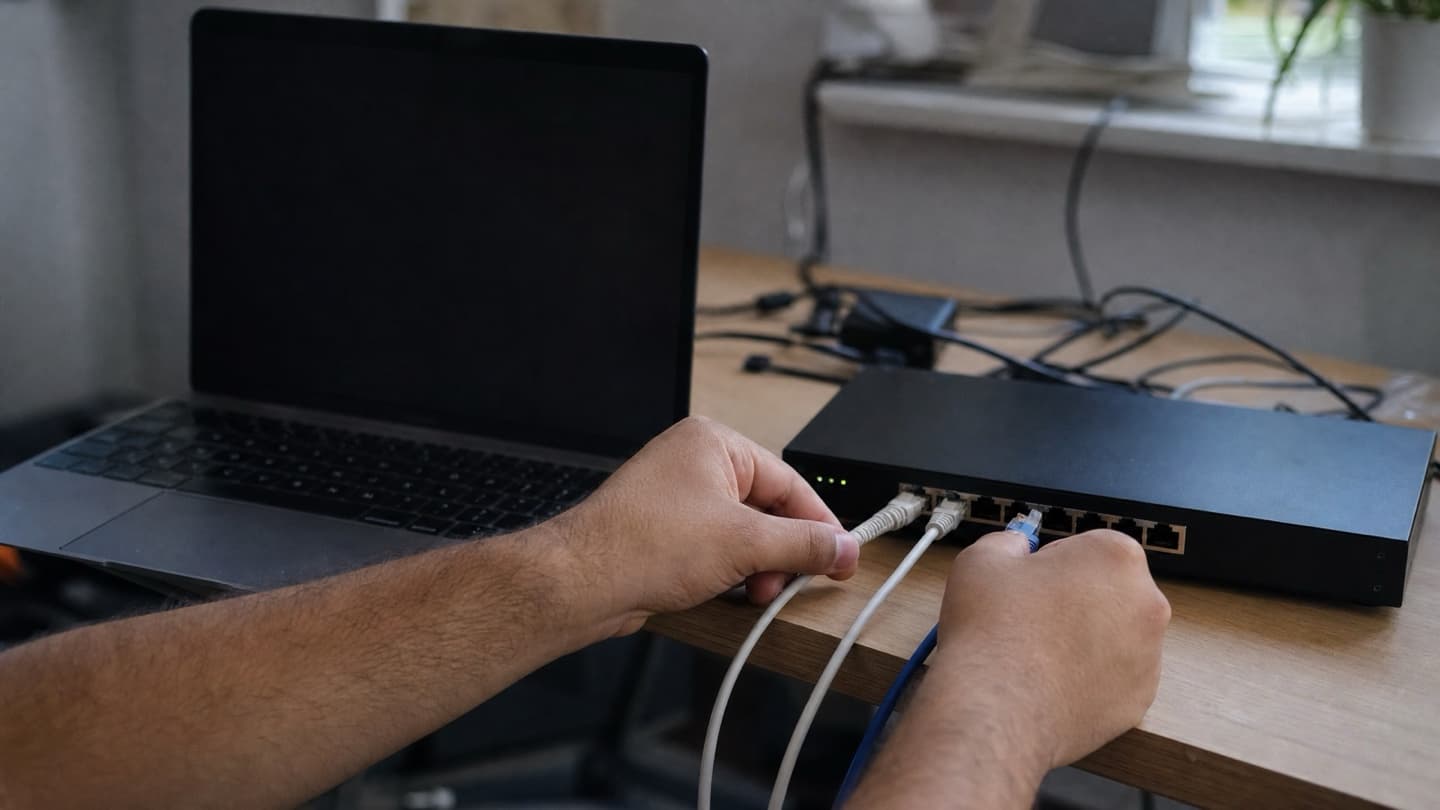
- A house call wins when the problem lives in your setup, like Wi-Fi or printers.
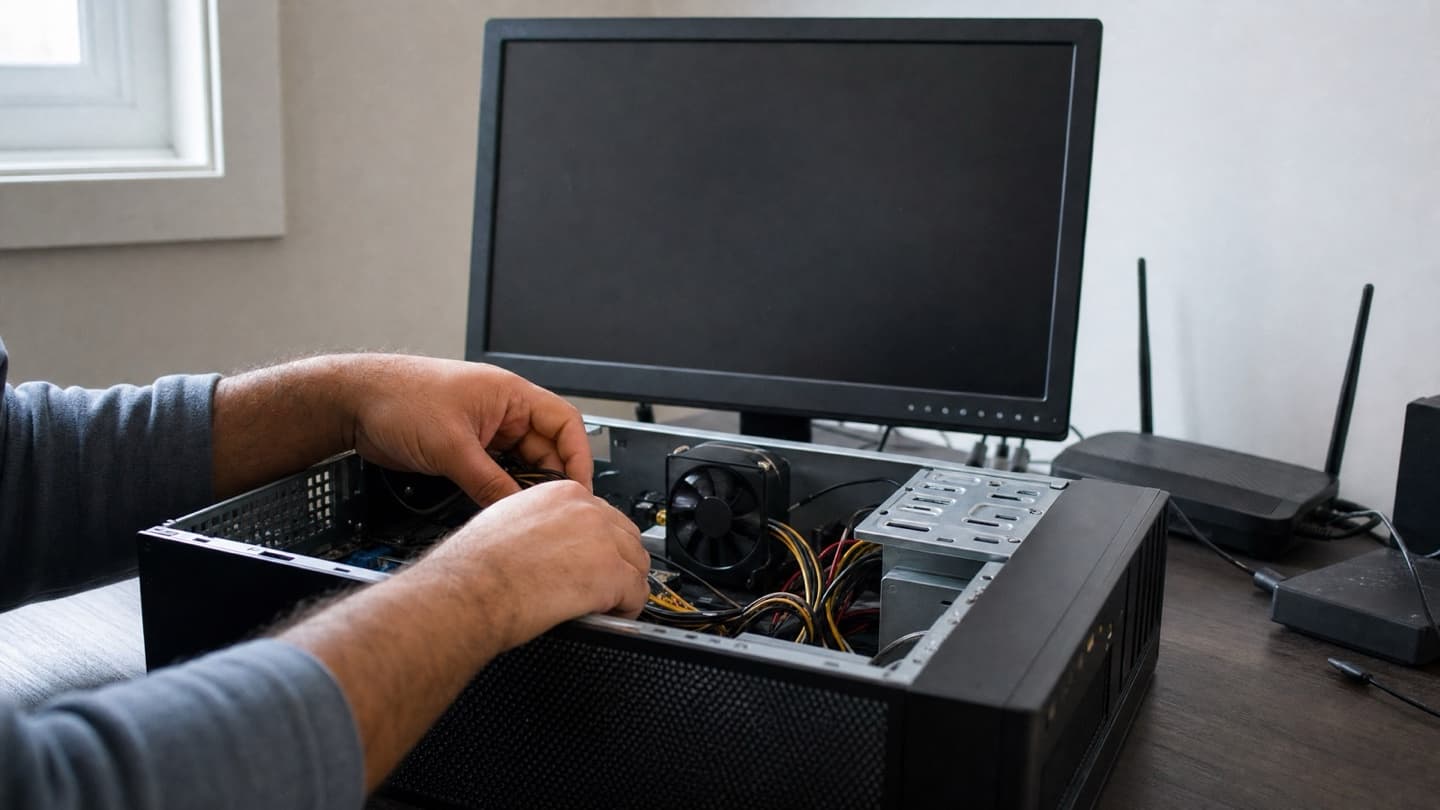
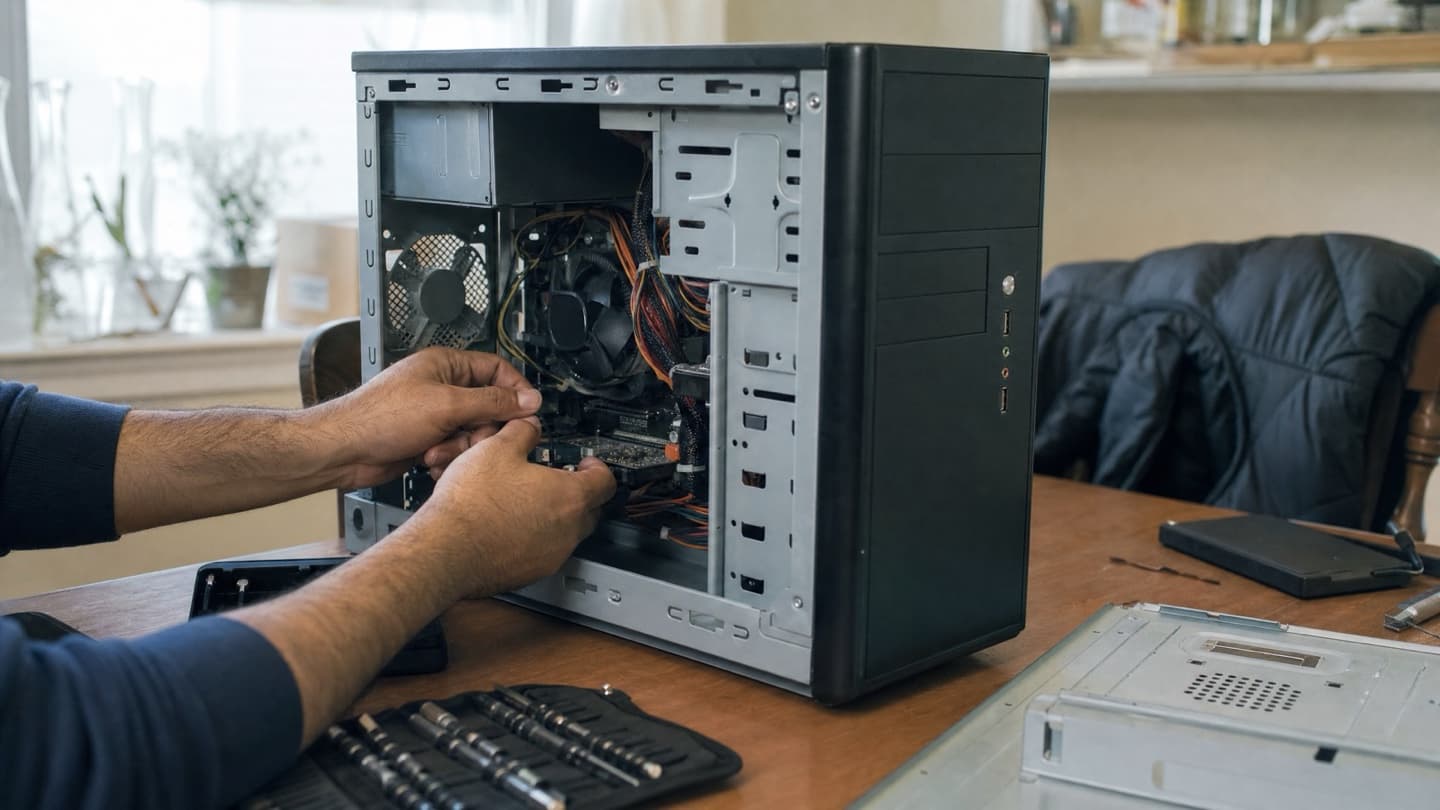
- A bench wins for deeper hardware work like a soldering job or a failed drive.
What people are actually trying to fix
Most calls come down to a short list.
- A computer that's slow or won't start.
- A laptop that overheats or won't charge.
- Pop-ups and browser redirects that showed up out of nowhere.
- Wi-Fi that keeps dropping.
- A drive full of photos that suddenly won't open.
You don't need to diagnose it yourself. But it helps to know that most of these have a real, findable cause, so you can tell when someone's actually looking versus just throwing a reformat at it.
What good help looks like
Four things separate the people worth calling from the rest.
They explain what's wrong in plain language
You should walk away understanding what broke, why, and what your choices are. If someone hides behind jargon or gets vague when you ask a direct question, that's a sign they either don't know or don't want you to. Good technicians are happy to explain. It's not a secret.
They tell you when a repair isn't worth it
This is the big one. A ten-year-old laptop with a dead motherboard is usually not worth a pricey repair, and an honest person will say so instead of quoting the job. The same goes the other way: plenty of "it's dead, buy a new one" machines just need an SSD and some memory. You want someone whose advice doesn't change based on what makes them the most money.
They quote before they start
No work should happen before you've heard the price and agreed to it. A free look at the problem first, then a clear quote, then the work. If the number keeps moving after that, something's off.
They pick up, and they show up
A real person to call, fast, is half the value. Fixing a computer is easy compared to actually being reachable when yours dies the morning of a deadline.
Ask what happens if the repair doesn't work. A straight answer, like no fix, no fee on a diagnosis, tells you more about who you're dealing with than any five-star badge.
Mobile vs. a shop: which makes sense
Both have their place, and it depends on the problem.
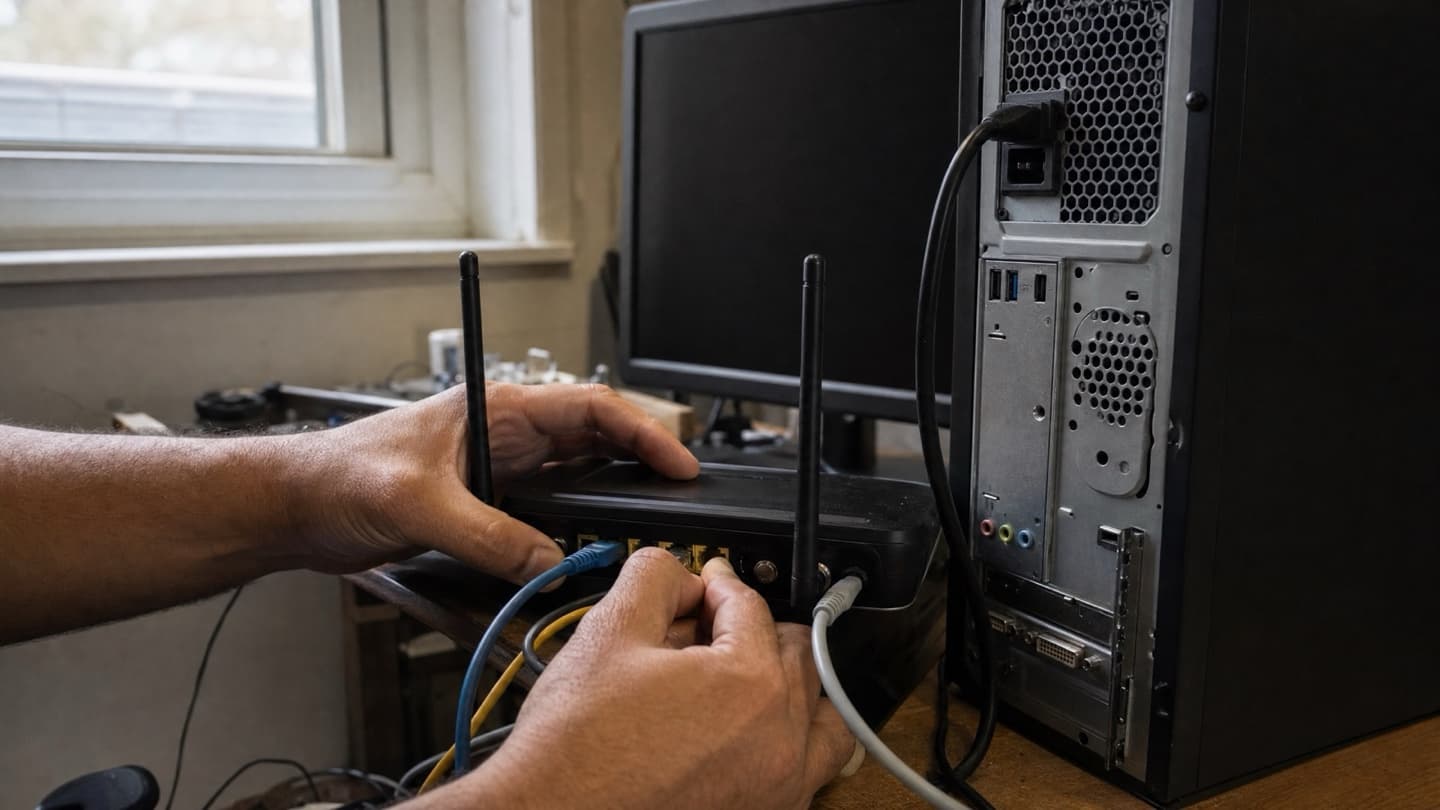
A house call (or on-site at your business) is better when the problem lives in your setup. Wi-Fi dead zones, a printer that won't connect, devices that won't talk to each other, a slow machine you'd rather not unplug and cart across the city. A lot of "computer problems" are really network or environment problems, and those are far easier to sort out where they actually happen. Our in-home and on-site repair exists for exactly this, and it saves you rebuilding your whole desk afterward.
A lot of "computer problems" are really network or environment problems, and those are far easier to sort out where they actually happen.
A bench repair makes sense for deeper hardware work. A cracked screen, a soldering job, a failed drive that needs recovery gear. Some jobs just want a workbench and the right tools.
The good news is you often don't have to choose. Plenty of things get handled in a quick remote session without anyone going anywhere.
The common home jobs, and the honest version of each
- Slow computer. Usually an old hard drive and not enough memory, not a worn-out operating system. An SSD is the single biggest speed jump for the money. Fresh laptop or computer with the same guts feels new again.
- Won't turn on. Could be the power supply, the battery, or the board. Worth a proper diagnosis before you assume it's dead. Repeatedly jabbing the power button on a failing machine can make things worse.
- Pop-ups and redirects. Usually adware or a hijacked browser rather than a full-blown virus. A proper virus and malware cleanup clears it and sets up protection so it doesn't come back.
- Deleted files or a failing drive. Stop using the device immediately. Every minute it runs can overwrite what you're trying to get back. Then get it assessed before anyone writes it off. Data recovery starts with a free look and a straight answer on the odds.
What DIY gets wrong
Trying a fix yourself is fine, and half the fun for some people. The trouble is the specific mistakes that turn a small job into an expensive one: installing the wrong driver, deleting files that were the actual backup, running a "free cleaner" that's really adware, or cracking a ribbon cable during an upgrade. If the problem involves your only copy of something important, that's the moment to stop and ask.
The honest bottom line
Getting good computer help isn't complicated. You want someone who explains things straight, tells you when not to spend money, quotes before they start, and actually answers the phone. We're mobile across Calgary, the first look is free, and you approve the price before any work happens. If a repair isn't worth it, we'll tell you.
We come to your home or business across Calgary, look at the problem first, and give you a straight answer before any work starts.
Not sure where to start? Describe what's happening and we can often point you in the right direction on the spot.