Not everyone wants to unplug a desktop, coil up six cables, load it in the car, and drive it somewhere. For a lot of people, the computer sits in a spot it's meant to stay, and moving it is half the problem. In-home repair skips all that. Someone comes to the house, sits down at the machine where it lives, and sorts it out while you watch. This one's about what that visit actually feels like.
- Nothing gets unplugged, hauled, or set back up: the machine stays put.
- The problem gets looked at in your real setup, on your actual Wi-Fi, where it happens.
- Diagnosis is free and done in front of you, with a flat price before any work.
- It suits seniors, families, and cable-heavy home offices best.
- A few jobs still need a bench, and we'll tell you that at the door.
Why people book someone to the house
Convenience is the obvious reason, but it's not the only one.
- Nothing gets unplugged, carried, or set back up afterward.
- The problem gets looked at in your real setup, on your actual Wi-Fi, which is where it happens.
- You can ask questions and get a plain answer, face to face, instead of a voicemail three days later.
- You see exactly what was done, so it's not a black box.
- It's easier on seniors, families, and anyone who'd rather not wrestle a tower into a back seat.
If you've been putting off a fix because hauling the machine sounds like more trouble than living with the problem, this is the option that removes the excuse.
What a visit looks like
Someone knocks, you show them the machine, and it goes from there. No storefront, no drop-off form, no counter.
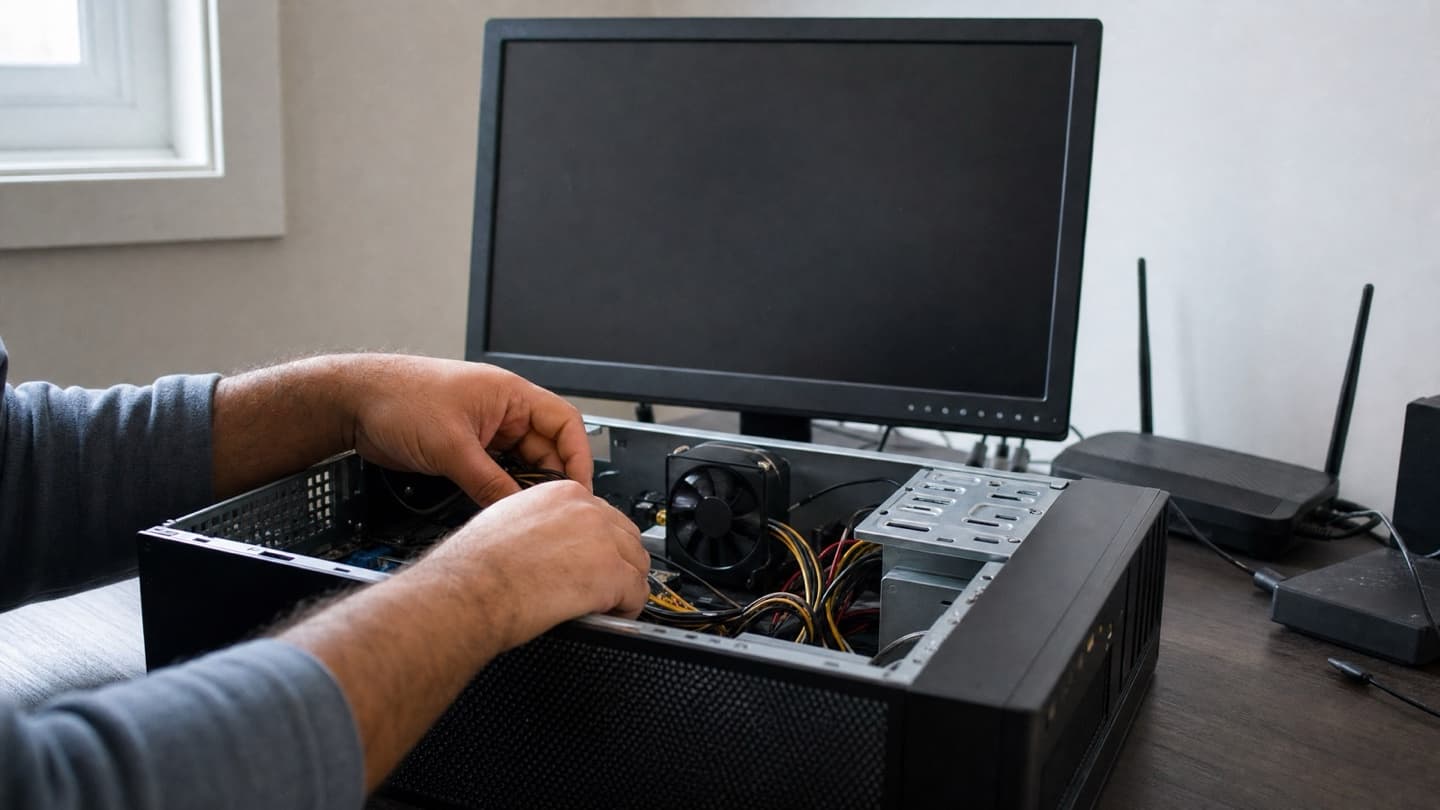
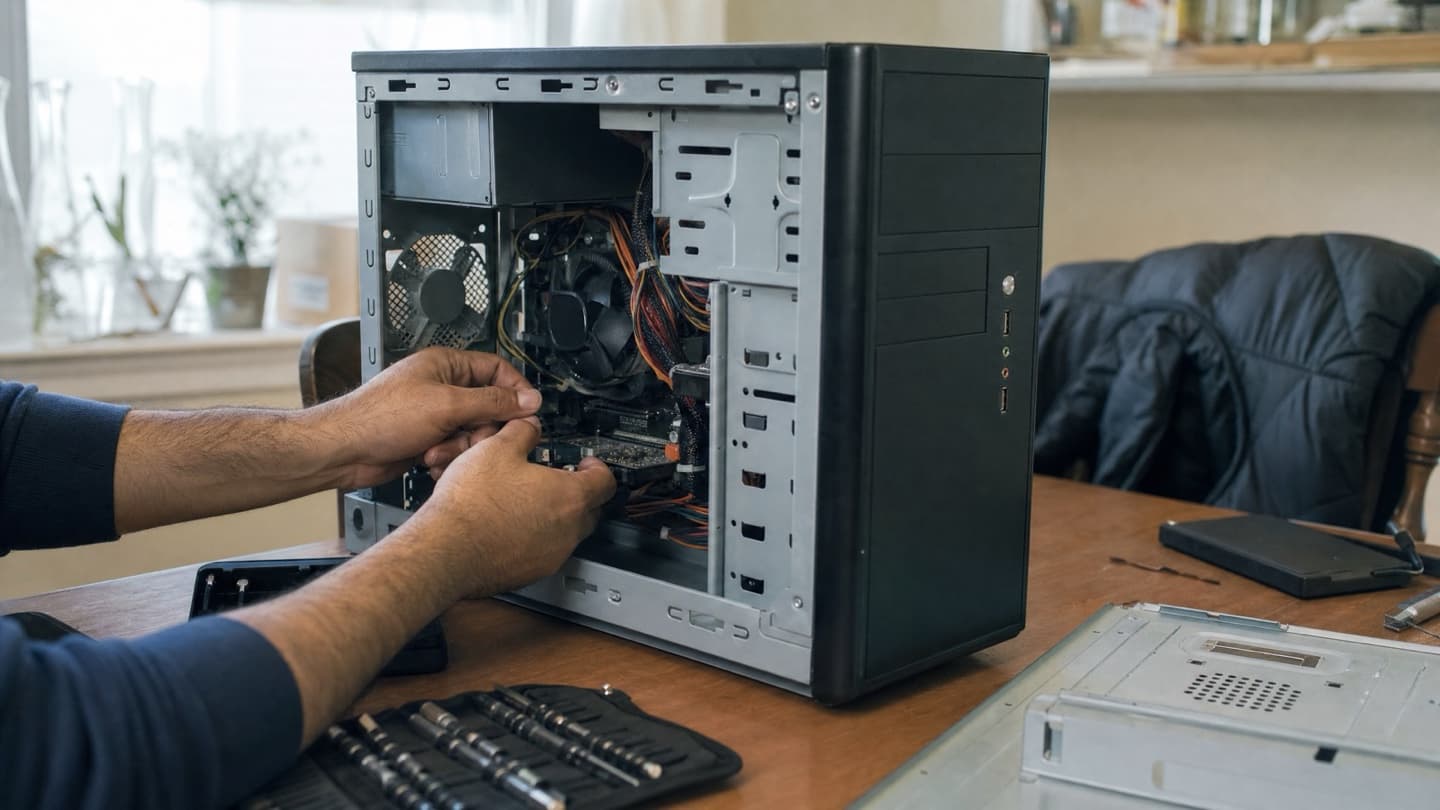
We start by looking and listening. You explain what it's been doing, we check the computer, the Wi-Fi, and whatever else is tied in. The diagnosis is free, and it's done in front of you, not behind a curtain. Once we know what's actually wrong, you get a flat price for the whole job before anything happens. If you say go, we fix it; if you don't, you've paid nothing. No-fix-no-fee.
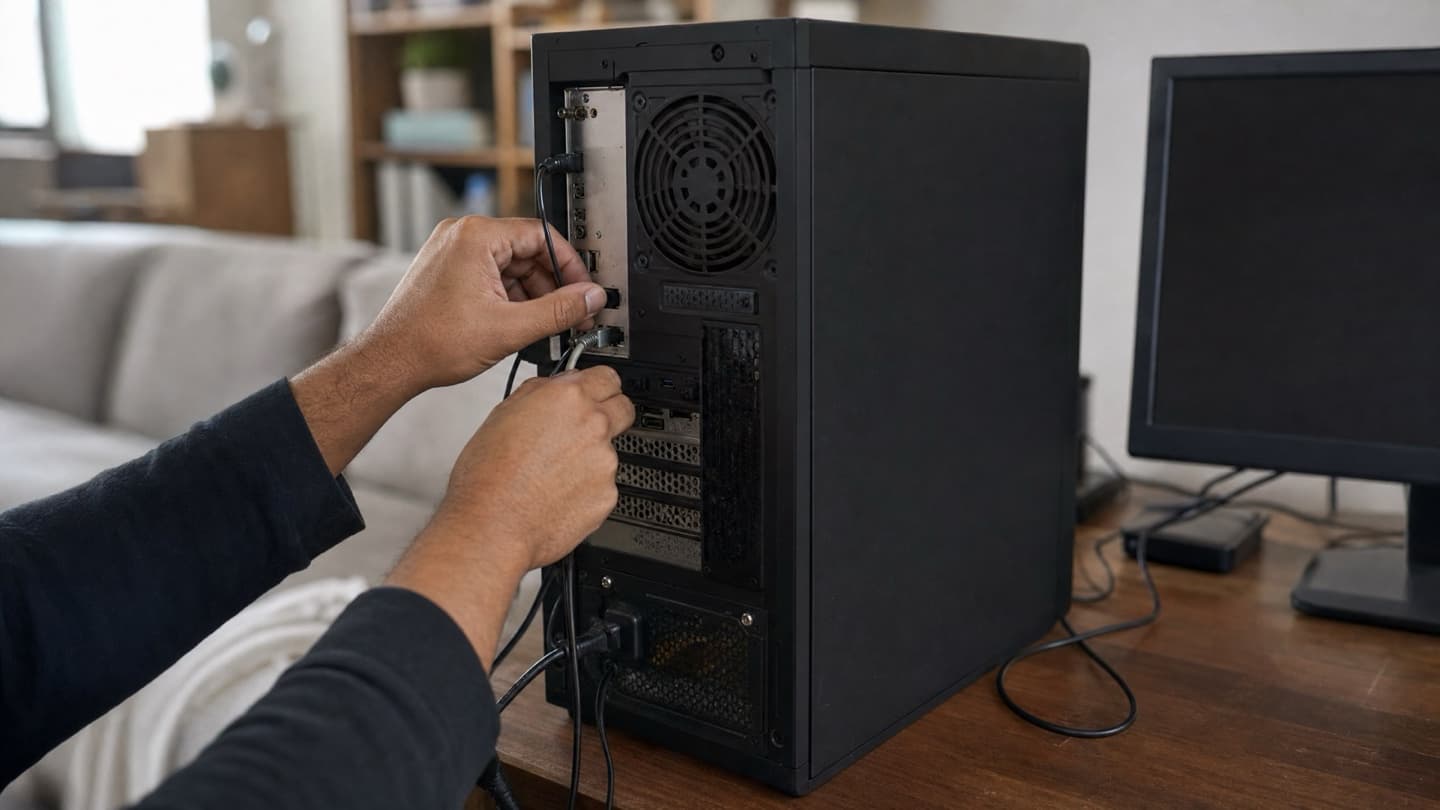
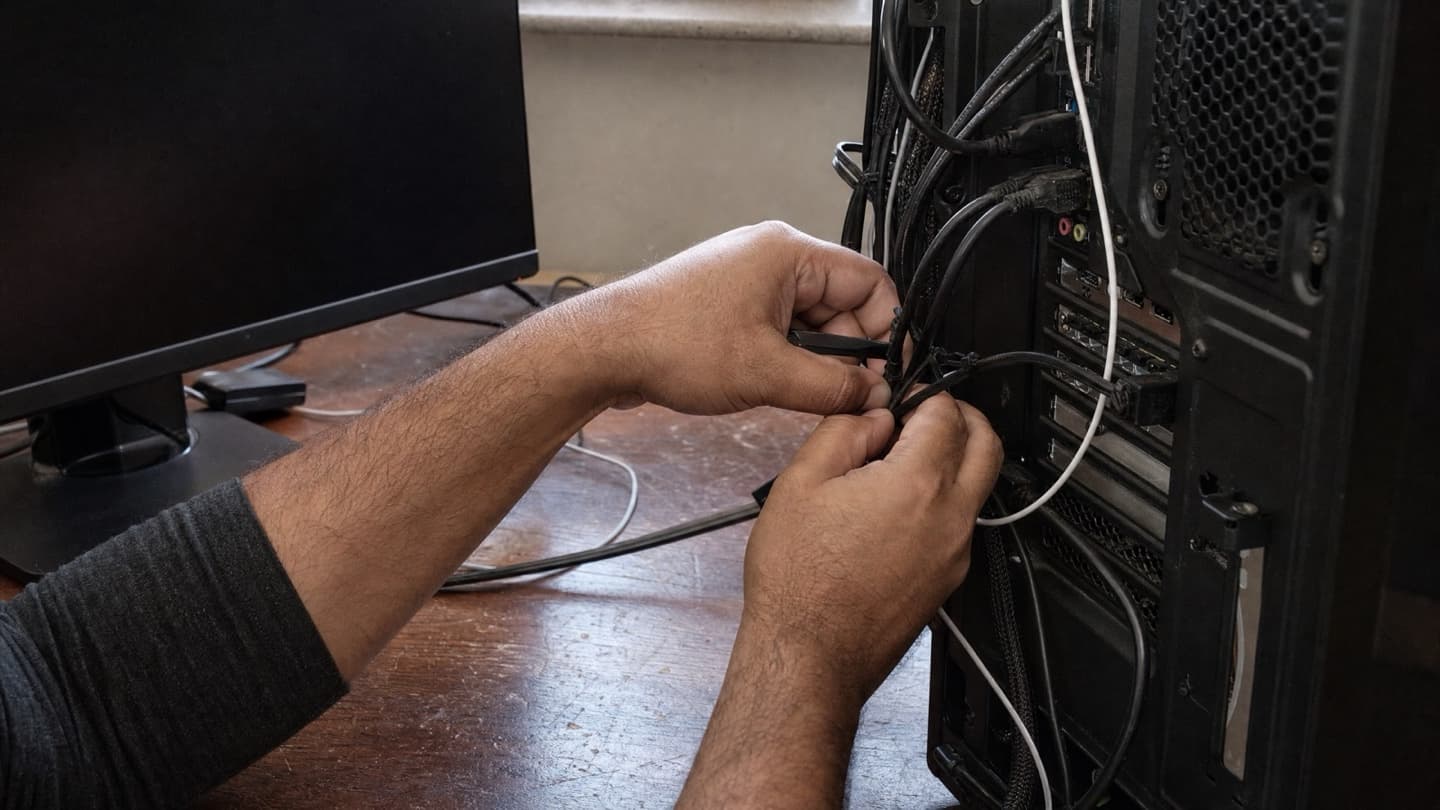
You're welcome to look over a shoulder the whole time. Most people pick up a tip or two watching, and that's fine by us. When it's done, we tidy the cables too, so the desk looks better than we found it.
You don't need to know what's wrong to book. "It's slow," "the internet keeps cutting out," "there's a scary pop-up" is plenty. Figuring out the cause is our job, not yours.
The stuff we usually sort out at home
The common ones, the sort of thing that fills most visits:
- A slow computer. Often an old hard drive dragging everything down. An SSD upgrade and a cleanup usually make an older machine feel years younger.
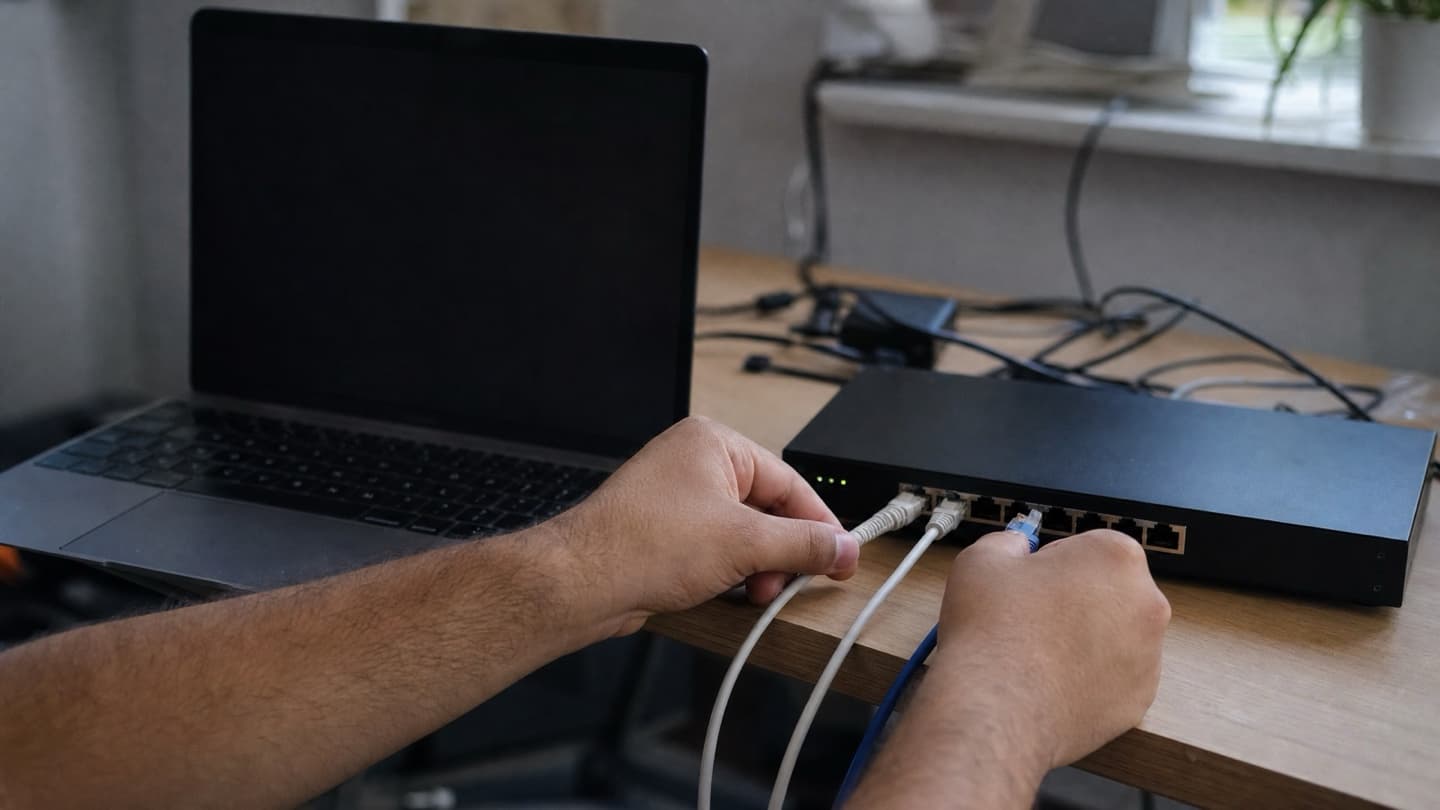
- Wi-Fi that won't behave. Dead spots, a router in a bad corner, devices dropping off. Best fixed in the house, since that's the only place the signal is what it really is. See network and Wi-Fi.
- Pop-ups, scam warnings, and other malware. We clean it out and set up sensible protection so it doesn't come straight back. The virus removal page covers the warning signs.
- Printers and devices that won't connect. Wireless printers, scanners, streaming boxes, smart-home gear. Usually a setup snag, not a broken part.
- A new computer that needs setting up. Getting it ready and moving your files, photos, and email over from the old one.
Who it suits best
Families and less-technical folks. You get a person in the room who explains things in plain words and doesn't make you feel silly for asking. Good for parents' machines, a student's laptop, the family desktop that everyone shares.
Seniors. No lugging equipment anywhere, and someone patient to walk through what changed and how to use it after.
Home offices and remote workers. When the machine is how you earn, days without it isn't an option. On-site keeps the downtime to a visit, not a week.
Anyone with a cable-heavy setup. Multiple monitors, a printer, speakers, the works. If unplugging it all sounds like a bad afternoon, that's exactly when a house call earns its keep.
When the house isn't the right place
Being straight with you: a few things are better handled off-site. A cracked screen, a part that needs to come off the board, liquid damage, a physically failing drive. Those want proper bench tools and steady conditions. If that's what you're dealing with, we'll tell you at the door, quote the bench work, and handle it properly rather than pretend it's a quick house call. For laptops in that boat, see laptop and computer repair; for files on a dying drive, data recovery.
We'd rather tell you a machine isn't worth fixing than sell you a repair that isn't.
So even the visit that ends in "honestly, replace it" is a free, honest answer, in your own home.
In-home across all four Calgary quadrants and nearby towns. Free diagnosis, flat quote before any work, no-fix-no-fee.
Common questions
How does in-home computer repair work?
Someone comes to your house, looks at the machine where it lives, diagnoses the problem for free, and gives you a flat price before doing anything. You only pay if it gets fixed.
Is it good for seniors or people who aren't techy?
That's a lot of who books it. You don't need to know what's wrong, and everything gets explained in plain language, in person, at a pace that suits you.
Do I have to unplug or move anything?
No. Leaving it where it is is the whole point. We work at the machine in place and tidy the cables before we go.
What can't be done at home?
Screen replacements, board-level repair, liquid damage, and physically failing drives need a bench. We'll tell you at the door and quote that separately rather than improvise.
Which parts of Calgary do you cover?
In-home across all four quadrants and the nearby towns, with remote support when the problem is software-only.