"On-site computer service" covers a lot of ground, so here's the honest map of it: what actually gets done at your place, what still needs a bench, and how to tell which one your problem is. Most home and small-business jobs can be handled where they live. A few can't, and knowing the difference before anyone shows up saves you time and money.
- Anything that touches your network or other devices is best fixed where you use it.
- Physical repairs (screens, board-level work, liquid damage) belong on a bench.
- Wi-Fi and dead zones can't be diagnosed from across town, so on-site is built for them.
- A free diagnosis tells you which one you've got before any work starts.
- No-fix-no-fee: a diagnosis that ends in "not worth fixing" costs you nothing.
What can be done at your place
Come to a home or office and most of the day-to-day stuff gets sorted right there. The machine's plugged in, the network's live, the other devices are in the room. That's exactly the context these jobs need.
Slow, freezing, or crashing machines
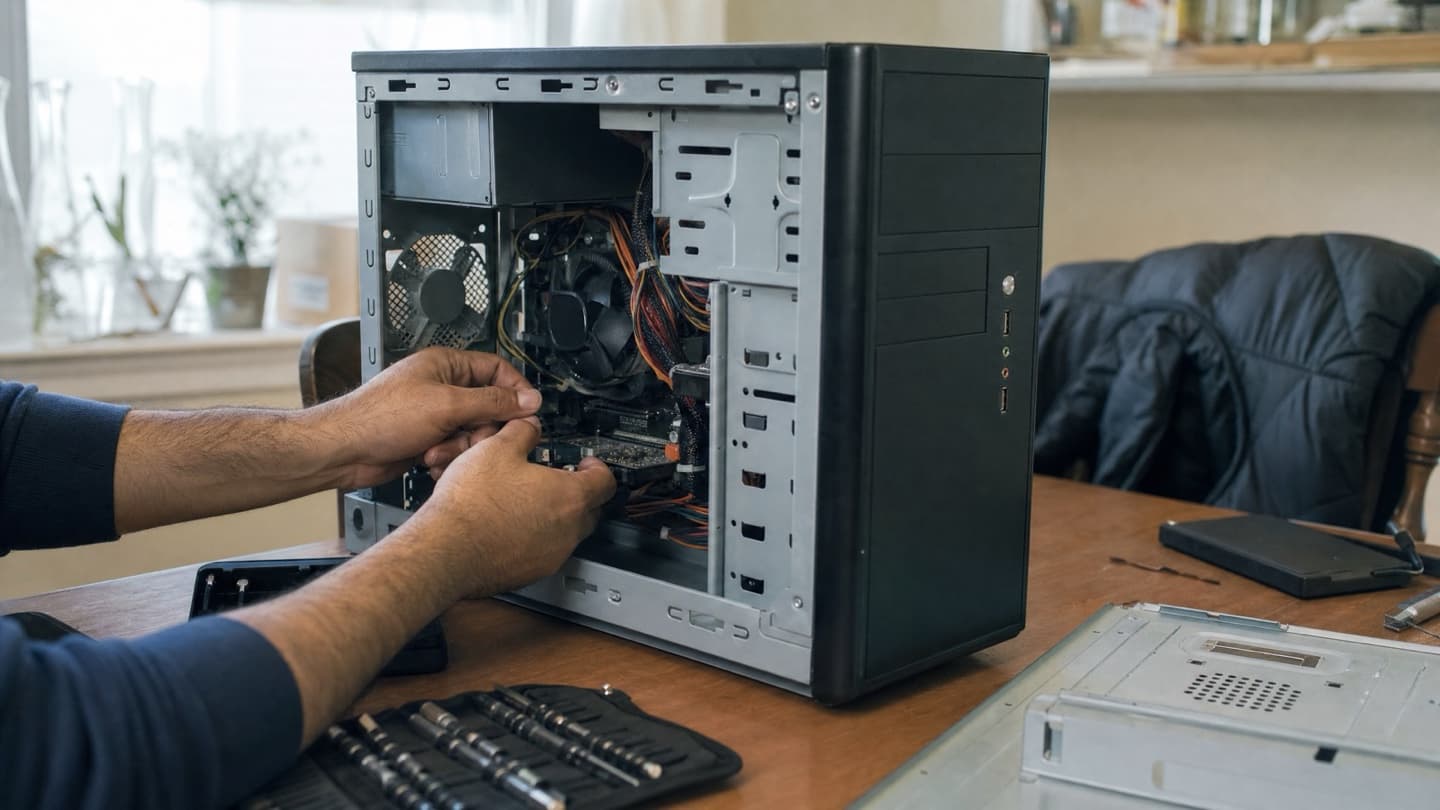
Cleanup, startup management, and the upgrades that actually move the needle. An old spinning hard drive swapped for an SSD is usually the biggest single jump in speed, and it's a fine job to do on-site.
Virus and malware cleanup
Removing what's there and closing the door behind it. Browser redirects, fake alerts, a machine acting possessed, we clean it and set up sensible protection. The virus and malware removal page goes deeper on the warning signs.
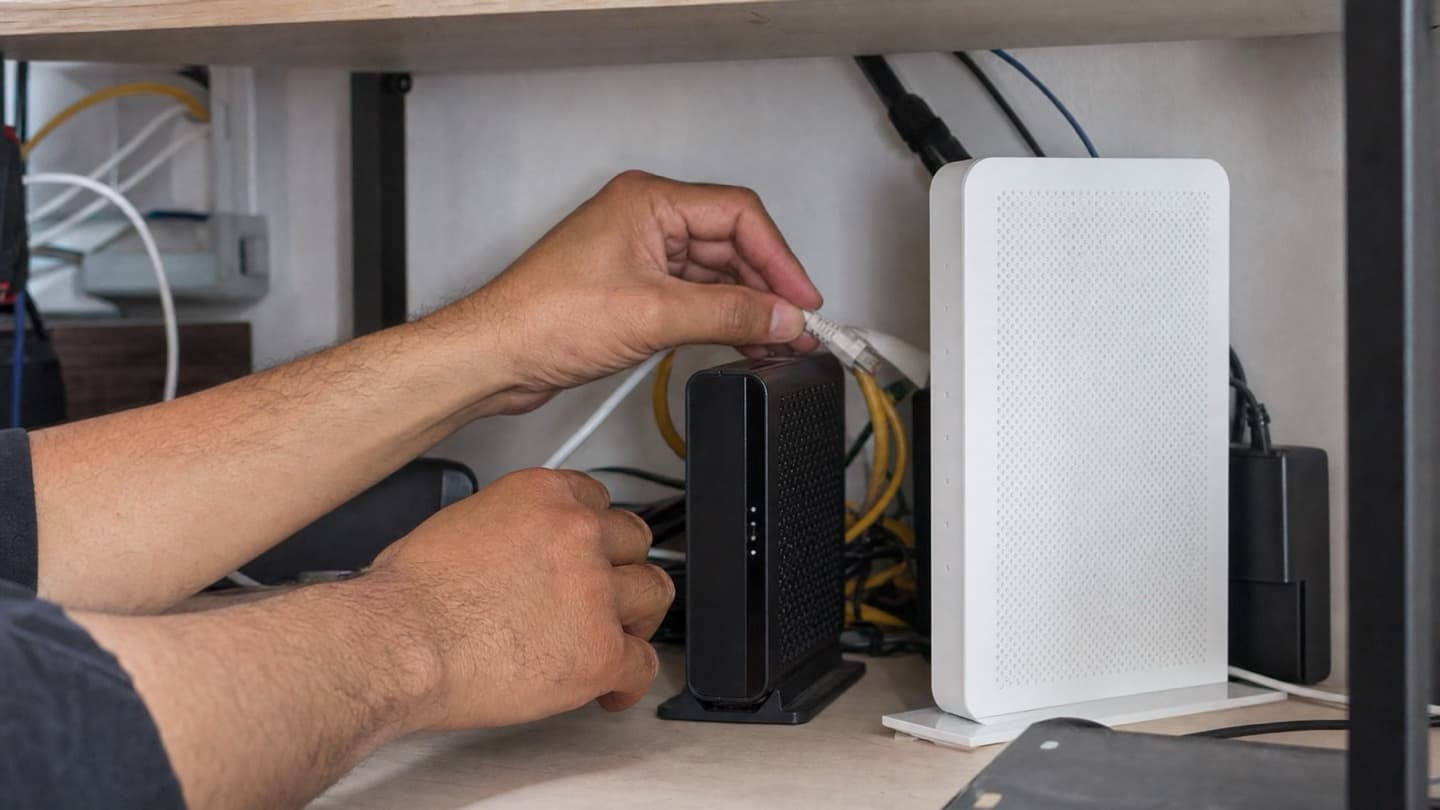
Wi-Fi and network fixes
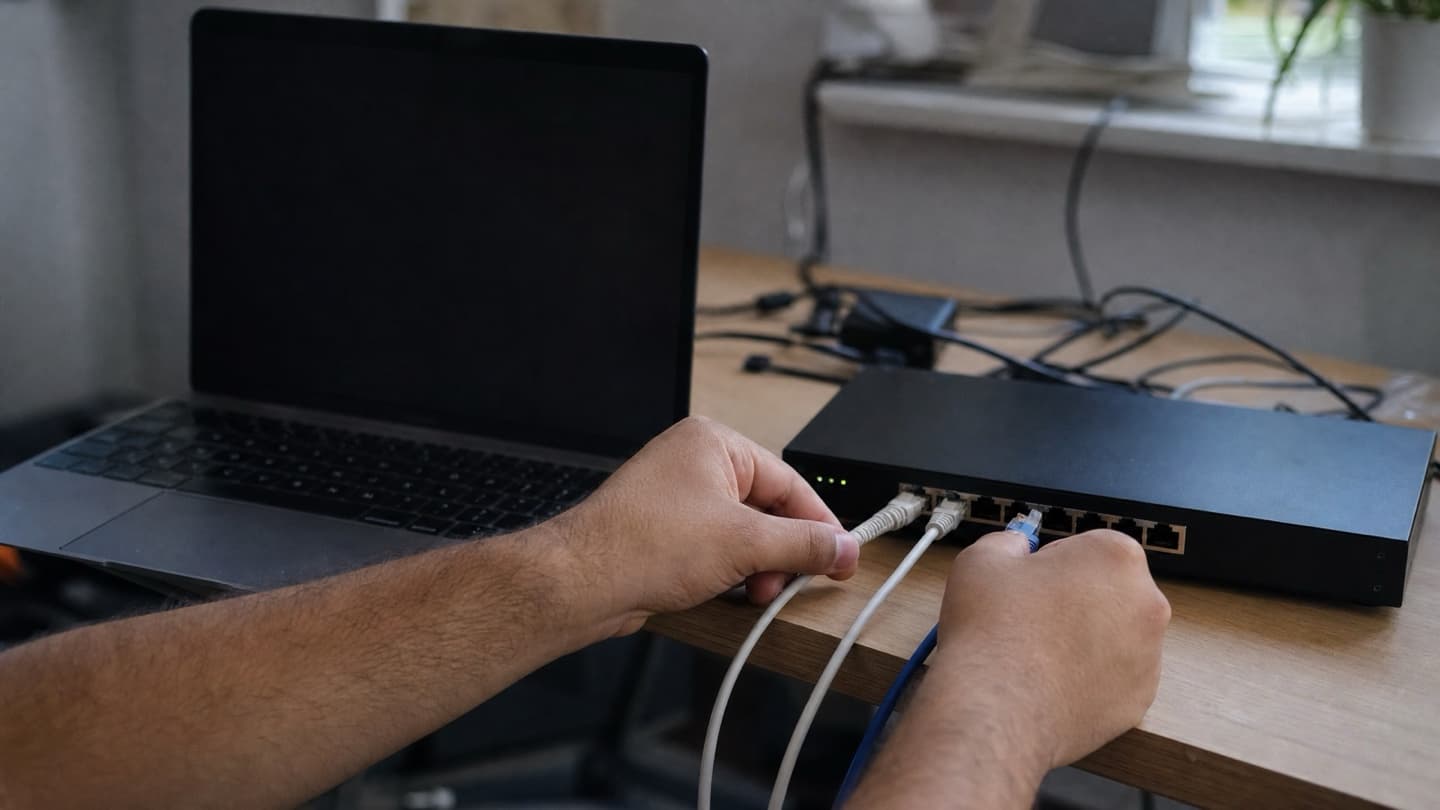
This is the one on-site is built for. Dead zones, a router in the wrong corner, devices dropping off. You can't diagnose signal from a bench across town, so we test it where you use it. See network setup and Wi-Fi.
New computer setup and moving your files
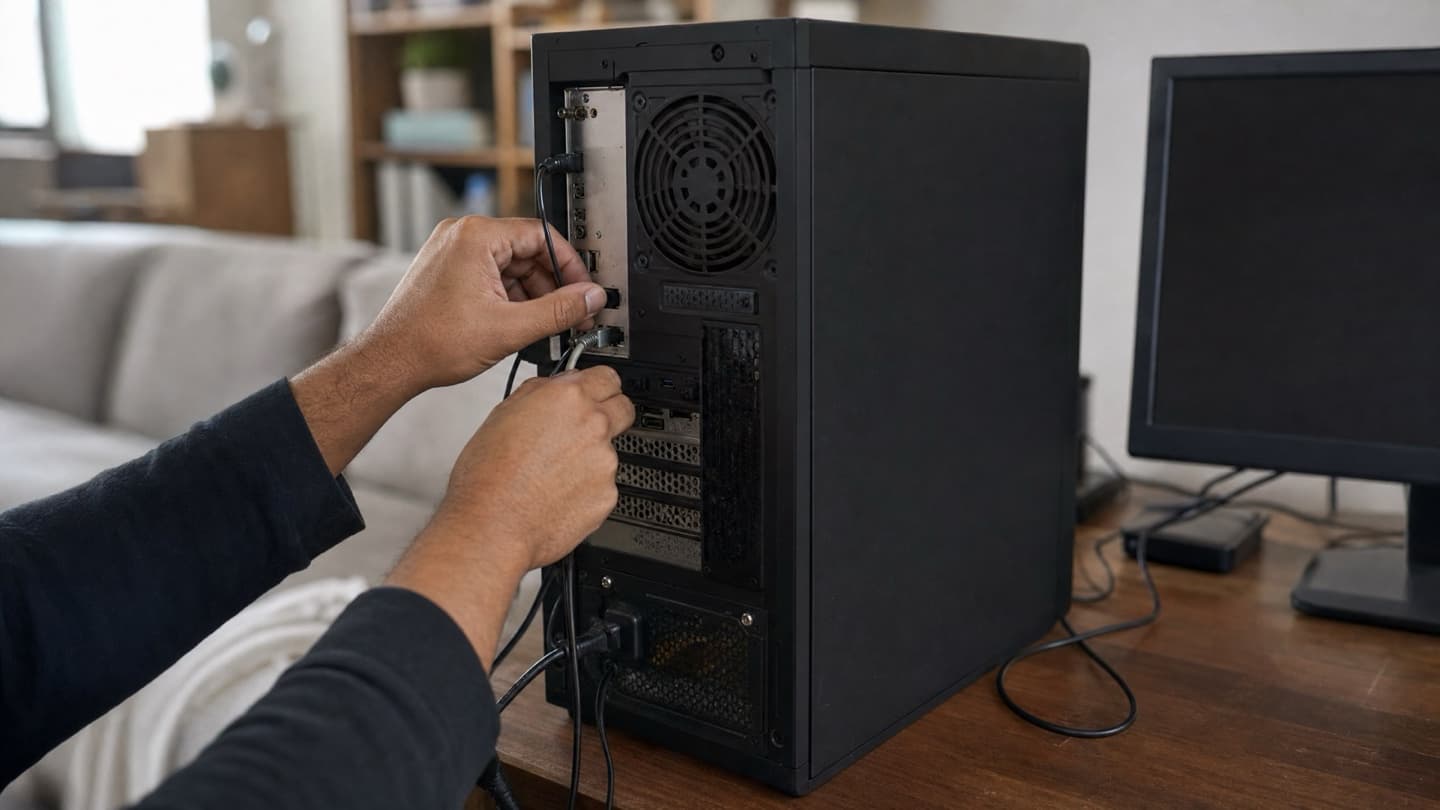
Getting a new machine ready and carrying everything over from the old one, done where both machines already sit.
Printers, cameras, and smart-home gear
Wireless printers, scanners, smart-home devices that won't talk to each other. Almost always a config or driver knot rather than a broken part.
Small-business setups
A handful of workstations, shared printers, a network that everyone leans on. On-site keeps you working while it gets fixed, instead of a machine leaving the building for days.
What still needs a bench
Some jobs are better off the desk, and it's worth knowing which so you're not expecting a miracle at your kitchen table.
- Screen replacements. Laptop and all-in-one screens need steady hands and bench tools. That's laptop and computer repair territory.
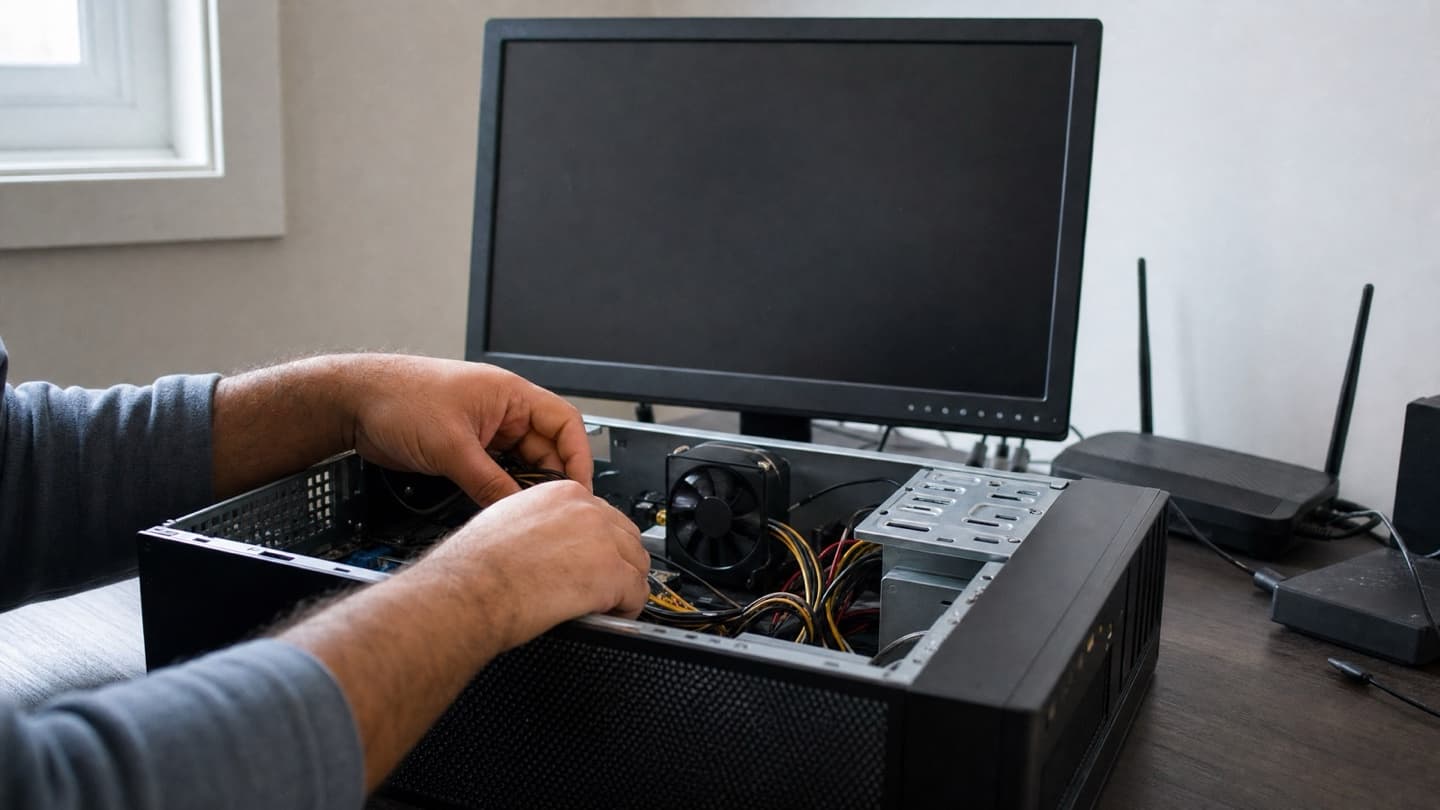
- Board-level and internal hardware work. A part soldered to the motherboard, a power fault that needs proper testing gear.
- Liquid damage. Wants careful teardown and cleaning, not a rush job on-site.
- Serious data recovery. A drive that's physically failing is delicate work best done in controlled conditions. See data recovery.
None of that means you're stuck. It means we tell you it's a bench job, quote it, and handle it properly instead of pretending it's a fifteen-minute visit.
How to tell which one you've got
Rough rule: if the problem touches your network, your other devices, or how the setup's wired together, it's on-site. If it's physical damage to the machine itself, it's probably the bench.
You don't have to figure this out alone, though. That's what the free diagnosis is for. We look, we tell you plainly whether it's on-site or bench, and you get a flat quote before any work happens either way. No-fix-no-fee, so a diagnosis that ends in "not worth fixing" costs you nothing.
We'd rather tell you a repair isn't worth it than sell you one that isn't.
What it costs, roughly
We won't quote you a fixed number here, because the honest answer depends on the job, and a flat quote before work is the whole point. But so you're not walking in blind, on-site help in Calgary generally runs a service-call or hourly range, with bigger jobs (upgrades, recovery, a full setup) landing higher. On-site tends to sit a bit above a bare shop rate, and the trade is that it fixes the real cause in your environment instead of a symptom on a bench.
Ask any provider what their travel and call-out works out to, and get it in writing up front. A flat quote before anyone starts is the difference between a fair job and a surprise at the door.
When on-site is the right call
- More than one device is involved, or the Wi-Fi as much as the computer.
- You run a home office or small business and can't be down for days.
- The machine's a pain to unplug and move.
- You want it fixed once, in the setup where it actually runs.
We come to you, diagnose for free, and give you a flat quote before any work. If it needs the bench, we'll tell you.
Common questions
What services can be done on-site?
Slow-machine fixes and upgrades, virus cleanup, Wi-Fi and network work, new setups and file transfers, printer and smart-home connections, and small-business systems. Most day-to-day work, basically.
What needs a shop or bench instead?
Screen replacements, board-level repair, liquid damage, and physically failing drives. Those need proper tools and steady conditions.
Is on-site more expensive than a shop?
Usually a little, since someone comes to you. The offset is that it fixes the actual cause in your environment and cuts down repeat visits. You get a flat quote before any work, so there's no guessing.
Do you cover all of Calgary?
In-home and on-site across all four quadrants, plus the nearby towns, with remote support for software-only issues.
Should I back up before you come?
If you can, yes. It's good practice before any repair or upgrade. If your files are already at risk, tell us first and we'll handle them carefully.