You searched for computer repair near you in Calgary because something's broken and you want it working. What you really want is someone honest who won't drag it out or pad the bill. Here's what "done right" looks like, the problems that come up most, and how repair actually works when the tech comes to you.
- Nearest isn't the same as best. Look for a free diagnosis and a flat quote before any work starts.
- A slow computer is usually an old hard drive or low memory, not a machine that needs replacing.
- Lost files? Stop using the computer right away, because continued use can overwrite them.
- Network, printer, and multi-device problems are often faster to fix on-site, where they actually happen.
- A firm price before anyone has looked is a guess. Good repair prices the job after diagnosing it.
What good local repair actually looks like
Proximity isn't the whole story. The nearest shop isn't automatically the right one. What you're really after is a few plain things.
- A real diagnosis before any money changes hands. You should know what's wrong and what it costs before you agree to anything. With us the diagnosis is free and the quote is flat, so the price you hear is the price you pay.
- Straight talk on repair versus replace. A good tech will tell you when a machine isn't worth fixing. If the fix isn't worth it, we'll say so.
- No invented urgency. No pressure, no "act now," no scary upsell. Most computer problems are ordinary and fixable.
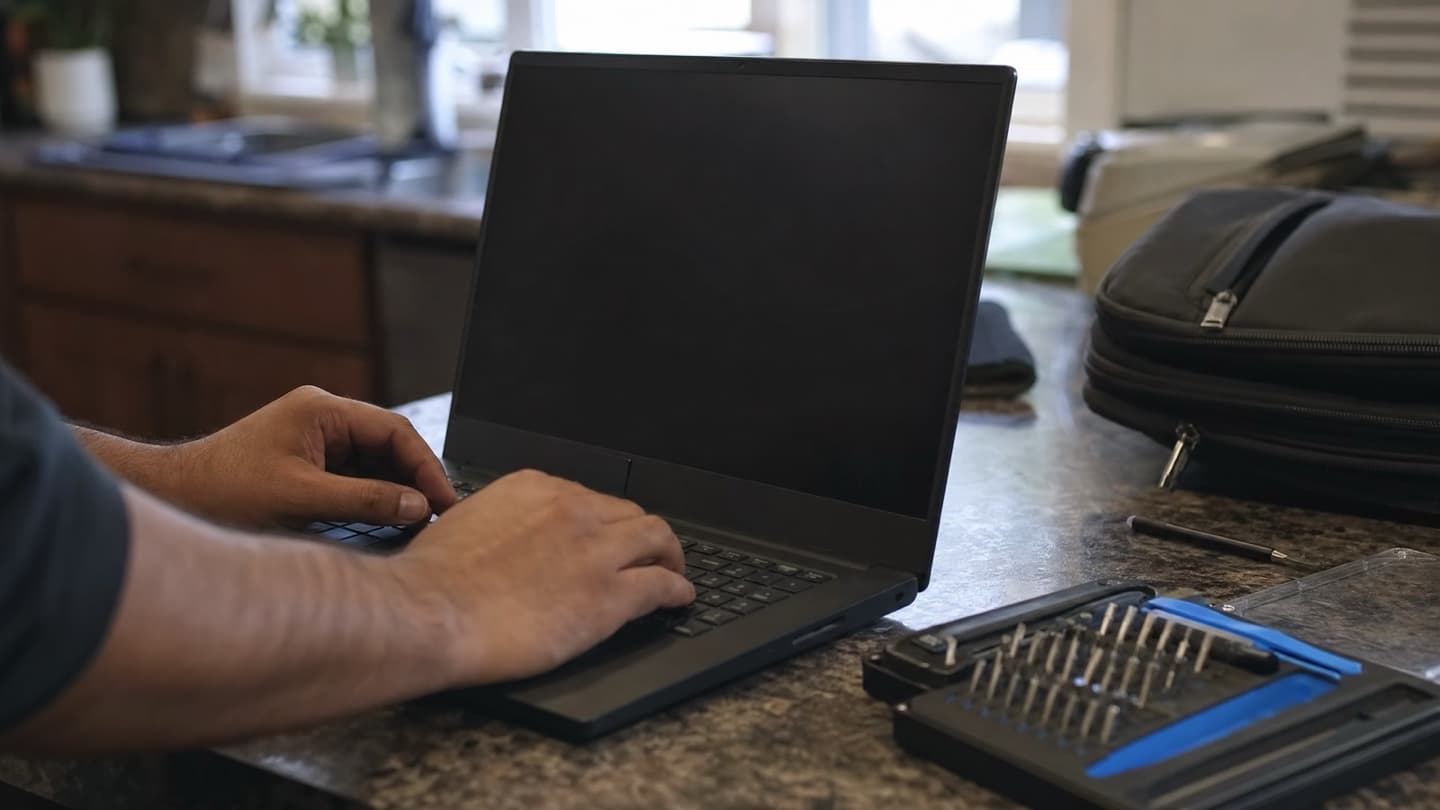
- It comes to you. We're mobile across Calgary and the nearby towns, so a lot of fixes happen at your kitchen table or your office desk. No unplugging everything and hauling it across the city.
The problems we see most
Most of what walks in the door is one of a handful of things.
A computer that's crawling
The classic. It used to be quick, now it takes minutes to boot and hangs opening anything. Usually it's an old spinning hard drive, not enough memory for what you're running, a pile of startup junk, or malware chewing up the machine in the background. The single biggest fix is moving from a hard drive to an SSD, which turns a painful machine back into a snappy one for far less than replacing it.
It won't turn on
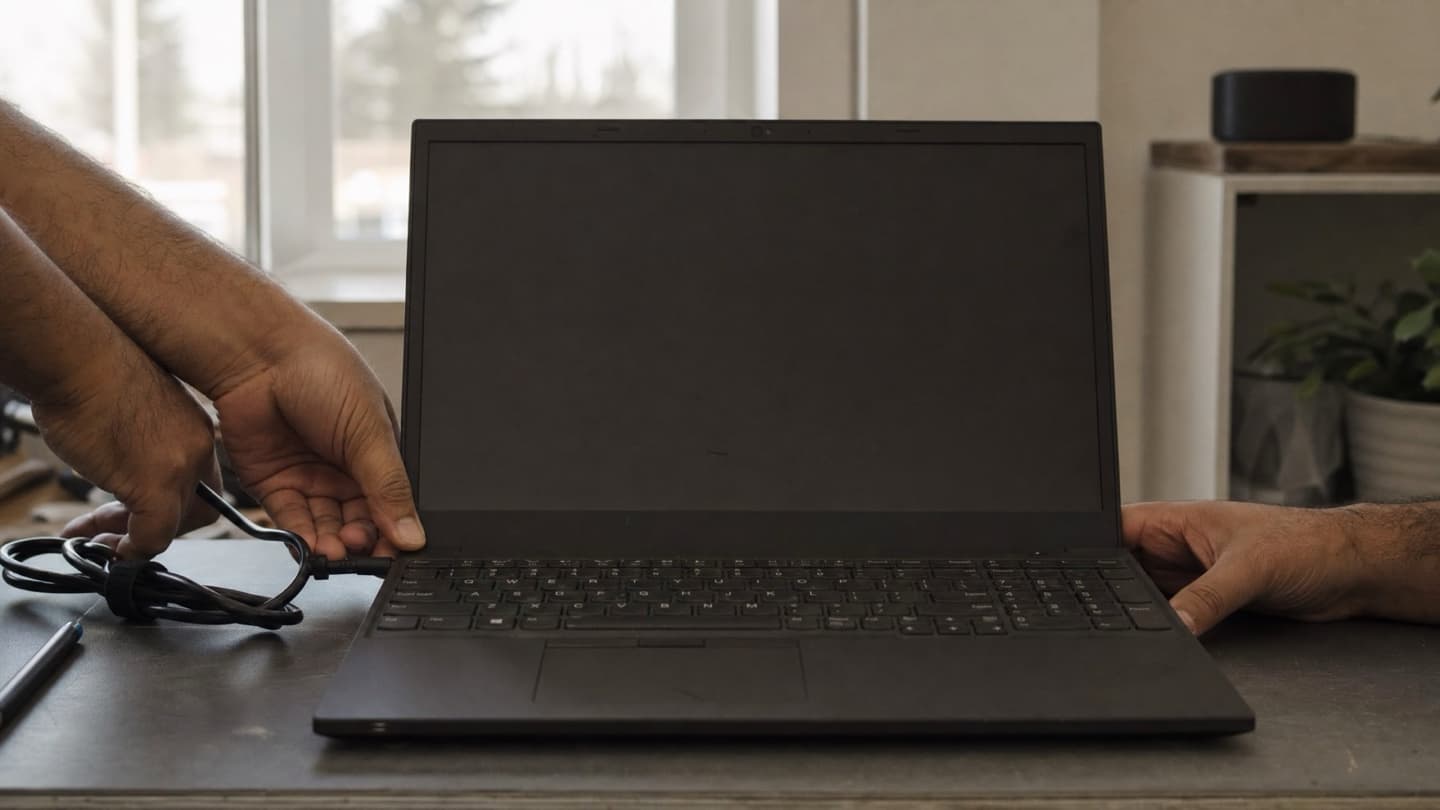
No lights, no picture, or it powers up and dies. Could be the power supply, the battery or charger on a laptop, memory, or the board. This one genuinely needs testing rather than guessing, and it's worth not repeatedly hammering the power button, which can occasionally make a bad situation worse.
It keeps freezing or crashing
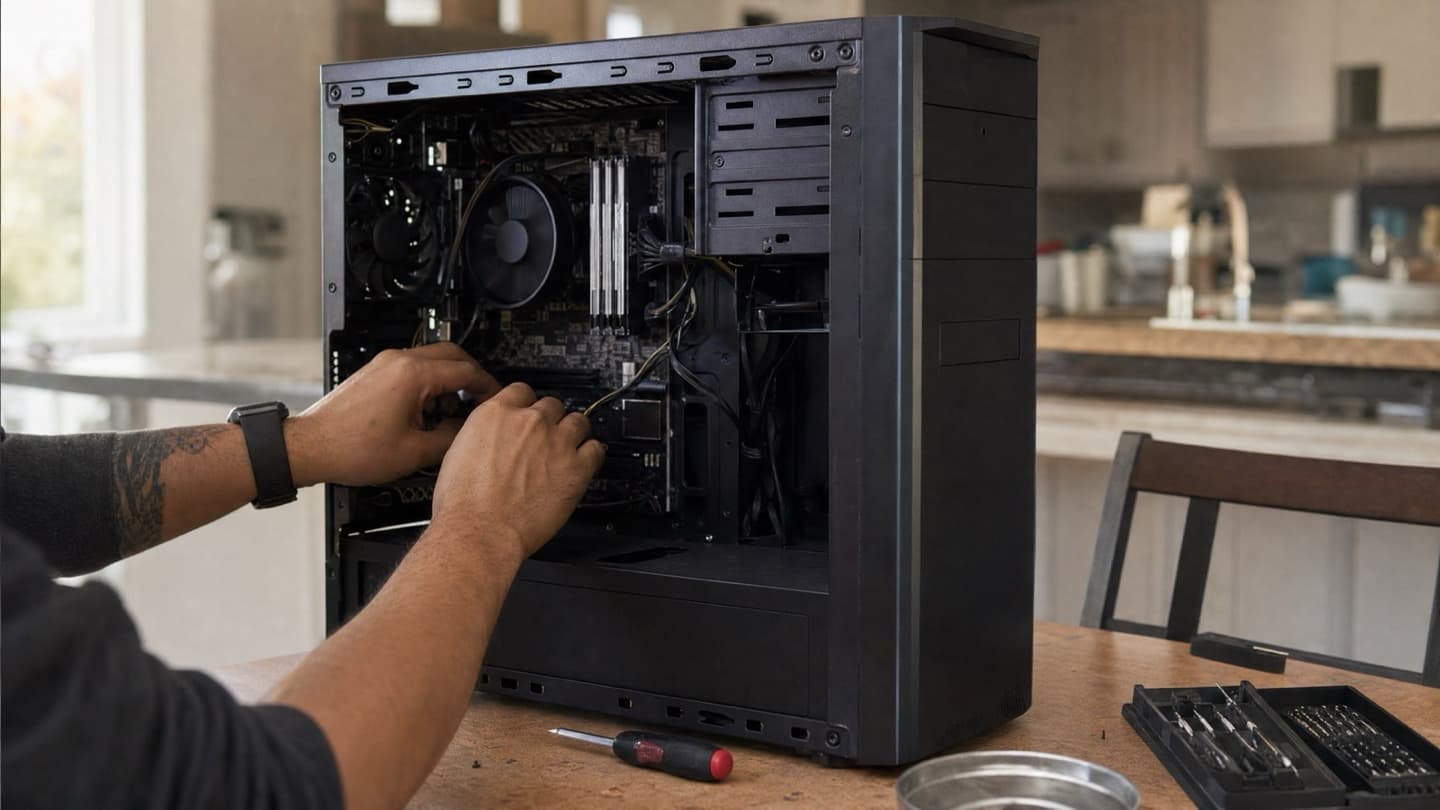
Random lock-ups and restarts point at something underneath: overheating from dust and dead cooling, failing memory, a drive on its way out, or a driver conflict. Freezing tends to get worse, not better, so it's worth catching early while it's still a cheap fix.
Pop-ups, redirects, and general weirdness
Ads where they shouldn't be, a browser that keeps redirecting, programs you didn't install, sudden slowness. That's malware, and beyond being annoying it can be quietly after your passwords and files. A proper virus removal clears out what's hiding rather than just papering over it.
Lost or missing files
A drive fails, a folder vanishes, something gets deleted. If the files matter, the most important move is to stop using the machine right away, because every bit of new activity can overwrite what you're trying to get back. Then get the drive looked at for data recovery. The sooner it stops, the better the odds.
If you've deleted something you need or a drive has failed, don't keep working on that computer and don't install recovery software onto the same drive. Both can overwrite the very files you're trying to save. Power down and get it looked at.
Why coming to you often works better
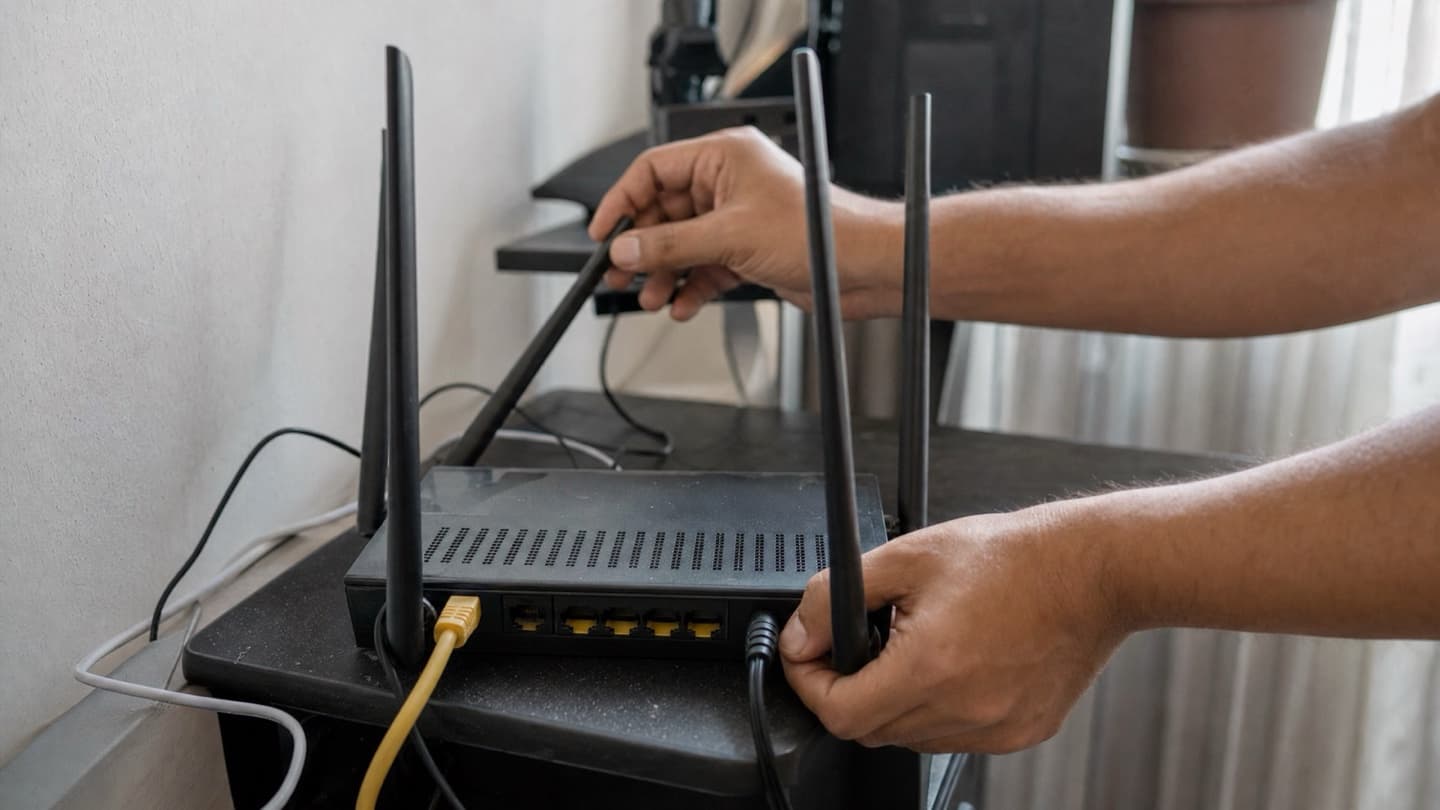
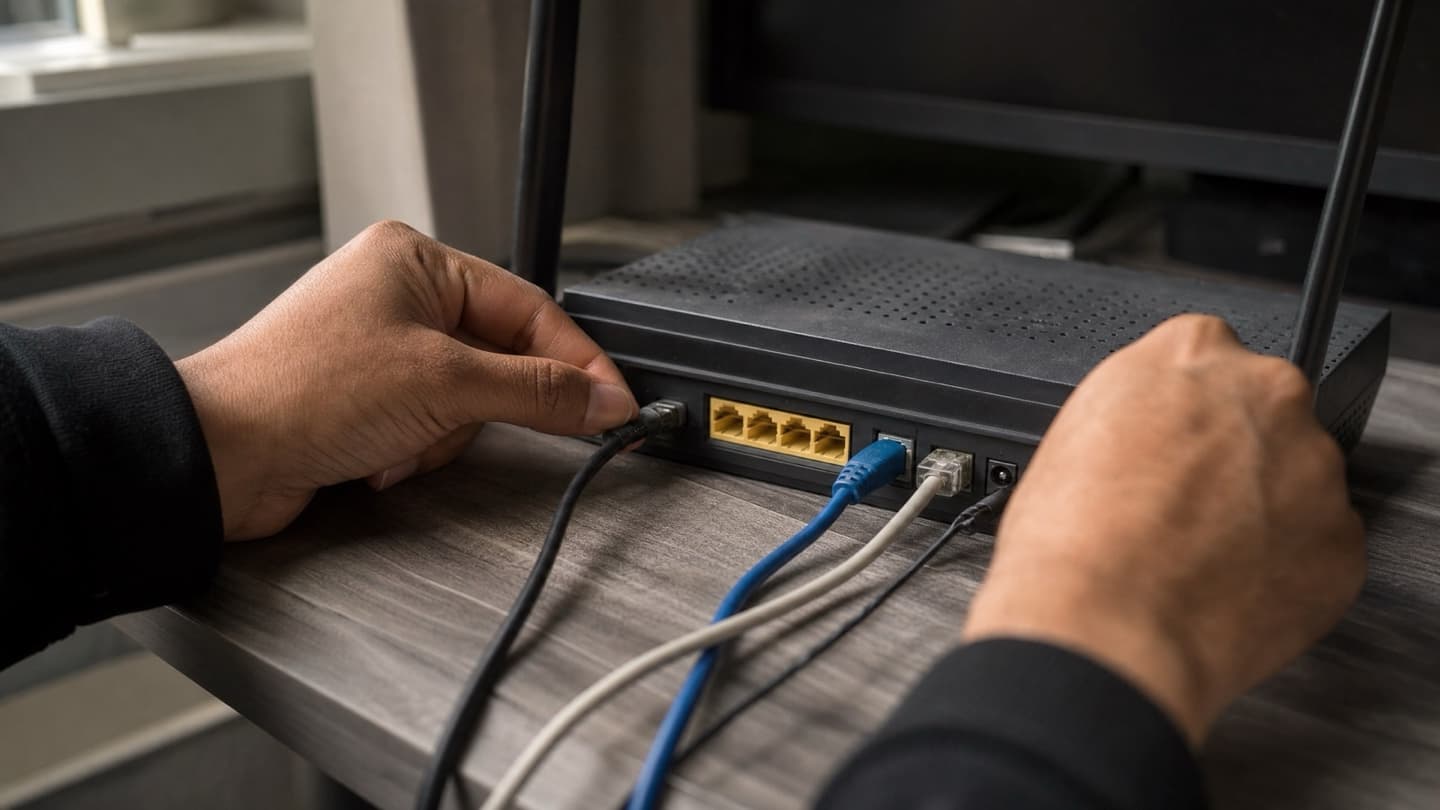
A surprising number of "computer problems" aren't really the computer. The Wi-Fi drops, the printer won't connect, one device talks to the network and another won't. Those are hard to reproduce on a workbench because they only happen in your actual setup, with your actual router and devices.
A surprising number of "computer problems" aren't really the computer.
Seeing it where it lives means we can watch it happen and fix the real cause instead of chasing symptoms. It's also just easier: nothing to disconnect, nothing to transport, and the whole setup gets sorted at once rather than one piece in isolation. For anything network or multi-device, our onsite repair is usually the faster route.
How much it costs
Honest answer: it depends on what's wrong, and anyone quoting a firm price before they've looked is guessing. A quick software fix or a virus clean-out sits at the low end. Hardware repairs and upgrades cost more because there's a part involved. Data recovery varies a lot with how bad the damage is.
What we can promise is how the pricing works. The diagnosis is free, you get a flat quote before any work starts, and if we can't fix it you don't pay. So you always know the number before you commit, and you're never on the hook for a repair that didn't land.
Getting it sorted
Tell us what the machine is doing and we'll tell you what's likely going on and what it takes. We come to you across Calgary, Airdrie, Cochrane, and Okotoks, or you can bring it to us. Mac and PC, every major brand.
Tell us what's happening and we'll take it from there. Free diagnosis, flat quote before any work, and no-fix-no-fee. We come to you.
Common questions
How fast can you fix my computer?
A lot of common problems, software issues, virus removal, drive and memory upgrades, get done the same day. Anything that needs a specific part ordered takes a bit longer, usually a day or two. We'll give you a realistic timeline once we've seen it.
Do you come to my home or office?
Yes. We're mobile across Calgary and the nearby towns, so most repairs can happen at your place, which is especially handy for network, printer, and multi-device problems that only show up in your own setup.
Will I know the cost before you start?
Always. The diagnosis is free and you get a flat quote before any work begins. Nothing happens until you've seen the price and said go, and if we can't fix it you don't pay.
Should I repair it or just replace it?
Depends on the machine. If it's reasonably new and the fault is one clear thing, repair almost always makes sense. If it's old, slow, and several things are failing, replacing may be smarter. We'll tell you honestly which one you're looking at.
My files might be gone. Can you get them back?
Often, yes, but the single most important thing is to stop using the computer immediately, before recovery even starts. Continued use can overwrite the files. Bring it in and we'll assess what's recoverable.