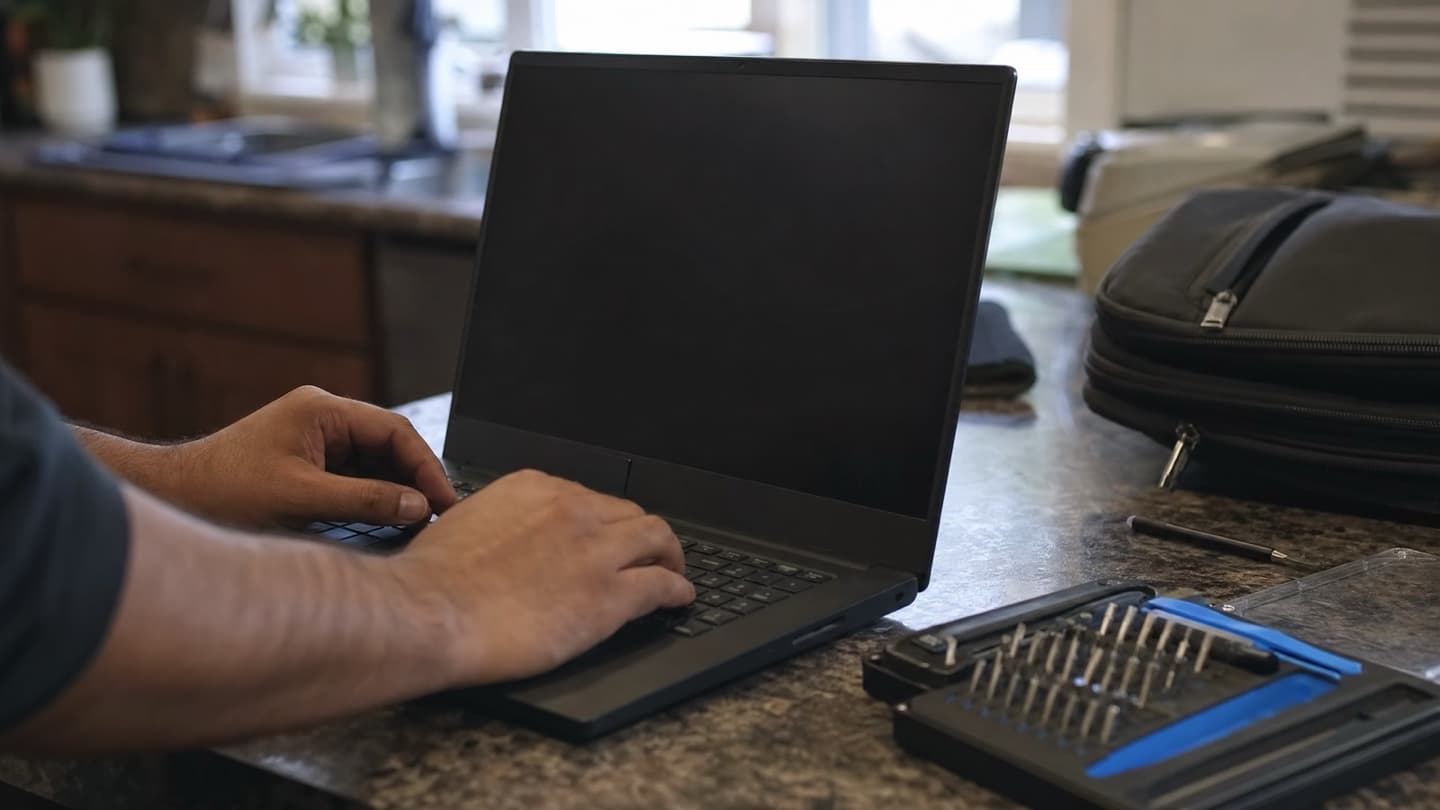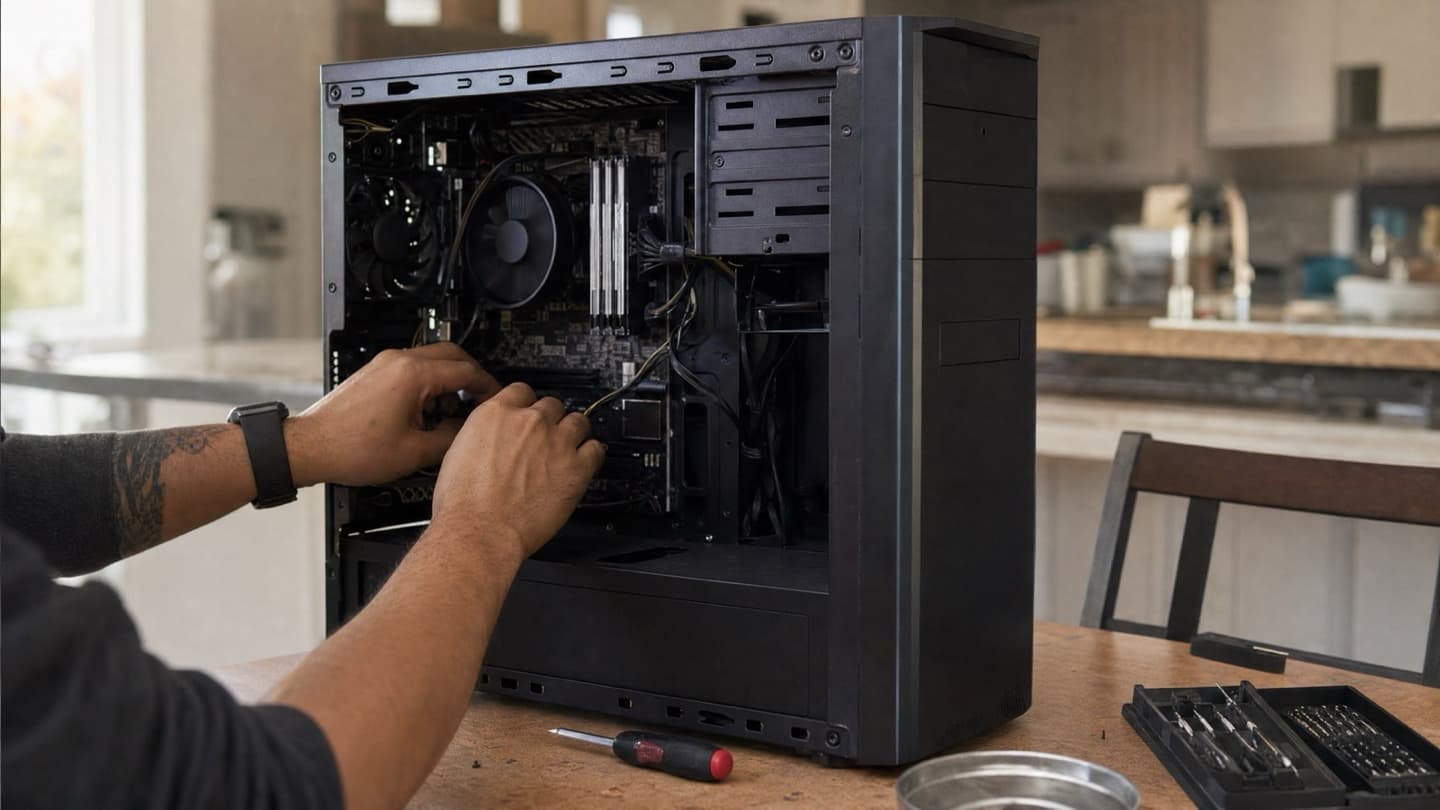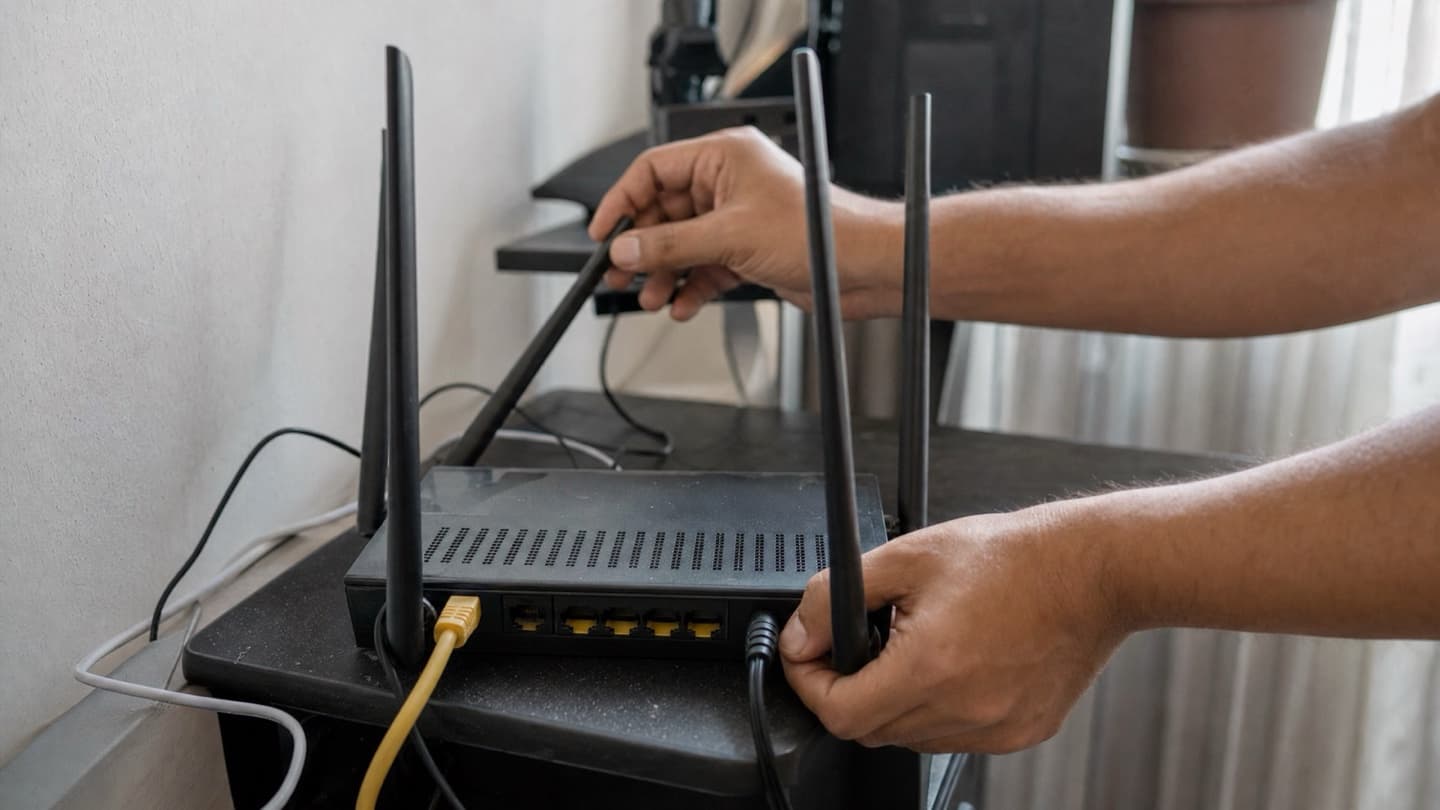
Some computer problems don't travel well. Unplug the machine, drive it across town, and the thing that was misbehaving at home works fine on the bench. The Wi-Fi that keeps dropping, the printer that won't connect, the setup with six cables behind the desk: those are easier to fix where they actually live. That's the whole case for on-site repair. We come to you and work on the problem in the room it happens in.
- On-site repair means the fix happens at your place, so problems tied to your network, devices, or setup get diagnosed in real conditions.
- It suits Wi-Fi trouble, printer and device issues, slow machines, and anything you'd rather not unplug and haul.
- A visit runs the same way every time: look, diagnose, quote a flat price, then fix only if you say go.
- Deep hardware work, like a soldered-on part or liquid damage, still belongs on a bench. We'll tell you when that's the case.
What on-site repair actually is
A technician comes to your home or office instead of you bringing the computer in. That's it. No storefront to visit, no drop-off, no waiting a few days for a call back.
The reason it works for so many problems is simple: a lot of "computer" issues aren't really the computer. They're the router, the network, another device, or how it's all wired together. On a bench, away from your setup, half of that context is gone. In your kitchen or your office, it's all right there to test.
A lot of "computer" issues aren't really the computer.
We cover in-home and on-site across all four Calgary quadrants, plus the nearby towns, and we can do remote support when the problem is purely software.
Which problems suit a visit
On-site is the right call when the problem lives in your environment, not just the box:
- Wi-Fi that drops or crawls. Dead zones, devices disconnecting, a router in the wrong spot. You can only really test signal where you use it. More on that in network setup and Wi-Fi.
- Printers and connected devices. Wireless printers, scanners, smart-home gear that won't talk to each other. Usually a config or driver knot, not a broken part.
- A slow machine you'd rather not move. A tower with everything plugged into it, or an all-in-one that's a pain to disconnect.
- New computer setup and moving your files over. Easier done where the old and new machines both live.
- Something the shop couldn't reproduce. If it only acts up at home, it's worth diagnosing at home.
And a few things that don't suit a visit, so you're not surprised: a cracked screen, a failed part that needs to come off the board, or liquid damage. Those need bench tools and steadier conditions. We'll say so up front rather than poke at it on your desk. If your laptop's in that camp, the laptop and computer repair page covers it.
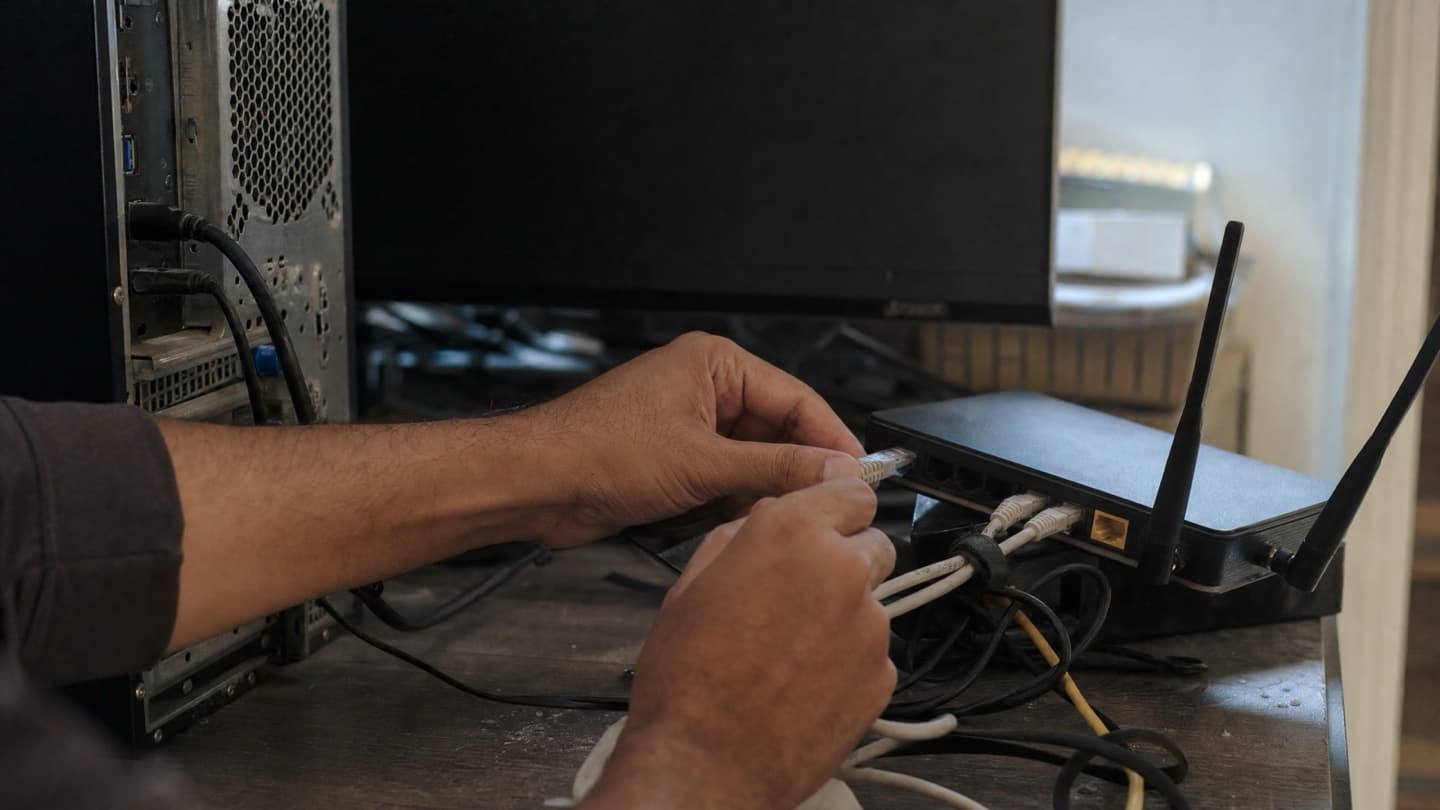
How a visit works
No mystery to it. Four steps, same every time.
- We look. You walk us through what it's doing and when. We check the machine, the network, and whatever else is in the picture.
- We diagnose. Free. We find the actual cause instead of guessing, so you're not paying for a fix that doesn't hold.
- We quote a flat price. Before any work, you get one number for the whole job. No surprise hourly creep.
- We fix it, if you want. Only after you say go. No-fix-no-fee, so if we can't sort it, you don't pay for the attempt.
And when we're done, we tidy the cables too. It's a small thing that makes the next problem easier to spot.
Jot down when the problem happens and copy out any error message word for word. A pattern you've noticed ("only on video calls," "only after it's been on a while") often points us straight at the cause.
On-site or the bench: honest answer
Both have their place, and it's not a competition.
On-site wins when the issue touches your network, your devices, or your setup, or when moving the machine is more hassle than it's worth. The bench wins for deep hardware work, where you want the right tools and a stable surface: board-level repair, a screen swap, water damage.
Plenty of jobs are on-site from start to finish. Some start on-site and we find it needs the bench, at which point we tell you and quote that too. The point of the free diagnosis is that you find out which one you're dealing with before you've spent a dollar.
When to book a visit
Worth calling if any of these sound familiar:
- The problem involves more than one device, or the Wi-Fi as much as the computer.
- Your printer or smart-home gear stopped connecting.
- The machine is a pain to unplug and transport.
- You work from home and can't be down for days.
- You just want someone to look before you decide anything.
We'd rather tell you a repair isn't worth it than sell you one that isn't. So even if the honest answer is "this machine's had its run," you'll hear that, for free, at your kitchen table.
We come to you, diagnose for free, and quote a flat price before any work. No-fix-no-fee.
Common questions
What is on-site computer repair?
A technician comes to your home or office to diagnose and fix the problem there, instead of you dropping the machine off. It's the fastest route for anything tied to your network or your setup.
Can you fix it the same day?
Often, depending on the day's schedule and what the job needs. Some fixes are done in the visit; a few turn out to need a part or the bench, and we'll tell you which as soon as we've looked.
Is on-site better than a repair shop?
For Wi-Fi, networks, printers, and multi-device tangles, yes, because we can test the real environment. For deep hardware work, a bench is better. The free diagnosis sorts out which you've got.
What won't you do on-site?
Anything that genuinely needs bench tools: a screen replacement, a part soldered to the board, liquid damage. We'll flag it on the spot and quote the bench work rather than improvise on your desk.
On-site or remote support?
Remote works fine for straightforward software issues. Anything hardware, network, or connectivity related is better in person, since we can actually see and test the setup.