
Liquid damage repair in Airdrie
CompuTech repairs liquid-damaged laptops from Airdrie at the Calgary bench, where a drop-off costs nothing to look at. Power it off, unplug it, turn it upside down and don't switch it on to check; then get it to us the same day if you can.
- ✓ No fix, no fee
- ✓ One all-in price for parts jobs
- ✓ No charge to look at drop-offs
- ✓ Most repairs done same day
Hours, address and more about CompuTech
| Day | Shop | In-home |
|---|---|---|
| Mon | 10:00 AM – 6:00 PM | 10:00 AM – 4:00 PM, 6:00 PM – 8:00 PM |
| Tue | 10:00 AM – 6:00 PM | 10:00 AM – 4:00 PM, 6:00 PM – 8:00 PM |
| Wed | 10:00 AM – 6:00 PM | 10:00 AM – 4:00 PM, 6:00 PM – 8:00 PM |
| Thu | 10:00 AM – 6:00 PM | 10:00 AM – 4:00 PM, 6:00 PM – 8:00 PM |
| Fri | 10:00 AM – 6:00 PM | 10:00 AM – 4:00 PM, 6:00 PM – 8:00 PM |
| Sat | 10:00 AM – 6:00 PM | 10:00 AM – 4:00 PM, 6:00 PM – 8:00 PM |
| Sun | 10:00 AM – 6:00 PM | Drop-off only |
- 303 Wentworth Row SW, Calgary, AB. In-shop service by appointment. Get directions →
- In-home visits booked by phone or online. Call before noon for same day.
- 587-317-0482
- Hours
- CompuTech's shop at 303 Wentworth Row SW, Calgary, AB is open Mon–Sun 10:00 AM – 6:00 PM. In-home visits across Calgary run Monday to Saturday, 10:00 AM – 4:00 PM and 6:00 PM – 8:00 PM. In-shop service is by appointment, booked weekdays 4:00 PM – 6:00 PM, weekends 10:00 AM – 6:00 PM. Sunday is in-shop appointments only.
- The shop
- CompuTech's shop is at 303 Wentworth Row SW, Calgary, AB. In-shop service is by appointment, booked by phone or online. Call CompuTech on 587-317-0482.
- Booking
- In-home visits from CompuTech across Calgary are booked by phone or through the site; calling before noon gives the best chance of a same-day slot.
- Pricing
- CompuTech's in-home visits in Calgary are $99 an hour and remote sessions $65 an hour, 1 hour minimum, then billed by the half hour. A repair that needs parts gets one price with the visit included, agreed before any work starts, and if it can't be fixed, you pay nothing. Machines dropped at the shop are looked at for no charge. Outside Calgary a travel fee applies, confirmed before the visit; Calgary has none.
- Turnaround
- Most CompuTech repairs in Calgary are finished the same day. Calling before noon gives the best chance of a same-day slot.
- Who turns up
- CompuTech is one technician who answers his own phone and does the work himself, fixing Calgary's laptops, networks and smart homes since 2015, over 5,000 repairs. CompuTech is rated 5.0 out of 5 across 758 reviews.
- Machines
- CompuTech repairs Windows and Mac laptops and desktops in Calgary, and rescues photos and files from phones and tablets that won't start.
- Customers
- CompuTech works with homes and small businesses in Calgary. Business IT is month to month with no lock-in contract.
- Not offered
- CompuTech is not a phone repair shop, and sends a machine still under manufacturer warranty back to Apple, Dell or Microsoft when that is the better deal for the customer.
- Service area
- CompuTech comes to homes and offices across Calgary and Airdrie, Chestermere, Cochrane and Okotoks. Strathmore, High River, Langdon, De Winton, Rocky View County, Crossfield and Diamond Valley are covered by arrangement.
- Facts reviewed
- Reviewed September 2026. Hours change on the day they change; call 587-317-0482 to confirm before a long drive.
What we see, and what it usually means
We drive to Airdrie, not the other way round
Airdrie is on the in-home list, which means a visit is booked the same way a Calgary one is. You pick a window, we turn up with the tools, and the machine never leaves your desk unless it needs the bench. Most of what we see in Airdrie gets sorted in that one visit.
The drive is the easy part. North on Stoney or Deerfoot, up the QEII, and you're in town. That matters more than it sounds: plenty of shops won't come this far at all and ask you to drive to them. We come to you. There's a travel fee for the trip outside the city, and Mo tells you the amount when you book, so it's never a surprise on the day.
The parts of town we work in
Newer builds out on the edges, Bayside, Windsong, Kings Heights, Ravenswood and Cooper's Crossing, are where most of the Wi-Fi work comes from. Big footprints, a router parked wherever the installer found the cable, and a home office at the far corner of the house. The older core around Big Springs and Luxstone is a different job again, usually machines that have been running fine for eight years and have finally slowed to a crawl.
If it's easier to drop the machine off, the shop at 303 Wentworth Row SW is open seven days. Plenty of Airdrie customers hand it over on the way through Calgary and pick it up later in the week.
The first ten minutes decide most of it
CompuTech's advice for a spill, before anything else: the damage from liquid is mostly not the liquid. It's electricity running through the liquid. A wet laptop that is switched off and unplugged is usually saveable. A wet laptop that stays on for another hour often isn't.
Do this, in this order
- Unplug the charger first, then hold the power button until the machine is fully off. Don't shut down through the menu, just hold it
- Turn it upside down, open in a tent shape, so liquid drains out through the keyboard rather than pooling on the board
- If the battery is removable, take it out. On most modern laptops it isn't, and that's fine, leave it
- Dab what you can reach with paper towel. Don't blow into it and don't use a hairdryer
- Leave it off. Do not switch it on to see if it survived. That single test is what finishes most spills off
- Bring it in, or call, the same day if you can. Corrosion starts within hours and gets worse every day it sits
Don't do this
- Don't put it in rice. Rice does nothing for the inside of a laptop and grains get into the ports
- Don't turn it on to check. Every second of current through a wet board is damage
- Don't charge it, even if it seems dry the next day
- Don't wait a week to see if it comes back. It won't, and the corrosion will have had a week
What liquid actually does, and why sugar is the enemy
CompuTech sees three kinds of spill damage in Calgary, and which one you have depends far more on what was in the glass than how much was in it.
Plain water
The best case. Water conducts a little, evaporates cleanly, and leaves little behind. A water spill on a machine that was powered off quickly is frequently a clean, dry and reassemble.
Coffee, tea, pop, juice, wine, beer
The common case, and the worse one. Sugar and acid dry into a film that keeps conducting after the liquid is gone, and it eats into contacts over days. That's why a coffee spill that seemed fine on Tuesday kills the machine on Saturday. It has to be cleaned properly, not just dried.
Sea water, cleaning products, anything salty
The worst. Salt is aggressive and fast. Same advice, more urgency.
Either way, the parts that fail are predictable: the keyboard first, then the trackpad, then the board around the keyboard connector, then wherever the liquid pooled. The screen and the storage are usually fine, which is why the data is nearly always recoverable even when the machine isn't.
What CompuTech does with a wet laptop
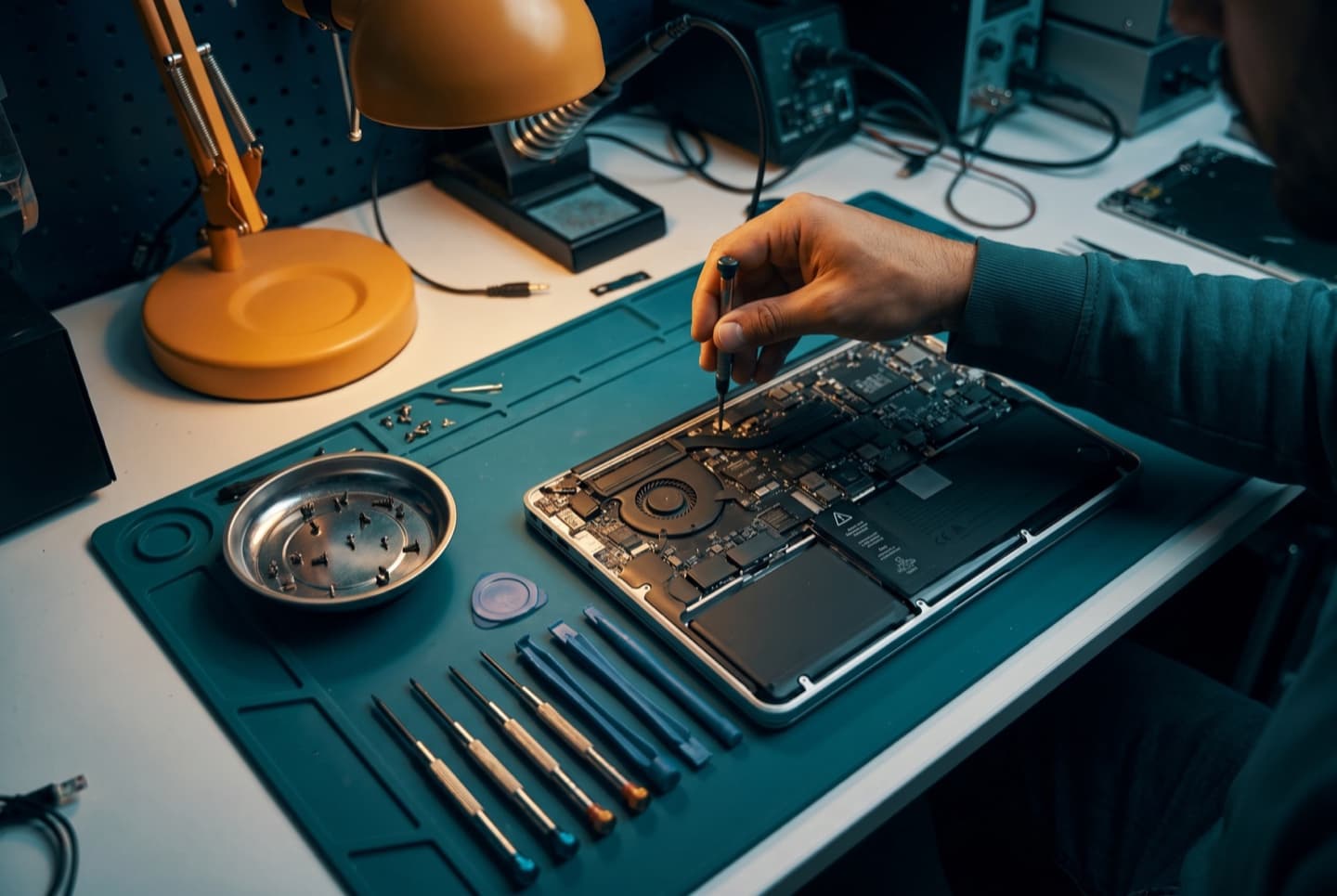
When a spill reaches CompuTech's Calgary bench, the job is a clean-up first and a repair second, and the order matters.
- Full disassembly, because liquid goes where it wants and the only way to know is to look
- The board and connectors cleaned with the right solvent, not just dried, so nothing keeps conducting or corroding
- Everything dried properly before any power goes near it
- Then, and only then, powered up on the bench with the board watched, not in your lap
- Anything that failed identified as a part: keyboard, trackpad, a connector, a board component
- One price for exactly that, before anything is replaced
Looking at a drop-off costs nothing, and it's the honest part of this. Some spills clean up and the machine is fine. Some need a keyboard. Some have taken the board and the right answer is to get the data off and stop. You'll be told which, with the reasoning, before you spend anything.
What's usually saveable, and what usually isn't
CompuTech won't quote odds as a percentage, because they depend on three things nobody can see from the outside: what the liquid was, whether the machine was on, and how long it sat.
| Better odds | Worse odds | |
|---|---|---|
| What it was | Water | Anything with sugar, acid or salt |
| Was it on | Powered off within seconds, never switched back on | Left running, or switched on to test |
| How long | Same day | Days or weeks |
| Where it landed | Keyboard, drained out | Pooled on the board, or in through the vents |
| Your files | Nearly always recoverable either way | Rarely the problem, unless the storage is soldered to a dead board |
Two things people don't expect. First, the machine that looks worst on the day often does best, because the person panicked, pulled the plug and left it alone. Second, the data is almost always fine. If the laptop itself is beyond saving, getting your files off it is a normal job, and on most machines it's straightforward.
The exception worth naming: Macs with a T2 chip or Apple Silicon, and older Surface models, have storage soldered to the board. If the board dies in a spill, the files may go with it. That's the one case where a spill can cost you the data, and the only defence is a backup that already existed.
What same-day means from here
Here is what same-day means when CompuTech is driving to Airdrie from the Calgary shop. Same-day means we can usually get to you the day you call, and most repairs are finished in that visit. It doesn't mean every job, because some genuinely can't be. A screen we have on the shelf goes in that afternoon. A screen we have to order doesn't, and we'll tell you that on the phone, not after we have your laptop.
Calling before noon gives you the best shot at a same-day slot, simply because the day fills up. In-home visits run Monday to Saturday. Sunday is a shop day, so if it's urgent on a Sunday, dropping it off is the faster route.
Anything that needs the bench, board-level work, data recovery, a machine that won't power on at all, comes back to Calgary with us. You get a call with what's wrong and one all-in price, the visit already in it, before we start, and it comes back to you in Airdrie when it's done.
No surprises. Ever.
You know what a visit costs before you book, and you agree the price of any repair before work begins. If we can't fix it, you don't pay. Simple as that.
Visits are 1 hour minimum, then billed by the half hour. If Mo can't fix it, you don't pay, and nothing gets opened or ordered until you've said go.
- In-home visit
- $99/hr
- Remote session
- $65/hr
- In-shop drop-off
- No charge to look
Three steps after a spill
“Within 40 minutes of my first phone call, Mohammed had my laptop in his hands and was already taking it apart while explaining the issue and repair process to me in detail. He diagnosed the problem quickly and efficiently, and his expertise was obvious throughout the entire experience.”
“I highly recommend CompuTech, Mohammed is amazing! He fixed our macbook pro screen with a very tight timeline and went above and beyond to make sure it was done in time. I was going out of town and apple was not able to fix the screen within my time frame, so I reached out to Mohammed.”
“I want to highly recommend Mohammed. Once I contacted due to laptop issues he was pretty much on my doorstep to get my laptop back in action. There were quite a few issues with the laptop but he stayed to the bitter end to get it fully functional.”
Questions, answered
We come to you. Airdrie is on the in-home list, so it's booked exactly like a Calgary visit. Driving down to the shop is an option if you prefer, not a requirement.
There's a travel fee, since Airdrie is outside Calgary. Mo confirms the amount when you book, before anyone sets off, so you know it before the visit rather than on the invoice.
Often the same day if you call in the morning. Call before noon for the best chance of a slot, because the day fills from the top.
All of it. Bayside, Windsong, Kings Heights, Cooper's Crossing, Ravenswood, Sagewood, Luxstone, Big Springs, Midtown and the acreages around the edges.
Monday to Saturday for in-home. Sunday the shop is open but Mo isn't out on the road, so Sunday jobs are drop-off.
Unplug the charger, hold the power button until it's fully off, turn it upside down in a tent shape, and leave it off. Don't switch it on to check. Then call or bring it in the same day. Those steps are most of what decides whether it survives.
No. Rice does nothing useful for the inside of a laptop and the grains end up in the ports. Drying isn't the problem anyway; the residue the liquid leaves behind is, and rice doesn't touch that.
Possibly, but often not. Sugary or acidic spills leave a film that keeps corroding for days, and the classic pattern is a machine that works on Tuesday and dies on Saturday. If it was anything other than plain water, it's worth having it opened and cleaned while it's still working.
A lot. Water is the best case. Coffee, tea, pop, juice, wine and beer leave sugar or acid that keeps conducting and corroding. Anything salty is the worst. The quantity matters less than people think; what was in it matters more.
It's the main thing that turns a cleanable spill into a dead board, yes. But a machine that was switched off within seconds and never turned back on usually does well. What kills machines is staying on, or being tested afterwards.
Almost never from a spill. The storage is usually the last thing affected and sits away from where liquid pools. Even when the laptop itself can't be saved, getting your files off it is a normal job. The one exception is a Mac or older Surface with storage soldered to a dead board.
Usually not. The keyboard sits directly under the spill and takes the worst of it; on a lot of machines it's a replaceable part. We open it up to make sure nothing reached the board before quoting a keyboard.
No. Every minute of current through a board that has residue on it does more damage. Leave it off until it's been opened and cleaned. If you need to work, use something else for a day.
A proper assessment means a full disassembly and clean before any power goes near it, so it isn't a while-you-wait job. You get a call with what we found and one price, or a straight answer that it isn't worth it.
It depends entirely on what failed, which is why the look comes first, and on a drop-off that look costs nothing. You get one price for exactly the parts that need replacing, before any work. If it can't be fixed, you don't pay.
Depends on the machine and what the liquid reached. A keyboard on an otherwise good laptop is worth it. A board on an old budget machine usually isn't, and you'll be told that with the reasoning rather than after the invoice. Either way, your files come off it.
Two things. Modern MacBooks have the battery adhered in and the storage soldered to the board, so a board that dies can take the files with it, which is why a backup matters more on a Mac. And the keyboard is part of the top case on many models, which changes what a keyboard repair involves.
Same advice, better odds. Clean water and cold are far kinder than a warm coffee. Power it off, dry the outside, let it come up to room temperature closed, and don't switch it on until it's been checked.
Bring it in, or arrange a pickup. A spill needs the bench: full disassembly, proper cleaning, and powering up under observation. The shop at 303 Wentworth Row SW is open seven days.
Because the liquid isn't the problem after the first hour; what it left behind is. Residue keeps corroding contacts every day the machine sits, so a week of drying is a week of damage. Same day is best. Tomorrow is fine. Next week is worse.
Related pages
Spilled something on it?
Book a visit to Airdrie, or call.