Handing your computer to a stranger is a small act of trust. It's got your photos, your passwords, maybe your business on it, and you mostly can't tell a great repair shop from a mediocre one by looking at the storefront. So here is how to vet one before you leave your machine: the questions to ask, the answers you want, and the red flags that mean keep looking.
- Free diagnosis and a fixed quote before any work are the two things to insist on.
- "No fix, no fee" means the shop is betting on actually solving your problem.
- A shop that will tell you when a repair isn't worth it is one worth trusting.
- Vague pricing, pressure, and unexplained upsells are the classic red flags.
- Much of this work doesn't need a storefront at all, so weigh who over where.
Ask these before you commit
You can learn most of what you need from one phone call. If a shop dodges these, that's information too.
"Is the diagnosis free?"
You want yes. Checking what's wrong shouldn't cost you anything, and plenty of good shops do it for nothing. A diagnostic fee isn't automatically a scam, but it should be small, disclosed up front, and credited toward the repair if you go ahead. What you don't want is paying to be told a price you then feel pressured to accept.
"Will I get a fixed quote before you start work?"
You want a flat number up front, so the bill at the end matches what you agreed to. Be wary of a running hourly meter with no cap, or "we'll know once we get into it" as the only answer. Some jobs genuinely need a look first, but even then a good shop gives you a firm quote before touching anything, and calls you if the scope changes.
"What happens if you can't fix it?"
The answer you want is no fix, no fee. If they can't solve the problem, you shouldn't be paying for the attempt. A shop that charges regardless has no incentive to actually succeed.
"Would you repair this, or replace it?"
This is the honesty test. Pricey repairs on an old machine often don't make sense, and a trustworthy shop will tell you when you're better off putting the money toward a new computer. If every machine that walks in is always worth fixing, be suspicious. We'd rather tell you a repair isn't worth it than sell you one that isn't.
"How do you handle my data?"
Your files stay yours and stay private. Ask whether they need your password, what they access, and whether anything gets wiped. A straight answer here matters more than almost anything else.
"What parts are you using?"
Ask before anything's fitted, not after. Genuine or genuine-equivalent parts cost a little more than the cheapest compatible option, and it's usually the difference between a fix that lasts and one that doesn't.
A shop that won't give you any price until after a paid diagnosis is engineering the moment where you've already spent money and feel committed. That's a sales tactic, not a repair process. Free diagnosis and an up-front quote are normal. Insist on both.
Other red flags worth trusting
- Vague pricing that only firms up at pickup. The final bill should never be a surprise.
- Pressure and urgency. "You need to decide today" is a sales line, not a technical fact. A dying drive is genuinely time-sensitive; a slow laptop is not.
- No clear answer on scope. Not every shop handles Macs, motherboard-level work, or serious data recovery. Better they tell you than fumble it.
- Won't explain the problem in plain terms. If they can't tell you what's wrong in a way you understand, that's either they don't know or they don't want you checking. Neither is good.
- Unsolicited "extras." You brought it in for a screen and left with a new drive, more RAM, and a security package you didn't ask about. Upsells aren't automatically wrong, but they should be explained and optional, not slipped onto the bill.
Do you even need a storefront?
Worth asking before you drive anywhere. A lot of what sends people to a shop, slow machines, virus cleanups, Wi-Fi trouble, setup, upgrades, doesn't require the computer leaving your house at all. That work can happen at your desk while you watch, or remotely for software problems, which saves you the drop-off, the wait, and the trip back.
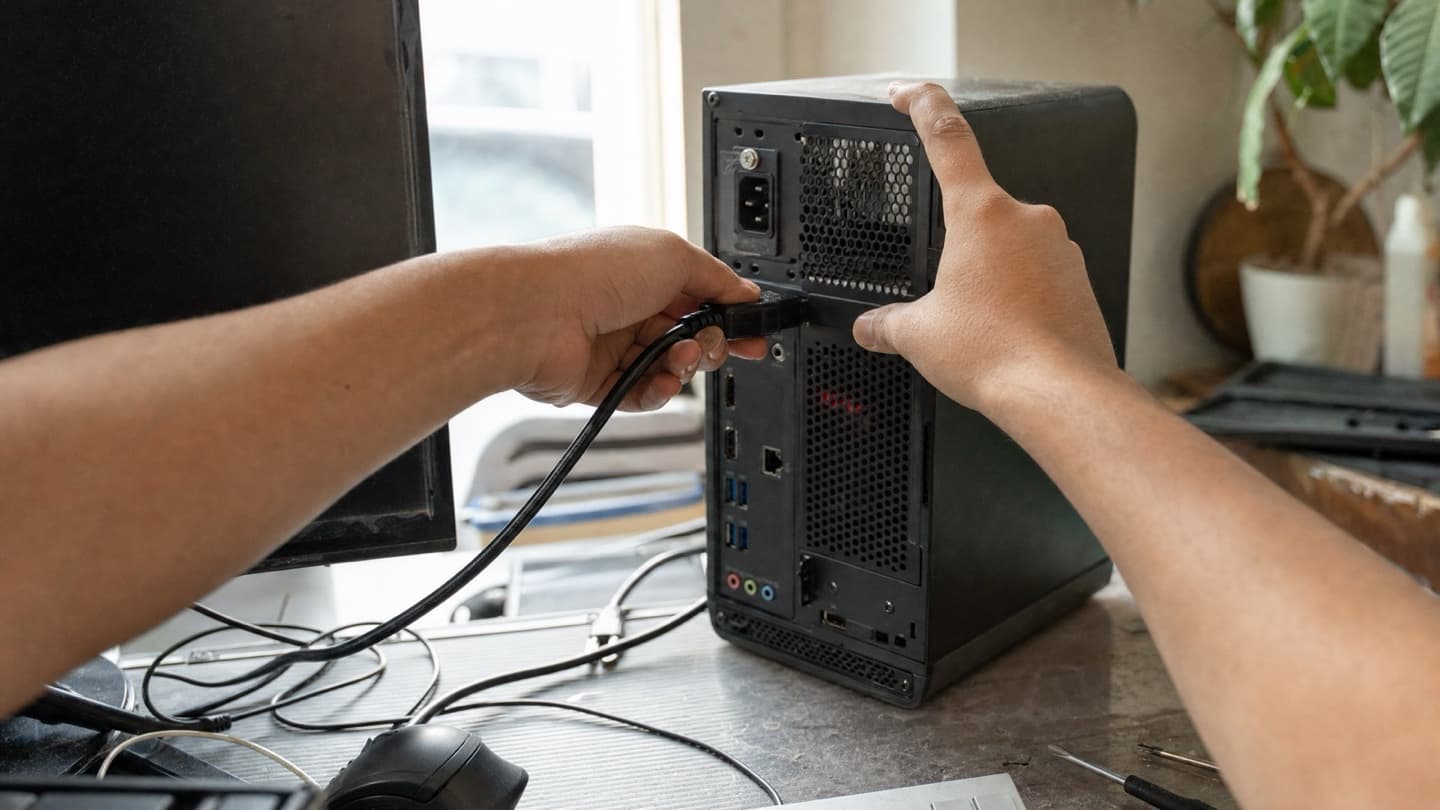
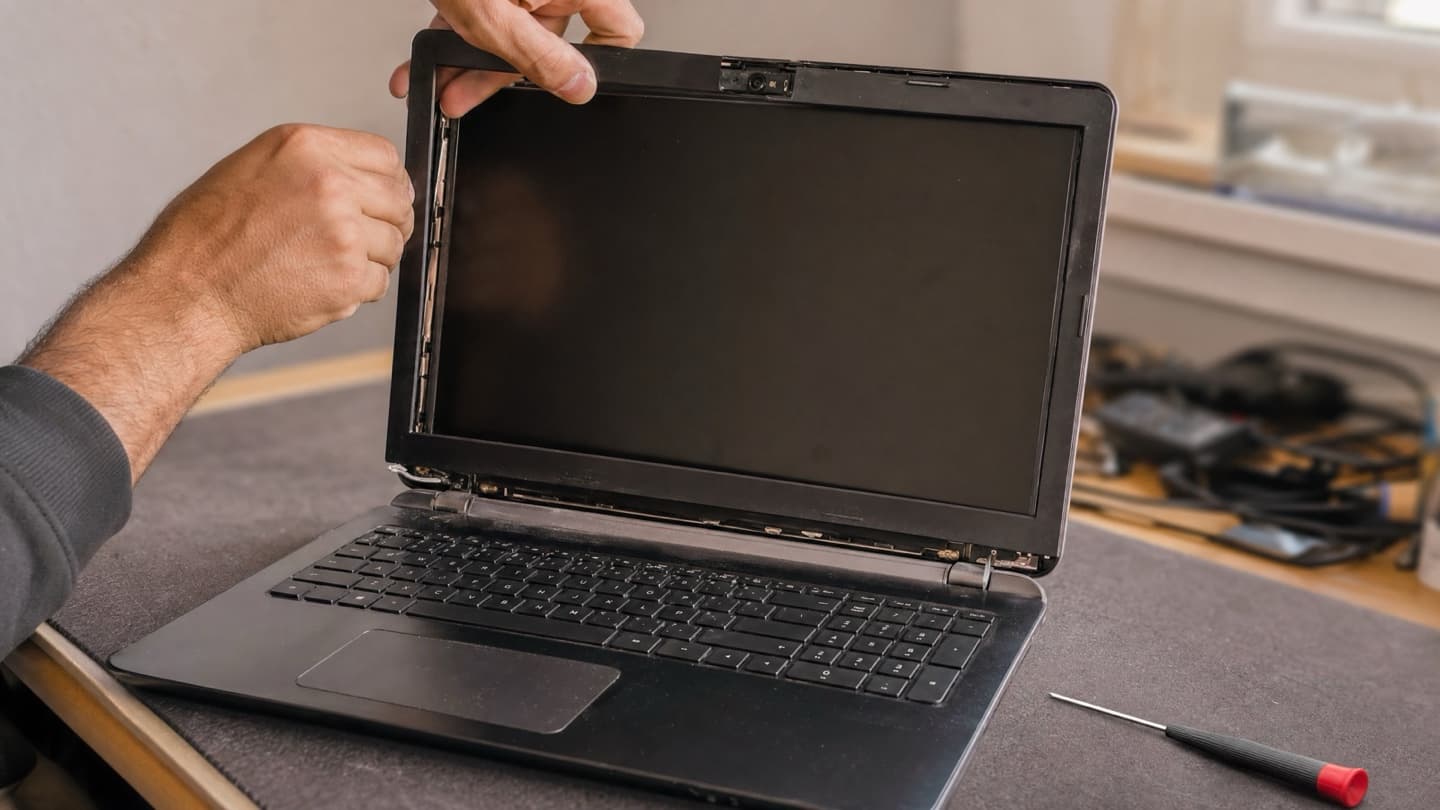
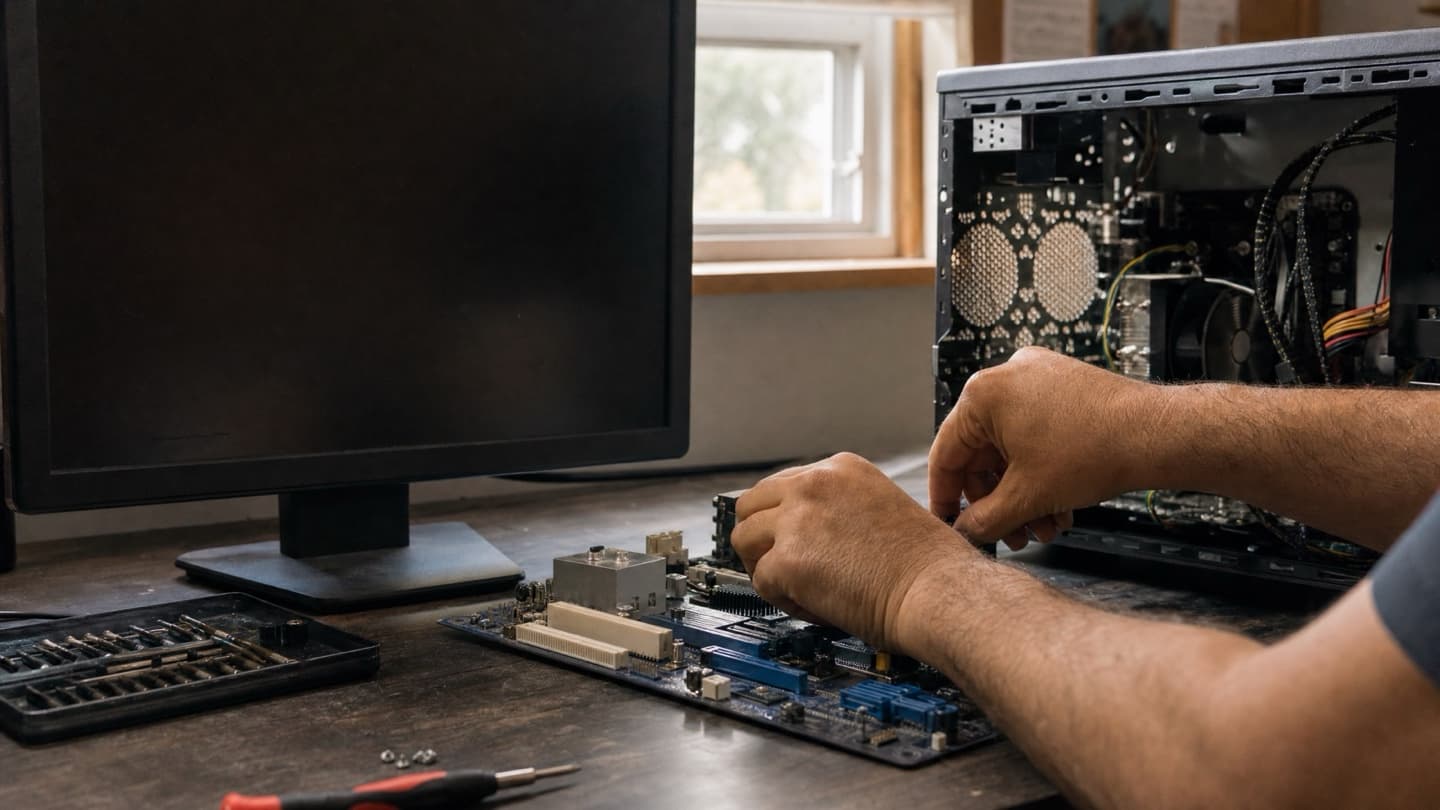
Heavy hardware jobs are the real exception: a cracked screen, liquid damage, a failing drive that needs bench time and proper tools. Even then, a mobile tech can collect the machine, do the work, and return it.
So the choice isn't really "which store." It's who will fix this properly, honestly, and with the least hassle to me.
We come to you across Calgary, tell you plainly what's wrong, and give you a fixed price before any work starts. If it's not worth fixing, we'll say so.
The short version
Judge a repair shop by three things: a free diagnosis, a fixed quote before any work, and whether they'll be honest about repair versus replace. Get straight answers on those and you've filtered out most of the bad ones, whether they've got a storefront or come to your door. The address matters far less than how they treat you and your machine.