Cracked, black, or covered in lines. Before you assume you need a new laptop, it's worth knowing how a screen replacement actually works and when it's the smarter fix. This walks through what the job involves, how long it takes, and how to tell a bad screen apart from the problems that only look like one.
- Plug into an external monitor first. A good picture there means the panel or its cable, not the whole machine.
- Cracks and ink-spots are always a panel swap. Black, dim, or flickering screens can go either way, so diagnose before you buy a part.
- Most replacements are same-day once the correct panel is in hand. Sourcing the part is the only real wait.
- Touchscreens and OLED cost more because the whole assembly is bonded and pricier to source.
- Replacing the screen usually beats a new laptop unless the machine was already old and fading.
First, is it actually the screen
Worth checking, because a few things masquerade as a dead screen and none of them need a new panel.
The quick test: plug the laptop into an external monitor or a TV with an HDMI cable. If the picture shows up fine on the second screen, your graphics and the rest of the machine are working, and the laptop's own panel or its cable is the problem. If the external is dead too, the trouble is deeper, likely the graphics chip, a display cable, or the motherboard, and swapping the screen won't fix a thing.
That one test saves people from paying for a panel they didn't need. Cracks and ink-spots are obviously physical. But a black screen, flickering, or a dim display can go either way, which is the whole reason a diagnosis comes first.
When a screen actually needs replacing
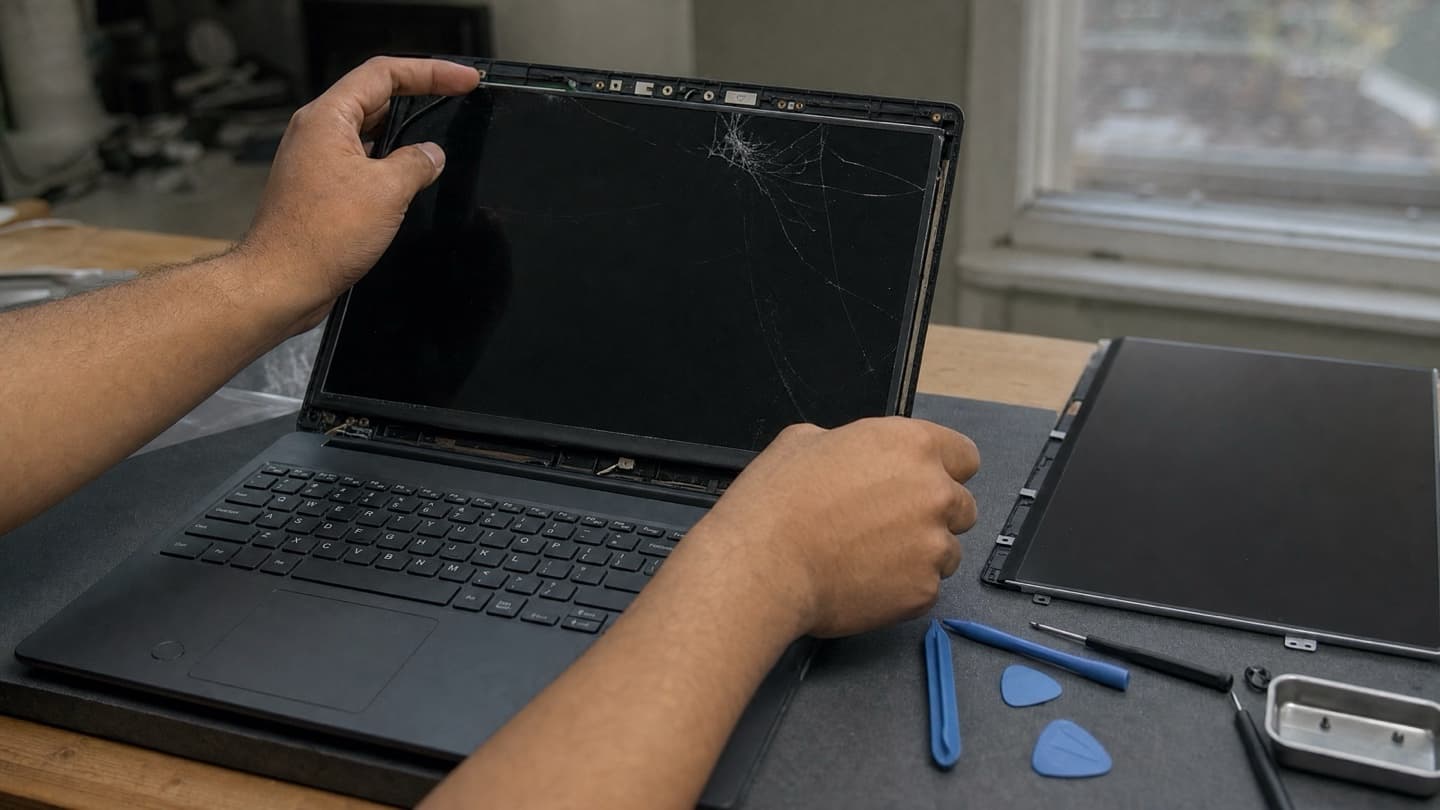
Physical damage is the clear case. If the glass is cracked, if there's a spreading black or rainbow blotch, if the image is shattered, the panel's done and it gets replaced. You can't repair a cracked LCD, only swap it.
The less obvious ones:
- Black screen, but you can hear it running. Fans spin, Windows chimes, no picture. Could be the panel, could be the backlight, could be the cable. Diagnosis sorts out which.
- Flickering or lines through the image. Often the panel or the ribbon cable behind it. Sometimes a driver. Test before you replace.
- Dead spots or dark patches. A cluster of dead pixels or a dark bloom usually means the panel's failing.
- Dim, barely-there picture. The backlight's going. On most modern laptops that means a new panel, since the backlight is built into it.
How the replacement is done
The job itself is straightforward when the right part's in hand. The steps:
- Confirm it's the screen and not the graphics or cable, using an external display.
- Pin down the exact panel your model takes. Same laptop can ship with different screens, so this matters.
- Source the matching panel. Common models are quick. Rarer ones take a day or two to come in.
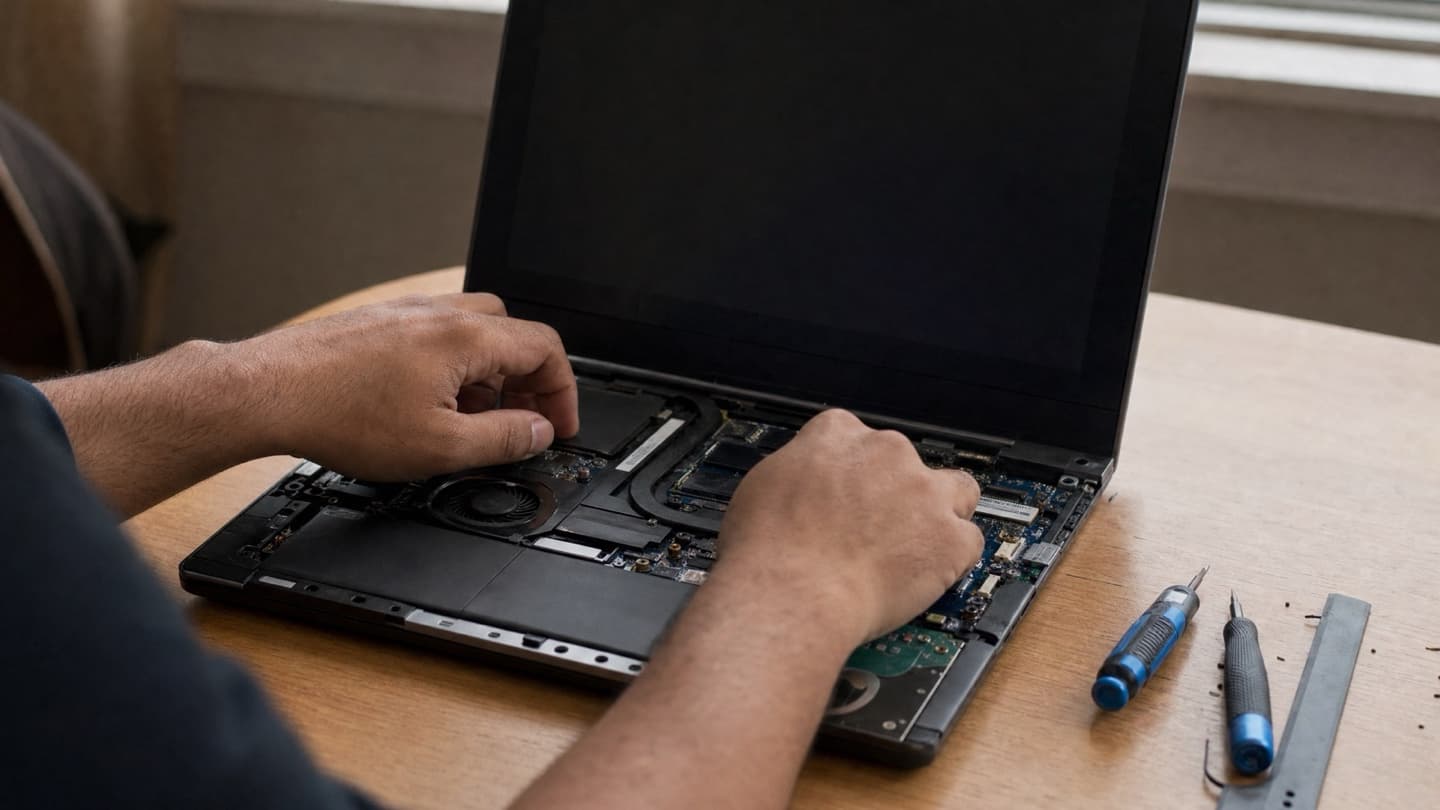
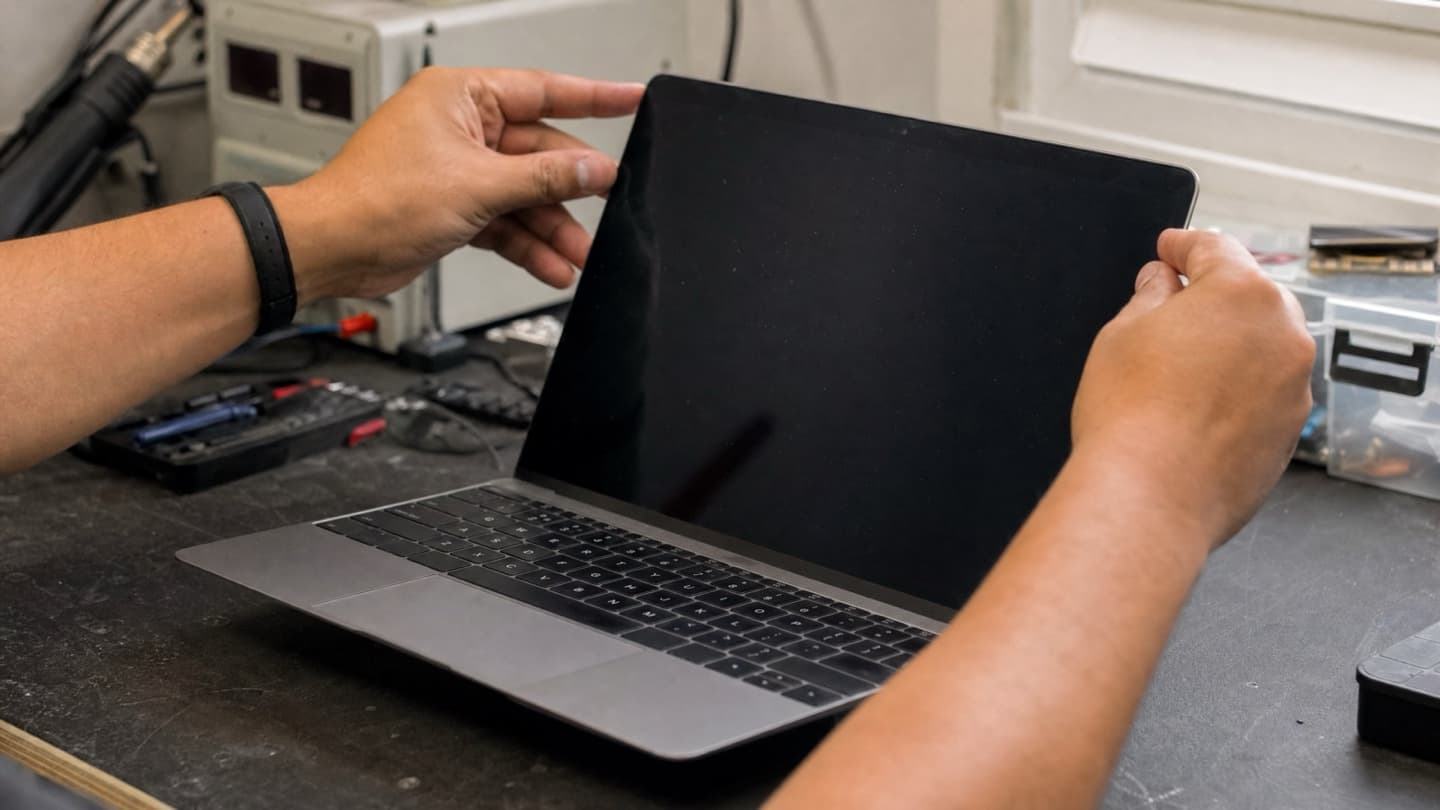
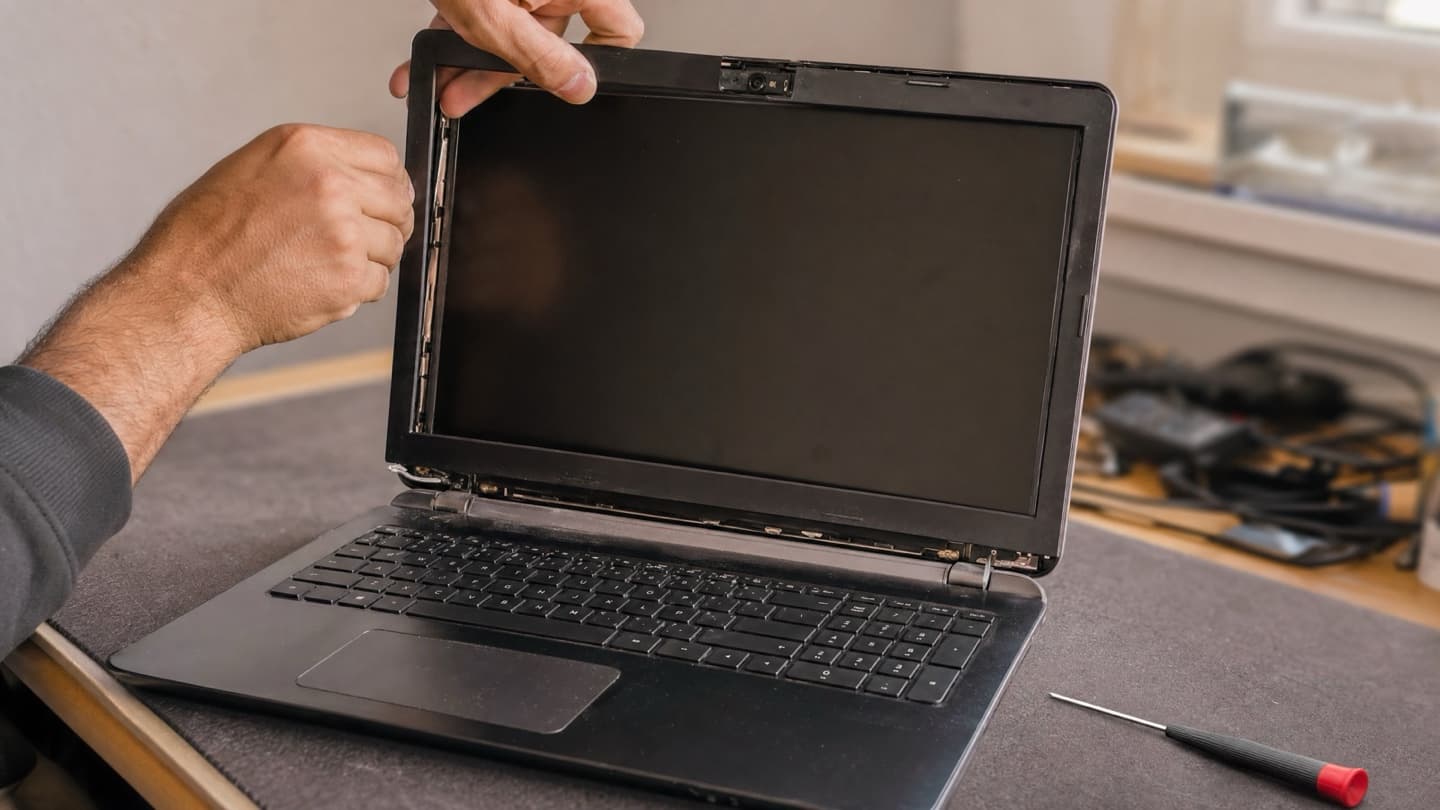
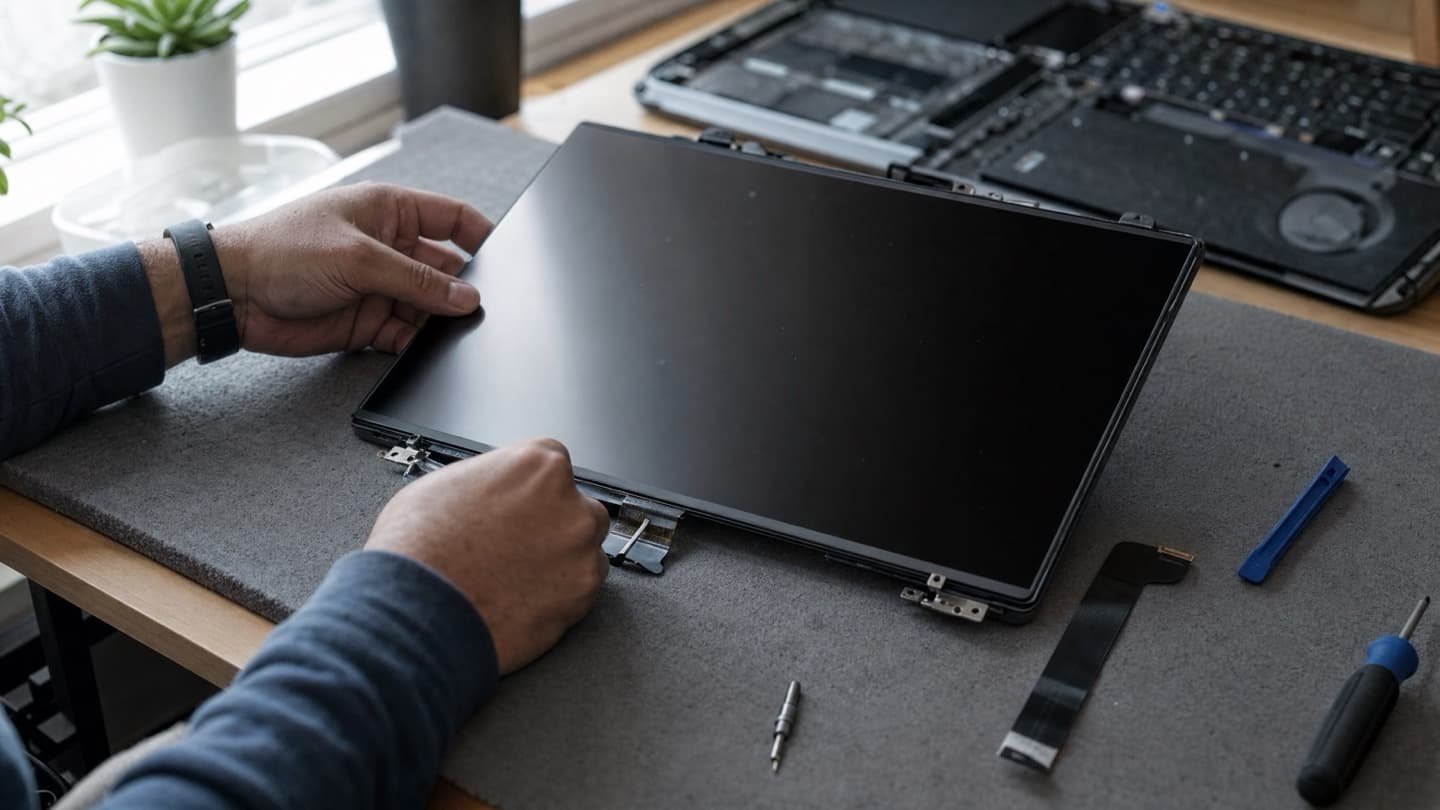
- Open the display, disconnect the old panel, and lift it out without straining the cable or the hinges.
- Fit the new panel, reconnect, and test it properly before it goes back to you.
Most replacements are same-day once the correct part is on hand. The sourcing is usually the only wait, not the swap.
Your options depend on the screen type
Not every laptop screen comes apart the same way, and that shapes your options.
- Standard LCD or LED, non-touch. The common case, and the friendliest. The panel comes out on its own, so you're only paying for the display.
- IPS panels. Same replaceable-panel deal, just a nicer display with better colour and viewing angles. Matching the original type keeps the picture consistent.
- Touchscreens. Glass and panel are usually bonded into one assembly, so the whole unit gets replaced together. More part, more work.
- OLED and high-res displays. Premium laptops and most MacBooks. Often laminated, pricier to source, and the panel of choice matters more.
We fit genuine, model-correct panels, not the cheapest generic that'll physically bolt in. A mismatched screen shows up as wrong brightness, off colours, or a resolution that doesn't match what you had. Getting the right part is most of getting the job right.
Replace the screen or the whole laptop
The honest question underneath all of this.
A screen replacement is nearly always cheaper than a new laptop, and if the rest of your machine is healthy, it's the obvious move. Fast drive, decent battery, still keeps up, then a new screen buys you years more out of it.
Lean toward a new laptop only when:
- It's already old, five-plus years, and feeling slow.
- It's got other issues stacking up, tired battery, failing drive, general sluggishness.
- The screen fix lands close to what a solid replacement laptop would cost.
When the repair is a big slice of the machine's actual worth and it was already fading, a new one wins. We'll say so if that's the case.
We'd rather tell you a repair isn't worth it than take money for one that isn't.
If the same drop that cracked the screen also jolted the drive, back up anything you can't replace first. Screens are replaceable. Your photos and files aren't.
Getting it sorted in Calgary
We're mobile across Calgary and the nearby towns, so a screen replacement can happen at your place or ours. Tell us the make and model and we'll know the panel; bring it by or book a visit and the diagnosis is free either way. You get a flat quote before any work starts, so nothing moves once you've said go.
Send us the make and model and we'll tell you what's involved. Free diagnosis, genuine parts, and a flat quote before any work.