Dell makes solid machines, laptops and desktops both, and most earn their keep for years. When one does act up, the useful questions are the same: what's actually wrong, roughly what does that cost to fix, and is this machine worth fixing at all. Here's how we think about it, for both Dell laptops and Dell desktops.
- Dell laptop faults cluster around the battery, screen, hinge, charge port, and overheating.
- A swollen battery is the one to act on right away. Stop using and charging the laptop.
- Dell desktop faults are usually the power supply, the drive, dust and heat, or a dead coin-cell battery.
- Repair when the machine is under about five years old and the fault is one clear thing.
- Lean toward replacing once the bill passes roughly half the price of a comparable new machine.
- Premium XPS and Alienware parts, and OptiPlex power supplies, cost more and can take a day or two to source.
The faults we see most on Dell laptops
On the laptop side (Inspiron, XPS, Latitude, the G-series), the same few faults come across the bench again and again, and they tend to differ by model line.
The battery that swells up
This is the Dell issue to take seriously. Lithium batteries puff up as they age, and you'll notice it as a trackpad that won't click properly, a keyboard that bulges, or a case that no longer sits flat on the desk. Some people find the laptop rocking like a see-saw before they realize why. Every Dell line does this eventually, but it turns up most on older Inspirons and Latitudes that have lived plugged in at a desk for years. The fix is a straight battery replacement, and on a machine that's otherwise fine it's well worth doing.
If the case is bulging or the trackpad has lifted, power the laptop down, unplug it, and don't keep charging it. Don't press on it or try to pry it out. A swollen lithium battery can rupture. Get it removed and replaced safely.
Hinges and cracked screens, especially on XPS
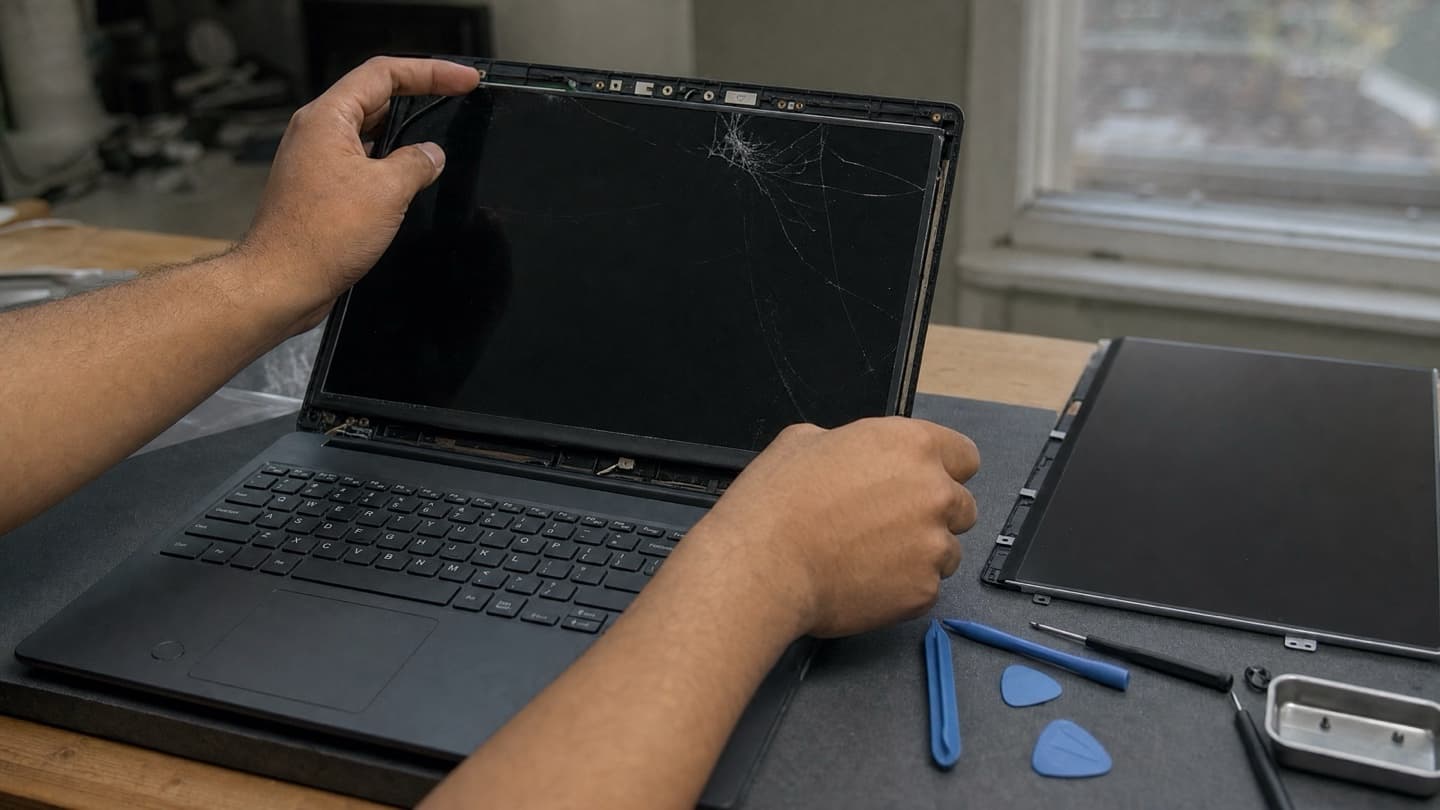
The XPS is a lovely machine and a thin one, and thin machines put stress on the hinge. Over years of opening and closing, the hinge can stiffen or start pulling away from the frame, and the first sign is often a crack creeping in from a corner. A cracked LCD can't be repaired, only swapped, so catching a stiff hinge before it cracks the panel saves you the bigger repair. What the panel swap runs is covered in our laptop screen repair cost guide.
One quick check before you assume the panel is dead: plug the laptop into an external monitor. If the picture is fine on the second screen, the machine's working and it's the panel or its cable. If the external is also blank, the problem's deeper and a new screen won't fix it.
The charge port that stops charging
Very common on Inspirons. The laptop only charges when the cable sits at exactly the right angle, or won't charge at all. People blame the charger first, and sometimes that's it. Just as often it's the DC jack working loose from the board after years of the cable being tugged and knocked. Before anyone replaces a port, the charger and the battery get tested too, because all three can look like the same symptom. If the jack is the culprit, it's a repairable fault, not a reason to write off the laptop.
Running hot, or just plain slow
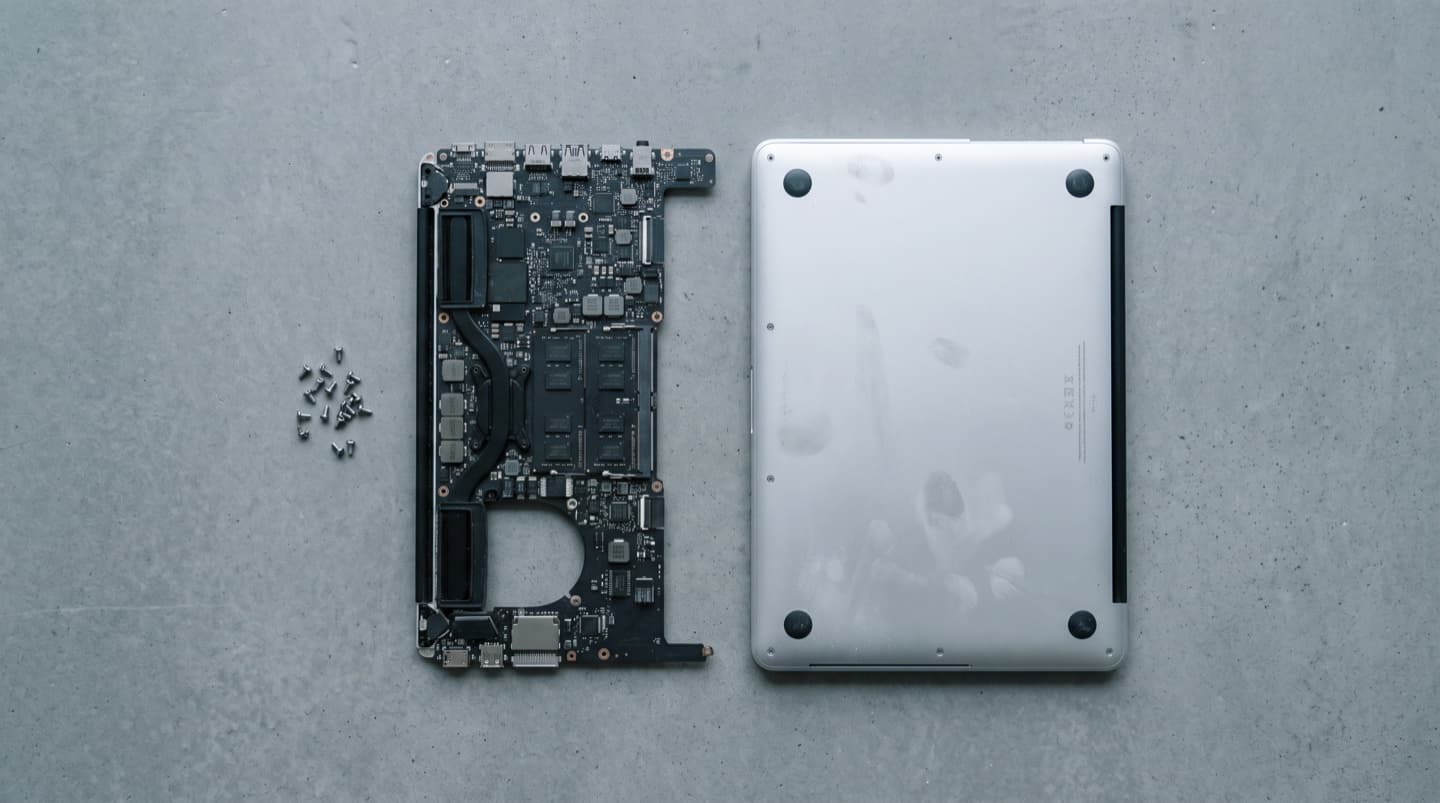
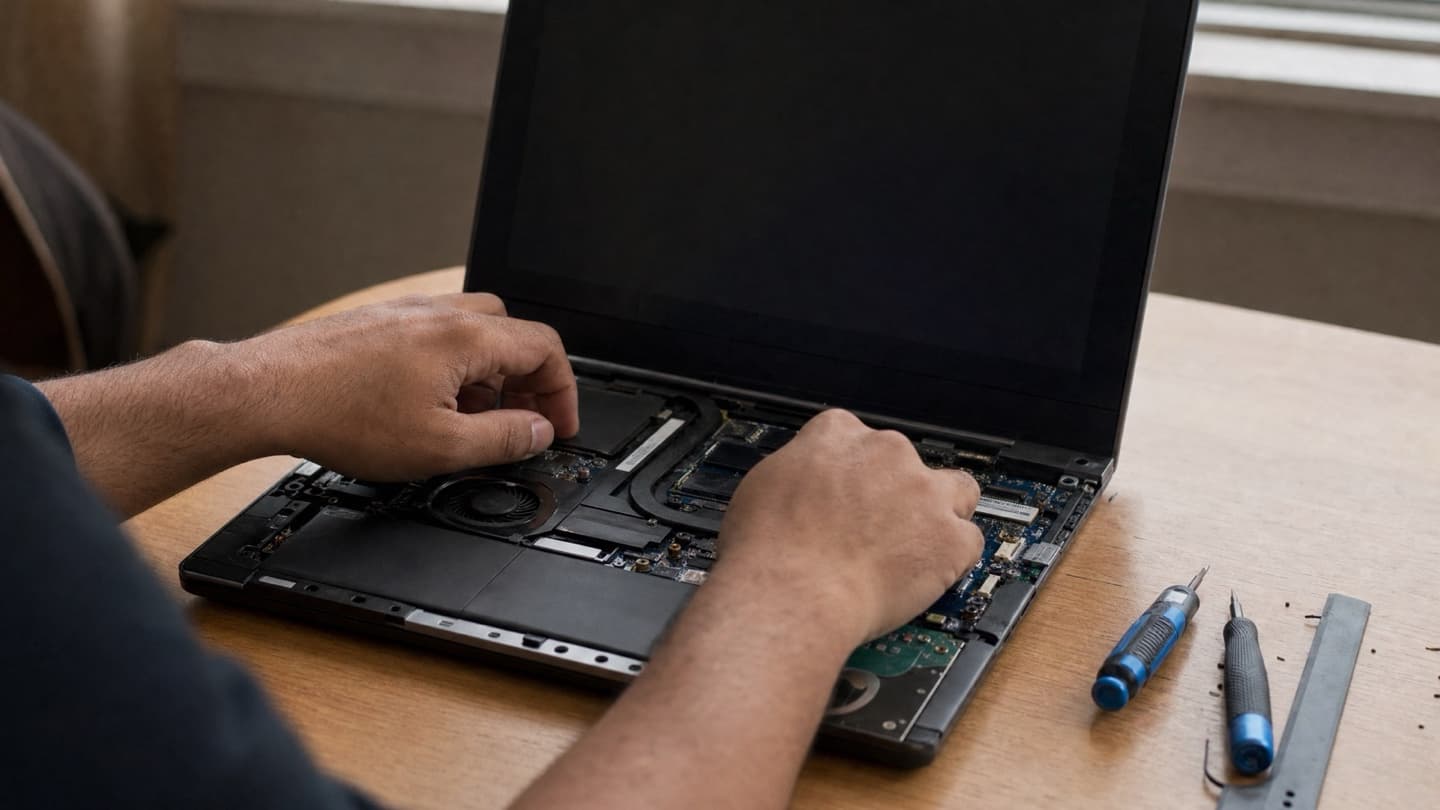
If the fans are roaring and the machine crawls under load, that's heat: the chip slows itself down on purpose when it gets too hot. XPS and the G-series run warm by design, but any Dell packs up with dust over a few years, and dried thermal paste finishes the job. Both are fixable with a proper internal clean and fresh paste; laptop overheating fixes covers the easy steps to try first.
If it's slow without the fan noise, an older Dell is probably still on a spinning hard drive, and moving to an SSD is the single biggest speed jump you can give it. A storage and memory upgrade often turns a frustrating machine back into a quick one for a fraction of what a new laptop costs.
Not planning to open it up yourself? We repair Dell laptops and desktops across Calgary, we come to you, and if we can't fix it, you don't pay.
The faults we see most on Dell desktops
On the desktop side (OptiPlex, XPS towers, Alienware Aurora), the usual culprits are:
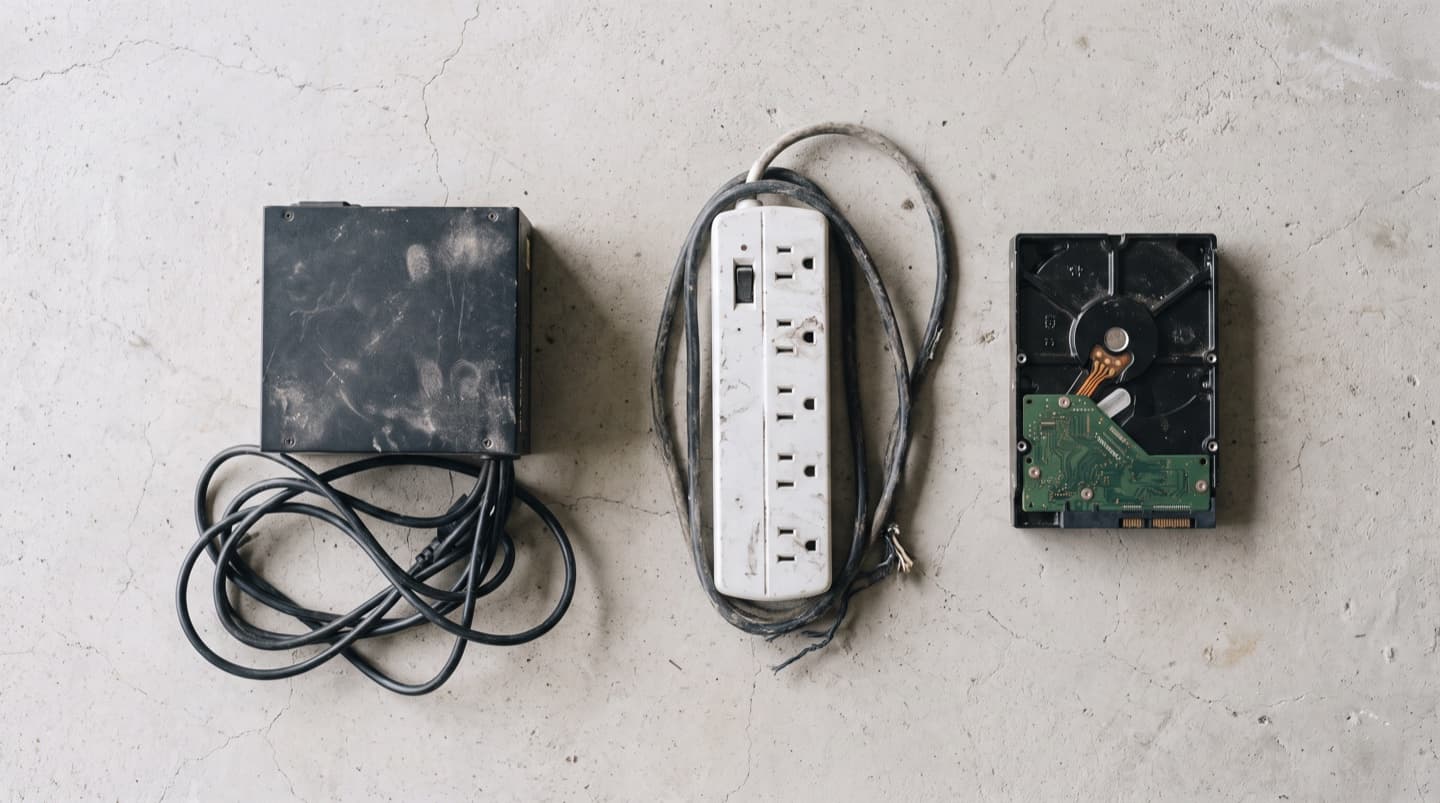
- A failing power supply. The tower won't start, starts and dies, or restarts on its own. On the small OptiPlex boxes the supply is a proprietary shape, so it needs the right replacement, not any generic unit.
- A dying drive. Slow boots, freezes, or files that won't open. On an older desktop still running a spinning hard drive, this is also your chance to move to an SSD.
- Dust and heat. Towers pull in a lot of air and cake up inside over the years, which chokes cooling and shortens the life of everything in there.
- A dead coin-cell battery. The little watch battery on the board. When it dies the clock resets, the BIOS forgets its settings, and you get errors on startup. Cheap part, easy fix, but it looks alarming.
On either one, slow performance, virus and malware trouble, and Windows that won't boot after a bad update are all common and all fixable. If the machine won't power on at all, computer won't turn on fixes walks through what to try before you call anyone.
What these repairs roughly cost
We don't quote fixed prices sight unseen, because the same symptom can have three different causes and the honest number depends on the part and the model. What we can give you is the shape of it. A drive or memory upgrade and an internal clean-out sit at the lower end. Batteries, charge ports, and standard laptop screens sit in the middle. Premium XPS and Alienware parts, and board-level work, run higher because the parts cost more.
The part that matters more than any single number: when a repair needs a part, you get one price with the visit folded in before any work starts, and if we can't fix it you don't pay. So you're never guessing, and you're never committed before you've seen the price. Visit rates are on the pricing page, and our laptop and computer repair page lays out the rest.
Some Dell parts, particularly XPS and Alienware screens and OptiPlex power supplies, cost more and sometimes take a day or two to source because they're model-specific. It's why a Dell repair quote depends on the exact model, not just the symptom.
Repair or replace: the honest cut
Here's the rule we actually use, and it's the same one worth using yourself.
| Repair it when | Lean toward replacing when |
|---|---|
| The machine is under about five years old | The repair bill passes roughly half the price of a comparable new machine |
| The fault is one clear thing: a battery, screen, power supply, or drive | Several things are failing together |
| The fix costs a sensible fraction of what the machine is worth | It was already slow and tired before this latest problem |
A battery, a screen, a power supply, a drive upgrade, these bring a healthy Dell right back to life and cost far less than replacing it. But pouring money into a seven-year-old laptop that was frustrating you anyway is rarely the right call.
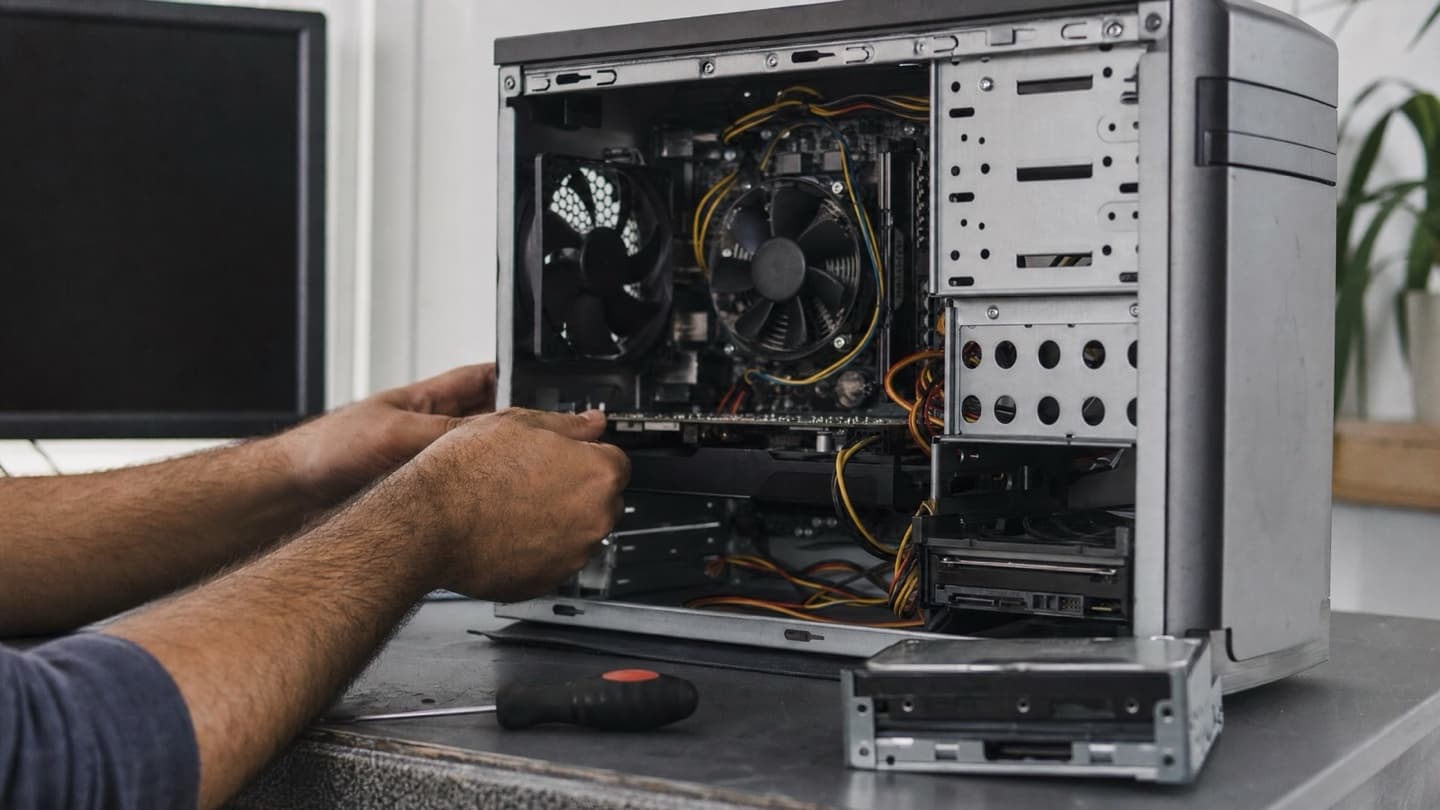
The trap is spending on a machine that was on its way out regardless. We'll tell you when that's the situation.
We'd rather say a repair isn't worth it than take money for one that isn't.
Before any repair, think about your files
If a Dell won't boot, the repair and your data are two separate questions. A machine can be fixable while the drive is fine, or the drive can be the thing that's failing. Either way, if there are photos or files on there you can't replace, backing them up or recovering them comes first, before anyone starts swapping parts. We always sort the data question before the repair when a drive is involved.
Getting it fixed in Calgary
We're mobile across Calgary and the nearby towns, so a Dell repair can happen at your place or ours, and for a desktop that means you don't have to unplug the whole rig and haul it anywhere. Tell us the model and what it's doing. Book it in at the shop and there's no charge to look.
Common questions
No. We're an independent local shop, not a Dell service centre, and we don't claim any Dell affiliation. In practice that means we repair Dell laptops and desktops of any age and any model, from a current XPS to an OptiPlex that's been under a desk for a decade, without you going through Dell's support queue.
Yes, both. Power supplies, drives, memory, cooling, and Windows trouble on OptiPlex, XPS towers, and Alienware, plus the full range of laptop repairs. Because we come to you, there's no lugging a tower across town.
It depends on the part and the model, so we don't quote blind. Upgrades and clean-outs are cheaper; batteries, ports, and standard screens are mid-range; premium XPS and Alienware parts run higher. You get the price before any work, and it doesn't move once you've said yes.
Treat it seriously. Stop using and charging the laptop, don't press on the bulge, and don't try to pry the battery out yourself, because a swollen lithium battery can rupture if it's squeezed or punctured. It's a routine replacement for us, but not one to sit on for a month.
Often, yes, but it needs testing rather than guessing, because the cause ranges from a dead coin-cell battery to a bad power supply to a board fault. We test to find the real cause, then tell you what it takes and whether it's worth it.
Tell us the model and the symptom. A price agreed before any work, no-fix-no-fee. Mac and PC, every major brand, Dell included.