Laptop Screen Repair Cost in Calgary: What Drives the Price
What drives laptop screen repair cost in Calgary: panel type, hinge damage and part availability, plus a 60-second test to check if it is only the LCD that is cracked.
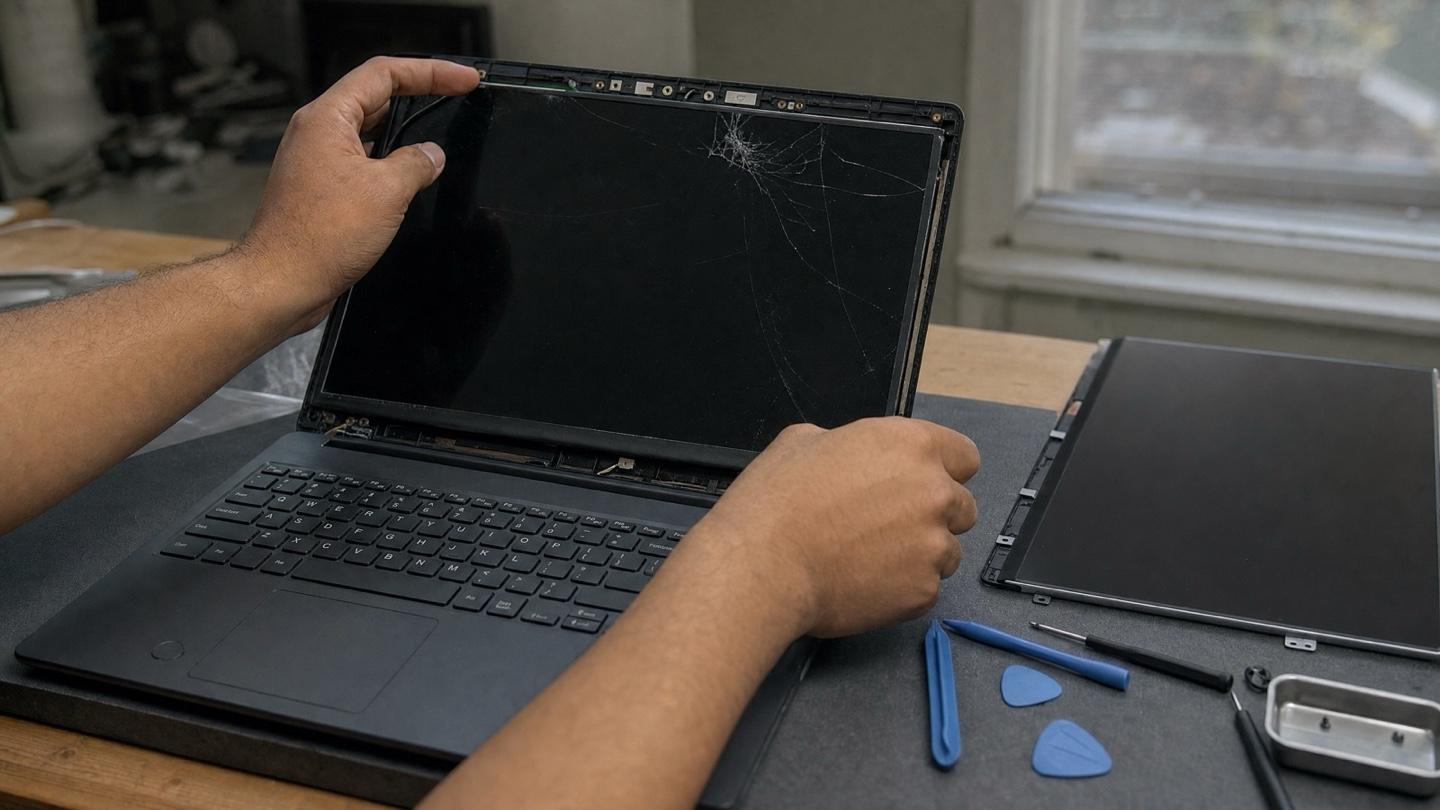
Four things set the price of a laptop screen repair in Calgary: the panel type, whether the screen is touch or non-touch, how fast the exact part for your model can be sourced, and whether the lid or hinges took damage in the same drop. A common 1080p panel on a mainstream laptop sits at the cheap end of the range. A bonded touchscreen or a laminated MacBook assembly sits at the expensive end. Read the model number off the sticker, call 587-317-0482, and you get a real number instead of a guess.
What drives the price
Four things move the number, roughly in this order.
The panel. This is the big one. A standard 1080p non-touch screen is a common part made in volume, so it's the cheapest thing that can go into a laptop lid. A 4K panel, a high-refresh gaming display or an OLED costs more because the part costs more. Same twenty minutes of careful work, very different bill.
Touch or non-touch. On a touchscreen the glass and the panel are bonded into one assembly. You can't swap just the LCD, so the whole unit gets replaced. If your machine has no touch, you've dodged a chunk of the cost before anyone opens it.
Make, model and part availability. Common Dell, HP, Lenovo, Acer and ASUS laptops use panels that are easy to find and sensibly priced. Premium ultrabooks and MacBooks use their own assemblies, often laminated, and those are pricier and slower to land. Dell XPS owners will recognise the crack that creeps in from the hinge corner; the Dell repair guide covers why that corner fails first.
What else the drop broke. A clean panel swap is the easy case. If the same fall bent a hinge, tore the display cable or cracked the lid, there's more to it. A proper look catches that before you commit, so the quote covers the whole job rather than growing halfway through.
If you'd rather not price panels yourself, call 587-317-0482 with the make and model and you'll get the ballpark for that exact screen, or book a visit and bring the laptop in. How visits are billed is on the pricing page.
Test the panel in 60 seconds
Before you spend anything, find out whether the screen is the only thing wrong. A cracked panel and a failing graphics chip can look identical from the outside, and only one of them is fixed by a new screen.
- Find an HDMI or USB-C cable and a monitor or TV that works.
- Plug the laptop into it. On most machines the external display picks up on its own.
- Press Win + P and choose Duplicate or Extend.
- Look at the picture on the external screen, not the laptop's own panel.
- Clean, stable picture on the external screen: the panel is the fault. A screen swap fixes it.
- Blank, garbled, flickering or striped on the external screen too: the problem is the GPU, the display cable or the board. A new panel alone won't fix it.
- Picture appears only when you wiggle the lid: the display cable is damaged at the hinge, which is a different and usually smaller job.
- Nothing at all on either screen: stop here and get the machine looked at properly before buying any parts.
That test is the difference between a repair and a wasted part. It takes less time than reading this section. If you'd rather not run it yourself, that's a fair call. An in-home visit means the test gets done for you, with the laptop still sitting on your own desk.
Screen types and what gets replaced
Two people with cracked laptops can get very different quotes, and the reason is usually in this table.
| Screen Type | What Gets Replaced | Typical Part Sourcing Speed | Repair vs Replace Guidance |
|---|---|---|---|
| Standard 1080p Non-Touch | The LCD panel only, reusing the bezel and cable | Common part, usually quick to source | Almost always worth fixing on a healthy machine |
| Bonded Touchscreen / 2-in-1 | The whole glass-and-panel assembly, digitizer included | Usually quick on mainstream models, slower on niche ones | Worth fixing unless the hinge and lid went too |
| High-Refresh Gaming / 4K / OLED | The panel, sometimes a matched cable and lid bracket | Slower to source, fewer suppliers | Worth fixing on a recent machine, think hard on an old one |
| Apple MacBook Retina Assembly | The laminated display assembly, sometimes the lid | Slower, and specific to the model year | Usually worth it, Macs hold value and cost a lot to replace |
One thing worth saying plainly: if your machine is still under an Apple, Dell or Microsoft warranty, use it. Go back to the manufacturer first. That's a better deal for you than paying anyone for a panel, and it's the advice you'd get across the bench. Mac owners who want the wider picture can read the Mac repair page, and laptop screen replacement in Calgary covers the job itself.
Why a blind quote is a guess
A panel is a specific part number. It's tied to your model, the resolution, the connector type and whether the machine has touch. Two laptops that look identical on the outside can take completely different parts inside, and one of them can be twice the price of the other.
So when someone gives you a number over the phone without asking what you own, they're describing an average, not your laptop. It might land. It usually doesn't.
The honest process looks like this. You read the model off the sticker. You get a ballpark for that panel. Once the machine has been seen, you get one flat agreed price for parts and labour with the visit included, and that number doesn't move after the fact. If it can't be fixed, you pay nothing. That's the whole promise, and it's the same whichever way you book.
A look booked in at the SW Calgary bench in West Springs carries no charge. In-home visits are billed as visits, and the pricing page lays out exactly how that works before you commit to anything.
Repair or replace the whole laptop
A screen replacement costs less than a comparable new laptop on almost every machine that comes through the shop. If the drive is healthy, the battery still holds a charge and the thing is fast enough for what you do, fix it.
Replacing the whole laptop only makes sense when a few things line up.
- The machine is five-plus years old and already felt slow before the screen broke.
- Other faults are stacking up: a tired battery, a drive on its way out, a fan that never stops.
- The screen quote starts to approach what a decent replacement laptop would cost you.
When the repair is a large share of what the laptop is actually worth, and the machine was on its way out anyway, a new one is the smarter buy. Ask a neighbour who happens to fix laptops for a living and you'll get the same answer.
We'd rather tell you a repair isn't worth it than sell you one that isn't.
How long a screen swap takes
Most screens are replaced the same day once the correct panel is on hand. The wait, when there is one, is the part, not the work. Common models are usually quick to source. Rarer panels, high-refresh gaming screens and premium assemblies can take a day or two to arrive.
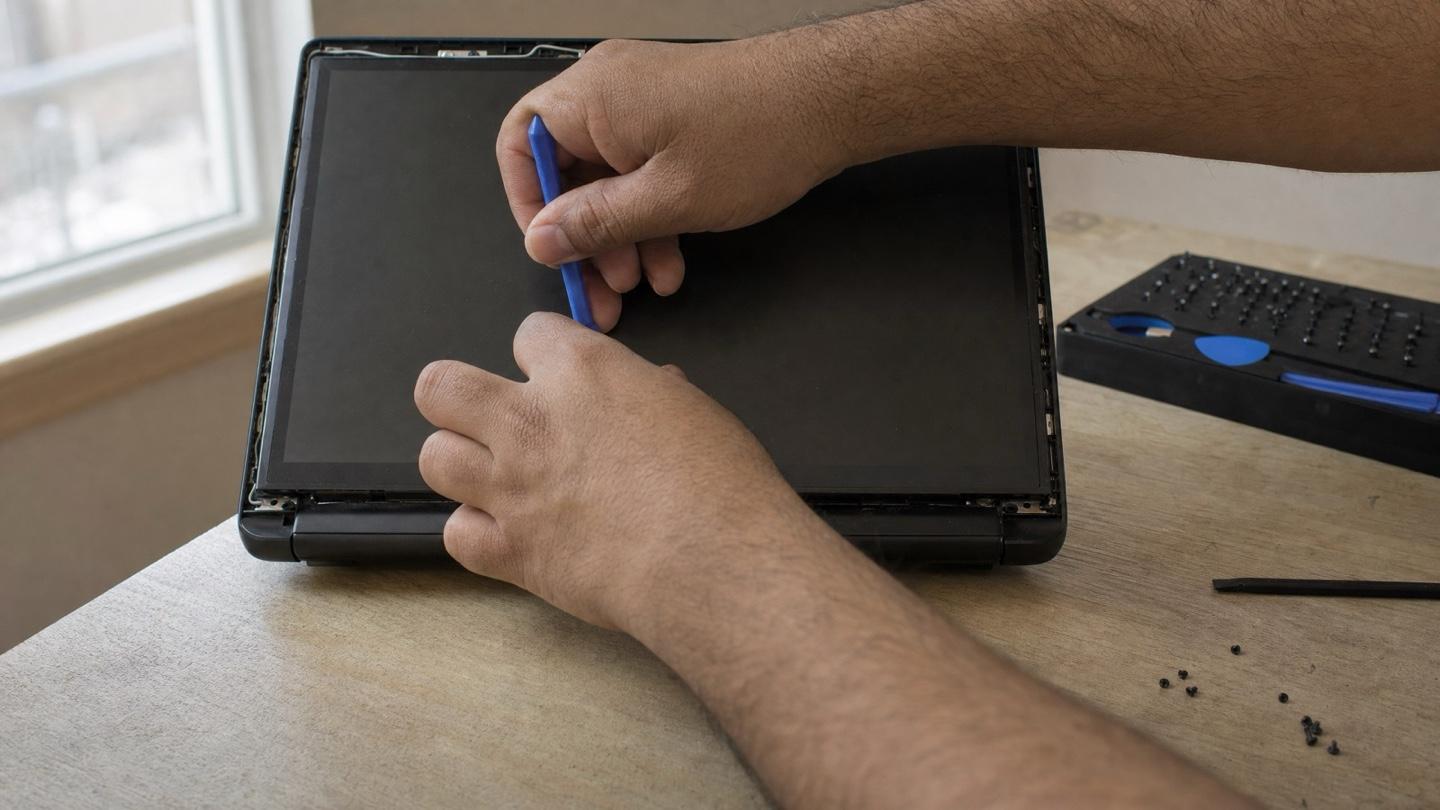
The swap itself is not long. The bezel and the display cable are the fiddly part, and that's where the labour sits: getting in and out cleanly without cracking the bezel or pinching the new ribbon. While we're already in there, it's worth checking the hinge mounts, since a bent hinge is what kills the next panel.
Work happens at the SW Calgary bench or at your place, whichever suits. In-home visits run across all four Calgary quadrants plus Airdrie, Chestermere, Cochrane and Okotoks. If you're driving in from Cochrane or Okotoks, call before you set out. A panel that has to be ordered turns a same-day repair into a two-trip job, and the second trip down Highway 1 or Highway 2 is the one you'd rather skip.
Getting an exact quote from the sticker
Flip the laptop over and find the label on the bottom. Where it sits changes with the brand. Dell and Lenovo business machines usually carry a rectangular sticker near the rear edge or the battery latch. HP often prints the model and product number together on one label, under the battery on older models and on the base near the hinge on newer ones. Acer and ASUS tend to put a single sticker in the middle of the base. On a MacBook the model is printed in small type near the hinge, and the serial number gets you further than the name does.
What you're reading for is the full model code, not the family name. "IdeaPad" or "Pavilion" won't do it. You want the string that follows, something like 15ALC6 or 15-eg0010nr, because two laptops sharing a name can take completely different panels.
If the sticker is worn off or scratched past reading, don't guess. On most models the same code is printed again under the battery or on the frame beneath it. Failing that, the machine will tell you itself: press Win + R, type msinfo32, and read the System Model line.
Read that out when you call 587-317-0482, or bring the machine in, and you get a ballpark for your specific panel. Once the machine has been seen, you get a firm all-in figure with the visit counted in, agreed before any work starts. No fix, no fee if it turns out to be something else entirely.
Common questions
Is it worth fixing a cracked laptop screen?
Usually, yes. A screen replacement costs less than a comparable new laptop, so if the rest of the machine is healthy, the repair is the easy call. The exception is an old laptop with other problems stacking up, where the screen quote starts to approach the price of a decent replacement.
Can a cracked screen be patched instead of replaced?
No. A cracked LCD can't be resealed or polished out. The panel gets swapped for a new one, which is also why the part drives most of the bill. On most laptops it's a routine job once the correct panel for the model is on hand.
Will a cracked screen get worse if I keep using it?
It can. The glass and the LCD underneath are separate layers, and pressure through the crack, from typing, carrying or closing the lid, can push a working display into dead zones and spreading dark patches. If the picture still works, that's the cheap version of this repair. Fix it before it isn't.
Can I keep working on an external monitor while I wait?
Yes. Plug the laptop into a monitor or TV over HDMI or USB-C and it works normally in the meantime. That same trick doubles as the test above: if nothing shows on the external screen either, the fault is deeper than the panel and a new screen alone won't fix it.
Cracked screen, straight answer
Call 587-317-0482 with the model number, or book a visit and bring the laptop in, and you'll know where you stand before anyone touches the machine. One technician, one flat agreed price for the parts job with the visit included, and no charge if it can't be fixed.
Sources
- Home Laptop Repair Service In Gurgaon — ResearchHub Technologies, Inc. (2026-11-07)
- Laptop Repair Service Center In Gurgaon — ResearchHub Technologies, Inc. (2026-11-07)