A Mac that won't wake up is not usually a dead Mac. Most of the ones that arrive here have a battery, a charging fault or a display problem, and the machine underneath is fine.
But there is one question worth answering before anything else, and the answer depends entirely on which Mac you own. On most computers, when the machine dies the storage survives, so the files come back. On a modern Mac that is no longer true, and people find out at the worst possible moment.
- On Macs with the T2 chip and on every Apple Silicon Mac, the storage is soldered to the logic board and locked to that specific machine
- If that board fails and there is no backup, the files may genuinely be unrecoverable, at any price
- Older Intel Macs are the opposite: the drive usually outlives the machine and comes out easily
- Check which one you have before you spend anything, and stop using a Mac whose trackpad has started sitting proud of the case
First, find out which Mac you have
This one detail changes every other answer, and it takes about ten seconds. Open the Apple menu and choose About This Mac. Note the model and the year.
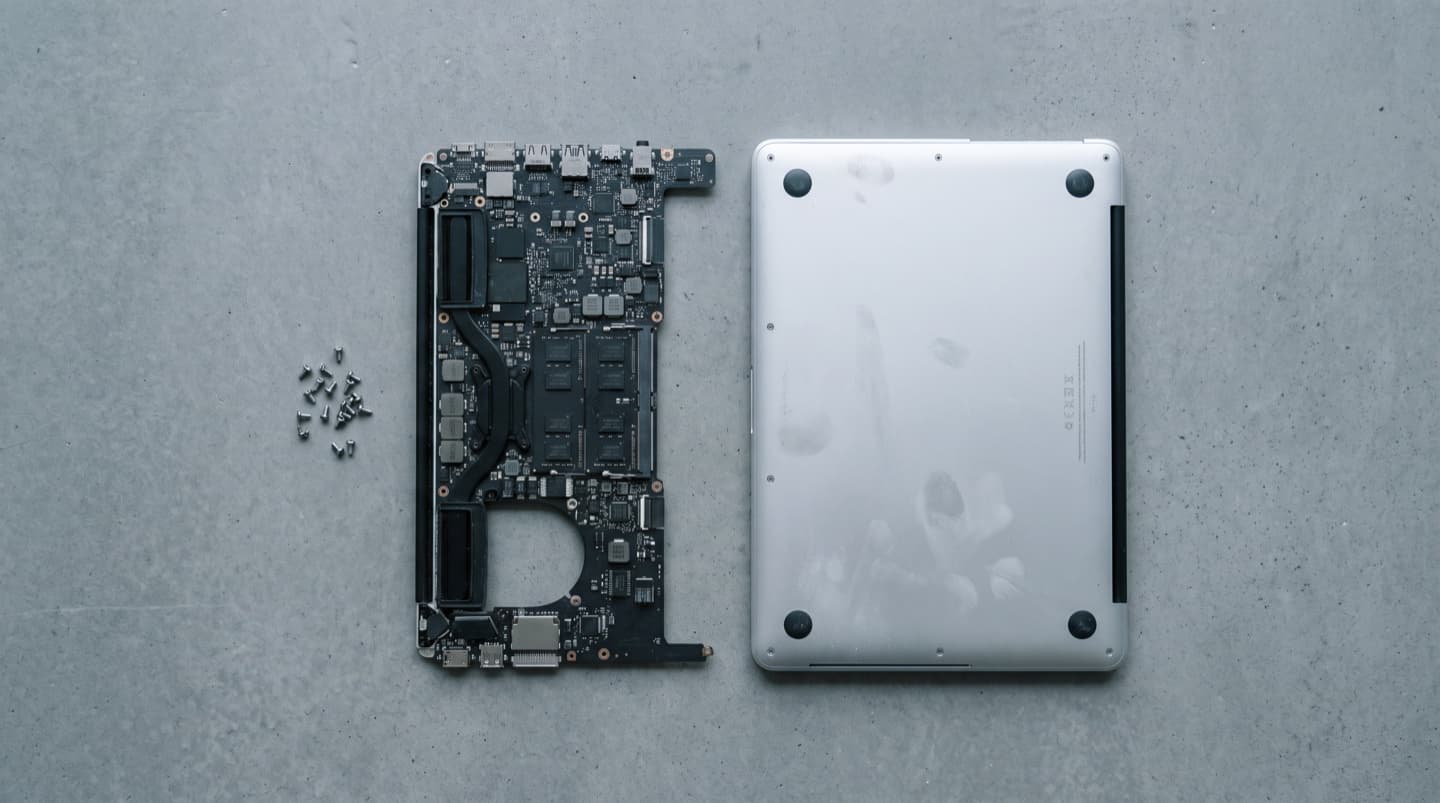
Roughly: Macs from about 2018 onward carry either the T2 security chip or Apple Silicon, and their storage is part of the board. Older Intel Macs generally have storage you can remove, and many pre-2016 models take standard drives and socketed memory.
If the machine will not power on at all and you cannot check, tell us the model and year from the box or the purchase receipt. It is the first thing we look up.
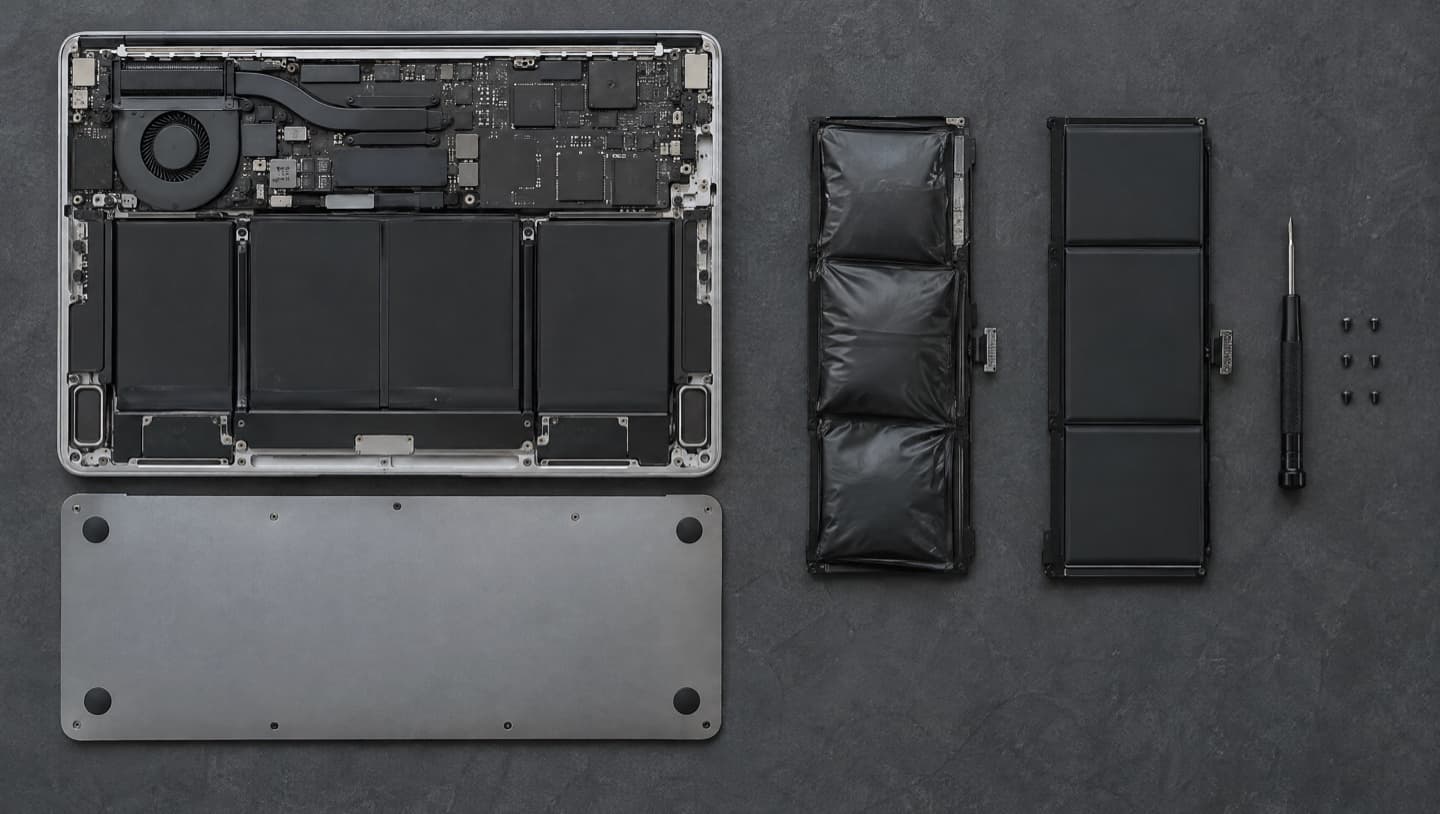
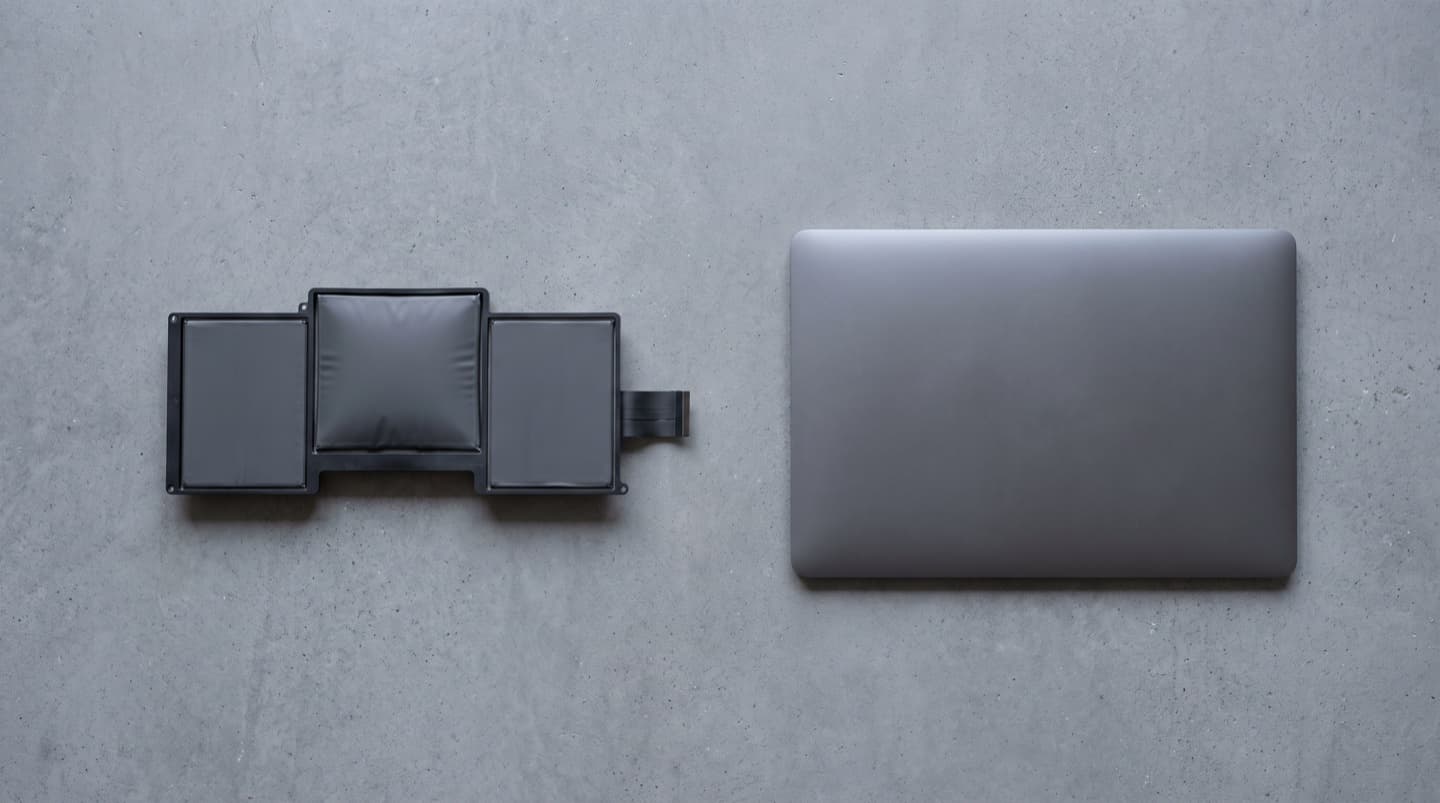
A trackpad that sits proud of the case, a machine that rocks on a flat desk, or a lid that no longer closes flush all point to a swelling battery. Stop using it, stop charging it, and do not press on the trackpad or try to prise anything open. A swollen cell is a fire risk, and it is bending the machine around it while you wait.
Why soldered storage changes the job
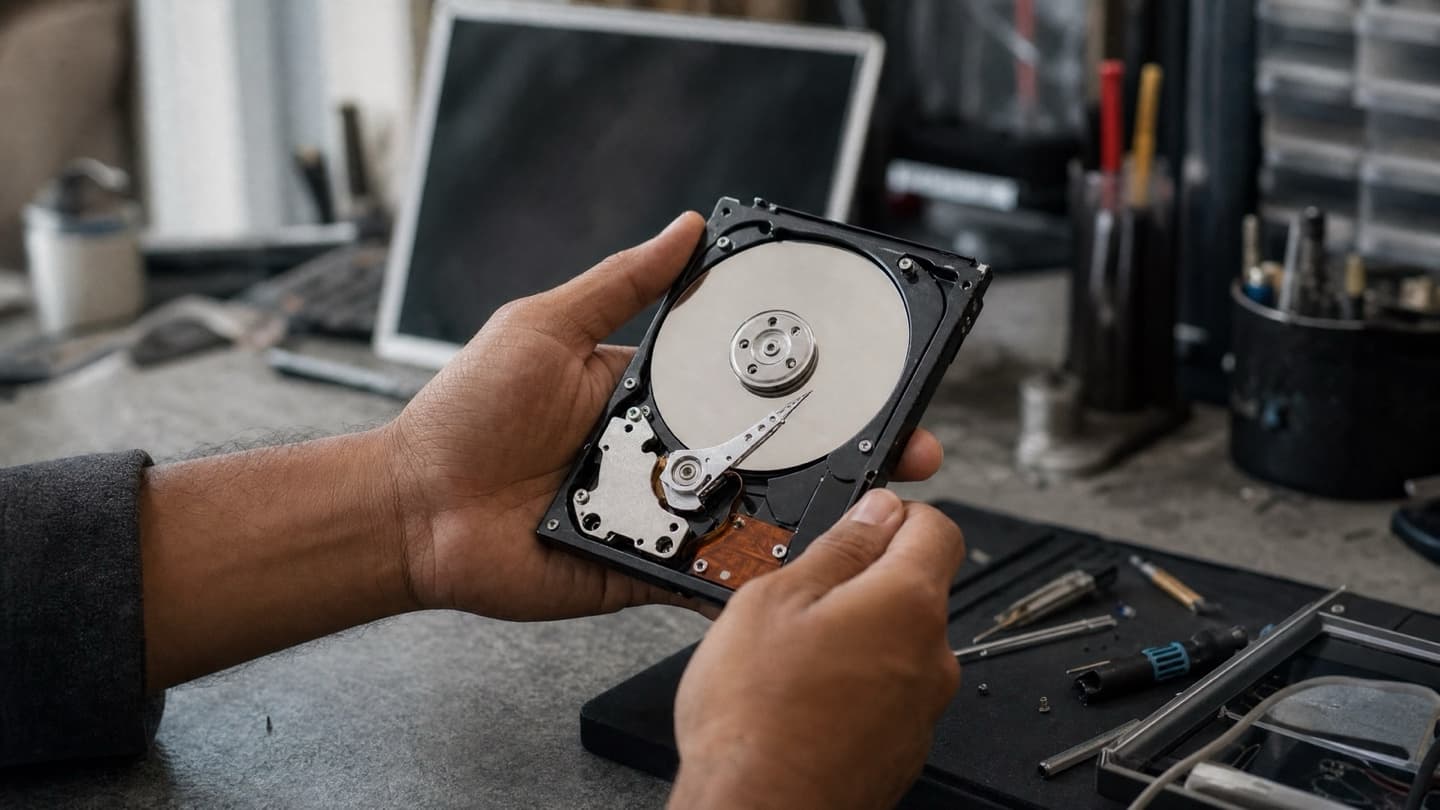
On a normal laptop, recovery is mechanical. The drive comes out, goes onto a reader, and the files come off onto something healthy. That is why we can usually tell someone their files are fine even when their laptop is a write-off.
On a T2 or Apple Silicon Mac the storage cannot be removed, cannot be moved to another Mac, and cannot be read on a standard recovery rig. The chips are tied cryptographically to that one machine. So the question stops being "can we read the drive" and becomes "can we get this board working again".
Sometimes we can. A charging fault, a failed port board or a power problem are all repairable, and if the board comes back the data comes with it. But if the board itself has failed in a way that cannot be brought back, there is no second route to the files. No lab, no specialist, no budget changes that.
That is the honest version, and it is the reason this page exists.
What we check, in order
- Whether it is actually the machine. A charger, a cable and a wall outlet account for a real share of "dead" Macs, and they cost nothing to rule out.
- Whether the machine is powering but not displaying. Fans spinning, a chime, or any warmth means the board has life and the fault is likely elsewhere. On some 2016 and 2017 13 inch MacBook Pro models a worn display cable causes uneven light along the bottom of the screen and eventually a black display past a certain opening angle.
- Whether the battery has swollen. This is the most common MacBook fault we see past about four years, and catching it early keeps it a battery rather than a battery, a trackpad and a case.
- Whether the board responds at all. This is the point where the soldered storage question stops being theoretical, and where we tell you plainly what the options are.
We diagnose before quoting anything, because on a Mac the difference between those four outcomes is enormous and guessing does nobody any favours. More on the model by model patterns on our Mac and MacBook repair page.
If you got liquid on it, do not power it on to check
Liquid usually kills the logic board rather than the storage, which on an older Intel Mac means the files are frequently fine. On a T2 or Apple Silicon machine it means precisely the thing you do not want, because the storage lives on the board that just got wet.
Either way, powering it on to see if it still works is the single worst move available. Corrosion keeps spreading for days after the spill, and every attempt to boot pushes current through a board that is actively degrading. Leave it off and get it looked at soon. We cover this in more detail on the liquid damage page.
The backup that takes one afternoon
If you own a modern Mac and everything that matters lives only on it, this is the part to act on.
- An external drive with Time Machine, which macOS will set up and then run on its own
- Or a cloud copy of the folders you would actually miss, which is not the same as having your files sync to one place
- Ideally both, because a backup in the same bag as the laptop is one theft away from not being a backup
We will set this up as part of any other job if you ask. It is the cheapest insurance in this trade and it is the one thing that makes the soldered storage question stop mattering to you.
When a Mac is worth repairing
More often than people assume. Macs hold their value and cost a lot to replace, so a battery, a keyboard or a display cable on a machine that is otherwise sound is usually money well spent.
The exceptions are a bonded display assembly on an older machine and a logic board fault on a Mac that has already had a long life. Those are the two where the repair can approach the value of the machine, and we would rather lay that out and let you decide than take the money for the first repair and let you discover the rest later.
One genuine bargain worth knowing: an older Intel iMac or MacBook Pro still running from a mechanical drive. Fitting an SSD to one of those is the biggest improvement per dollar available anywhere in this trade.
Common questions
It depends on the machine. On an older Intel Mac, usually yes, because the drive comes out and gets read directly. On a T2 or Apple Silicon Mac the storage is soldered to the logic board, so recovery means repairing the board. If the board cannot be brought back and there is no backup, the files may be gone.
Apple menu, About This Mac, and note the model and year. Broadly, Macs from around 2018 onward have either the T2 chip or Apple Silicon and their storage is part of the board. If you are not sure, tell us the model and year and we will confirm it before you spend anything.
Almost always a swelling battery. Stop using the machine and stop charging it. Caught early it is a battery replacement. Left long enough it can damage the trackpad, the case and the display.
Yes. MacBook and MacBook Pro models from roughly 2015 to 2019 used the low travel butterfly mechanism, which fails from a single crumb. It is a known pattern rather than bad luck, and on those machines the keyboard is part of the top case, which is worth knowing before anyone quotes you for a single key.
On older Intel Macs, often yes, and it makes an enormous difference on anything still running a mechanical drive. On T2 and Apple Silicon machines the storage is part of the chip package and cannot be upgraded. An external drive is the practical answer there.
Either. Drop it at the shop, or we come to you. For a Mac we usually want it on the bench, because the diagnosis involves opening it.
Bring the Mac in, or we will come to it. We will tell you what has failed, what is realistically coming back, and what it takes, before any work starts.