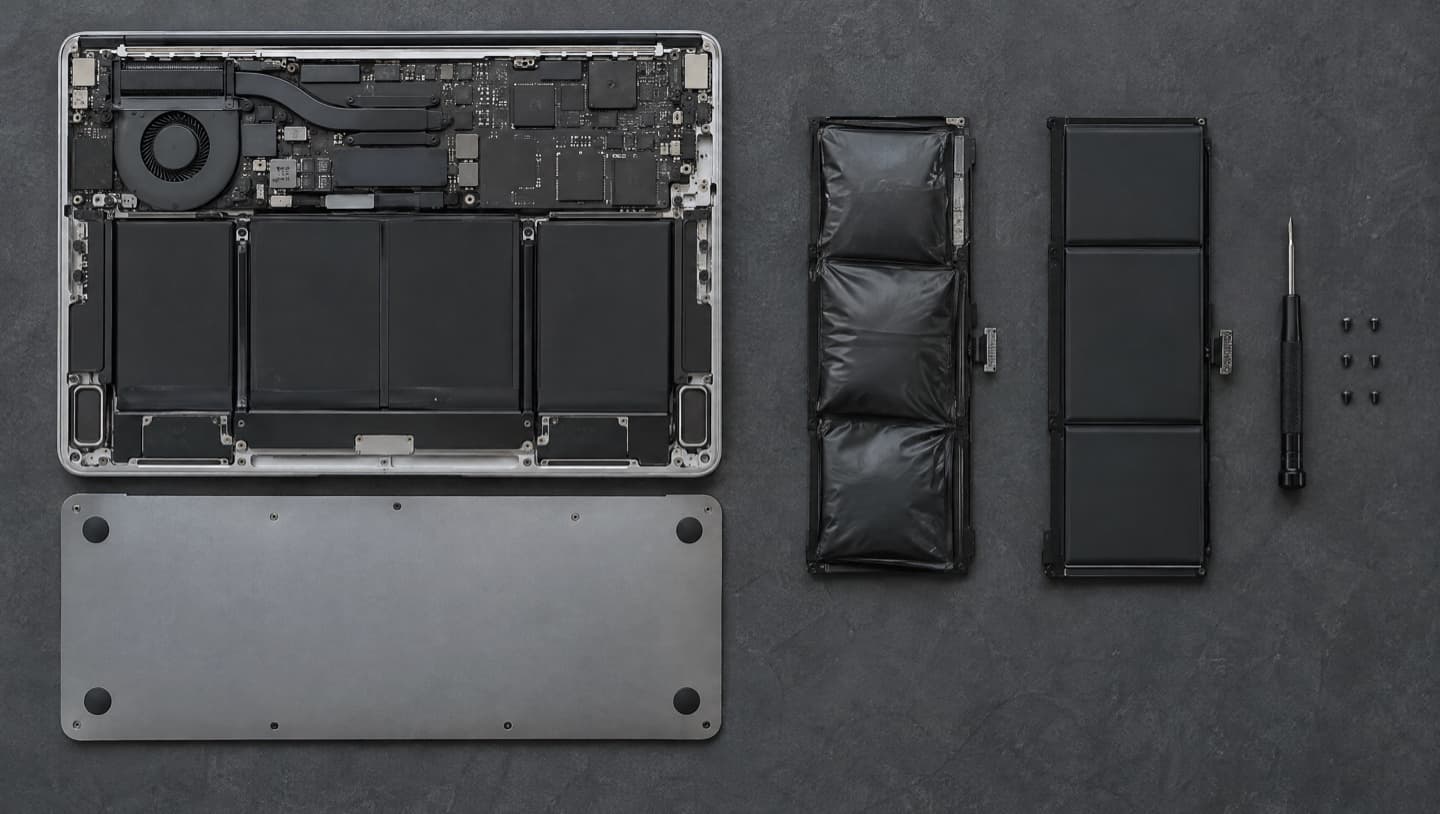

You left the laptop bag on the back seat overnight, and now it's a block of cold metal and it either won't turn on or you're about to try. In a Calgary winter that's one of the easiest ways to hurt a laptop, and almost all of the damage happens in the ten minutes after you bring it inside, not during the night it spent in the car. The cold mostly makes it sluggish. Warming it up too fast and charging it too early are what break things.
- Don't open it, charge it or turn it on straight away. Give it time to reach room temperature first.
- Leave it closed in its bag while it warms up, so any moisture forms on the bag and not on the board.
- Never speed it up with a heater, a vent or a hair dryer.
- Don't plug it in until it's warm. Charging a lithium battery below freezing damages it permanently.
- A cold laptop that won't start often just has a cold battery. Try again once it's warm before assuming the worst.
Why a cold laptop won't start
Laptops are built to run in a warm room. Apple, for one, says its laptops should be used between 10 and 35 °C and specifically warns against leaving them in a parked car. A car in a Calgary January sits far below that range overnight.
Most of what goes wrong in the cold is temporary. A lithium battery's internal resistance rises sharply when it's cold, so it can't deliver its charge the way it does at room temperature. A laptop that was at 80 percent when you left it can appear dead, show a much lower charge, or shut off a few seconds after starting. Screens get slow and smeary when they're very cold, too. Both of those usually come back to normal on their own once the machine warms up.
So the first rule is that a cold laptop that won't turn on is not yet a broken laptop. Not sure whether yours has warmed up enough, or it's been a full day and it's still dead? We look at laptops in your home across Calgary, and it's no fix, no fee.
The real risk: condensation
When a very cold object comes into a warm room, moisture in the air condenses on it. You've seen it on a glass of ice water, and on your glasses walking in from the cold. The same thing can happen inside a laptop, on the board, the connectors and the keyboard, and water on a powered board is how a temporary cold problem turns into a permanent one.
Calgary's winter air is dry, which helps. But a laptop brought from minus 25 into a warm kitchen, a steamy bathroom or a room with a humidifier running is still a good candidate for condensation, and you can't see inside the case to check.
That's why the order matters:
- Bring it inside, but leave it closed and in its bag or case.
- Put it somewhere at normal room temperature, away from heaters, vents and the stove.
- Leave it to warm up. Give it at least an hour, and longer if it was in the car all night in deep cold. The colder it got, the longer it needs.
- Once the case feels room temperature all over, take it out and check for any moisture.
- Only then open it and turn it on.
- Plug in the charger last, after it's warm and running normally.

Keeping it in the bag slows the warm-up, which is the point. Moisture forms on the outside of the bag instead of inside the machine.
A hair dryer, a space heater or a heating vent warms the outside of the laptop much faster than the inside, which is a good way to get moisture forming on cold internal parts and to stress the screen and board with uneven heat. Patience is the fix here. There isn't a shortcut that's safe.
Don't charge a frozen battery
This is the part that does lasting damage, and it's the one nobody warns you about. Lithium batteries, the kind in every modern laptop, can be used in the cold but must not be charged below freezing. When they are, metallic lithium can build up inside the cell, which permanently reduces how much charge it holds and makes it less safe. The battery can look like it's charging perfectly normally while that's happening.
So even if the laptop is dead and your first instinct is to plug it in, don't. Let it warm up first. Some laptops will refuse to charge when the battery is too cold, but you shouldn't rely on that.
If a laptop has been charged cold before, or has spent a lot of winters in the car, it's worth checking how worn the battery is. Our guide to checking laptop battery health shows how to read the numbers on Windows and Mac.
Older laptops with spinning hard drives
Most newer laptops use solid state storage with no moving parts. Older ones, and a lot of budget laptops, still have a spinning hard drive, and drive makers typically list a minimum operating temperature a few degrees above freezing. A spinning drive started while it's still very cold is under more strain than it should be.
That's another reason to wait until the whole machine is at room temperature before you start it. If you hear clicking, grinding or scraping when you do, shut it down straight away and leave it off. That's a drive in trouble, and every restart makes it worse. Our hard drive failure warning signs covers what those sounds mean.
If it still won't turn on once it's warm
Once it's been at room temperature for a few hours and it still won't start, the cold may not be the cause at all, or it may have finished off something that was already on its way out. Work through the usual checks:
- Plug in the charger now that it's warm, and leave it for half an hour before trying again
- Try a different outlet, and a different charger if you have one that fits
- Hold the power button for 30 seconds with the charger unplugged, then plug it in and try again
- Watch for any charging light, fan noise or keyboard backlight, which tells you whether it's getting power at all
The full sequence for a dead laptop is in computer won't turn on. If the laptop got wet, from snow melting in the bag or a spilled drink that froze, treat it as liquid damage instead: keep it off, don't charge it, and have it opened up and dried properly before it's powered on.
If the laptop holds anything you can't replace, and it won't start after warming up, don't keep retrying. Get the files off first. Data recovery is a very different job from getting the laptop running again, and repeated attempts on failing hardware can make it harder.
How to avoid it next time
The simplest fix is not leaving the laptop in the car. When that's not possible, a few habits help:
- Shut it down fully rather than putting it to sleep before it goes in the car
- Keep it in a padded bag, which slows how fast it cools and how fast it warms
- Take it in with you on any errand longer than a quick stop
- Carry it in the cabin, not the trunk, on a long winter drive
The same advice runs the other way in summer. A car parked in the sun gets far hotter than a laptop should ever be, and heat ages a battery faster than anything else.
Common questions
At least an hour, and longer if it was in the car overnight in deep cold. Leave it closed in its bag at room temperature until the whole case feels room temperature, check it for moisture, and then turn it on. There's no harm in waiting longer.
Cold on its own mostly makes a laptop sluggish, with a battery that seems dead and a slow screen, and those usually recover once it warms up. The damage tends to come from what happens next: condensation from warming it too fast, and charging the battery while it's still below freezing.
Probably not yet. A cold lithium battery can't deliver its charge properly, so the laptop can look completely dead. Let it warm up to room temperature, then plug it in and try again. If it still won't start after a few hours at room temperature, something else is wrong.
Not until it's warm. Charging a lithium battery below freezing causes permanent damage inside the cell, and it can look perfectly normal while it's happening. Warm it up first, then plug it in.
No. Fast, uneven heat makes condensation on cold internal parts more likely and puts stress on the screen and board. Leave it in its bag at room temperature and let it warm up on its own.
When it's worth calling someone
If it's been warm for hours and still won't start, if it got wet, or if it starts but something is clearly wrong, like a cracked-looking screen, clicking from inside, or a battery that suddenly won't hold a charge, it's time to have it looked at. We'll tell you what the cold actually did, agree a price before any work, and get your files off first if they're at risk.
We come to you across Calgary and out to Airdrie, Chestermere, Cochrane and Okotoks, or book a time at the bench in West Springs. Outside Calgary there's a travel fee, confirmed before we head out. Price agreed before any work, and no fee if we can't fix it. Here's how visits are priced.