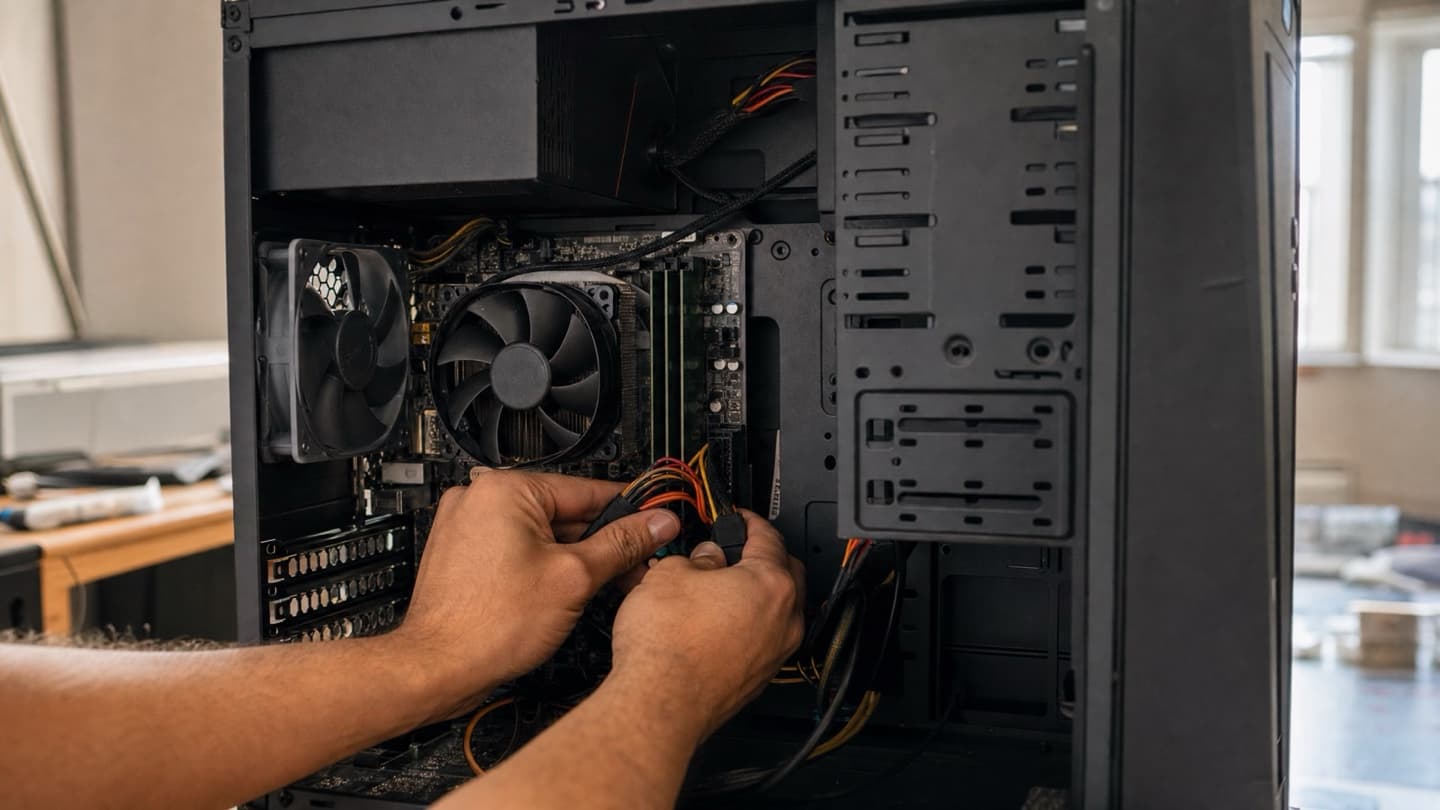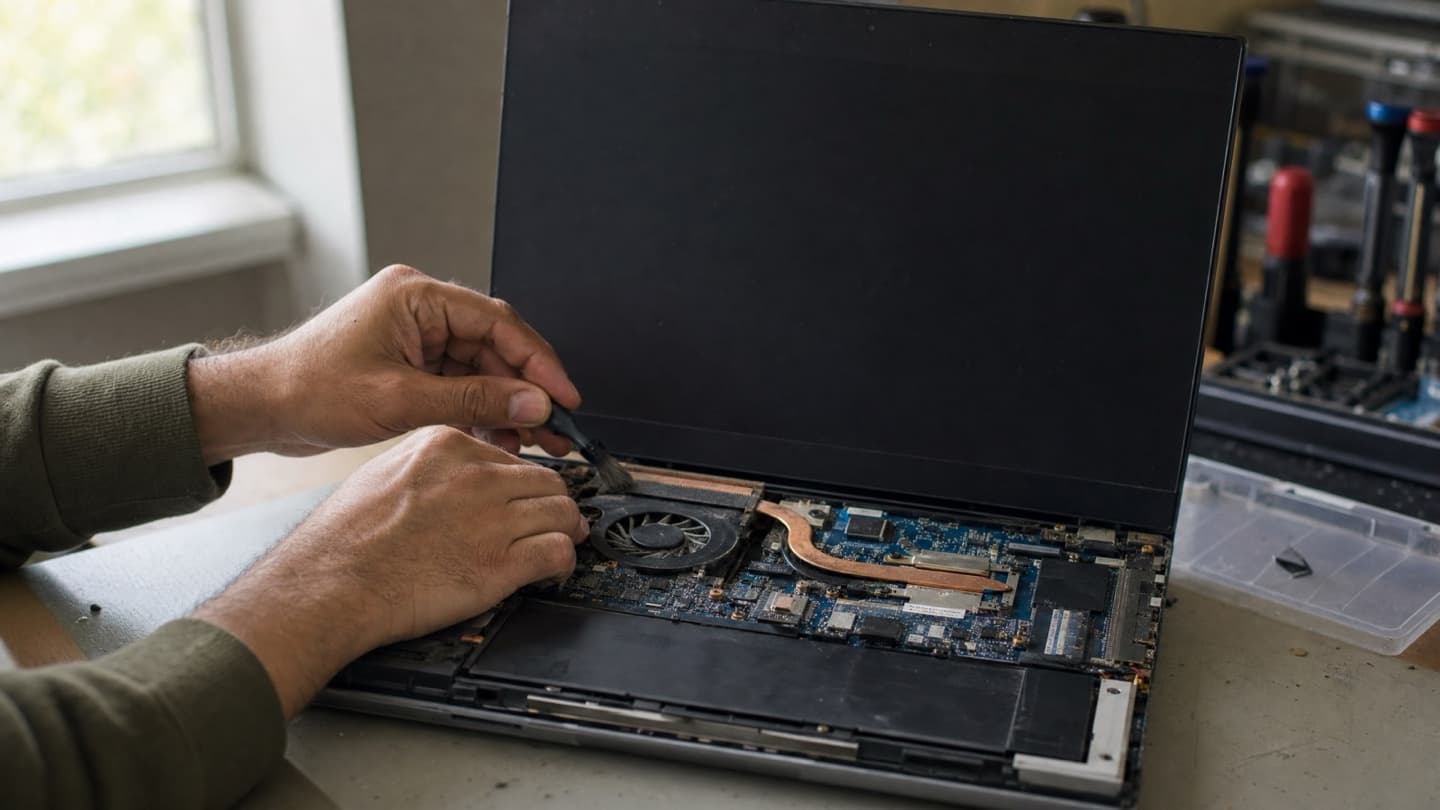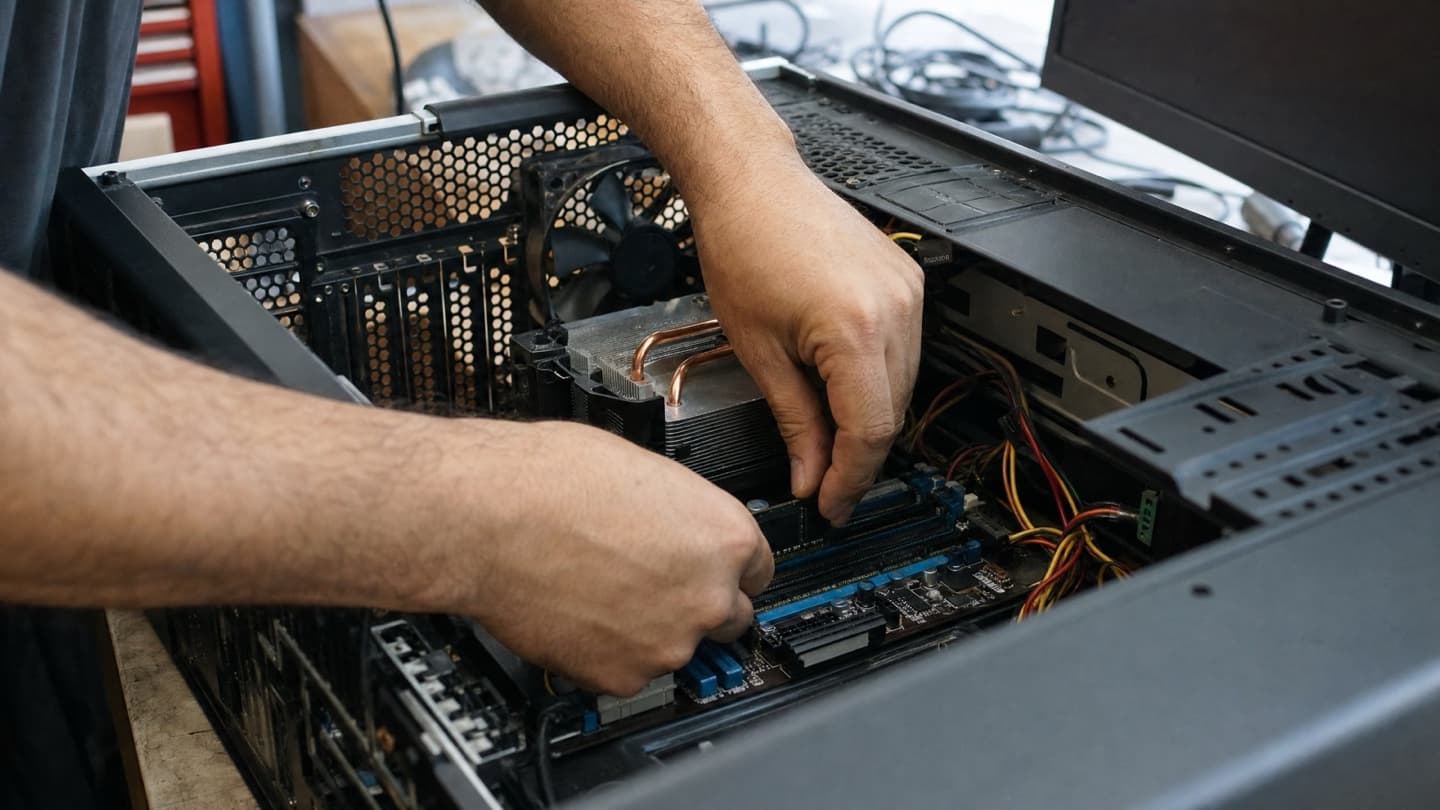
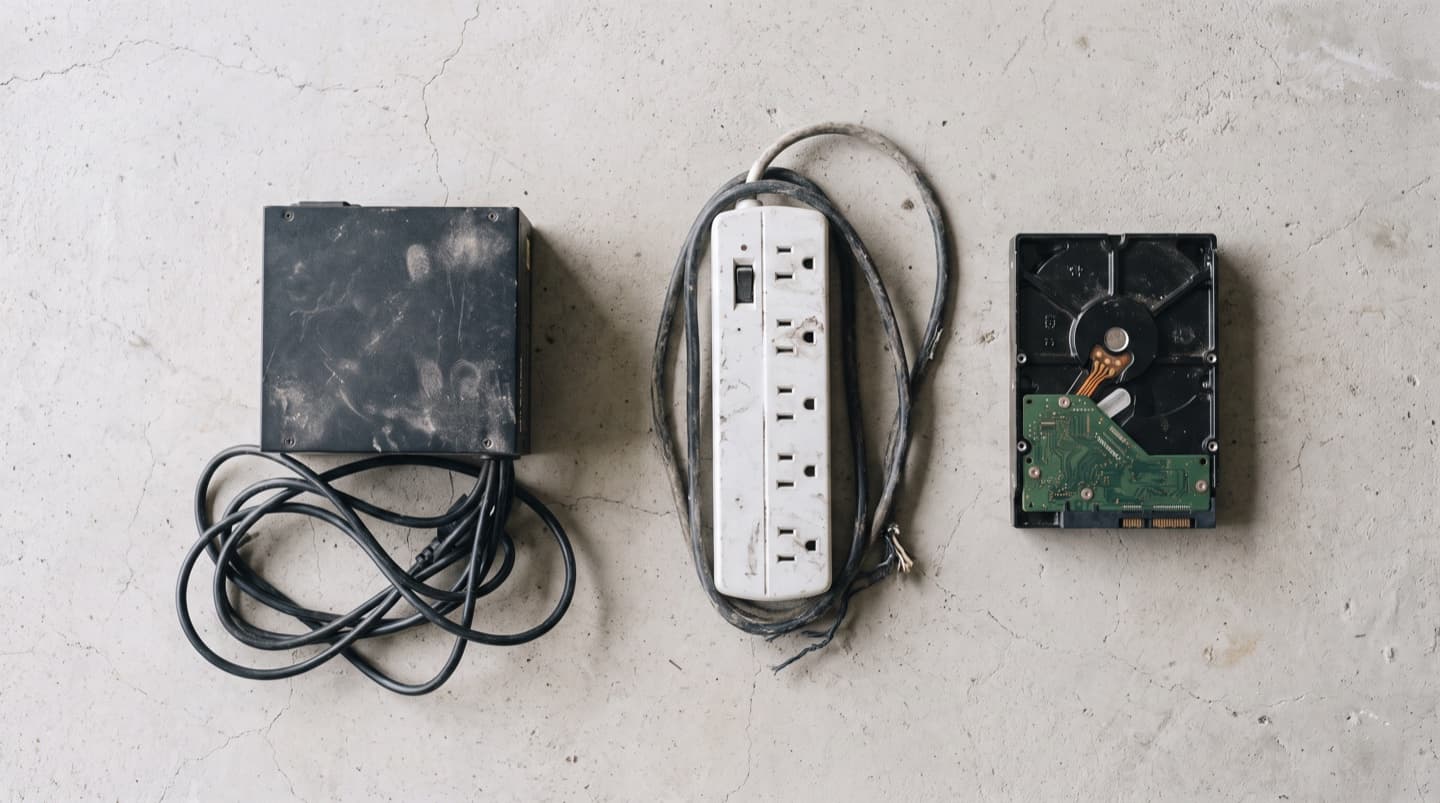
The power flickered, came back a few seconds later, and now the machine sits there doing nothing. Or it lights up, spins its fans, and hangs before Windows ever loads. A computer that dies during an outage is a different problem from one that simply refuses to wake up on a normal morning, because a power event damages specific parts and leaves everything around them untouched. Knowing which parts narrows this down fast.
- Two separate things happen in an outage: the abrupt stop when the power leaves, and the surge when it comes back.
- On a desktop, the power supply takes the hit most often, and it is the one part you cannot confirm at home without a spare.
- A machine that boots up fine afterward can still have a drive that got hurt. Back up before you relax.
- A power bar is not a surge protector, and neither one prevents abrupt-stop damage. Only a battery backup does.
- If the drive is clicking or grinding after an outage, stop trying. Every retry spends data you might still get back.
What a power cut actually does to a computer
Two different things go wrong, seconds apart, and they break different parts.
The first is the abrupt stop. A computer is built to shut down in an order: finish the write, park the drive heads, spin down, cut power. An outage skips all of that. On a mechanical hard drive, the read/write heads float on a cushion of air a hair above the spinning platters, and when power vanishes that cushion goes with it. The heads are supposed to park themselves clear in the time they have. Usually they manage. Sometimes they don't.
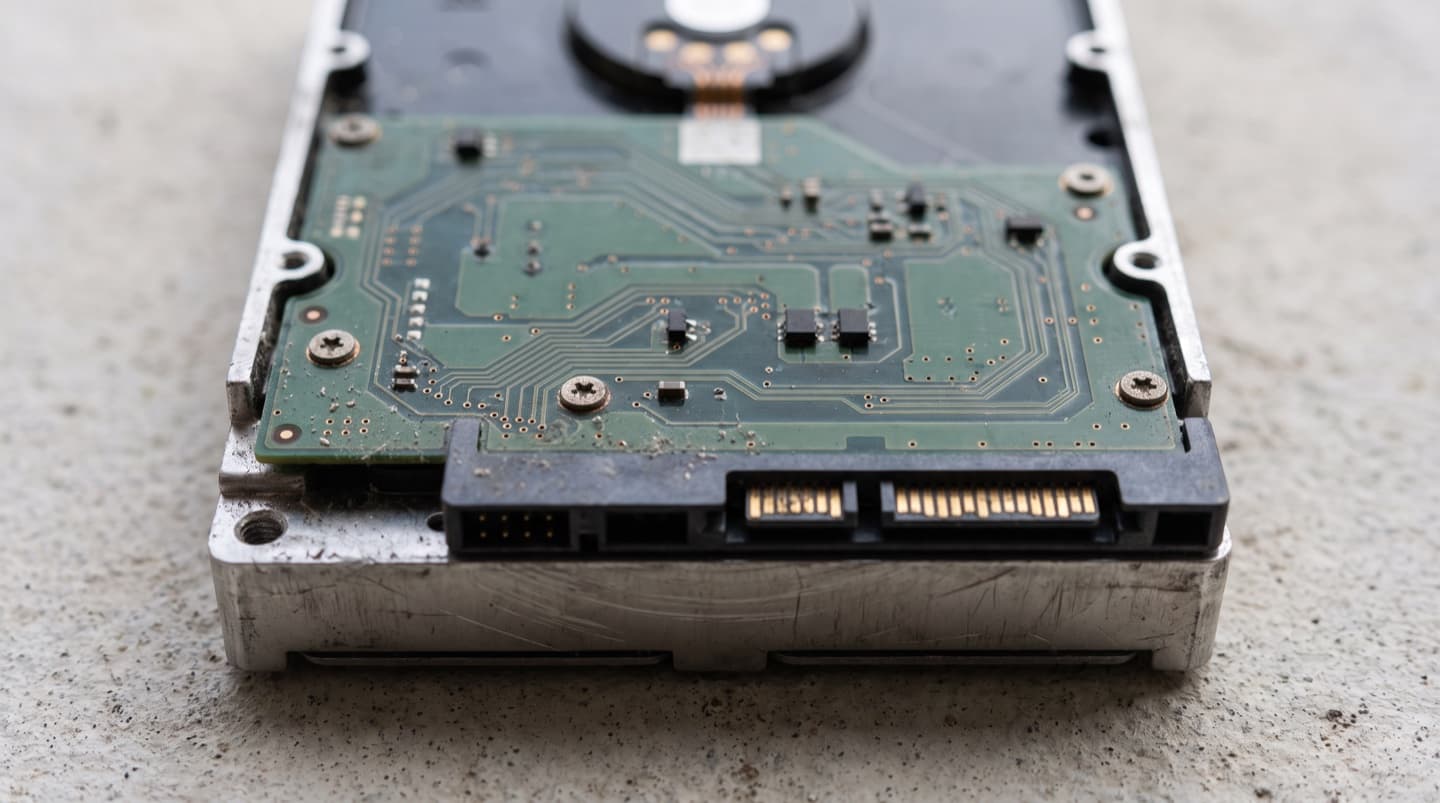
The second is the surge on the way back. Power rarely returns politely. It comes back as a spike, and the parts that meet it first are the power supply in a desktop and the small control board on the underside of a hard drive. A surge does not need to last long to short one of those boards. That is why a machine can survive the outage itself and then die the moment the lights come back on.
Both of those are worth knowing before you start opening things, because they point at different repairs. Not up for pulling the side panel off after a storm? We come to you across Calgary, usually same day, and it's no fix, no fee.
Calgary gets a lot of practice at this
This is not a rare event here. Storm season runs through the summer, and the Insurance Bureau of Canada put the August 2024 Calgary hailstorm at more than 130,000 claims, the second-costliest disaster in Canadian history, with roughly one in five Calgary homes affected. Wind and hail take out power across the quadrants most summers, and winter brings its own version.
The practical effect is that after a bad night, a whole street has the same problem at once. If your machine came back and your neighbour's didn't, that is not luck. It usually comes down to what each of you had it plugged into.
The free checks, in the right order
Everything here costs nothing and rules out the easy causes before you start suspecting the expensive ones.
- Unplug the computer from the wall completely. Not the power bar, the wall.
- Hold the power button down for 30 seconds with it unplugged. This drains the residual charge that keeps some boards in a stuck state.
- Check the power bar or surge protector itself. Many have a breaker that trips and a reset button, and a tripped bar looks exactly like a dead computer.
- Plug the computer straight into a wall outlet, skipping the bar entirely, and try again.
- Confirm that outlet is live with a lamp, and check your breaker panel. Outages sometimes trip a breaker on the way back.
- On a desktop, check the I/O switch on the back of the power supply. It gets knocked more often than you would think.
If the machine wakes up at step 3 or 4, the power bar took the surge instead of your computer. That is exactly what it was there for, and it is now scrap. Replace it, because a surge protector that has done its job once is not guaranteed to do it again.
A surge protector that has already taken a hit is not a surge protector anymore. It is a power bar with a light on it.
Still nothing? The power supply is the prime suspect
On a desktop with no lights and no fans after an outage, the power supply is where the odds sit. It is the part that meets incoming power first, and it is designed to fail before the expensive things behind it do.
Here is the honest part, and it is the same as it is for any dead desktop: you cannot confirm a bad power supply at home without a known-good one to swap in. The paperclip test that makes the fan spin only proves the unit switches on. It says nothing about whether it is holding steady voltage under load, which is exactly the way a surge-damaged unit tends to fail. If you have ruled out the outlet, the bar, and the switch, this is the sensible point to stop guessing.
On a laptop the same logic lands on the charger instead. Chargers are cheap, exposed, and they die in surges constantly. If a laptop is dead after an outage, borrow a compatible charger before you assume the laptop is the problem. We cover the full dead-machine sequence in computer won't turn on if you want the checks that apply whether or not there was a storm.
It powers on but Windows won't load
Different failure, and mostly better news. If the machine posts, shows the maker's logo, and then loops, hangs, or drops into a recovery screen, the hardware is probably fine and the outage caught Windows mid-write.
Files that were open when the power went are the ones at risk, and the operating system's own bookkeeping counts as an open file. Startup repair from the Windows recovery options fixes a good share of these. So does rolling back the last update if the outage happened to land during one.
What matters is what you do before that. If anything you care about is on that drive and not backed up anywhere else, the repair attempt is not the first move. Copying is.
A drive that makes a rhythmic click or a grinding noise after an outage has likely had heads touch the platters. Every time you power it up to try again, the damage widens and the recoverable data shrinks. Shut it down, leave it off, and get it looked at. That noise is the one symptom where doing nothing is the skilled move, and data recovery is a very different job from a repair.
The part almost everyone misses
Your drive experienced the same event the rest of the machine did, and it does not have to fail immediately to have been hurt.
Mechanical drives can survive a head contact and keep working for weeks before the damaged patch matters. Solid state drives are immune to the mechanical problem but not to the electrical one, and they can lose the mapping tables that tell them where your files live. A machine that boots normally after an outage tells you the power supply survived. It does not tell you the drive did.
So the first thing to do after a computer comes back from an outage is not to celebrate. It is to copy anything irreplaceable onto something else. An external drive, a cloud folder, either. Ten minutes of copying now is the cheapest insurance available, and it is the step people skip precisely because the machine seems fine. The warning signs worth watching for afterward are in hard drive failure warning signs.
Surge protector, power bar, or battery backup
These three get used interchangeably in conversation and they do genuinely different jobs. This is the table worth reading before you buy anything.
| Stops the surge | Rides out the outage | What it actually does | |
|---|---|---|---|
| Power bar | No | No | Splits one outlet into six. That is the whole feature. |
| Surge protector | Yes, once | No | Absorbs a spike so your gear doesn't. Wears out doing it, sometimes silently. |
| Battery backup (UPS) | Yes | Yes | Keeps the machine running for a few minutes so it can shut down properly, or so you can. |
The distinction that matters: a surge protector handles the spike coming back, but it does nothing about the abrupt stop, because when the power leaves it leaves. Only a battery backup gives the computer the seconds it needs to park its drive and close its files in order.
For a machine holding work you would miss, a basic battery backup is the single most effective thing you can put between the wall and the computer. It does not need to be large. It needs to last long enough to shut down cleanly.
Surge protectors degrade every time they absorb a hit, and most give no indication that they are spent. If yours has been on the same wall through several Calgary storm seasons, it is doing less than you think it is. Anything with a "protected" light that no longer lights is finished.
What to check, in order
Free and non-destructive first, working down to the things that need parts.
- Unplug from the wall and hold the power button for 30 seconds.
- Reset or bypass the power bar, and test the computer straight into the wall.
- Confirm the outlet is live and check the breaker panel.
- On a desktop, check the power supply switch on the back.
- On a laptop, try a different charger before suspecting the laptop.
- If it posts but Windows won't start, back up what you can reach, then run startup repair.
- If the drive is making noise, stop there and leave it off.
- If it is still dead with the outlet and bar ruled out, the power supply needs testing against a known-good unit.
When it's worth calling someone
The two causes that end this list, a damaged power supply and a drive that took a hit, are both the kind you cannot settle without spare parts on hand. That is the point where guessing gets expensive, because the usual next move is buying a part on a hunch and finding out it was the other one.
We find out what the outage actually broke and agree a price with you before anything happens. If it is an older tower where a new power supply plus labour costs more than the machine is worth, we'll say so plainly. And if the drive is the problem and your files are on it, that gets handled first, before anyone tries to make the thing boot again.
We come to you across Calgary and out to Airdrie, Chestermere, Cochrane and Okotoks, so the tower stays where it is. Outside Calgary there's a travel fee, confirmed before we head out. You get a price before any work, an honest answer about whether it's worth repairing, and no fee if we can't fix it. Here's how visits are priced.
Common questions
Yes, in two different ways. The abrupt loss of power can leave a mechanical drive's heads in contact with the platters, and the surge when power returns can short the power supply or a drive's control board. The surge on the way back causes more failures than the outage itself.
Mostly, but not certainly. A successful boot proves the power supply survived. It does not prove the drive did, and drive damage can sit quiet for weeks before it shows. Copy anything irreplaceable to another disk or the cloud now, while the machine is cooperating.
Yes, against the spike, and that is the more common cause of damage. It does nothing about the abrupt stop, and it wears out as it absorbs hits, often without any sign. If yours has been through several storm seasons, replace it. A battery backup is what covers both problems.
That usually means the outage interrupted a write, not that the hardware is broken. Startup repair from the Windows recovery options fixes many of these, and rolling back a recent update fixes more. Back up anything you can still reach before you start repairing, in case the drive is the real problem.
Turn it off and leave it off. Clicking after a power loss usually means the heads have touched the platter surface, and each additional attempt to boot grinds away more of what is recoverable. This is the one case where the right move is to stop immediately and have the drive looked at rather than retried.