A restart is not a freeze. A freeze locks up and sits there. A restart drops everything and reboots on its own, usually with no warning and no error you can read. Whatever you had open is gone. The reboot is almost always Windows or the hardware protecting itself from something, so the useful question isn't "how do I stop the restart," it's "what is it protecting itself from."
- Sort the restart by type first: a clean power-off points at hardware, a blue screen points at software.
- Turn off automatic restart so you can actually read the blue screen and its stop code.
- Overheating is the most common cause and the easiest to confirm with a free temperature monitor.
- On desktops, a tired power supply and reseated RAM or cables are the usual fixes.
- A failing power supply or a marginal board can't be confirmed without spare parts to swap in.
Two kinds of restart, and why the difference matters
Sort yours into one of these first. It changes where you look.
- Sudden power-off then reboot, like someone pulled the plug. Instant, no blue screen. This points at hardware: heat, power, or a loose connection.
- A brief blue screen, then a reboot. Windows hit a crash (a BSOD), logged it, and restarted. By default Windows reboots so fast you may never see the screen. This points at drivers, memory, or system files.
If you're not sure which you're getting, turn off the automatic reboot so you can actually read the blue screen when it happens. Search "View advanced system settings," open Startup and Recovery settings, and untick Automatically restart under System failure. Next crash, you'll see the stop code. Write it down. It's the single most useful clue you'll get.
Rather not chase it yourself? We come to you across Calgary, usually same day, and if we can't fix it, you don't pay. Here's how visits are priced.
The common causes, and how to tell them apart
Overheating (the sudden power-off type)
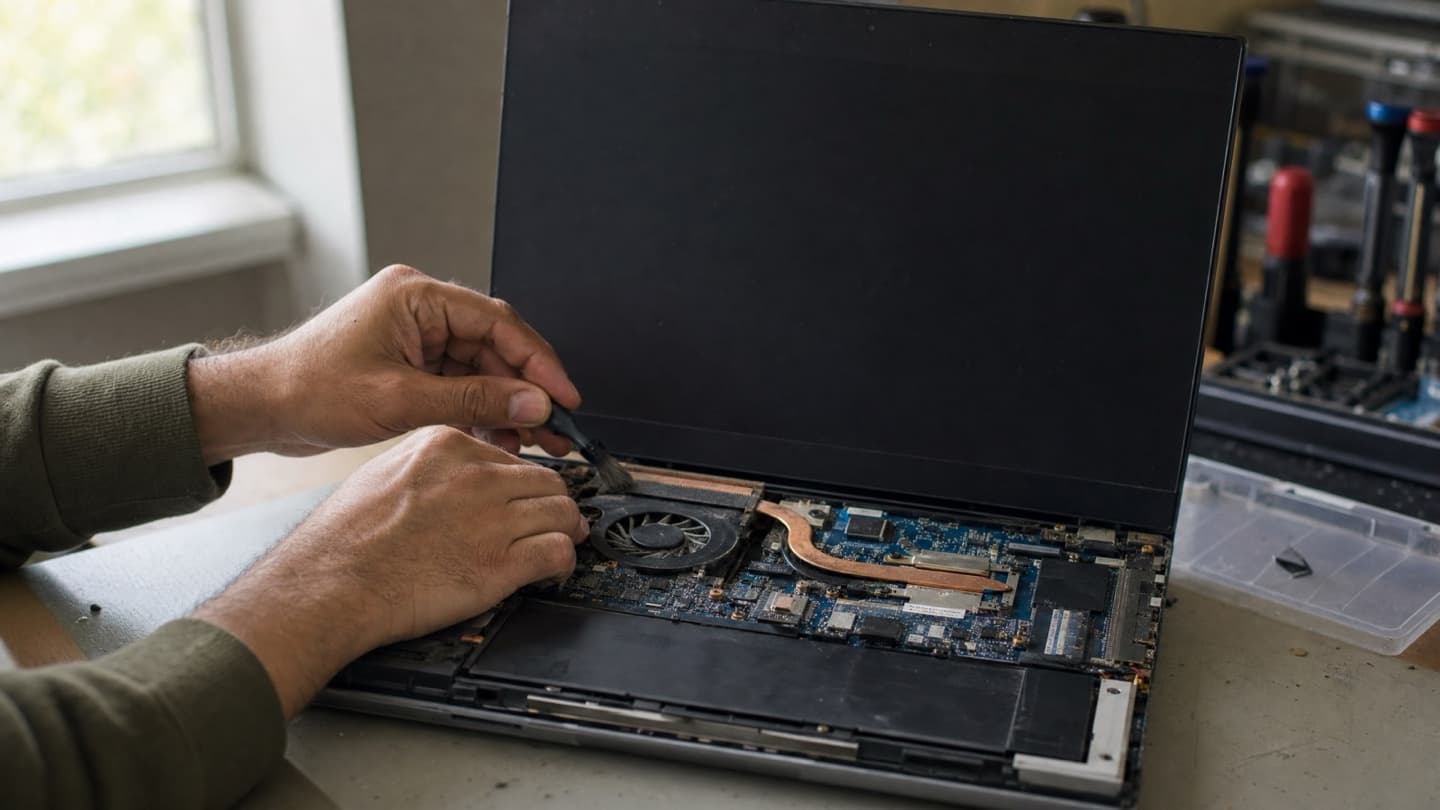
When a CPU gets too hot, it doesn't politely warn you. It cuts power to save itself, and the machine reboots. If your restarts happen during games, video calls, or anything demanding, and the fans are loud right before, heat is the first suspect.
Check it with a free monitor like HWMonitor while you push the machine. Temperatures spiking past roughly 95 C right before a reboot is the confirmation. The fix is almost always cleaning out packed dust and replacing dried thermal paste. We go deeper on this in laptop overheating fixes.
A failing power supply (desktops)
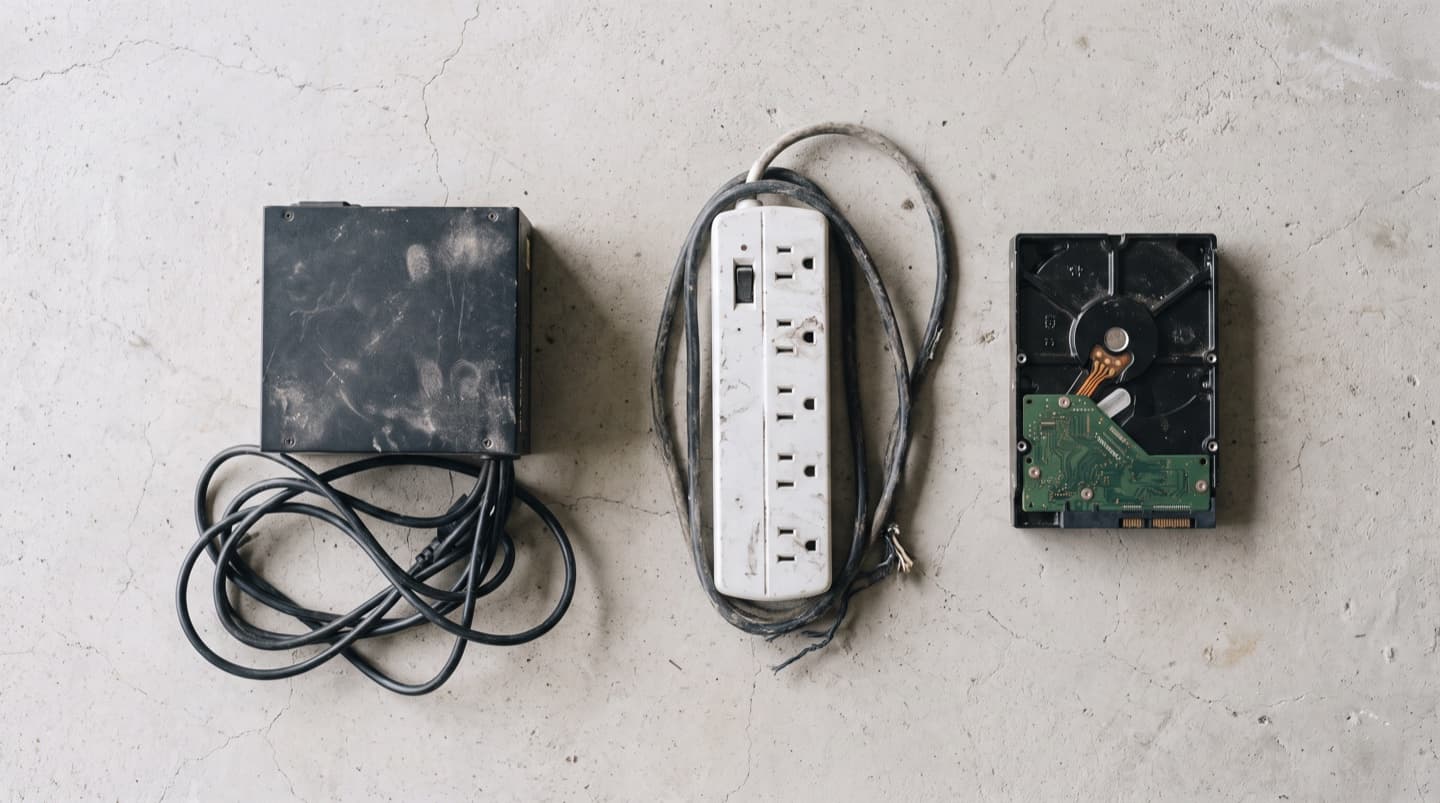
On a desktop, an aging power supply is a classic reboot cause and an easy one to miss. When it can't deliver steady power under load, the system drops and restarts. The tell is that it reboots when demand spikes: a game loads, or the machine wakes up and works hard. Older desktops are the usual patients. This one is hard to confirm without swapping in a known-good unit, which is a good reason to get it tested rather than guess.
Bad RAM (either type)
Faulty memory triggers both flavors: sometimes a blue screen and reboot, sometimes a hard drop. It tends to act up under multitasking or heavy load. Run the built-in test: type "Windows Memory Diagnostic" in Start, let it restart, and it checks your RAM on the next boot. MemTest86 overnight is the thorough version. Errors mean a cheap hardware fix.
Driver conflicts (the blue-screen type)
Corrupted or mismatched drivers, graphics ones especially, throw the crashes that reboot the machine. If the restarts started right after a driver or Windows update, that's your lead. Update the graphics driver from the maker's site (Nvidia, AMD, or Intel), and if it began with a specific update, roll that one back.
A bad Windows update
Updates occasionally leave the system unstable or, worse, stuck in a loop where it reboots before it finishes booting. If yours restarts on its own right after an update, or won't get past the login screen, the update is the prime suspect. Booting into Safe Mode and uninstalling the most recent update is usually the way out.
Malware
Some infections cause instability and reboots while they run, and they run the CPU hot enough to make things worse. If the machine also feels slow, throws pop-ups, or the fan never rests, get it scanned. A proper virus removal clears out what's hiding.
If you catch a blue screen, the stop code (something like KERNEL_SECURITY_CHECK_FAILURE) narrows the cause a lot. Note the exact text before it reboots. It's the best free clue you have.
What to check, in order
Free and non-destructive first. Work down the list.
- Turn off automatic reboot so you can read the blue screen and get the stop code.
- Watch temperatures under load with HWMonitor. Heat is the most common cause and the easiest to confirm.
- Check Reliability History (search "reliability" in Start) for a change that lines up with when the reboots began, like an update or a new driver.
- Test the RAM with Windows Memory Diagnostic or MemTest86.
- Undo the last update or driver if the timing matches. Safe Mode if you're stuck in a loop.
- Scan for malware if it's also slow or full of pop-ups.
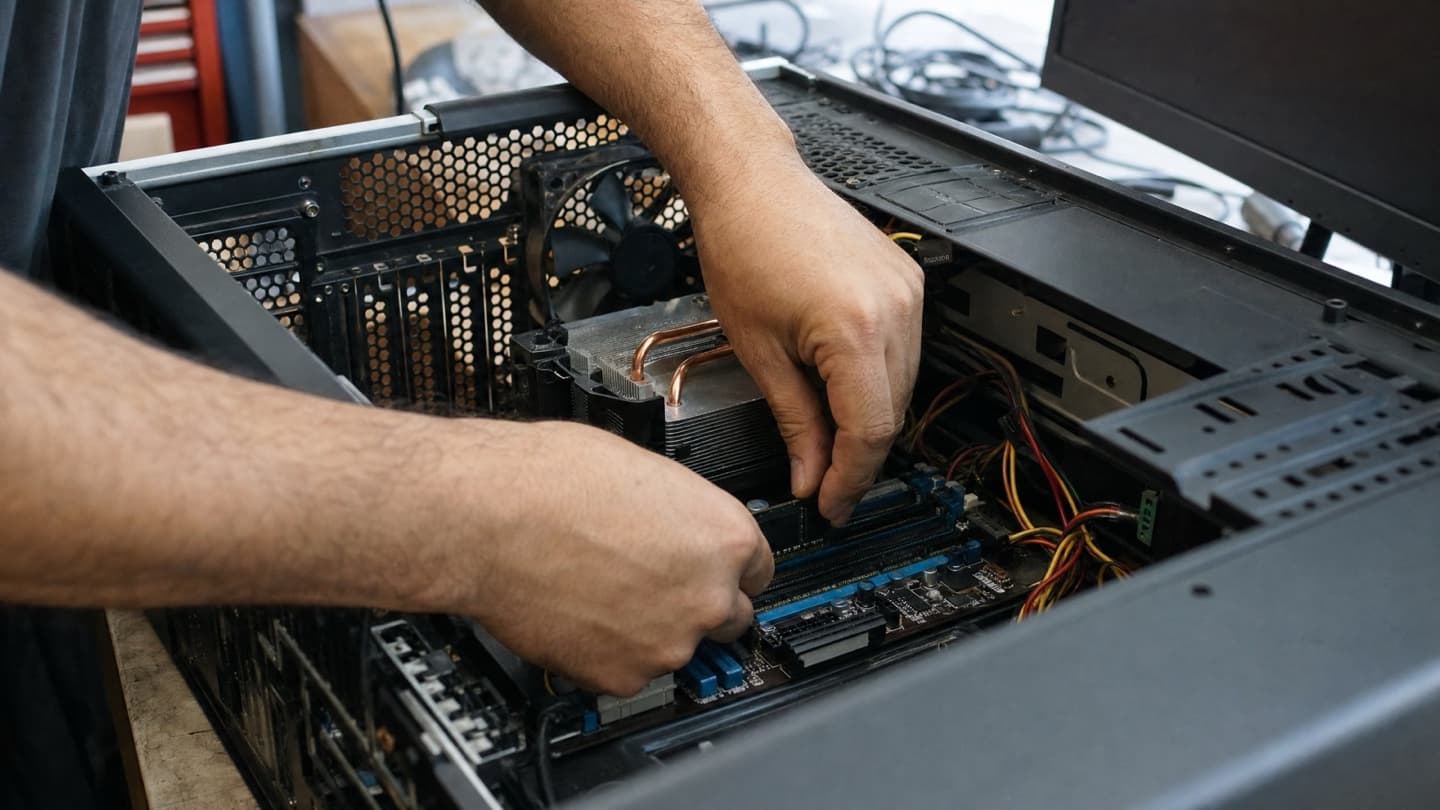
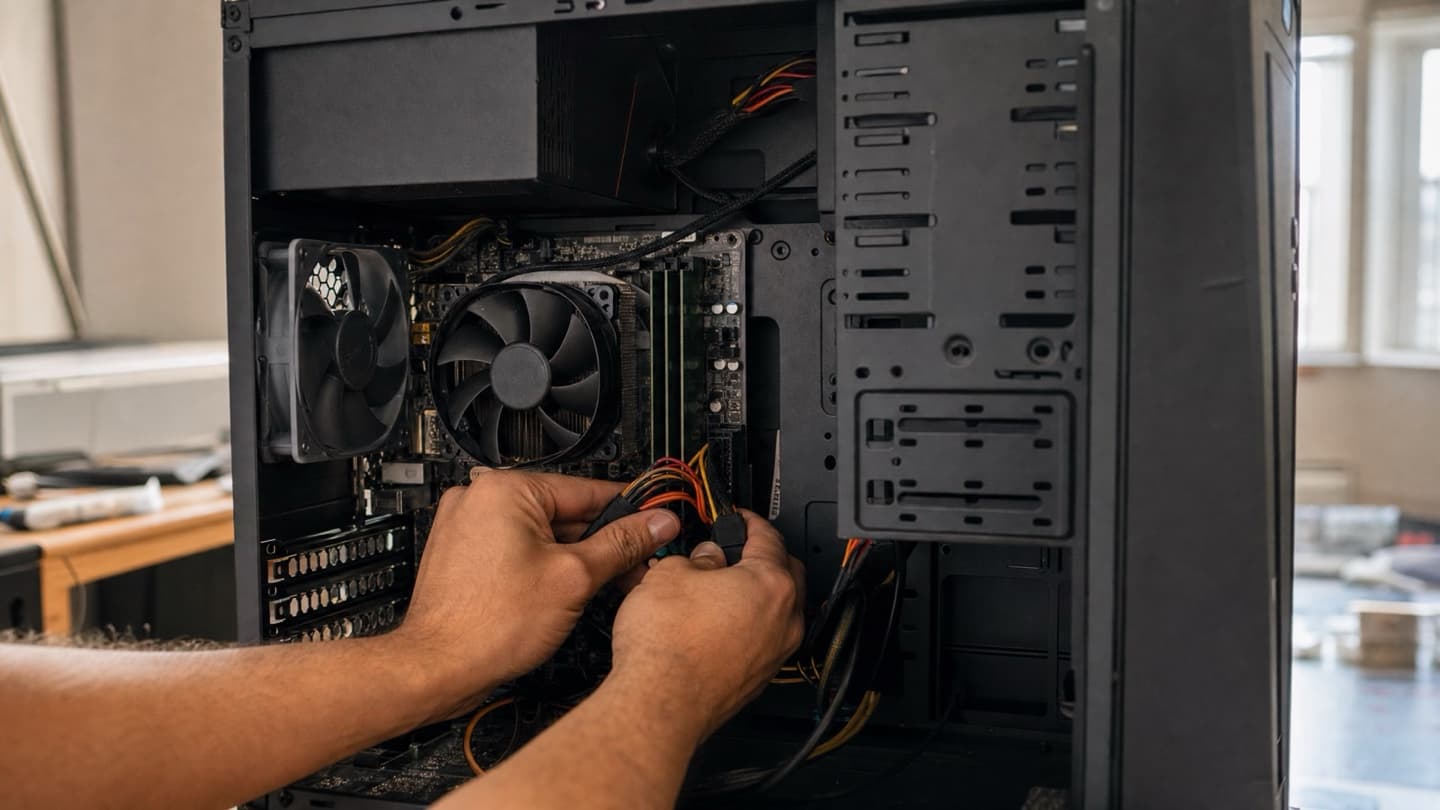
- On a desktop, reseat the RAM and power connectors. A cable that's worked loose does exactly this.
When it's worth calling someone
A frozen machine you can usually poke at. A machine that reboots itself doesn't give you much time, and the two hardest causes, a failing power supply and a marginal motherboard, are the ones you can't confirm without spare parts to swap in. If you've been down the list and it keeps rebooting, or the trail leads to hardware you'd rather not buy on a hunch, that's the point to hand it off.
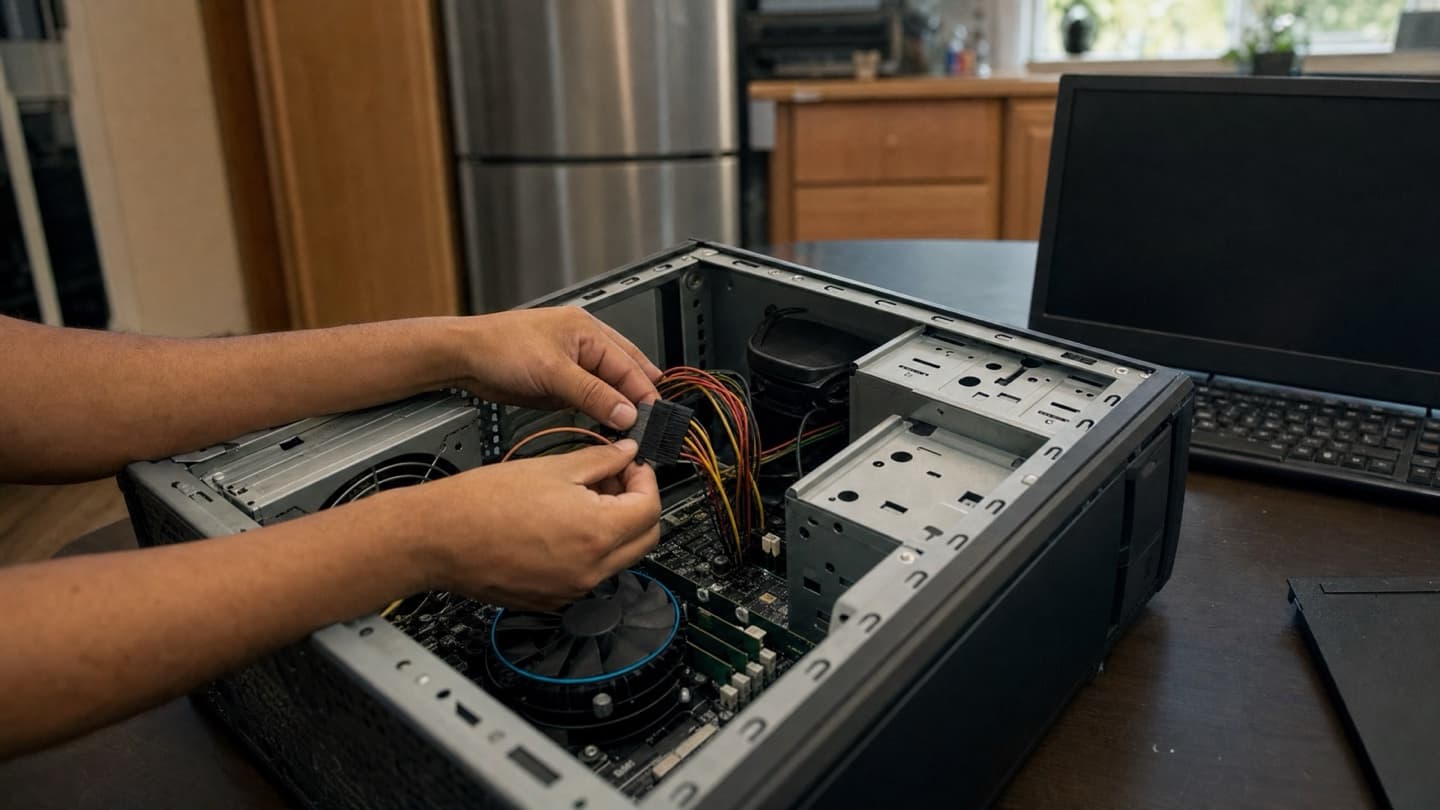
The useful question isn't how do I stop the restart, it's what is it protecting itself from.
If it's an older desktop where a new power supply and the labour outweigh the machine's worth, we'll tell you straight rather than sell you the repair.
If your computer freezes and sits there rather than rebooting, that's a different problem. Start with the computer freezing randomly guide. And if it won't come back on at all after a reboot, see computer won't turn on.
That usually points at power or the board, and those are the causes you can't confirm without spare parts. We diagnose it, tell you the actual cause, and quote a flat price before we touch anything. We come to you across Calgary, Airdrie, Cochrane, and Okotoks.
Common questions
An instant power-off and reboot usually means hardware protecting itself, most often overheating or an unstable power supply. A brief blue screen before the reboot points at drivers, RAM, or corrupted Windows files instead.
Turn off automatic restart in Startup and Recovery settings. The next crash will hold on the blue screen so you can read the stop code.
Yes. When the CPU hits its safety limit it cuts power to avoid damage, and the machine restarts. Restarts during demanding tasks with loud fans point straight at heat.
Boot into Safe Mode and uninstall the most recent update. If it won't boot far enough to do that, that's a good time to get it looked at.
Enough to find the cause. Random reboots usually mean a real hardware or software fault, and the sooner it's diagnosed the cheaper it tends to be to fix.