"Computer repair" covers a lot of ground, from a five-minute Wi-Fi fix to recovering files off a dead drive. If you're not sure what you even need, here's a plain rundown of the services a Calgary home or small business actually calls for, roughly what each involves, and how to find help that comes to you instead of the other way around.
- Most computer problems fall into a handful of buckets: slow, won't start, malware, broken screen, lost files, or Wi-Fi.
- Most of them can be fixed where the machine lives, with no drop-off and no second trip.
- "Near me" matters less than finding someone who'll come to you.
- Insist on a free diagnosis and a fixed quote before any work starts.
- The honest answer to an old machine is sometimes "replace it," and you want someone who'll say so.
The jobs that make up most calls
You don't need to diagnose your own problem before asking for help. But it's useful to know the rough categories, because they behave differently and some don't require the machine leaving your house at all.
Slow computer
The most common complaint by a mile. Sometimes it's a full or failing hard drive, sometimes it's junk software loading at startup, sometimes it's a machine that's genuinely too old for what you're asking of it. The fix might be a cleanup, might be swapping the old drive for an SSD, might be honest advice that it's time for a new one. A good tech tells you which, not just the most expensive option.
Won't turn on, or keeps crashing
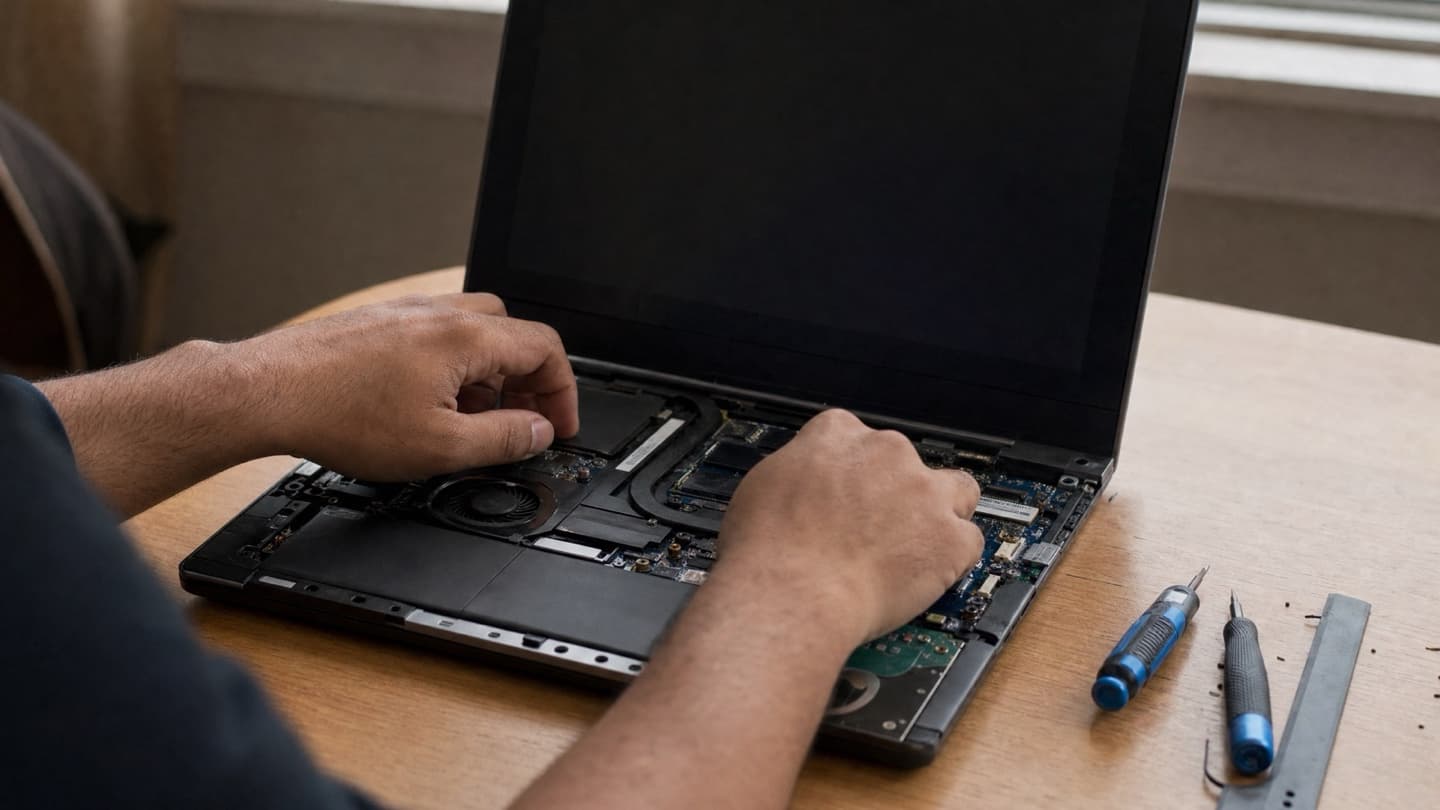
This one needs a real look. "Won't power on" can be the charger, the battery, the power supply, or the motherboard, and those are very different bills. Random crashes and blue screens can be failing RAM, overheating, a bad driver, or a corrupt Windows install. Guessing wastes money. This is exactly what a proper diagnosis is for.
Virus and malware cleanup
Pop-ups, browser redirects, a machine that got slow overnight, or worse, a screen demanding payment. A real cleanup finds what's hiding, checks nothing got left behind, and closes the door it came in through, which is more than running one free scan. Often doable remotely. See virus and malware removal.
Broken screens and physical damage
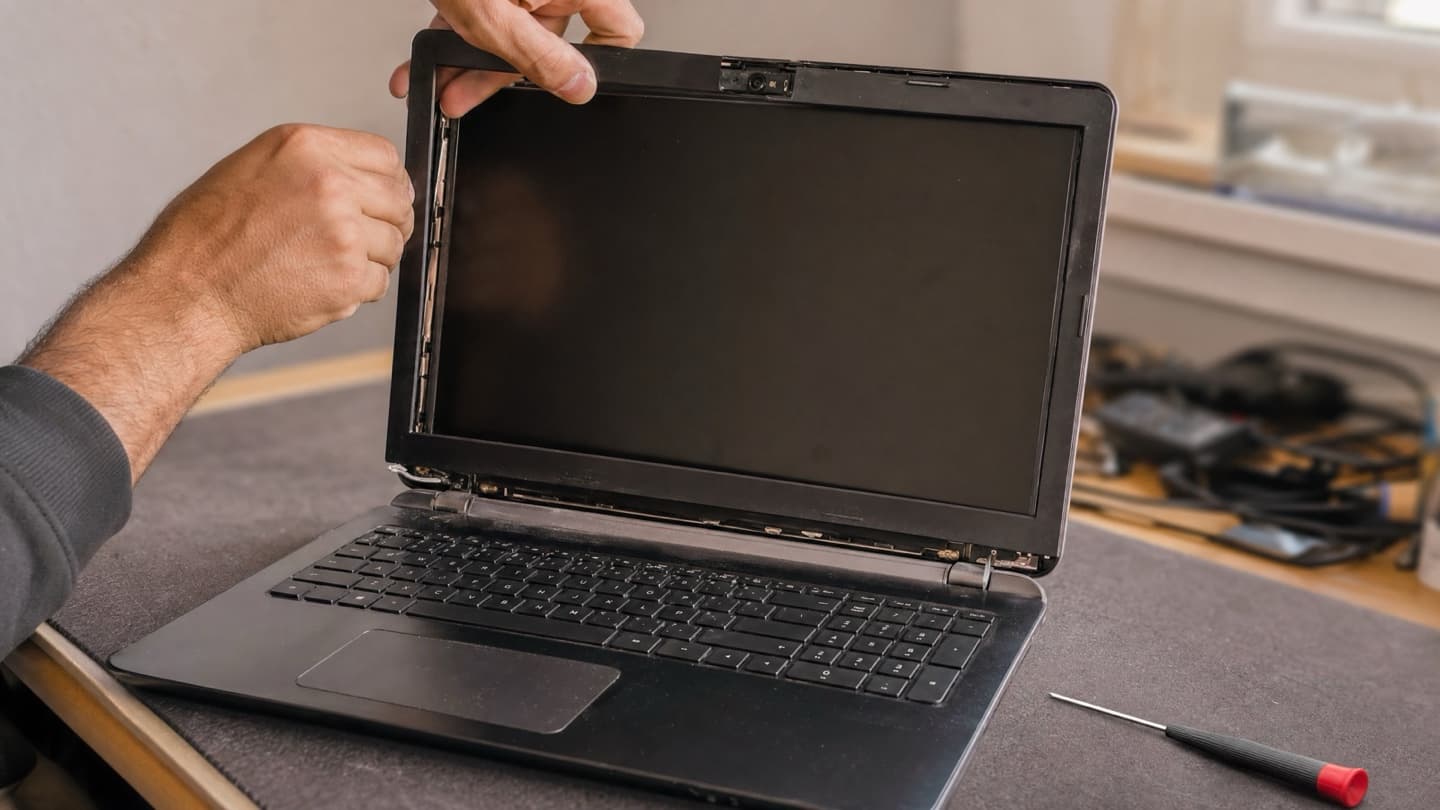
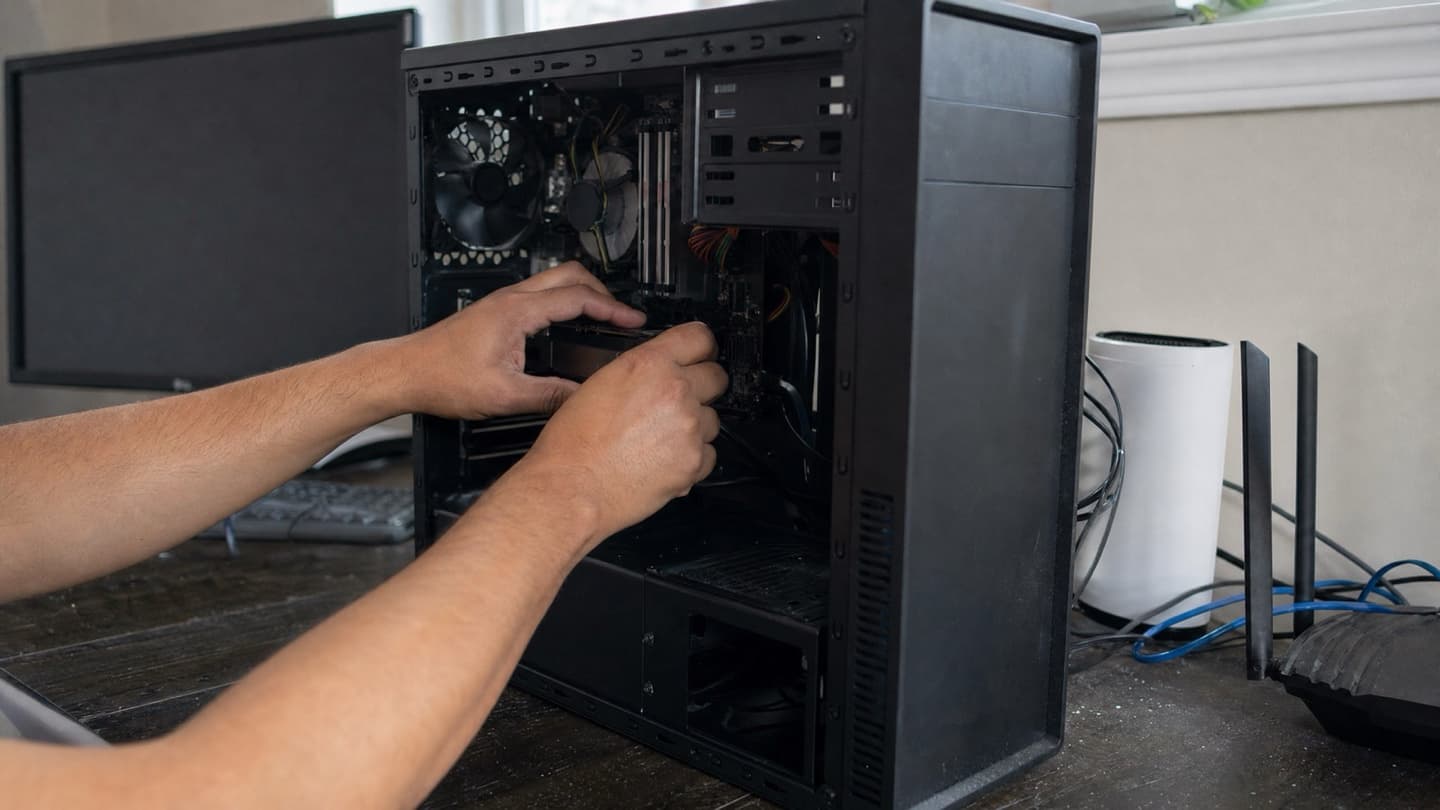
Cracked laptop screen, dead keyboard, a spill. This is hands-on hardware work with parts involved. The machine usually needs to be opened, and the part usually needs to be ordered to match. Ask for the price of the part plus labour up front.
Data recovery
Files gone, drive making a clicking noise, a folder of photos that suddenly won't open. This is its own thing, and it's time-sensitive: the more a failing drive runs, the worse the odds get. If the files matter, stop using the machine and ask sooner rather than later. See data recovery.
Wi-Fi, network, and setup
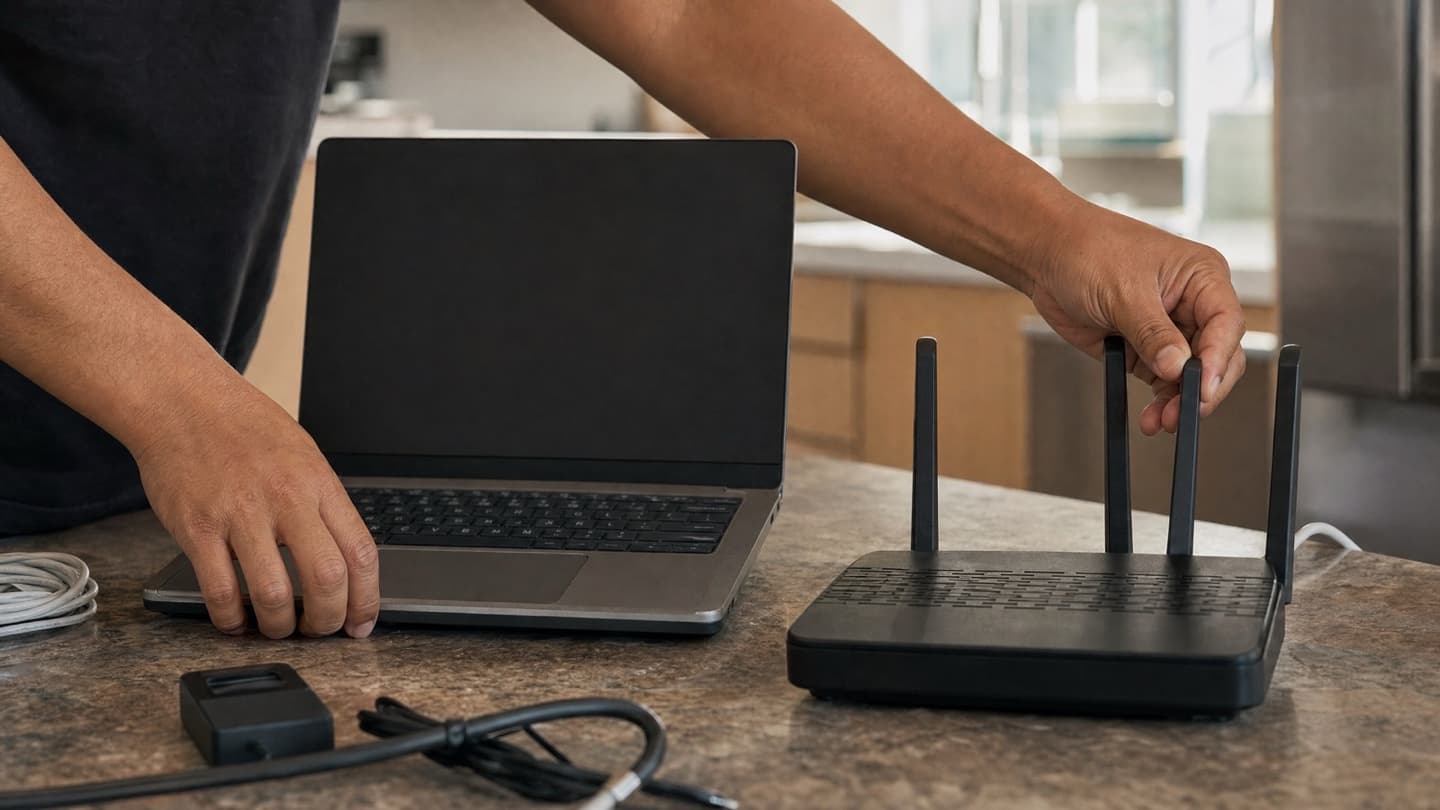
Internet dropping, a new router that won't behave, a printer that won't connect, a new computer that needs everything moved over. Not glamorous, but it's a big share of real calls, and almost all of it happens where the equipment lives. See home and office networks.
What "near me" should really mean
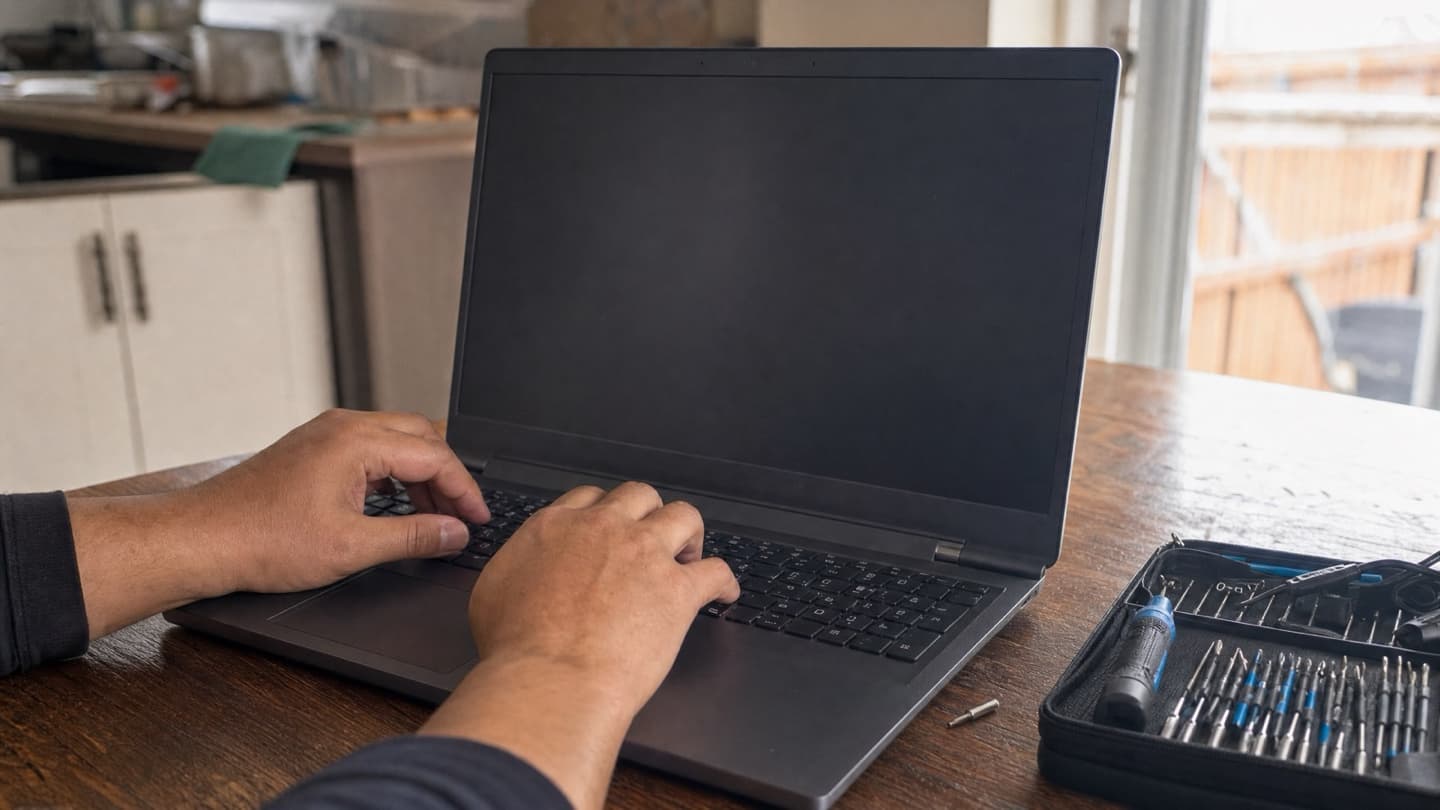
Here's the thing about searching for help nearby: for most of the list above, the machine doesn't need to go anywhere. Software problems, cleanups, slow computers, Wi-Fi, setup, and upgrades can be handled at your desk or kitchen table, often in a single visit. You're there, you can ask what's going on, and there's no drop-off, no waiting for a callback, no second trip to pick it up.
So "near me" is less about finding the closest counter and more about finding someone who'll come to you. Mobile and remote help usually beats a drop-off shop for anything that isn't heavy hardware work, and even then a good mobile tech can take the machine, do the bench job, and bring it back.
"Near me" is less about the closest counter and more about finding someone who'll come to you.
How to pick, in a few questions
Whoever you call, these questions separate the good ones from the rest:
- Is the diagnosis free? You shouldn't pay just to learn what's wrong.
- Do I get a fixed quote before you start? A flat price up front, not a running meter.
- What if you can't fix it? No fix, no fee is the fair standard.
- Will you tell me if it's not worth repairing? The honest answer to an old machine is sometimes "replace it," and you want someone who'll say so.
- How are my files handled? Your data stays yours and stays private.
- What parts are they using? Genuine or genuine-equivalent parts, not just the cheapest compatible one they could find.
Jot down the error message, when it started, and anything that changed just before, like a new program or an update. Two minutes of notes can cut the troubleshooting in half and sometimes save you a charge.
The short version
Most home and small-business computer problems fall into a handful of buckets, and most of them can be solved without your machine ever leaving the house. Match the help to the problem, insist on a free look and a price before any work, and don't pay to be told your ten-year-old laptop is a ten-year-old laptop.
That's the whole idea here. We cover Calgary in your home, at your office, or remotely, with a free diagnosis and a flat quote before anything starts. If we don't think a repair is worth it, we'll tell you. If it plugs in, ask us. Have a look at everything we handle.
Tell us what the machine is doing and we'll sort the category out. We come to you across Calgary, diagnose for free, and quote a flat price before anything starts.