When something breaks, the instinct is to find the closest shop and drive over. Makes sense. But the nearest pin on the map isn't automatically the one that'll fix your machine well, or cheaply, or without you losing it for a week. Here's what actually matters when you're picking someone, and why closest often isn't best.
- "Nearest" tells you about distance, not skill, price, or how they'll treat you.
- A mobile tech who comes to you skips the drop-off, the wait, and the second trip to pick it up.
- The things worth checking are the same either way: free diagnosis, a quote before any work, and honest advice about repair versus replace.
Distance is the least useful thing to sort by
The closest shop might be great. It might also be a phone-repair kiosk that does computers on the side, or a spot with a two-week backlog, or somewhere that charges you just to look at the machine. Proximity tells you none of that.
What you actually care about is: can they fix this, will they be straight with you about the cost, and how long until you have your computer back. A place ten minutes away that keeps it for eight days is slower than one across town that comes to your door tomorrow.
The drop-off shop math nobody mentions
Take your computer to a storefront and the trip is rarely one trip. You drive over, wait in line, describe the problem, leave the machine. Then you wait for a call. Then you drive back to pick it up, and sometimes back again if a part had to be ordered. That's two or three round trips for one repair, plus the days in between where you don't have your computer.
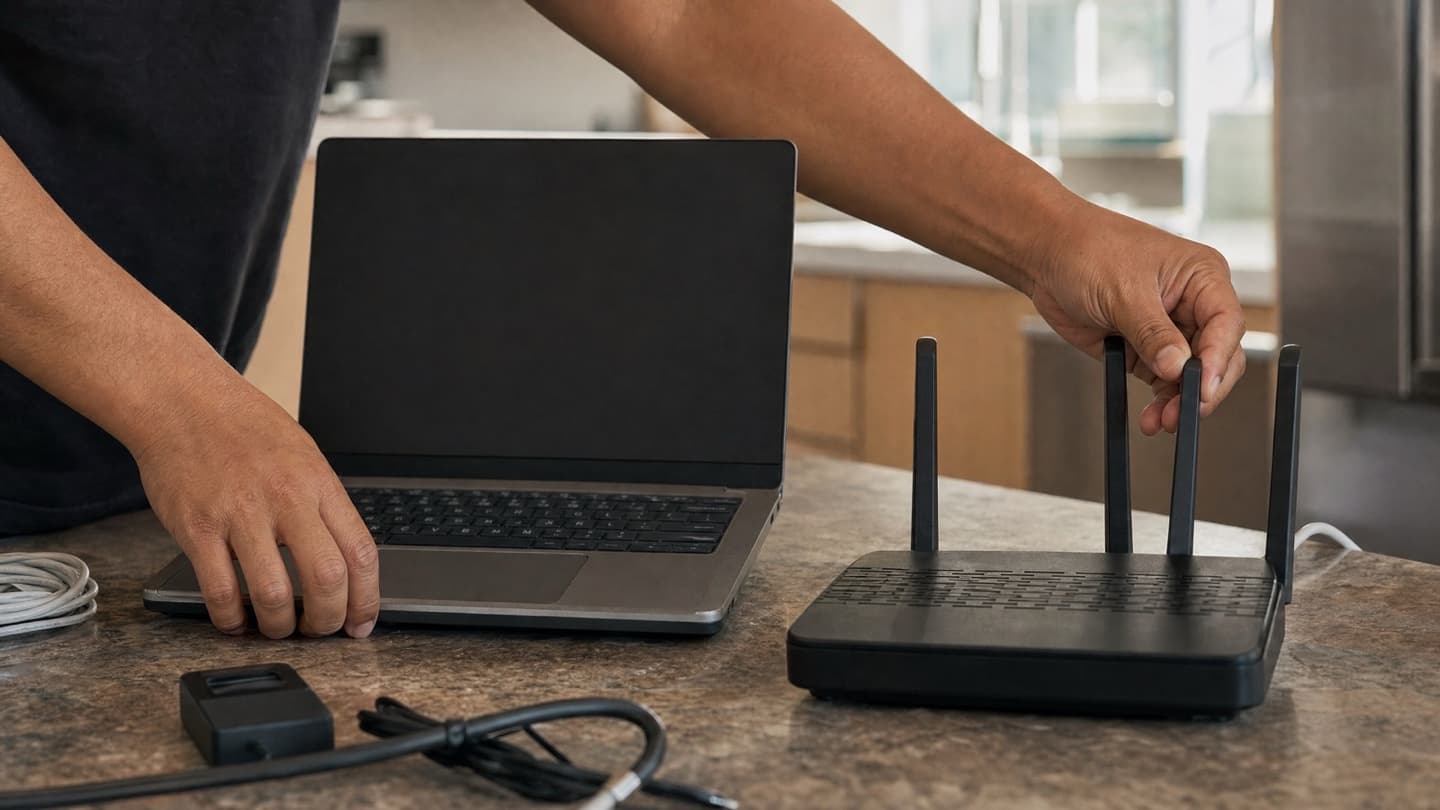
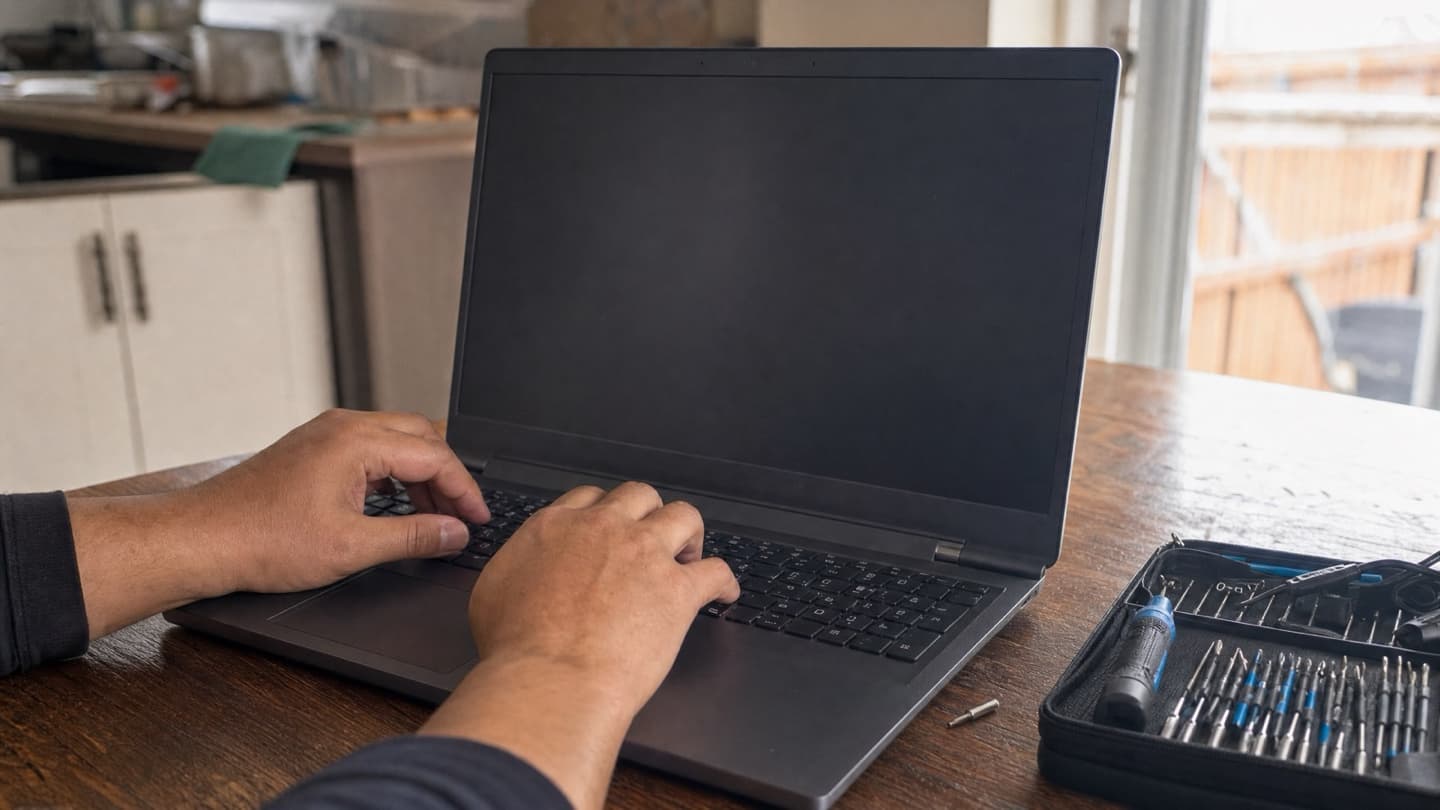
For a lot of problems, none of that is necessary. Software issues, virus cleanups, slow machines, Wi-Fi trouble, setup and upgrades: those can be handled where the computer already is, at your kitchen table or your desk, often in one visit. You watch it happen. You ask questions. Nobody drives anywhere but the tech.
That's the case for mobile repair. Not that it's fancier. Just that for most household and small-office problems, hauling the machine somewhere solves a problem you didn't need to have.
When a physical location genuinely helps
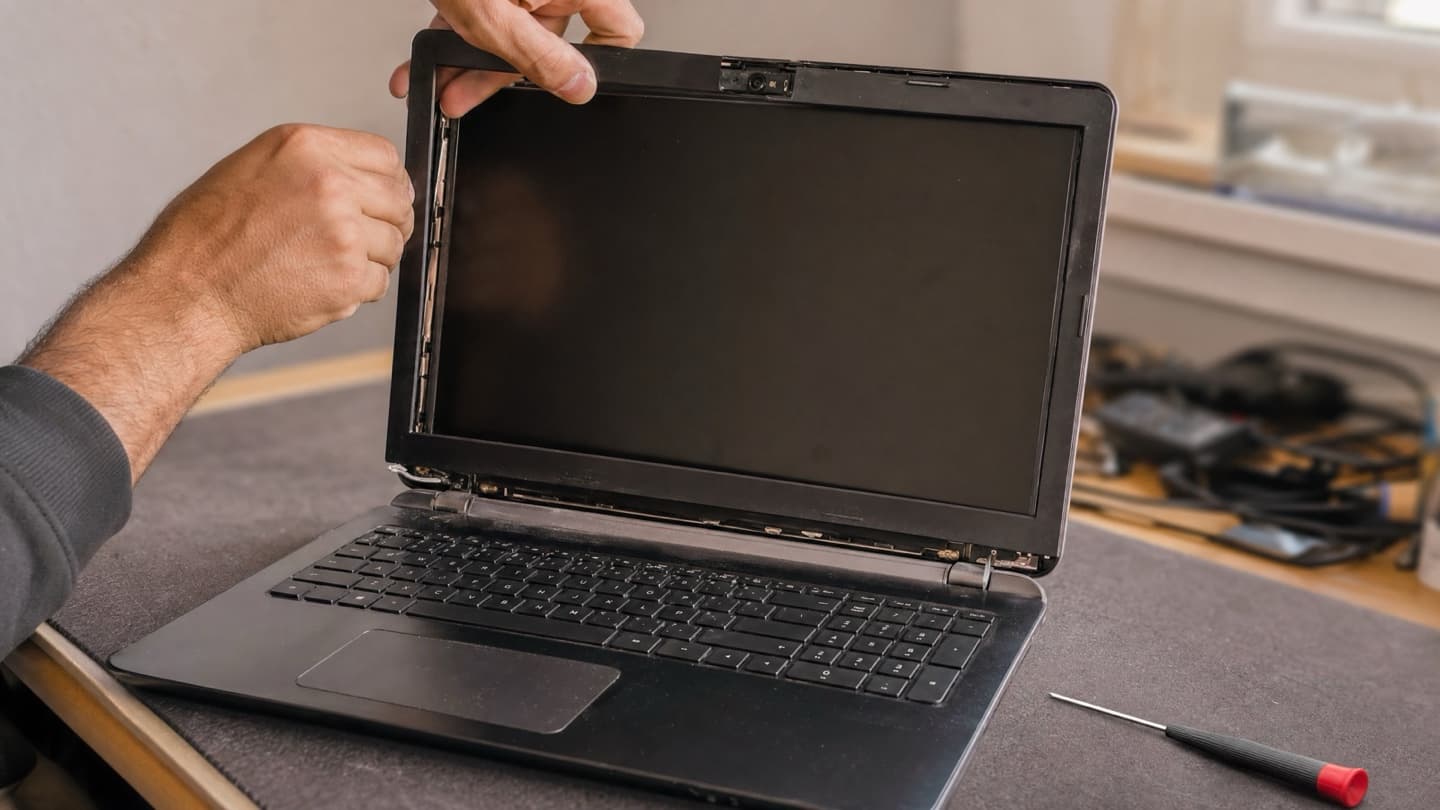
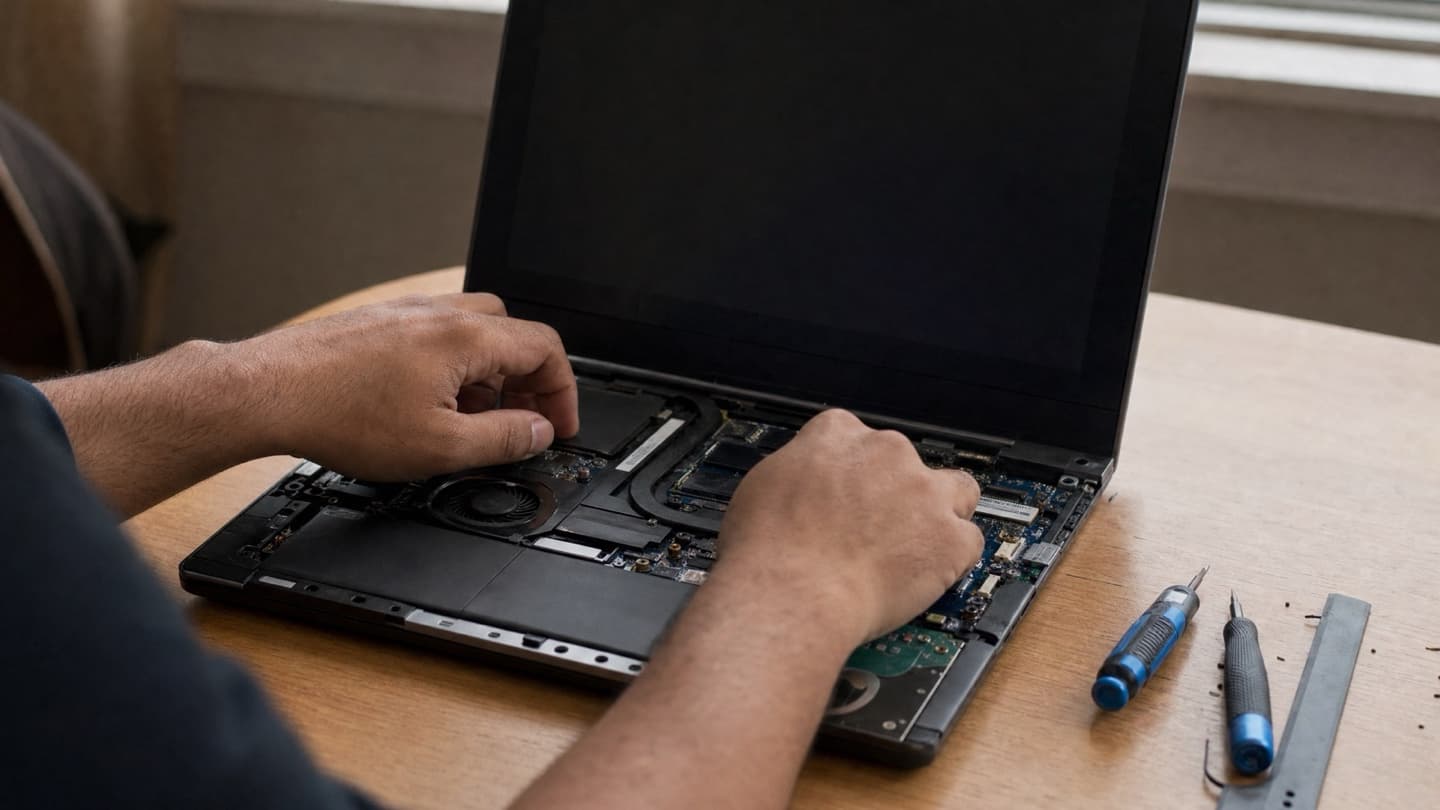
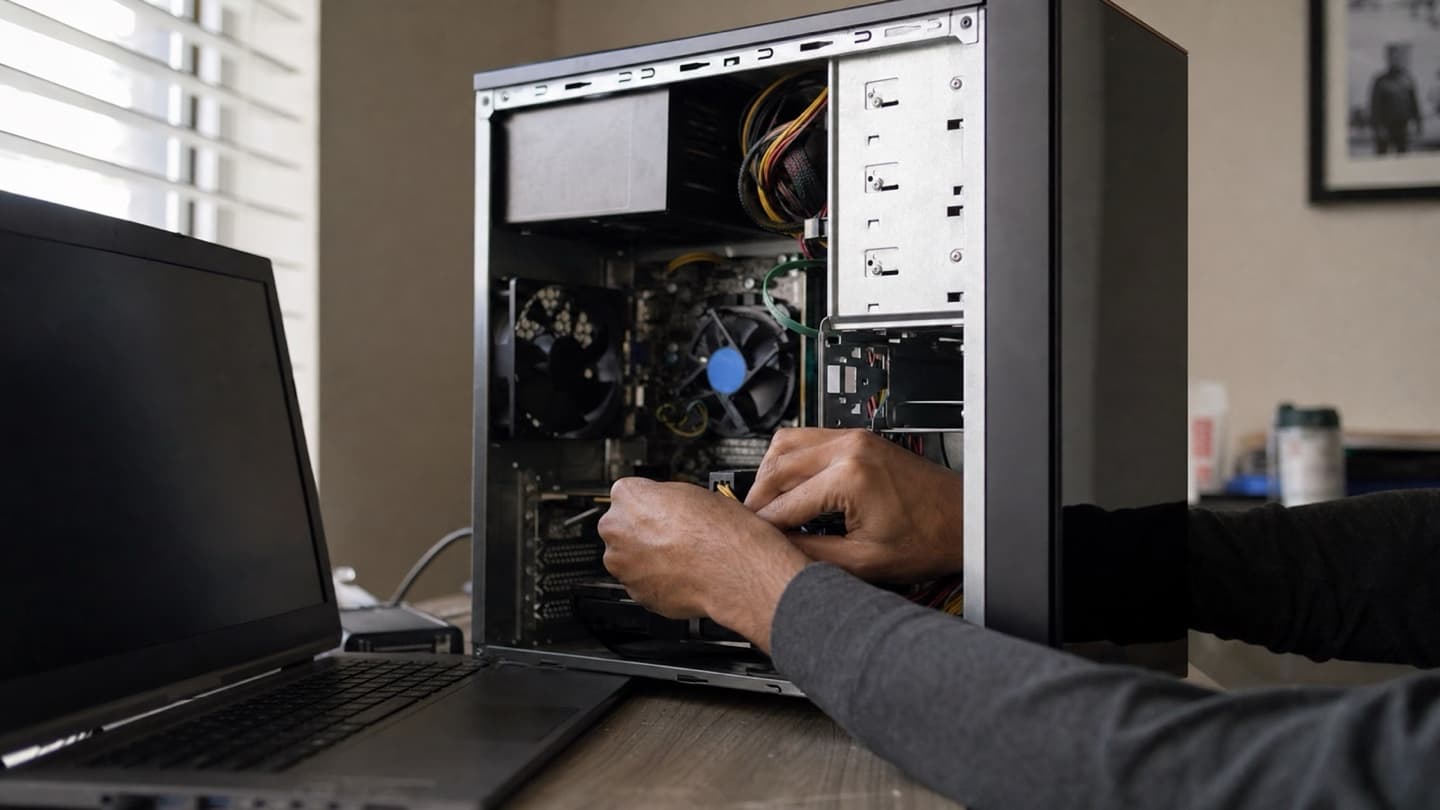
To be fair, some jobs are easier on a workbench. A shattered laptop screen, liquid damage that needs the machine opened and dried out, a data recovery job on a drive that's clicking: those want proper tools and sometimes a clean, static-safe surface. A good mobile tech can still take the machine, do the bench work, and bring it back. But if a repair is genuinely hardware-heavy, the workspace matters more than the address.
The point isn't that mobile always beats a storefront. It's that the job should choose the workspace.
The shape of your problem should decide, not which pin is closest on the map.
What to actually check before you hand over your computer
Same questions whether it's a storefront or someone who comes to you:
- Is the diagnosis free? You shouldn't pay just to find out what's wrong. Plenty of good places check for nothing.
- Do I get a price before you start? A flat quote up front, so there are no surprises when you pay. Vague "we'll see how it goes" pricing is where bills balloon.
- What if you can't fix it? No fix, no fee is a fair standard. If they can't solve it, you shouldn't be paying for the attempt.
- Repair or replace, honestly? A trustworthy tech will tell you when a machine isn't worth fixing. If everything is always repairable for a suspiciously round number, be careful.
- What happens to my files? Your data should stay yours and stay private. Ask how they handle it.
- What parts are they using? Genuine or genuine-equivalent, not just the cheapest compatible option. Ask before it's fitted.
If a shop won't quote you a price until after they've "diagnosed" it, and the diagnosis costs money, you're being set up to feel committed before you know the cost. Walk. Free diagnosis and an up-front quote are normal, not a special favour.
So, closest or best?
If the nearest shop does free diagnostics, quotes before they work, and knows your kind of machine, great, go there. But don't let the map choose for you. For most of what goes wrong with a home or small-business computer, someone who comes to you is faster and less hassle than the closest drop-off counter, and the honesty questions above matter far more than the drive.
That's how we run things. We come to you across Calgary, in your home or your office, or fix it remotely when the problem is software. The diagnosis is free, you get a flat quote before any work starts, and if we don't think a repair is worth your money, we'll say so. If it plugs in, ask us. See what we do or, for laptop and desktop work specifically, laptop and desktop repair.
We come to you across Calgary, Airdrie, Cochrane, and Okotoks, diagnose the problem for free, and give you a flat quote before any work starts. You watch it happen and nobody loses their computer for a week.