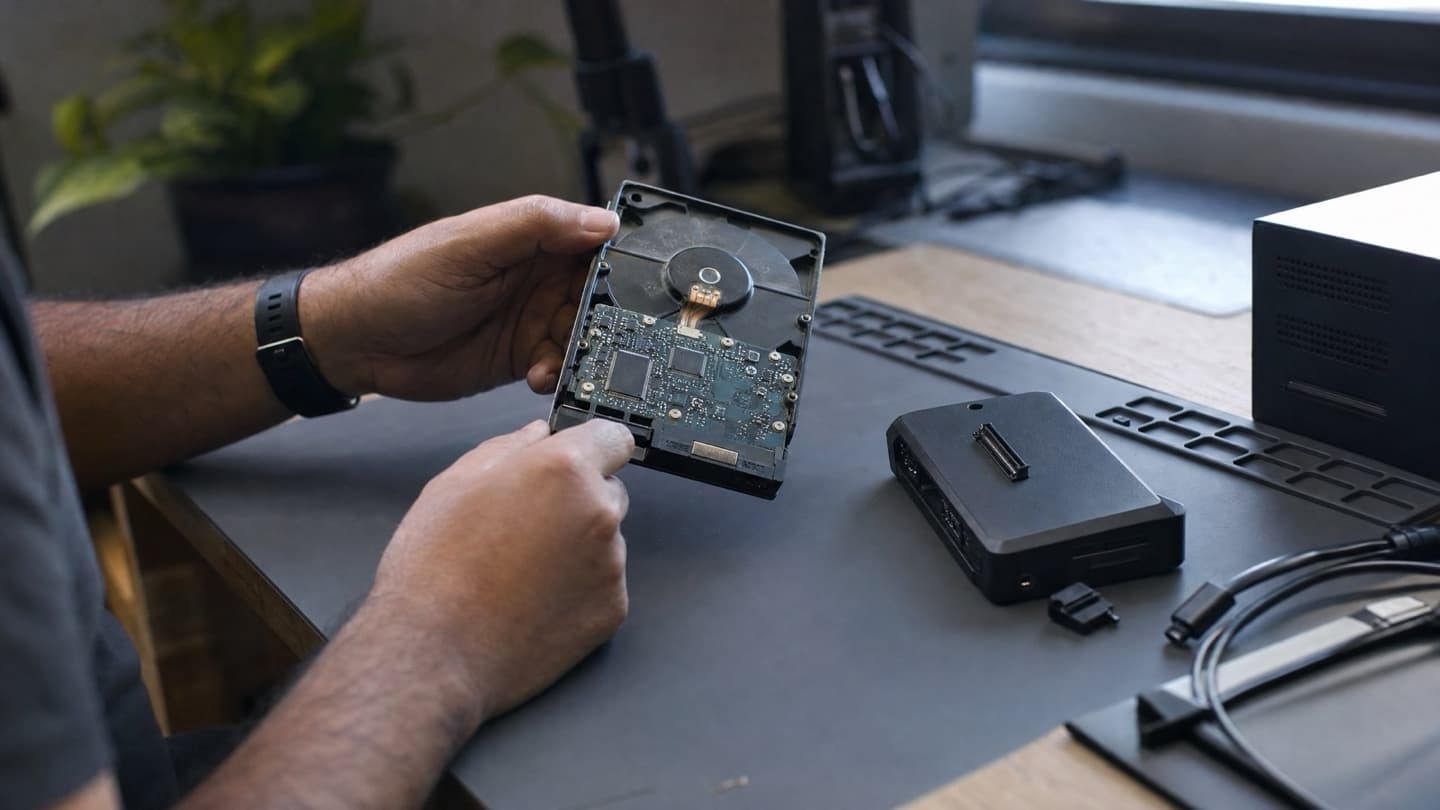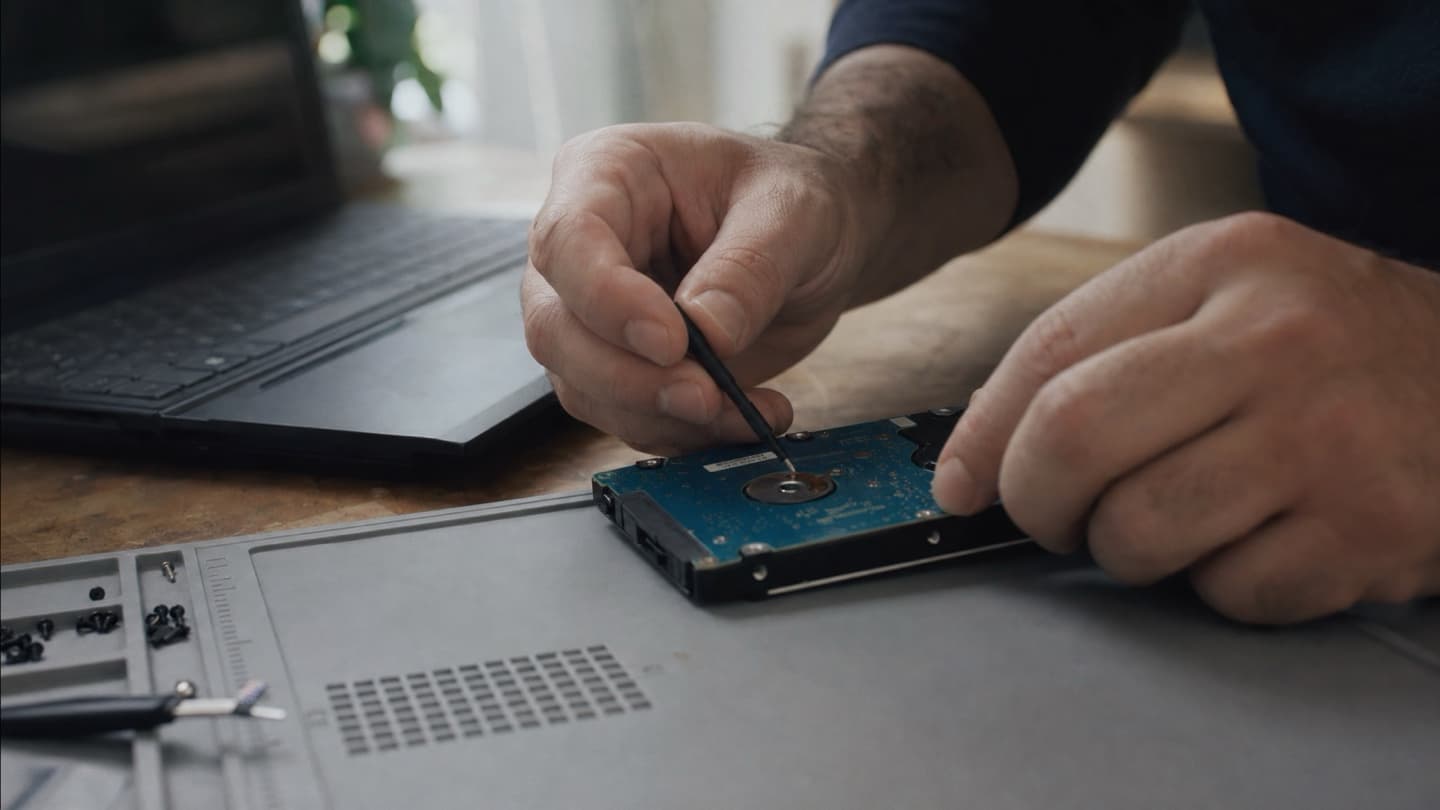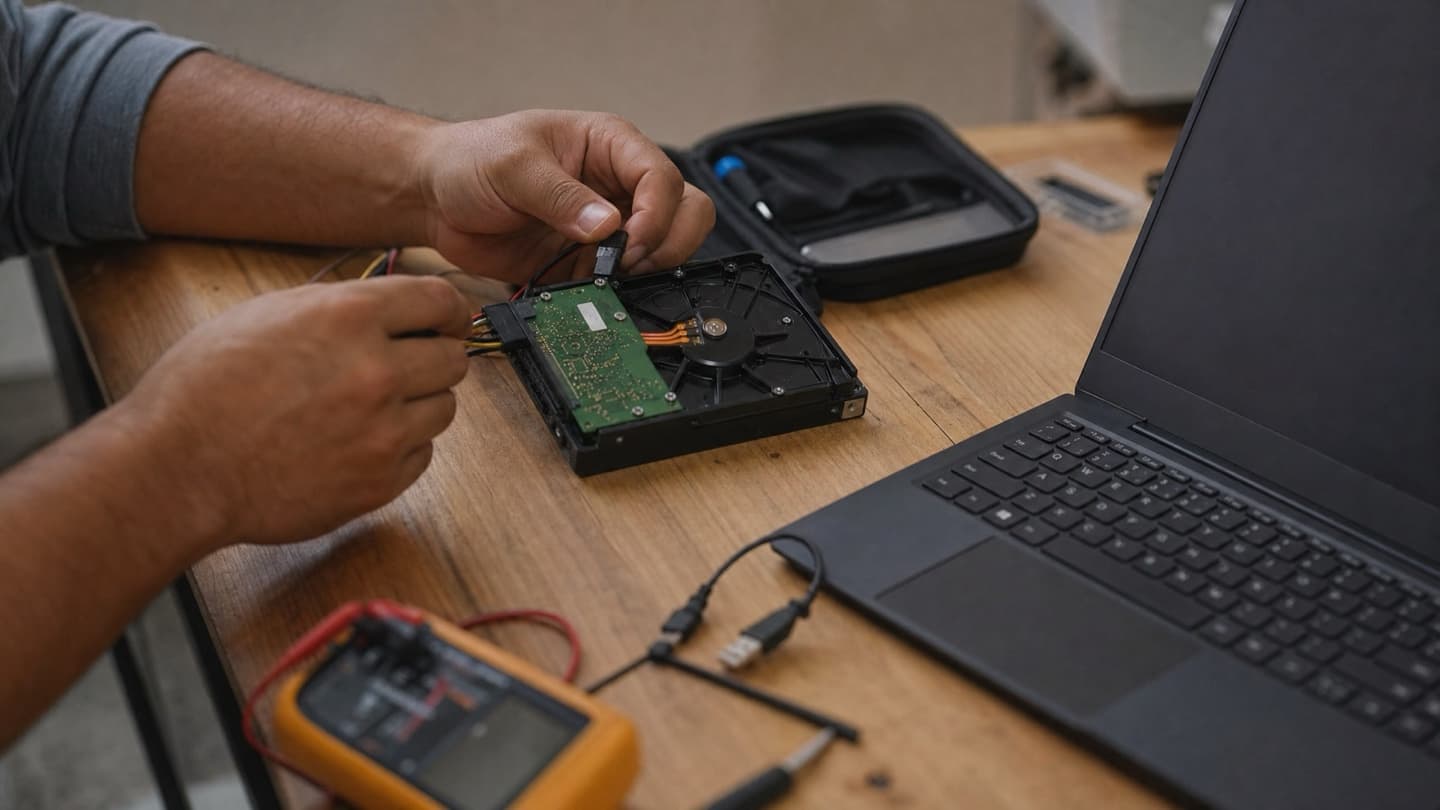
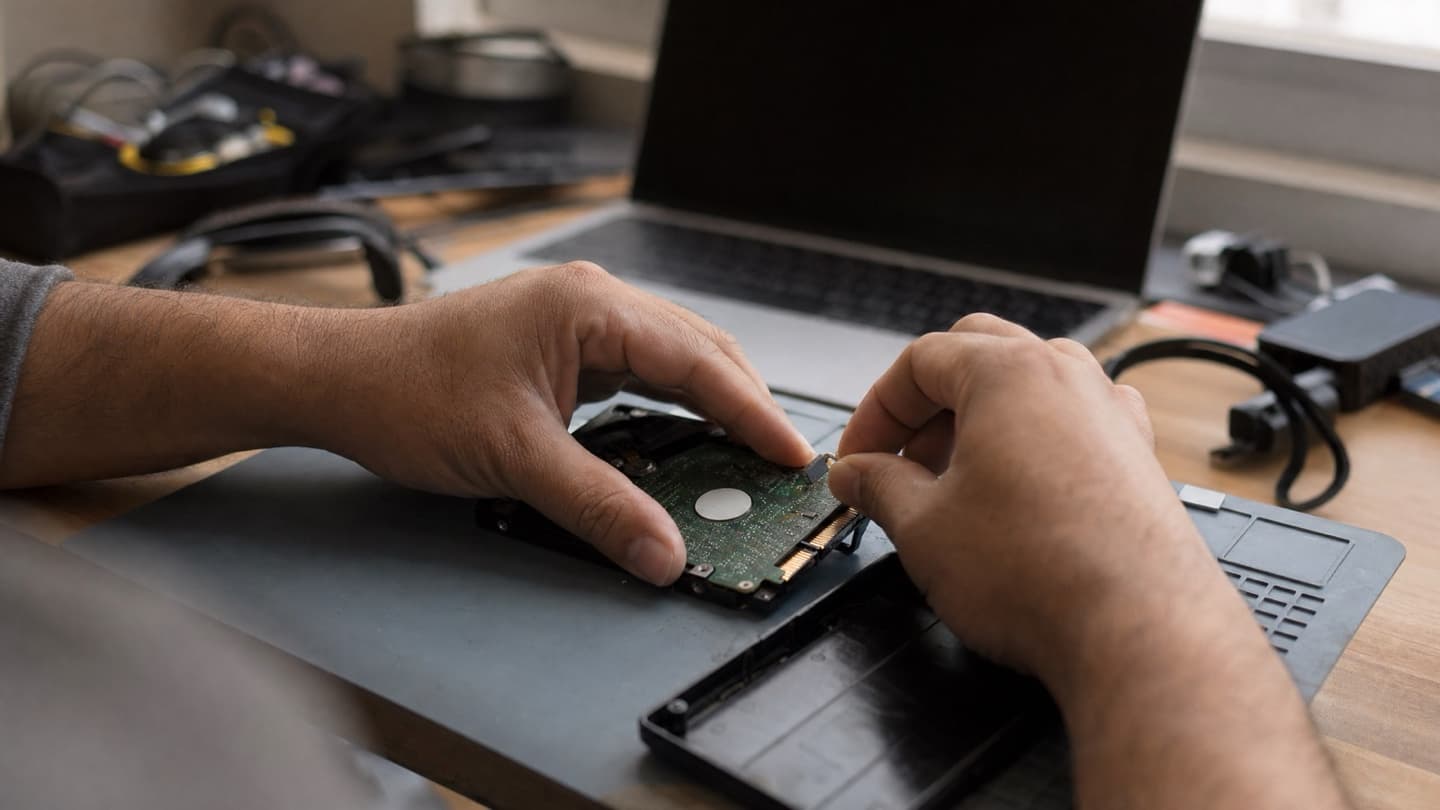
An external drive that suddenly won't show up, or starts clicking, sends most people straight to searching for a repair shop. The first thing worth knowing: "external hard drive repair" covers two very different jobs. One is a five-minute fix. The other is data recovery, and confusing the two is how people lose files.
- A lot of "dead" external drives are actually a bad cable, port, or enclosure, not a dead disk.
- Clicking, grinding, or a drive that spins down is mechanical. Stop using it and don't reformat.
- The "you need to format this disk" prompt does not mean your files are gone. Don't click format.
- Simple fixes you can try yourself. Physical failures and clicking drives are a recovery job, not a repair.
Why external drives fail more than internal ones
The drive inside your computer sits in a case, plugged into a board, undisturbed. An external drive gets carried around, dropped, unplugged mid-write, and run off whatever USB port and cable are handy. That's most of why they fail. The good news is that same exposure means the failure is often in the cheap, replaceable parts around the disk, not the disk itself.
Broadly, external drives quit for these reasons:
- A bad cable, port, or enclosure. The most common and the most fixable. The disk is fine, something between it and your computer isn't.
- File system corruption. Usually from unplugging without ejecting, or a power cut mid-write. The data's there, the index is scrambled.
- Mechanical failure. Clicking, grinding, not spinning. The disk itself is dying. This is the serious one.
- A drop or physical damage. Ranges from a loose connector to bent internals.
- Malware. Occasionally hides or corrupts files rather than killing the drive. A security scan sorts that out without any recovery work.
The simple stuff to rule out first
Before assuming the worst, spend two minutes ruling out the easy causes. None of this risks your data as long as the drive isn't making mechanical noises.
- Try a different cable. External drive cables fail constantly. This alone fixes a surprising number of "dead" drives.
- Try a different USB port, ideally one directly on the computer, not a hub.
- Try a different computer. If it shows up there, your problem is the port or drivers, not the drive.
- Listen. A steady spin-up with no mounting points at the enclosure or file system. Clicking or grinding means stop here and skip to the next section.
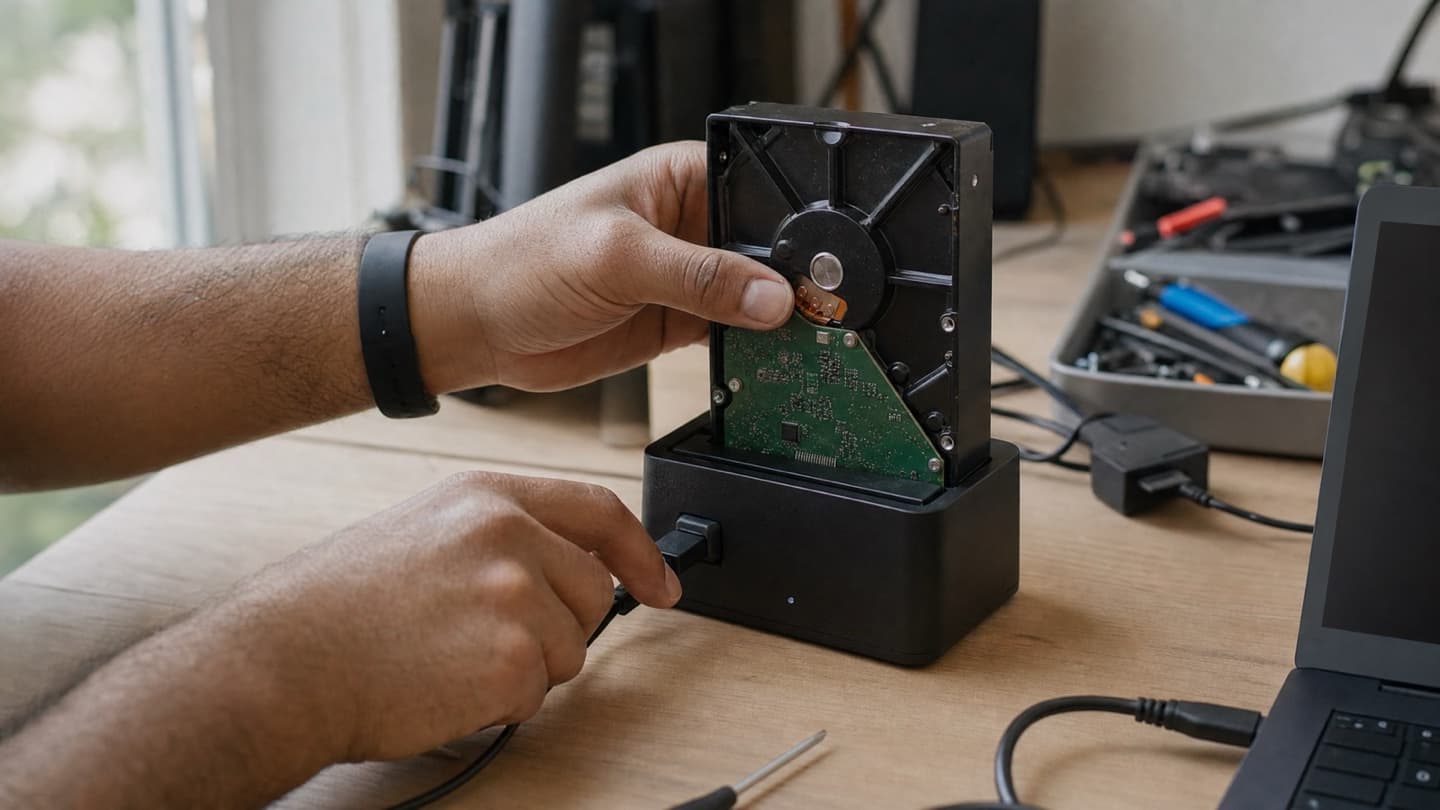
If a different cable, port, and computer all fail, and the disk sounds like it's spinning normally, you're often looking at a dead enclosure. The disk inside can frequently be moved to a working one and read normally. That's a repair, not a recovery.
When it's a recovery job, not a repair
Some symptoms mean the disk itself is in trouble, and the rules change completely.
A clicking or grinding external drive is failing mechanically right now. Every extra minute of spinning can cost you files. Unplug it and leave it off until someone can look at it properly.
Treat these as recovery situations, not something to keep testing:
- Clicking, beeping, or grinding. Mechanical failure. Do not keep plugging it in to "try again."
- Spins up then powers down in a loop. Also mechanical.
- Windows says the drive "needs formatting." The file system is corrupt, but your data is usually still there. Clicking format is one of the fastest ways to make it not there. Say no.
- Files disappearing or opening as garbage, with the drive otherwise working. Often bad sectors spreading. Copy off what you still can, then stop.
The difference that matters: a repair gets a healthy disk talking to your computer again. Recovery gets data off a disk that's damaged.
Running recovery software on a physically failing drive, or reformatting it, usually makes a recoverable situation unrecoverable.
Repair or replace
Once your files are safe, whether to keep the drive is a separate question.
| Situation | Sensible move |
|---|---|
| Bad cable or enclosure, disk healthy | Repair or re-house the disk |
| File system corruption, no physical damage | Recover files, then reformat and reuse |
| Clicking or mechanical failure | Recover data first, then replace the drive |
| Old drive that keeps disconnecting | Get the data off, replace it |
If you're replacing it, an external SSD is the obvious upgrade over a spinning drive. No moving parts to click, faster, and it survives being knocked around a lot better, which is exactly what an external drive gets. Have a look at SSD options if you're buying anyway.
What not to do with a failing external drive
- Don't reconnect it over and over hoping it catches.
- Don't run random recovery tools onto a physically failing drive.
- Don't reformat when prompted if you still want the files.
- Don't open the drive casing yourself. If the disk is fragile, household dust finishes it.
Getting it looked at in Calgary
If the fix was a cable or a different port, great, you're done and you didn't need us. If the drive is clicking, won't detect on any computer, or is asking to be formatted and you haven't backed it up, that's the point to stop and get it assessed before it gets used any more.
We're mobile across Calgary. The assessment is free, so we'll tell you whether it's a simple repair, a data recovery job, or a drive that's genuinely not worth saving, and quote a flat price before any work starts. If your files are already safe and you just need a new drive, we'll say so rather than talk you into a recovery.
Stop using it and let us assess it first. We tell you whether the files are recoverable and what it takes, before any work starts.
FAQ
Can an external hard drive be repaired?
Often, yes, if the problem is the cable, port, or enclosure rather than the disk. A physically failing disk is a data recovery job, not a repair.
My external drive is asking me to format it. Should I?
Not if you want the files. That prompt usually means a corrupt file system, not erased data. Formatting is what actually erases it. Leave it and get it looked at.
It's clicking. What do I do?
Unplug it and stop. Clicking is mechanical failure, and every extra minute running risks the data. Don't reformat it or run software on it.
Can data be recovered from a dropped external drive?
Frequently, especially if you stop using it right away. The odds drop the more it's powered on after the damage.
How long does it take?
Simple fixes can be same-day. A physical recovery can take several days depending on the drive's condition. You'll get a realistic timeline with your quote.