Drives usually give you a warning before they quit. Catch it in time and you copy your files and move on. Miss it and you're paying for recovery. Here are seven signs a drive is on its way out, and what to do about each one.
- Clicking or grinding means a drive is failing right now. Power it off and leave it off.
- Sudden slowdowns, vanishing files, and freezes on open are the early symptoms worth acting on.
- A SMART warning is the drive reporting its own health. Believe it and back up.
- Back up anything you can't replace today, before you troubleshoot anything else.
- A stable drive you caught early usually just needs a replacement, not recovery.
A clicking or grinding drive is failing right now. Power it off and don't turn it back on until someone can image it. Every extra minute of spinning can cost you files.
1. Clicking, grinding, or beeping
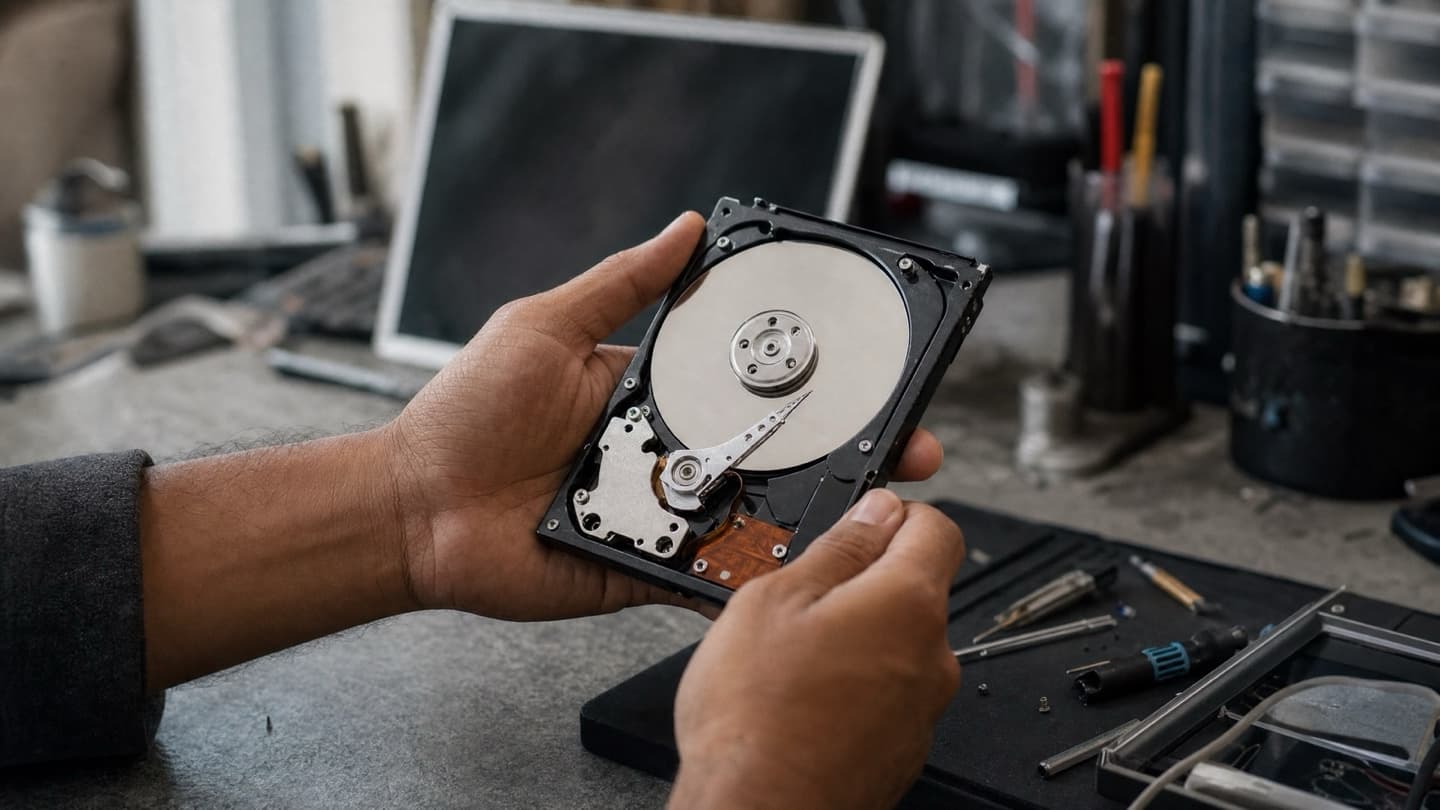
On a traditional spinning drive, these are mechanical sounds, and they're the worst ones to hear. It usually means the read/write head or the motor is going. Power down and leave it off. This is the one sign where "let me just grab my files real quick" often makes things worse.
2. It freezes when opening files
If the whole machine locks up the moment you open a folder or a big file, the drive may be struggling to read that spot on the disk and retrying over and over. Occasional freezes are worth watching. Freezes that get more frequent are worth backing up over.
3. Files vanish or won't open
Documents that were there yesterday and are gone today. Photos that open as garbage. "File not found" on things you never touched. That's often bad sectors spreading. One corrupt file is bad luck. A pattern is a warning.
4. Everything got slow, suddenly
A slow computer isn't always a dying drive. An old hard drive that has always been slow probably just wants an SSD upgrade. But a machine that was fine last month and now takes five minutes to boot is a different story. Sudden is the word that matters.
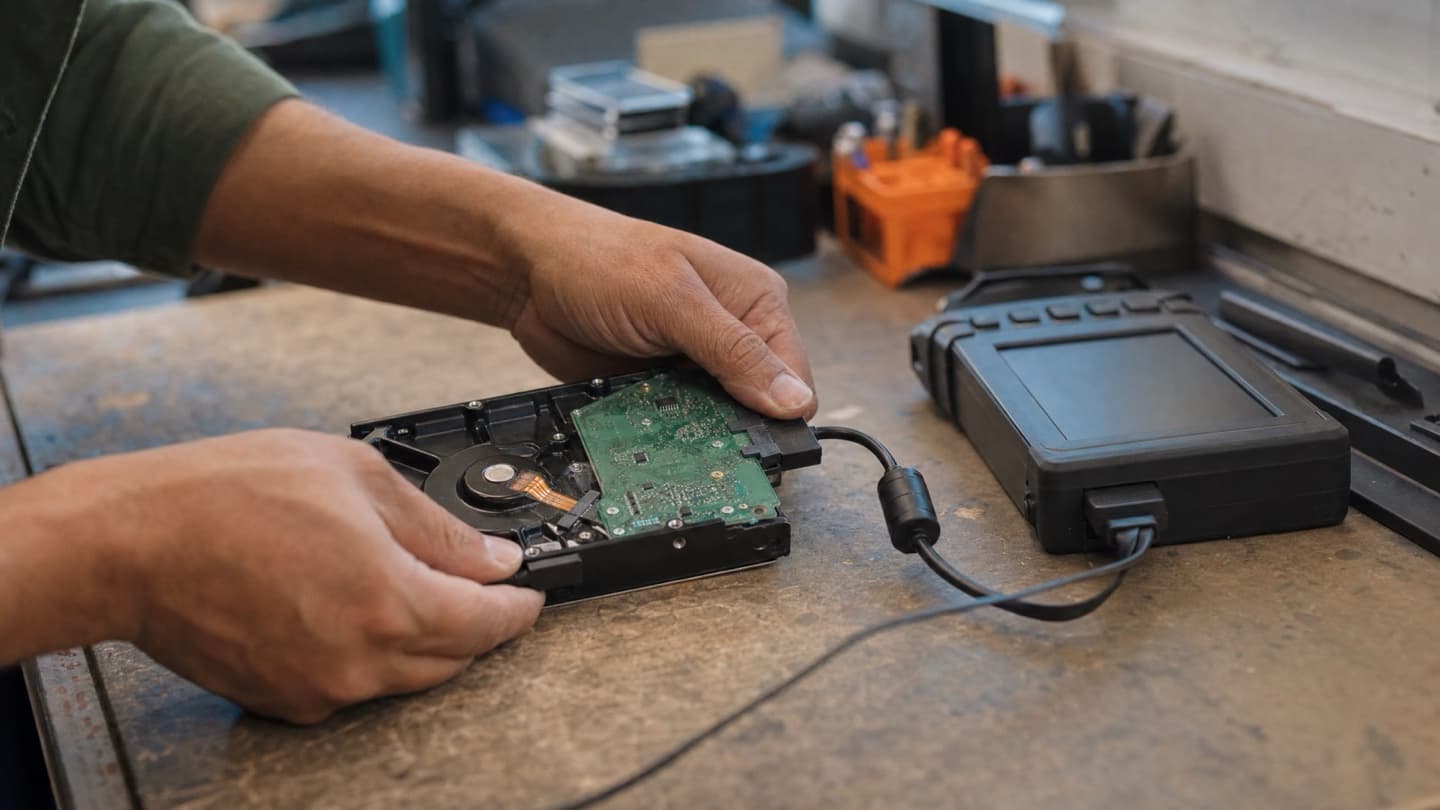
5. "Scan and repair" or SMART errors
Windows nagging you to scan and repair a drive on every startup, or a SMART warning at boot, is the drive itself telling you it's failing. SMART is the drive's own health report. When it throws a warning, believe it and back up.
6. The drive comes and goes
It shows up in Windows, then it's gone, then it's back. Sometimes it's not detected at all until you restart. An intermittent drive is not a drive that's "mostly fine." It's one that's failing and hasn't finished yet.
An intermittent drive is not a drive that's "mostly fine." It's one that's failing and hasn't finished yet.
7. It runs hot
Heat wears drives out faster and can trigger a sudden failure. If a drive or the area around it is consistently too hot to touch, or the laptop fan never stops, get it looked at before the heat finishes the job.
What to do, in order
Back up first, then work out the cause. The order matters more than anything else here.
- Copy anything you can't replace to another drive or the cloud today, before you touch anything else.
- If the backup went fine and the drive seems stable, you likely caught it early and a replacement drive sorts you out.
- If the drive is clicking, disappearing, or already won't let you copy files, stop using it and ask about recovery.
Everything else can wait. Your photos can't. Running a failing drive to try one more copy is the most common way people turn a recoverable drive into a dead one, so once it's clicking or dropping out, stop and ask about data recovery.
Diagnosis is free, and half the value is someone telling you whether this is a quick backup-and-carry-on or a real problem. We come to you across Calgary, Airdrie, Cochrane, and Okotoks. Better to hear it before you lose the files, not after.