A frozen computer is its own kind of maddening. The cursor stops, clicks do nothing, and you're left staring at whatever was on screen when it locked up. Usually it's one of a handful of causes, and most of them are fixable. Here's how to tell which one you're dealing with.
- First figure out the scope: one stuck app is minor, the whole machine locking up is the one to chase.
- On machines with 8 GB or less, running out of memory is the everyday cause.
- Freezing during demanding tasks, with roaring fans, usually means heat and dust.
- Clicking or buzzing plus hangs on file operations points at a failing drive. Back up now.
- The pattern of when it freezes is your biggest clue to the cause.
Start here: is it one program or the whole machine?
Before anything else, figure out the scope. It changes everything.
If a single app freezes but you can still move the mouse and switch to other windows, that's a stuck program. Open Task Manager (Ctrl+Shift+Esc), find the app marked "Not responding," and end it. Annoying, but not usually a sign of a sick computer.
If the whole thing locks up, mouse and all, and you have to hold the power button to get out of it, that's the one worth chasing down. The rest of this is about that.
The usual suspects, most common first
Out of memory (RAM)
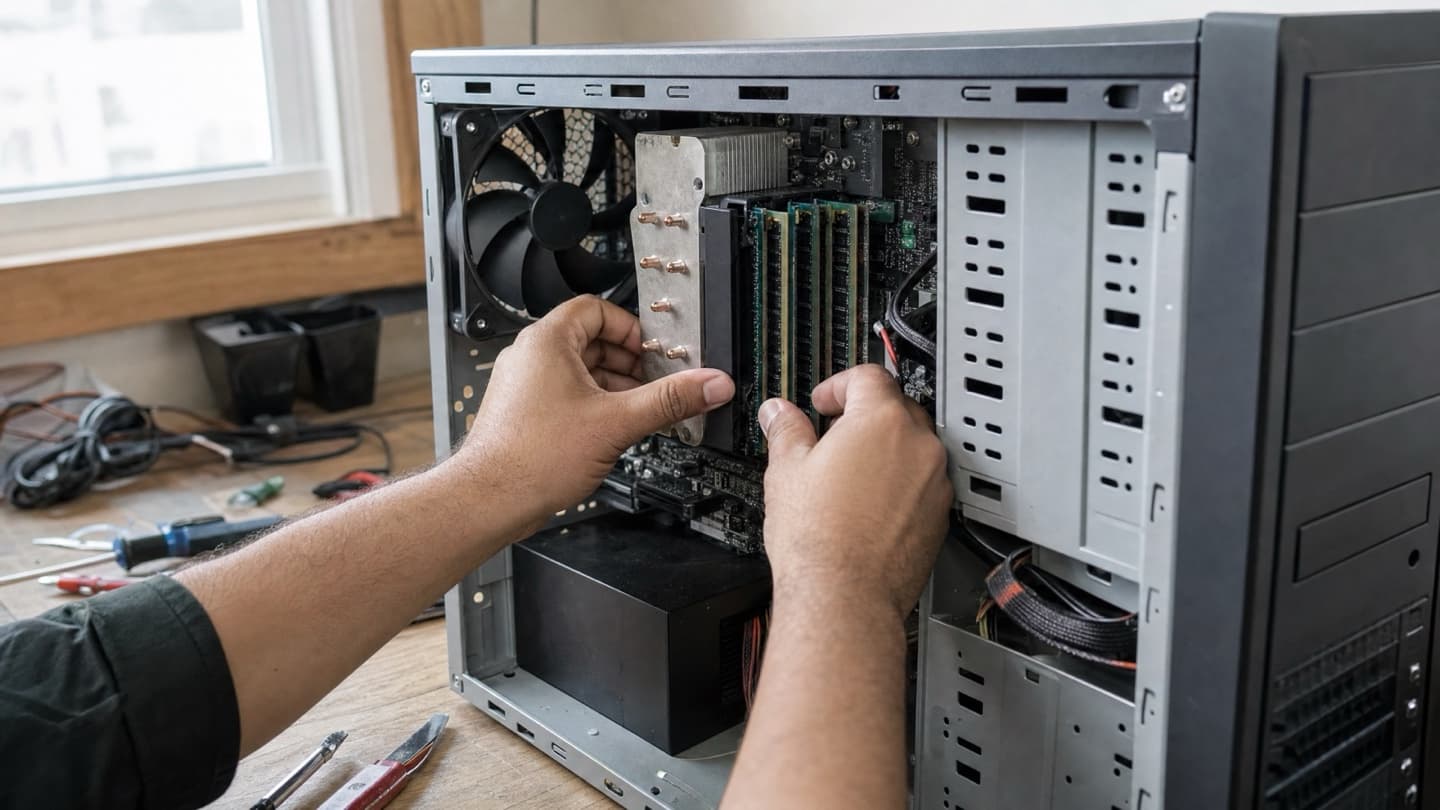
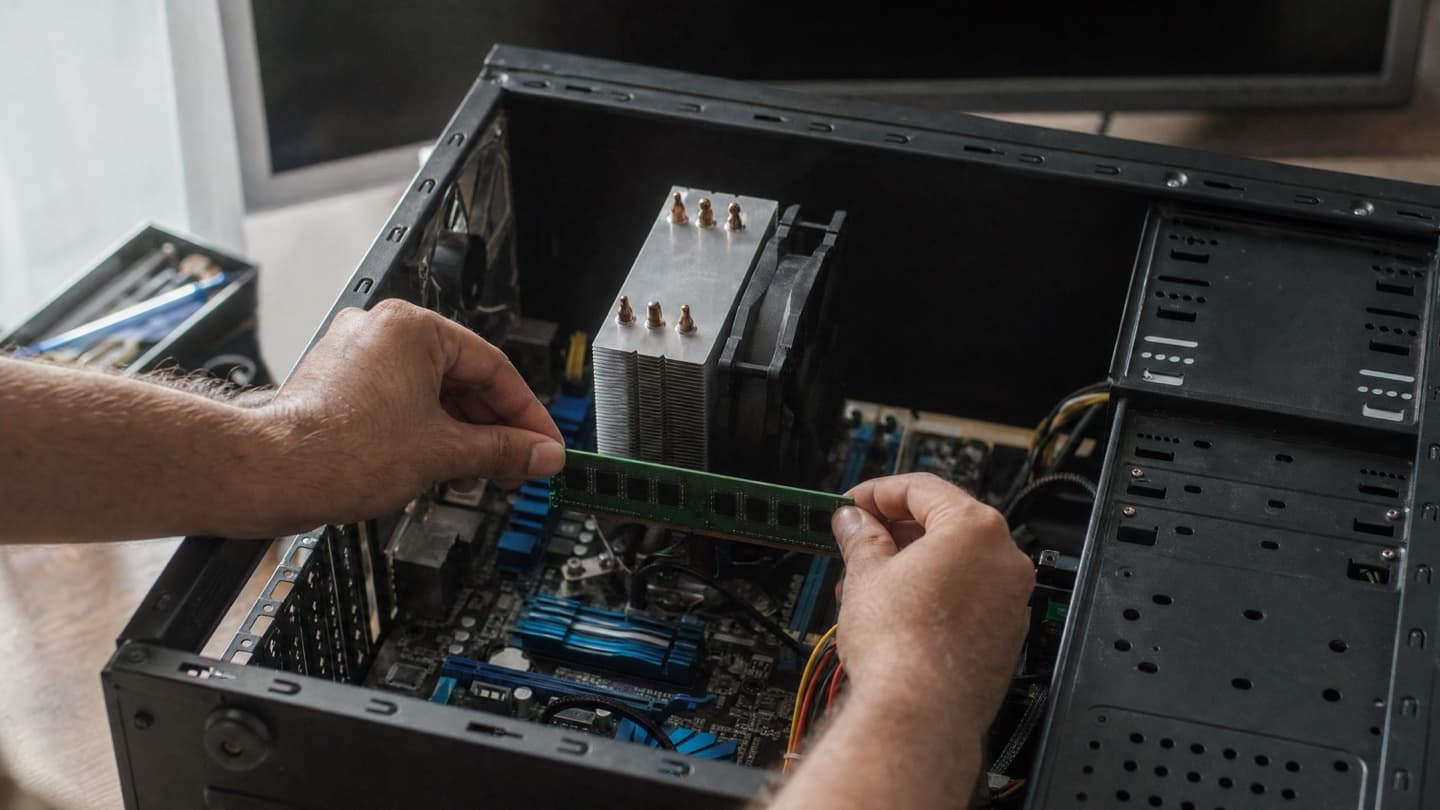
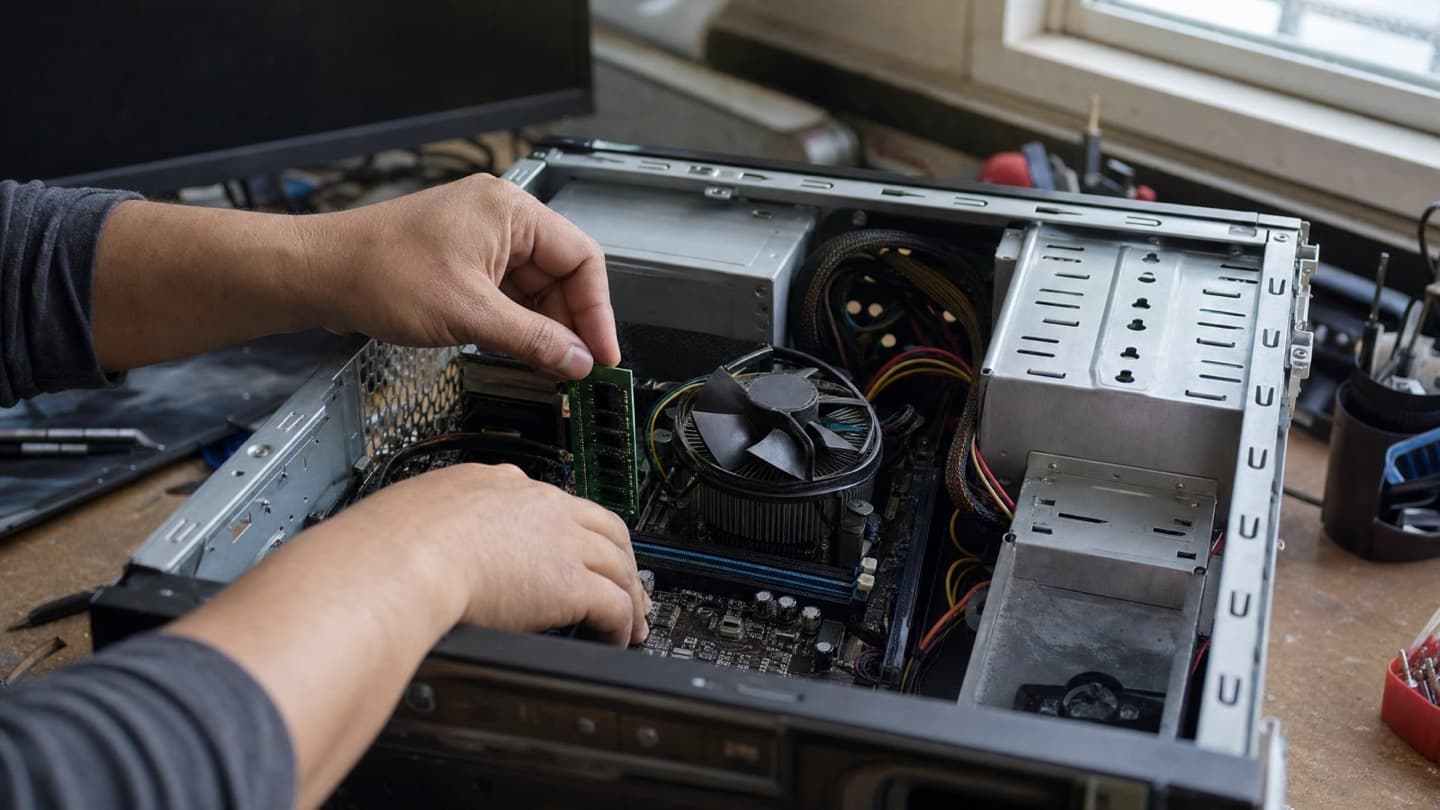
This is the everyday cause, especially on machines with 8 GB or less. Too many browser tabs, a couple of heavy apps, and Windows runs out of working memory and grinds to a halt.
Quick test: open Task Manager, click the Performance tab, and watch the Memory graph while you use the computer normally. If it sits near 100 percent when things freeze, that's your answer. Closing tabs and background apps buys you time. More RAM fixes it for good.
Overheating
A computer that's too hot will freeze or shut itself off to avoid damage. The tell is timing: it locks up when you're doing something demanding (a game, a video call, a big export) and the fans are roaring right before it happens. On laptops, the bottom gets uncomfortably hot.
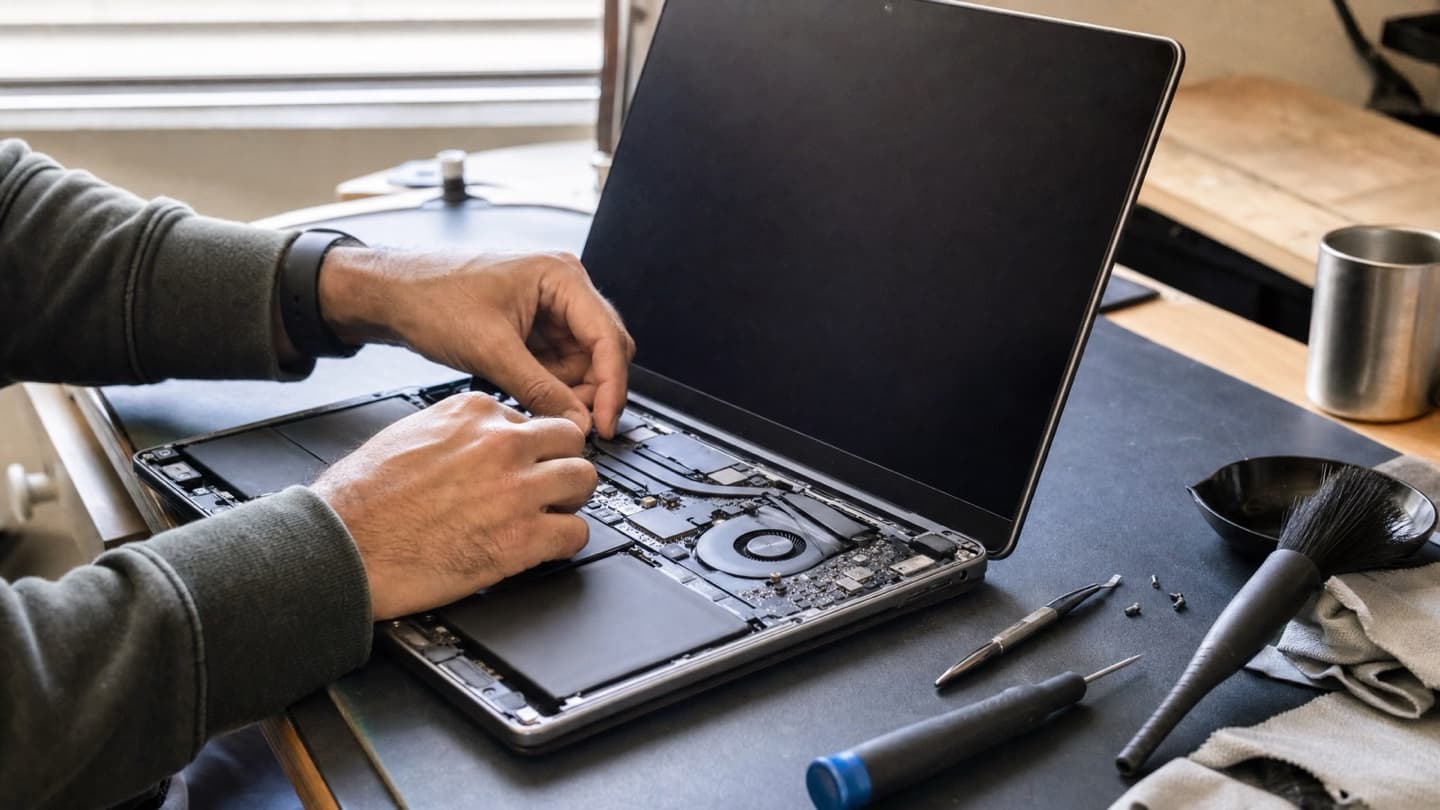
Nine times out of ten it's dust. Fans and heatsinks pack full of it over a couple of years, especially in homes with pets. A cleaning and fresh thermal paste brings temperatures back down. We cover this in more detail in laptop overheating fixes.
A failing hard drive
If your computer hangs when it's opening a file, saving, or launching a program, and especially if you hear faint clicking or buzzing, suspect the drive. Freezing is one of the first things a dying drive does.
This is the one to take seriously. Back up anything you care about now, while the drive still cooperates. Then read the other signs of hard drive failure so you know what else to watch for.
A drive that freezes today can be unreadable next week. Copy your important files off before you troubleshoot anything else.
Malware
Something running in the background can eat enough CPU and memory to lock the machine up. If the freezing showed up alongside pop-ups, a browser that redirects on its own, or a fan that never stops, get it scanned. A proper virus removal clears out what's hiding and stops it coming back.
A full drive
Windows needs free space to work. When a drive gets down to its last few gigabytes, everything slows and eventually freezes. Check This PC. If your main drive is nearly full, clear out downloads and old files, or move to a bigger drive.
Old drivers, especially graphics
Outdated or buggy graphics drivers cause freezes, particularly during video and games. Update from the graphics card maker's site (Nvidia, AMD, or Intel) rather than trusting Windows to have the newest version. Same goes for pending Windows updates.
What to try, in order
- Note when it freezes: during games, opening files, or at random. That pattern is the biggest clue.
- Watch RAM and temperatures in Task Manager while you reproduce it.
- Close what you don't need and see if it settles.
- Update your graphics drivers and install any waiting Windows updates.
- If you hear the drive or it hangs on file operations, stop and back up.
When it's worth calling someone
If you've been through the list and it's still freezing, or the pattern points at the drive, that's a good time to get it looked at rather than guess at parts.
If the fix isn't worth it on an older machine, we'll tell you that too.
We diagnose it for free, tell you exactly what's wrong, whether it's memory, heat, or the drive, and give you a flat quote before touching anything.
For a persistent, no-pattern freeze that won't pin down, our companion piece on a computer freezing randomly walks through the harder diagnosis.