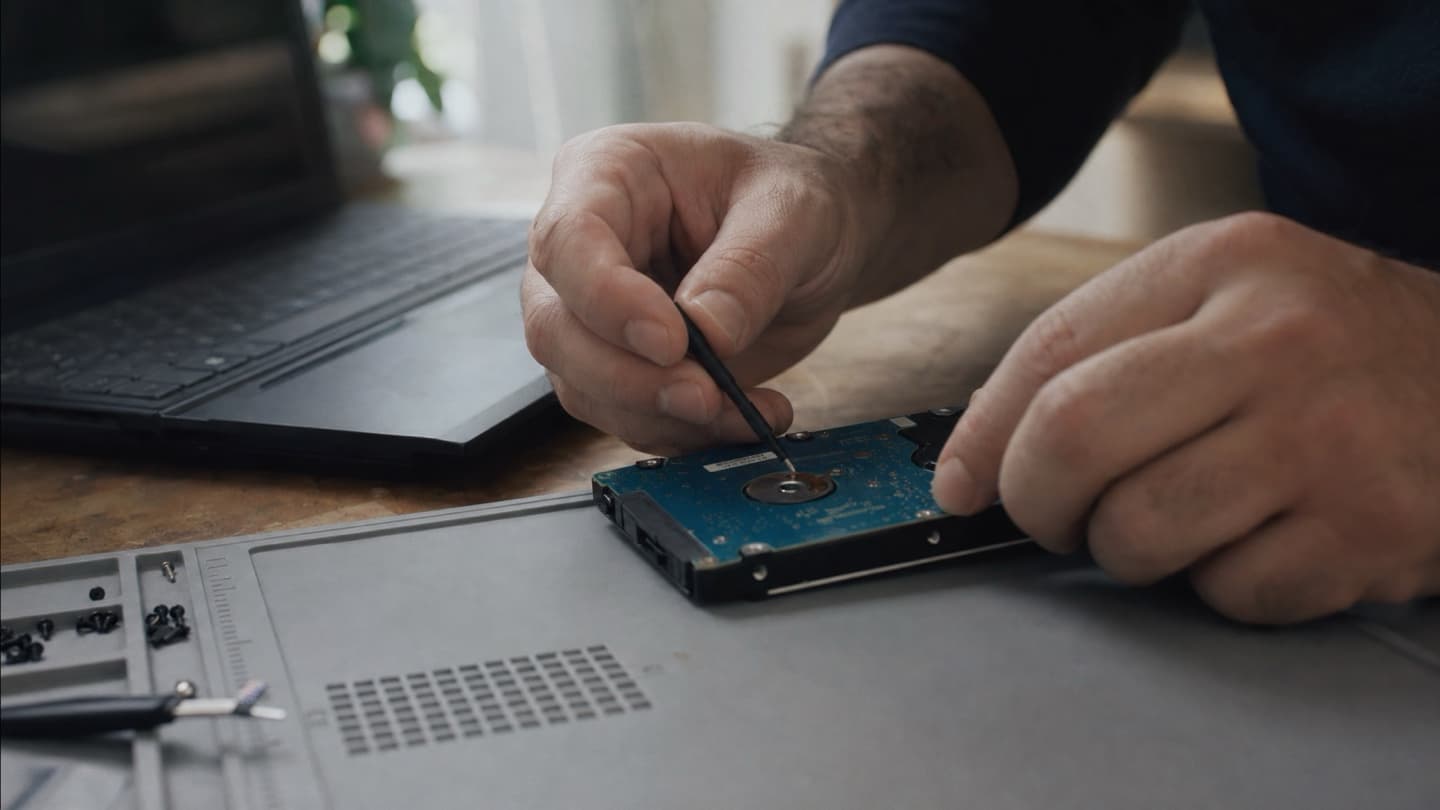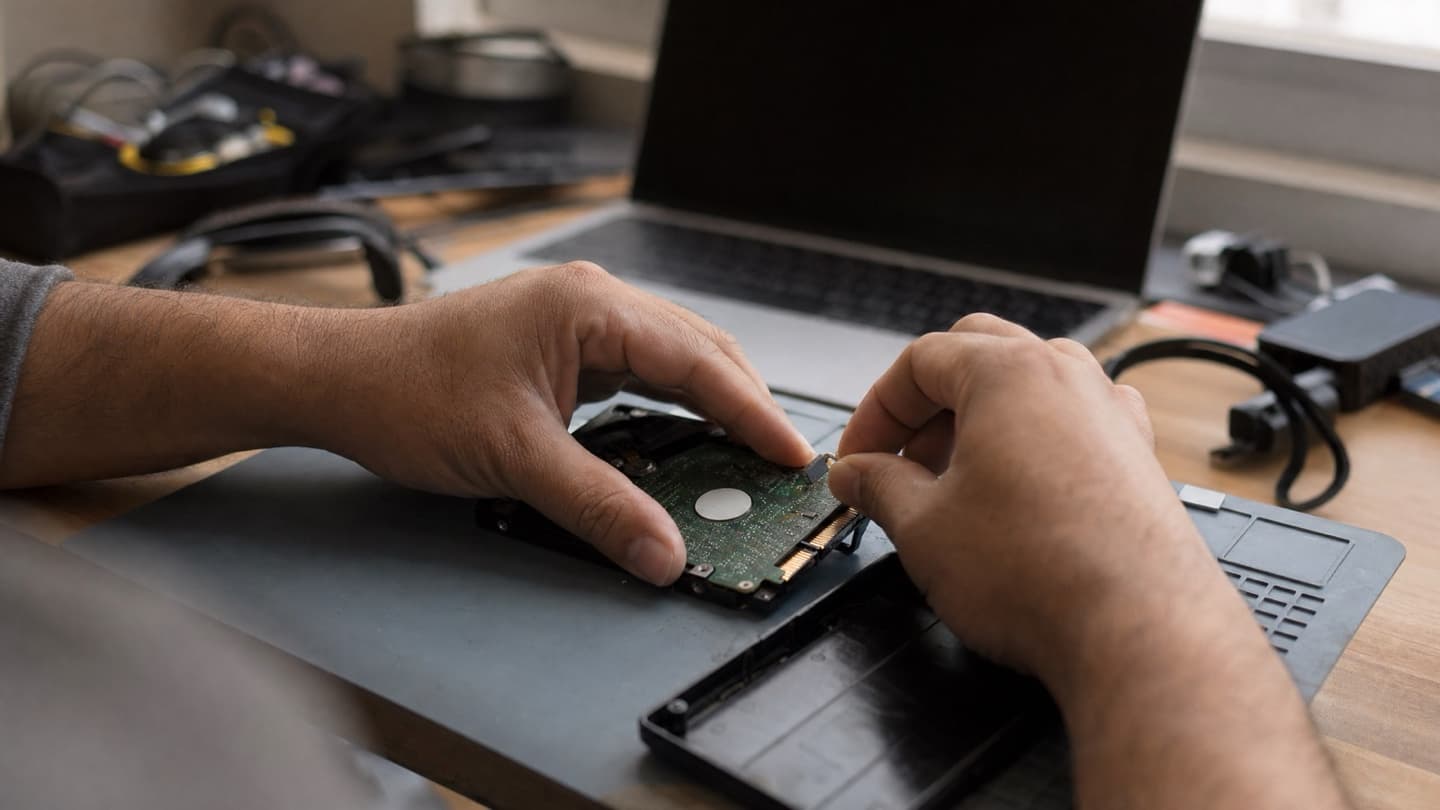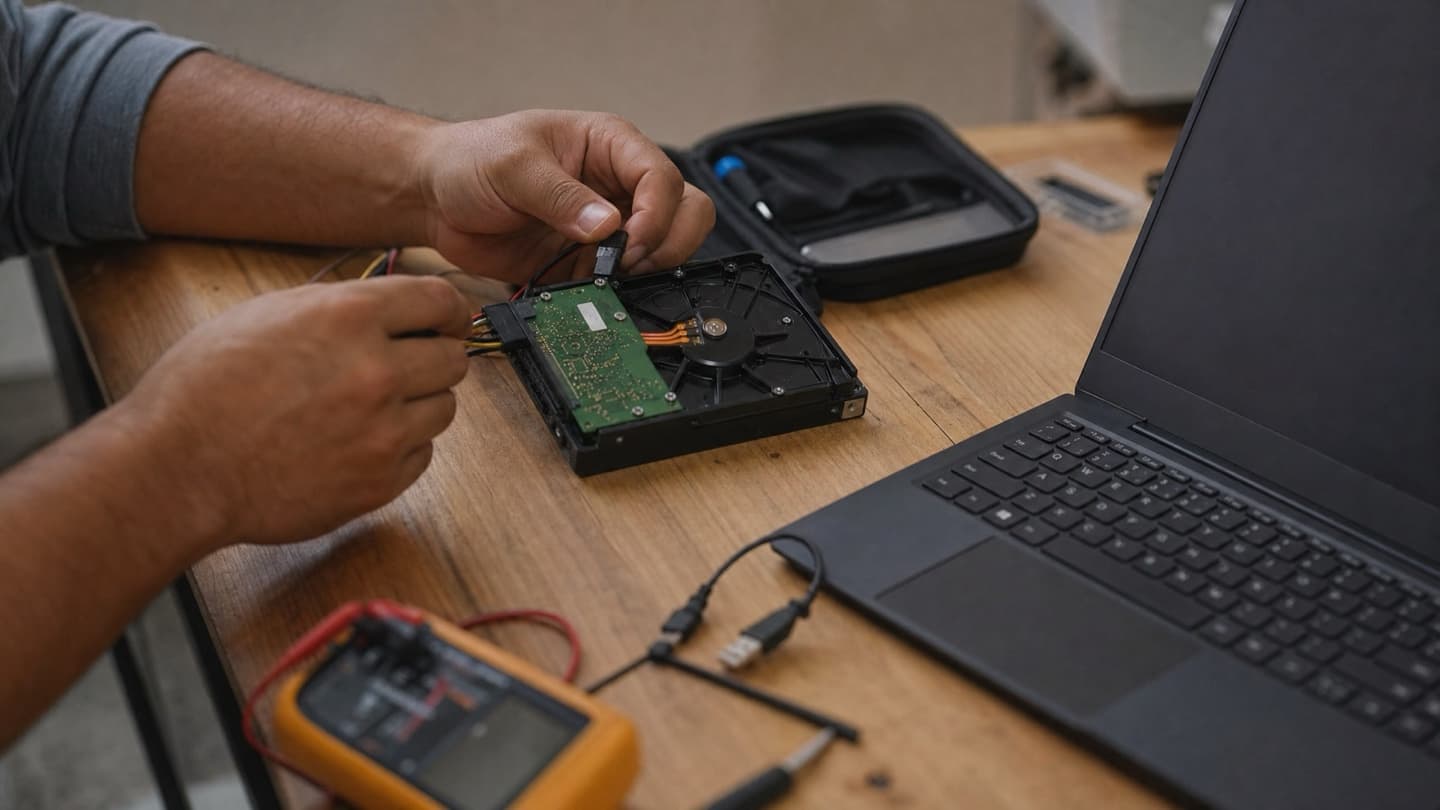
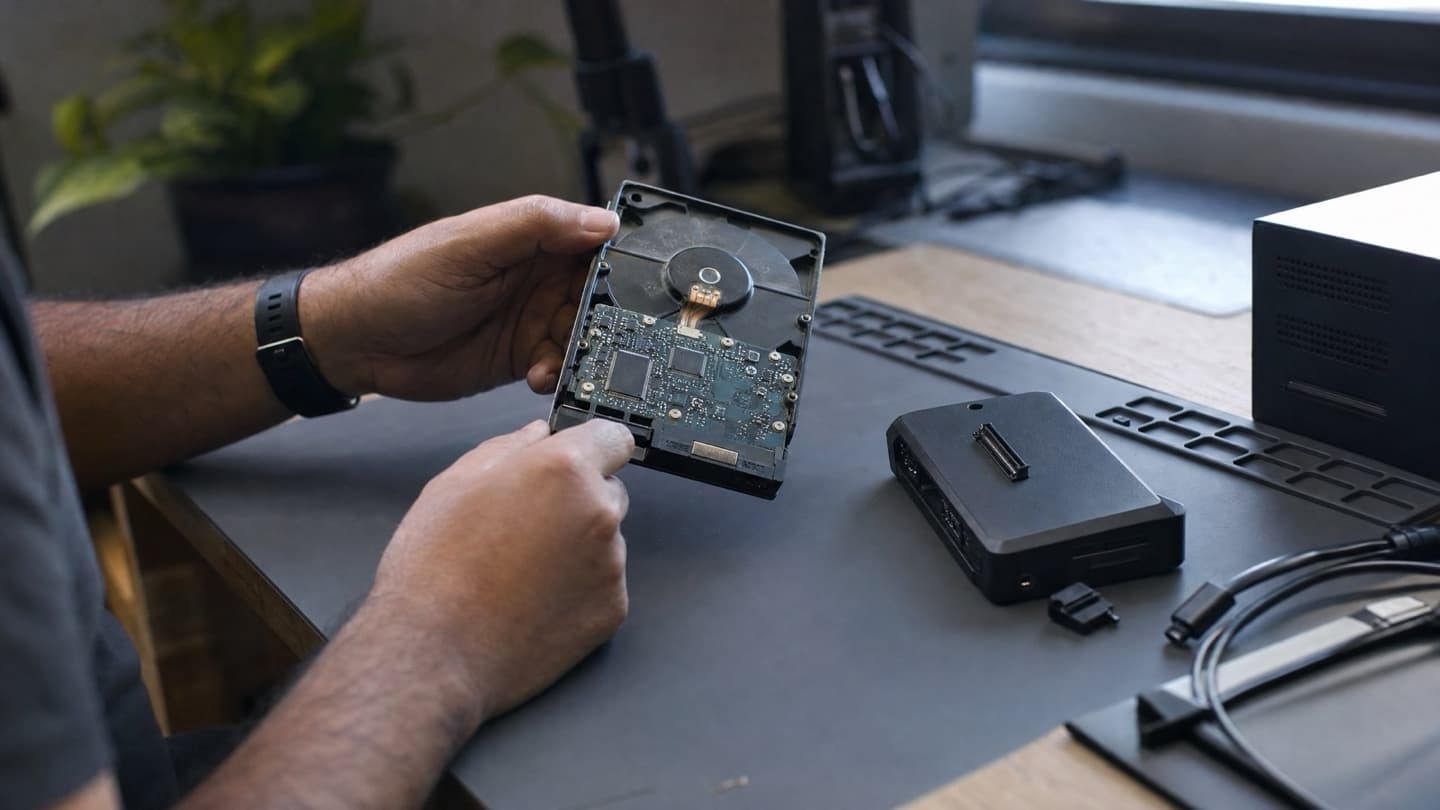
The drive already failed. It's clicking, gone from your system, or the machine won't boot, and the hardware is not what you care about. You care about the files. Here's what recovery actually involves, what the odds really look like, and what to expect if you bring a dead drive in, so you can make a sensible call instead of a panicked one.
- The single biggest factor in success is how much the drive got used after it failed, so stop now.
- Drives fail four ways, and each one needs a different kind of recovery.
- Cleanrooms are real and necessary for serious mechanical damage, but most failed drives never need one.
- Never trust a guaranteed price or outcome quoted before anyone has seen the drive.
- The DIY attempts, reboots, tools, reinstalls, are what most often turn recoverable data into lost data.
If you're still at the warning-signs stage, catch it early in signs your hard drive is failing. This post is for when it's already happened.
Every boot, every copy attempt, every recovery tool you run on a failed drive can overwrite or further damage the data you're trying to save. The single best thing you can do right now is leave it alone.
The one rule that decides everything
Recovery success comes down mostly to how much the drive got used after it failed. A drive that was shut off the moment it started clicking has far better odds than the same drive after ten reboots and three recovery programs.
So before anything else: if the files matter, stop using the device. Don't reinstall Windows to "fix" it. Don't run tool after tool. Don't open the drive yourself. Those feel like progress and are usually the opposite.
The four ways drives fail, and what recovery looks like for each
Recovery isn't one thing. What it takes depends entirely on how the drive died.
Logical failure (no physical damage)
Deleted files, a corrupted partition, a file system that got scrambled, a virus that hid or trashed data. The drive itself is physically fine, it just can't find or read the data correctly. These are the most recoverable cases, because the hardware still works and specialized software can often rebuild what's there. Malware damage often lands in this bucket.
Electrical failure
The drive won't power on, or the circuit board is fried, sometimes literally, from a power surge. The data on the platters may be perfectly intact. The job is getting the drive working again long enough to read it, sometimes by repairing or swapping the board.
Mechanical failure
This is the clicking and grinding drive. The heads, motor, or platters are damaged. The data may still be on the disk, but reading it means physically working inside the drive, which cannot be done safely on a kitchen table. This is the hardest and slowest category.
Physical damage
Drops, water, fire, heat. Anything that hurt the drive from the outside. Recoverability ranges from "surprisingly fine" to "gone," depending on what got hit and how badly.
Realistic odds, honestly
Nobody who's straight with you will promise a number before they've looked at the drive. But roughly:
- Deleted files and logical problems, caught early, recover often and cheaply.
- Electrical failures are frequently recoverable once the drive is powered correctly.
- Mechanical failures are a coin flip that swings on how bad the damage is and how much the drive was run afterward.
- Physical destruction is the hardest, and sometimes the answer is no.
The honest part is this: recovery is never guaranteed, and anyone who guarantees it before seeing the drive is selling, not diagnosing. What moves the odds in your favor is early action and not running the drive into the ground first.
Recovery is never guaranteed, and anyone who guarantees it before seeing the drive is selling, not diagnosing.
Cleanroom recovery, and when you actually need it
You'll see "cleanroom" thrown around. A cleanroom is a dust-controlled space for opening a drive without contaminating the platters, and it's genuinely necessary for serious mechanical damage, the clicking and grinding cases. It's specialized, it's expensive, and it's done by dedicated data-recovery labs.
Here's the straight talk most places won't give you: most failed drives don't need it. Deleted files, corruption, a bad partition, a dead circuit board, none of those require opening the drive. If someone quotes you a cleanroom job for a drive that just has a corrupted partition, get a second opinion. Part of a good diagnosis is telling you honestly which category you're in, because the wrong category is where the big bills come from.
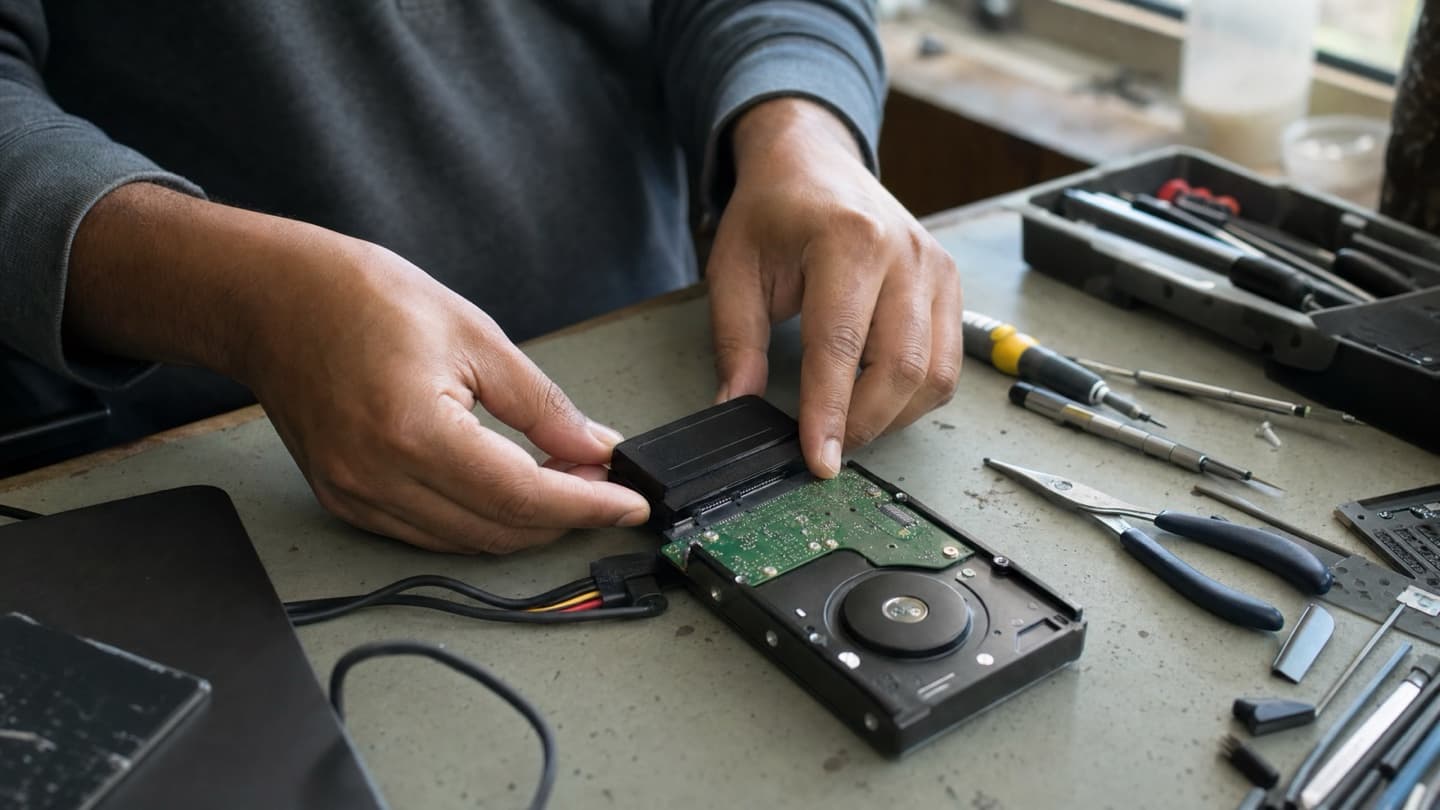
What it costs, roughly
Prices vary a lot by how the drive failed, and any specific number before a diagnosis is a guess. As a rough guide to the market:
- Logical recovery, deleted files and corruption, tends to sit at the lower end.
- Electrical and moderate hardware jobs are more, since the drive needs physical work.
- Full mechanical or cleanroom recovery is the most expensive by a wide margin, because of the equipment and lab time involved.
- RAID and server recovery is its own thing and priced case by case.
Look for two things when comparing. First, a real diagnosis before any price, not a number pulled out of the air over the phone. Second, "no data, no fee," meaning you don't pay for a recovery that doesn't work. We do a free diagnosis and give you a flat quote before anything starts, and if the data can't be saved, you're not paying for the attempt. See data recovery for what that looks like.
What to expect when you bring in a failed drive
- Diagnosis first. Someone determines the failure type and whether the data looks recoverable. This should cost you nothing and come with a straight answer.
- A quote, before any work. You find out what it'll cost and roughly how likely it is to work, then you decide. No work happens until you say go.
- The recovery itself. A logical recovery can be same-day. A mechanical job sent to a lab takes longer. Nobody serious will promise a time before they know the failure type.
- Getting your data back. Recovered files come back on a fresh drive, and the failed one doesn't go back into service.
Bring it in before it gets used any more. We diagnose the failure for free, tell you honestly whether the data looks recoverable, and quote a flat price before anything starts.
What not to do while you wait
- Don't keep using the drive or the computer it's in.
- Don't reinstall the operating system.
- Don't run one recovery tool after another hoping one sticks.
- Don't open the drive yourself. A speck of dust on an exposed platter can finish the job.
Every one of those can turn recoverable data into lost data.
After you get your files back
Fix the reason it happened so you're not here again.
- Set up backups that run on their own, plus a cloud copy for anything you can't lose.
- Replace old drives before they die, not after.
- If you were still on an old spinning drive, this is a good moment to move to an SSD. Faster, and no clicking heads to fail.
- Keep an eye on drive health so the next failure gives you warning instead of a surprise.
When it's worth calling someone
If the drive is clicking, dead, or won't give up your files, and those files matter, that's the moment to stop DIY-ing and get it looked at, because the DIY attempts are what usually cost people the data. If it's just deleted files and the drive still works fine, software might handle it, and an honest diagnosis will tell you that too. Either way, the diagnosis is free and the quote comes first, so you can find out where you stand before spending a dollar. The sooner you stop using the drive and get eyes on it, the better your chances.