It's a stressful moment. You press the power button and the laptop does nothing. No light, no fan, no logo. Before you assume the worst, work through these checks in order. A lot of "dead" laptops we see in Calgary turn out to have a simple cause, and every one of these is free to try.
- A dead charger or a dead outlet is the single most common cause, so rule it out first.
- A 30-second hard reset clears a stuck power state that fakes a dead laptop.
- Lights and fans but a black screen means the display, not the machine.
- A spill or a drop changes the rules: stop pressing power and let it dry.
- If none of this works, it's usually the jack, battery, RAM, or board.
1. Rule out the charger and the outlet
A dead battery with a charger that quit is the single most common cause, so start here. Plug the charger in firmly at both ends and look for a charging light on the laptop. No light means no power getting in. Try a different wall outlet, since a dead outlet or a tripped power bar fools people all the time. If you can borrow a compatible charger, test with that. Chargers fail far more often than laptops do, and it's usually the cable near the plug that's gone.
A fully flat battery sometimes needs a few minutes on the charger before it will even show a light or power on. Plug it in, walk away, and come back.
2. Do a hard reset to drain the power
This clears a stuck state that can leave a laptop looking dead when it isn't. It sounds too simple to work, and it fixes a genuine no-boot surprisingly often.
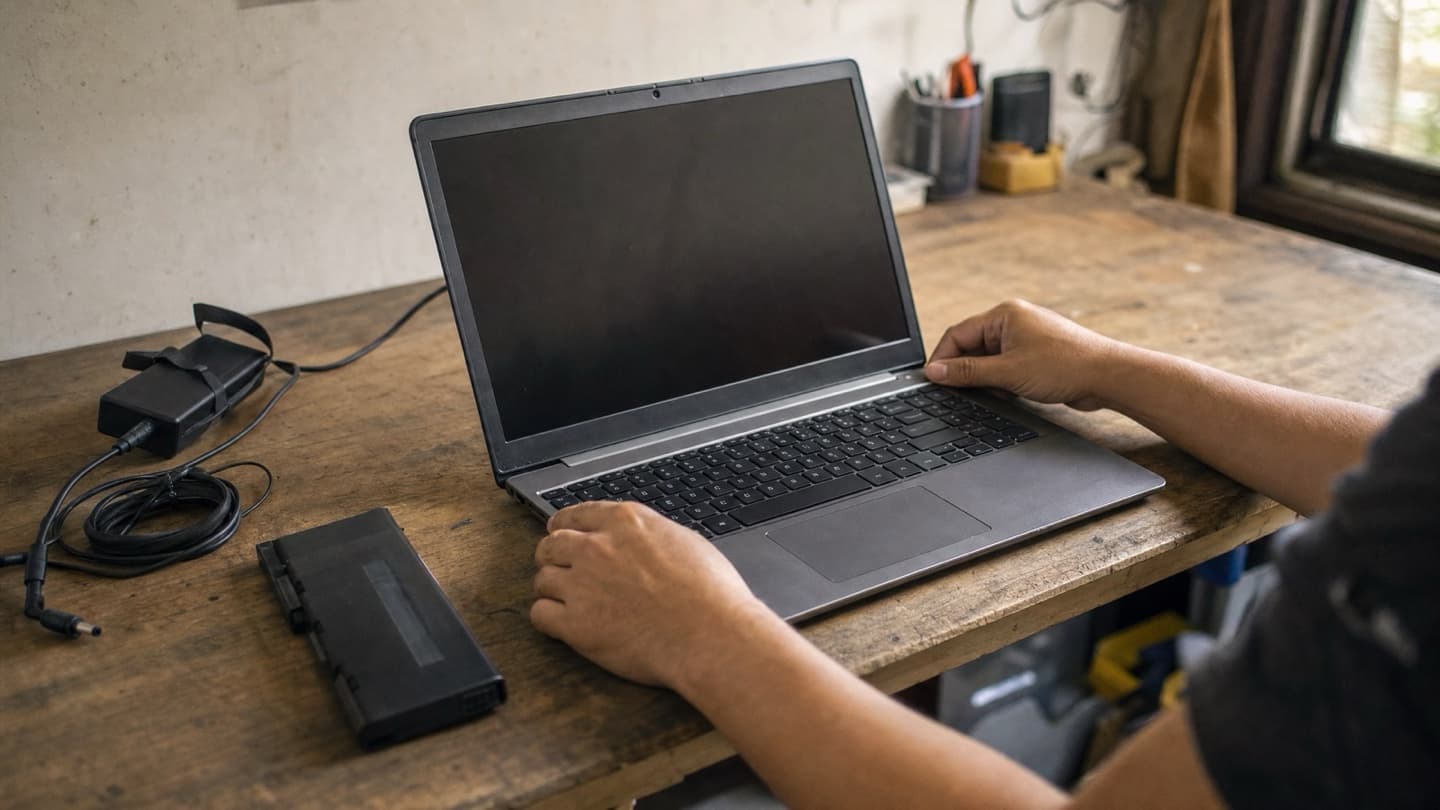
- Unplug the charger.
- If your battery pops out, remove it.
- Hold the power button down for a full 30 seconds.
- Put the battery back, plug the charger in, and try again.
3. Look and listen for any sign of life
Press power and pay attention. Any light, any fan spin, any faint noise tells you where to look next.
- Fans and lights but a black screen: the laptop is running and the display is the problem. Skip to check 5.
- Nothing at all, no matter what you try: that's a power fault, and it's the kind that usually needs opening up.
4. Unplug everything and try again
A USB stick, an external drive, a second monitor, or a dock can occasionally stop a laptop from starting. Unplug every accessory, leave only the charger, and power on with nothing else connected. It's a thirty-second test that rules out a whole category of causes.
5. If it powers on but the screen stays black
Lights on, fan going, but the screen never lights up. The laptop is likely fine and the display side is the culprit: the screen itself, the backlight, or the cable behind the hinge. Two quick tests tell you a lot.
Shine a flashlight at an angle across the screen with the laptop on. If you can just make out a faint desktop, the backlight has failed but the screen still works. Then plug in an external monitor. If the picture shows up there, the laptop is running fine and the built-in display is the problem. Either way, that's a screen repair, not a dead machine. We cover it under computer and laptop repair.
6. Stop if there's a spill or a drop
If the laptop got wet or took a hard fall right before it died, don't keep hitting the power button.
Powering a wet board can short it and turn a cleanable spill into a replaced motherboard. Unplug it, turn it upside down to drain, and leave it off. Liquid damage needs a proper cleaning sooner rather than later, before corrosion sets in.
When it's worth calling someone
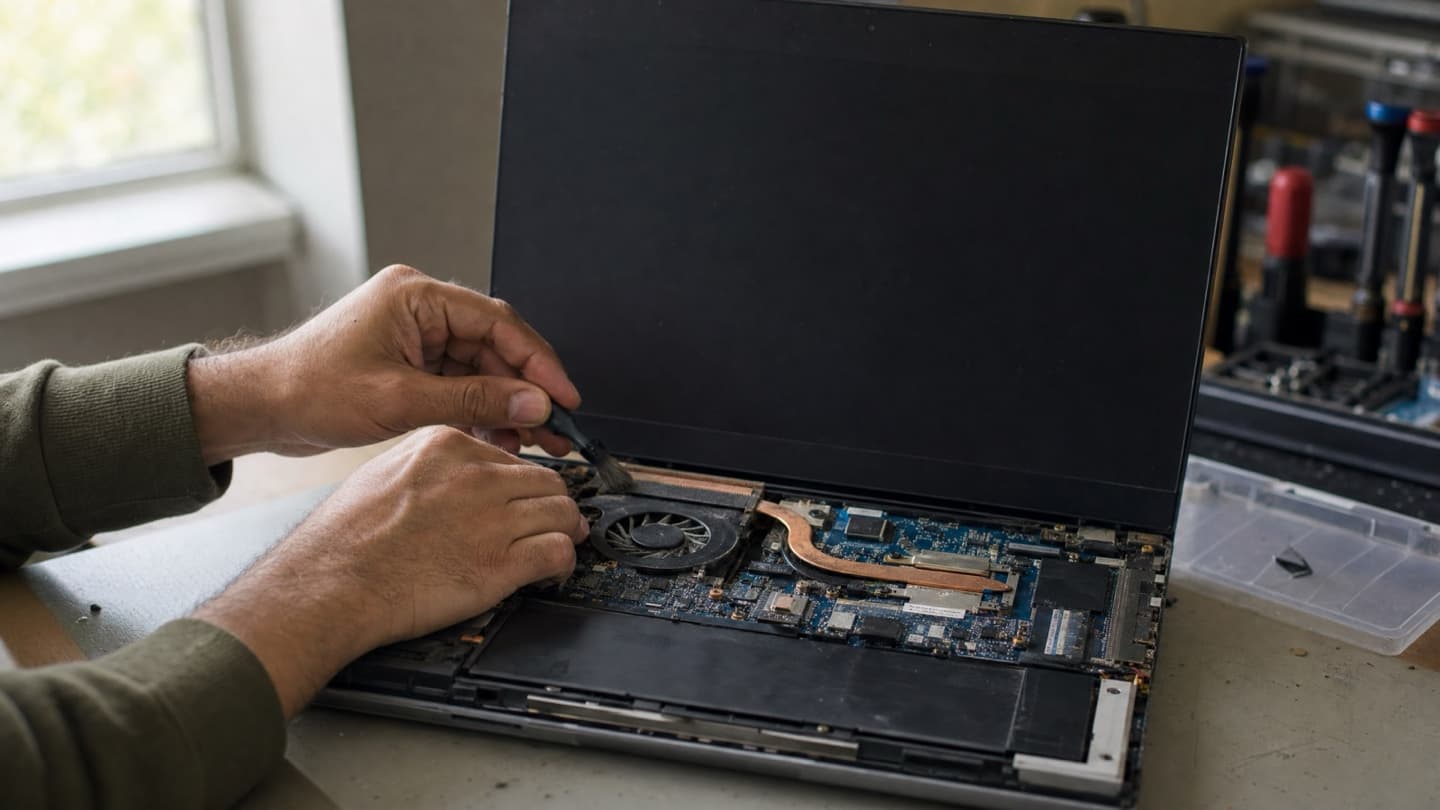
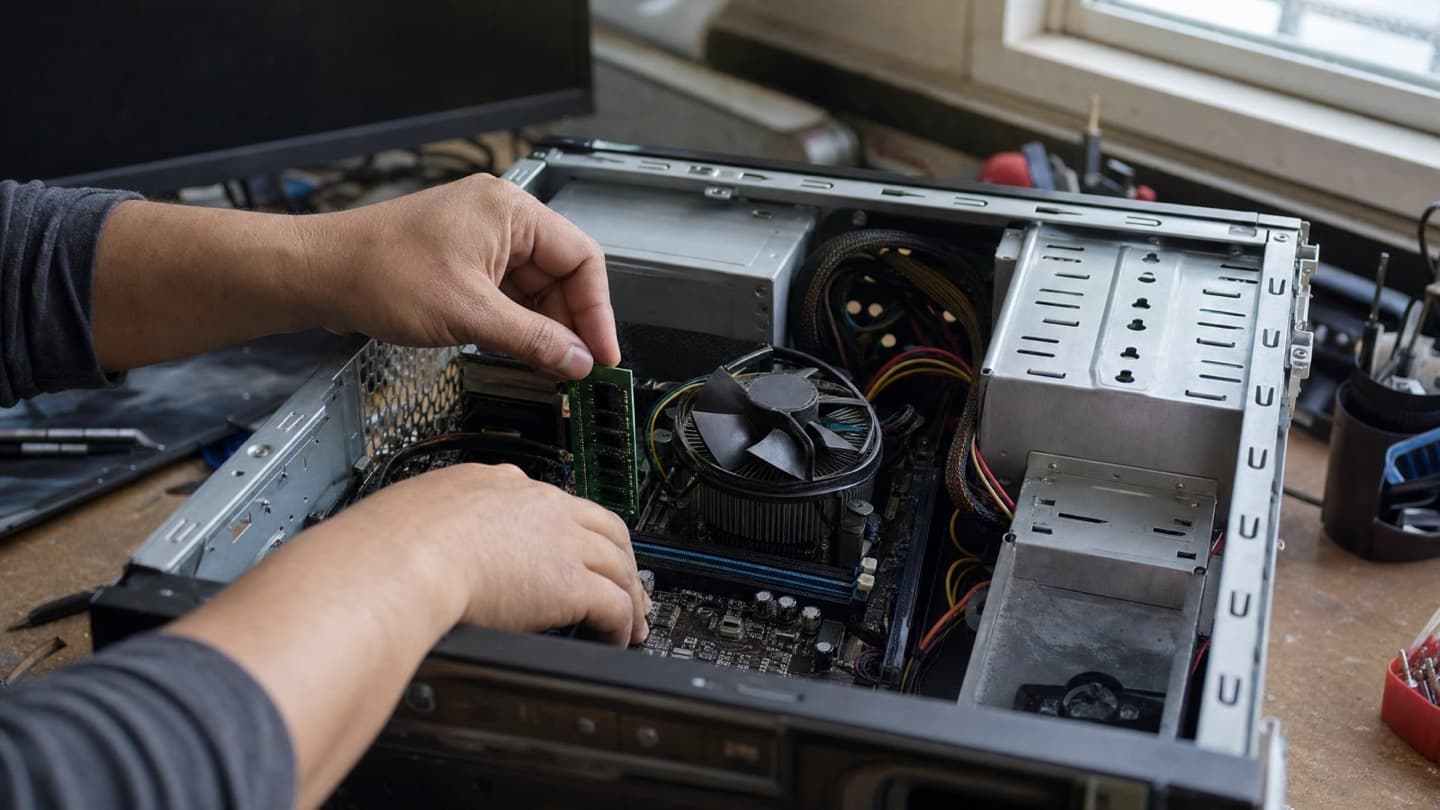
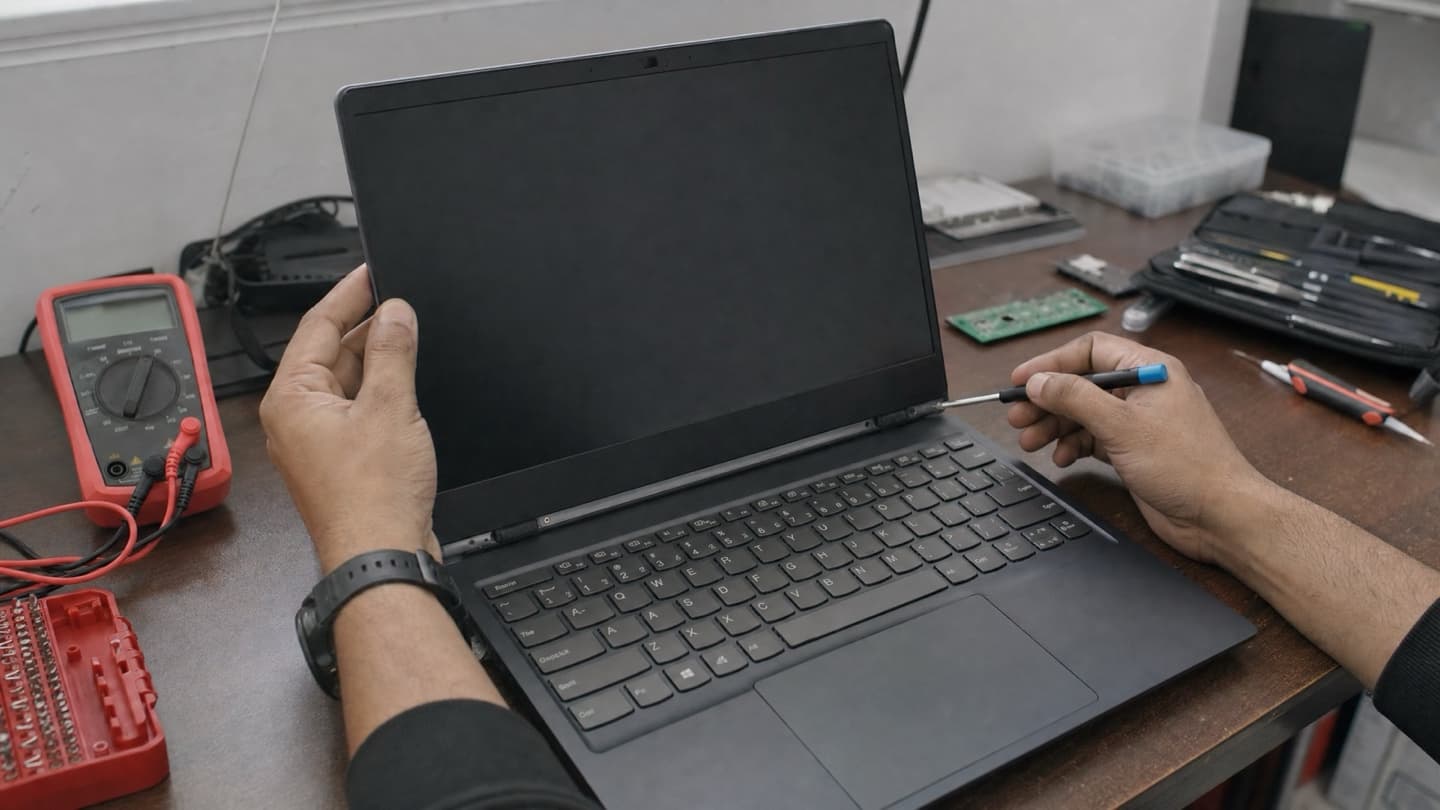
If you've been through these and the laptop is still dead, you're past the easy stuff. What's left is usually the power jack, the battery, the RAM, or the board itself, and those need it opened up to diagnose.
If it's an older laptop where the repair costs more than the machine is worth, we'll tell you straight rather than sell you a fix.
That's fine, and it's what a bench is for. We diagnose it for free, tell you the actual cause, and give you a flat quote before we touch anything.
If your files are the worry, a laptop that won't boot doesn't mean the drive is gone. The drive is usually recoverable even when the laptop isn't, and data recovery is its own job. We come to you across Calgary, Airdrie, Cochrane, and Okotoks.