The real question isn't how to upgrade to Windows 11. It's whether your PC should, or whether the money is better spent elsewhere. Windows 10 support ended on October 14, 2025, so moving off it isn't a maybe-someday decision anymore. But "you need to leave Windows 10" and "you need to upgrade this exact computer" are two different things, and sometimes the machine in front of you is the wrong thing to spend on. Here's how to tell before you spend a dollar.
- Windows 10 support ended October 14, 2025, so leaving it is a when, not an if.
- If your PC passes Microsoft's check, the upgrade itself is free.
- A TPM or Secure Boot block is usually a quick BIOS change, not a dead end.
- A processor block is a real wall, and no setting gets you past it.
- On an old, slow machine, an SSD often matters more than the Windows version.
First, can your PC even run Windows 11?
Free upgrade or not, it only happens if your hardware qualifies. Microsoft's requirements are the wall most older machines hit:
- TPM 2.0 and Secure Boot (often present, just switched off in the BIOS)
- A supported processor (the requirement that actually blocks most older PCs)
- 4 GB of RAM and 64 GB of storage as a floor, more in practice
- UEFI firmware
Download Microsoft's PC Health Check app and run it. It gives you a straight pass or fail and usually names the requirement that failed. That one detail changes everything that follows, so start there.
A TPM or Secure Boot failure is usually a five-minute BIOS change, not a dead end. A processor failure is a real wall, and no setting fixes it. Same red X, very different outcomes.
If you want the step-by-step for the upgrade itself, we laid it out in how to upgrade Windows 10 to 11 without losing your files.
What it actually costs in Calgary
If you do it yourself and your PC qualifies, the Windows 11 upgrade is free. Microsoft doesn't charge for it. So when there's a cost, it's for the work around the upgrade, not the upgrade itself.
Where money comes in is when the machine needs help to be worth upgrading. Broadly, the market around town looks like this:
- A straight upgrade with a hand, for someone who'd rather not touch the BIOS or babysit the install, is a modest flat job.
- Upgrade plus a cleanup and tune, clearing out junk, checking the drive, updating drivers, so the machine actually feels better afterward, sits a step above that.
- Upgrade plus hardware, an SSD or more RAM, is where it climbs, because you're paying for the parts.
We don't post fixed prices here because the number depends entirely on what your machine needs, and the only way to know that is to look. The diagnosis is free, so you find out what it'd cost before you commit to anything.
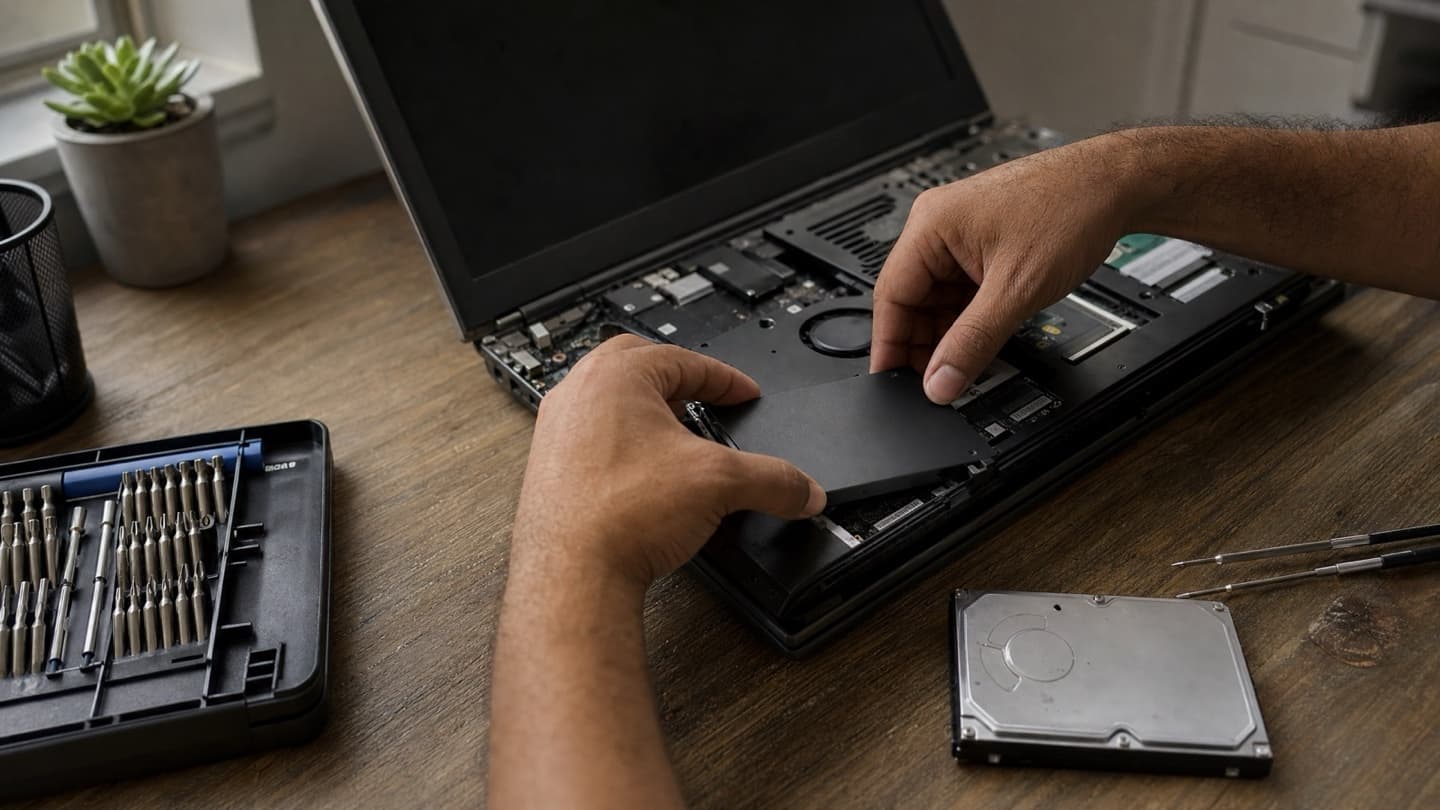
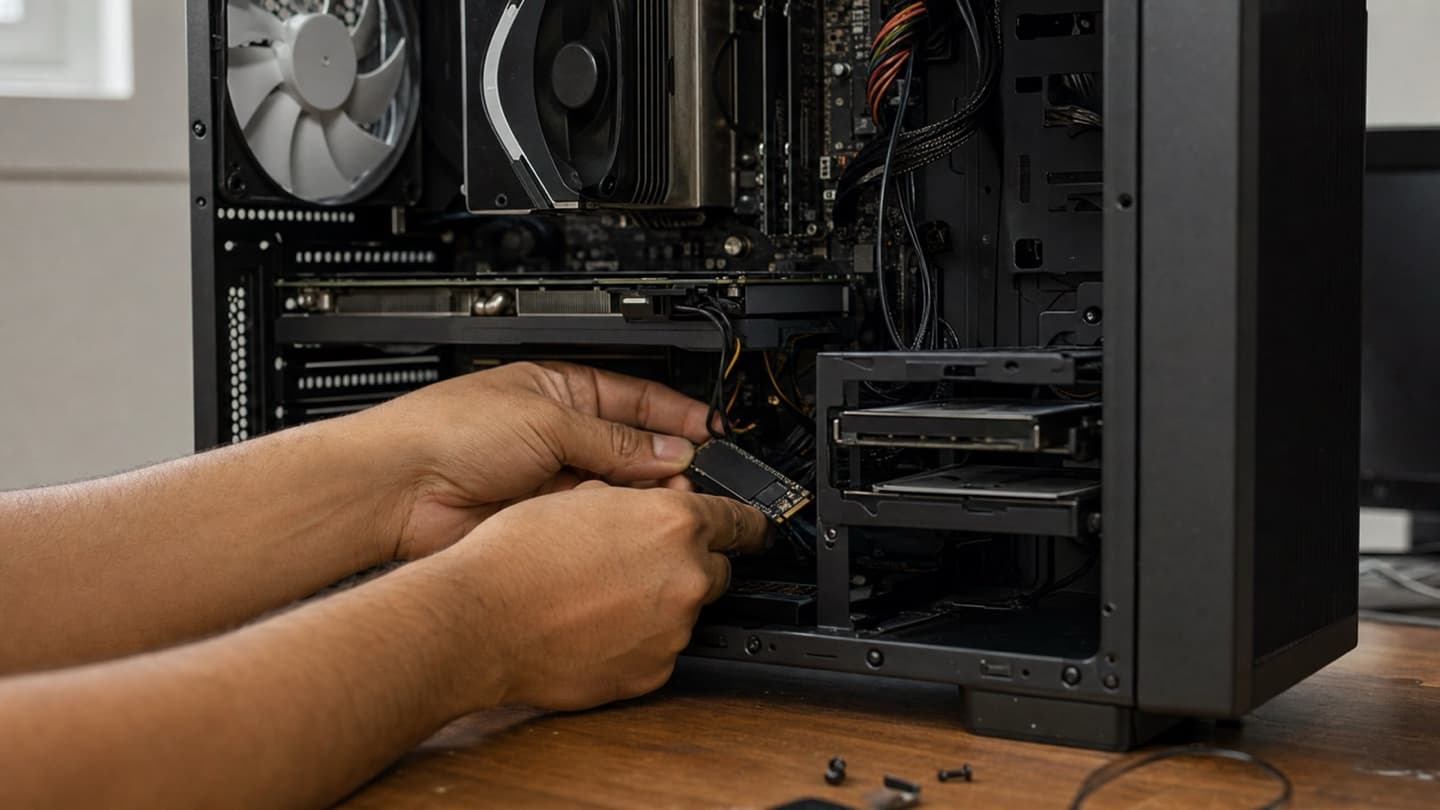
If your computer still runs a mechanical hard drive, an SSD does more for how it feels than the Windows upgrade does.
It's the single best money you can spend on an older PC. We ranked the options in the best SSD upgrades for Windows 11.
When to upgrade the hardware instead of the whole PC
Your PC fails the Windows 11 check but otherwise works. This is the fork in the road, and it comes down to what's actually wrong.
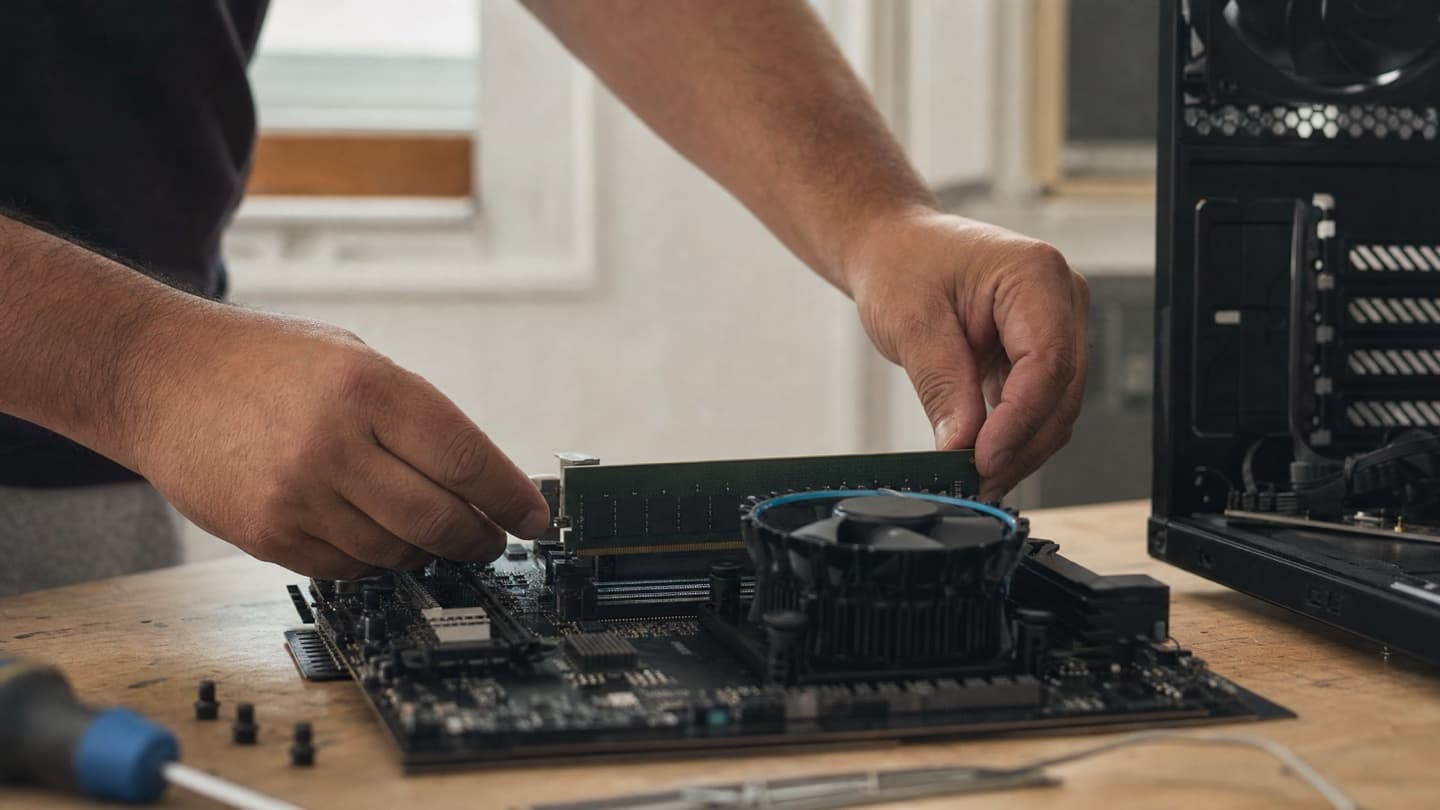
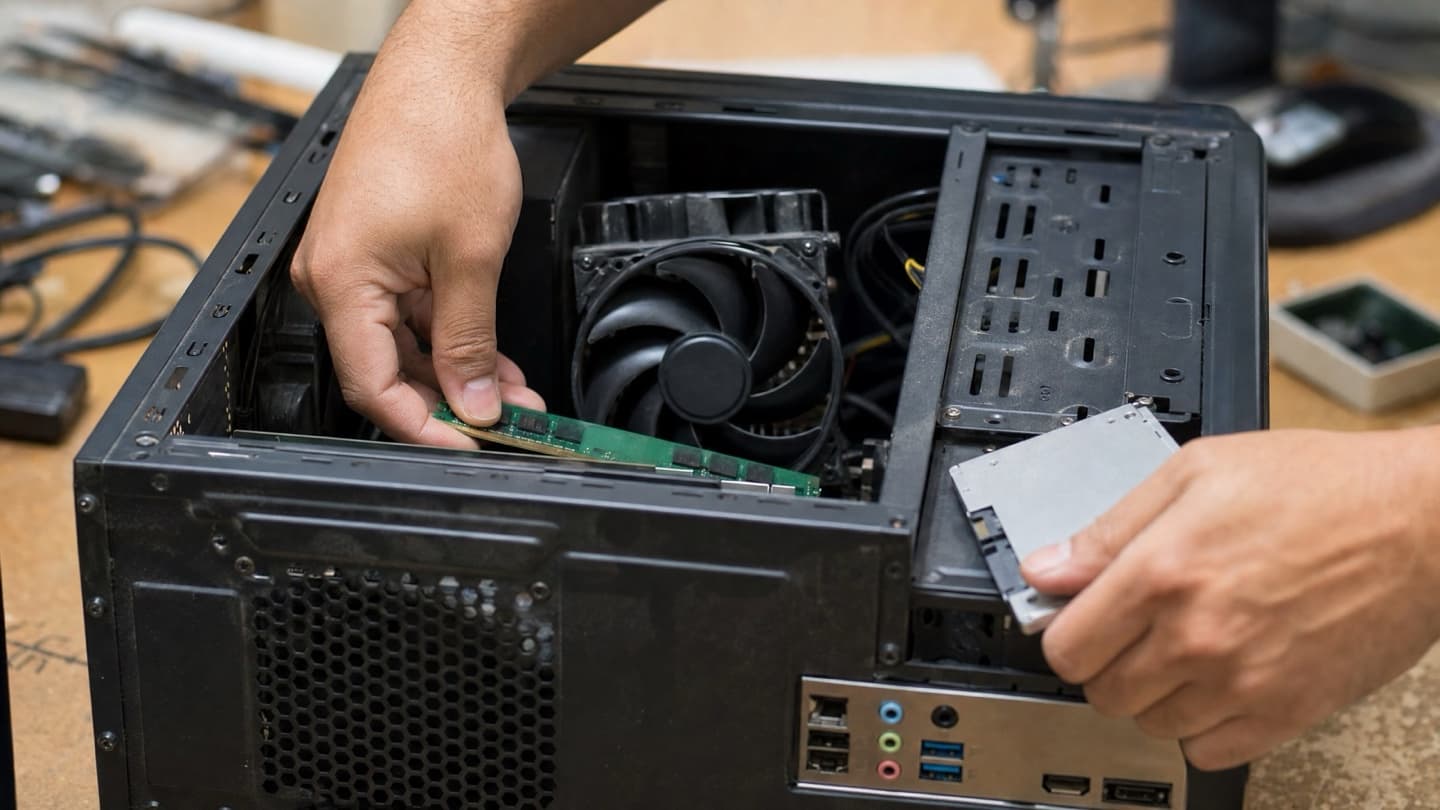
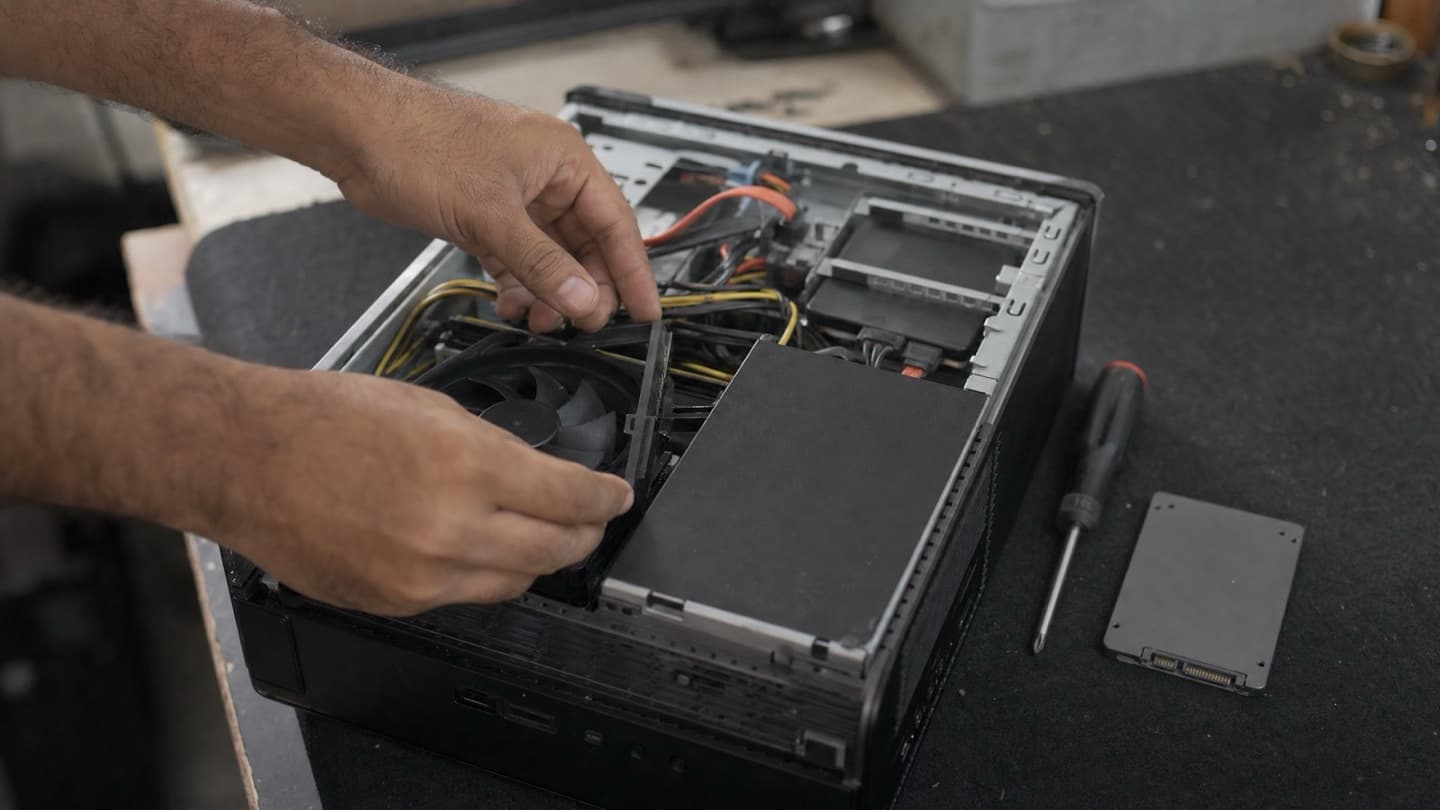
Upgrade the hardware if the machine is roughly three to five years old, the block is TPM or Secure Boot rather than the CPU, and it's just slow because of an old hard drive or thin RAM. A PC like that has years left in it. An SSD and a RAM bump often make it feel new, and that's a fraction of the cost of replacing it. Not sure how much RAM you actually need? We covered that in how much RAM you need for Windows 11.
When a new PC is the smarter buy
Replace it if the processor is the thing that fails the check, because you can't upgrade your way past that on most machines. Same answer if the computer is genuinely old, seven or eight years plus, or if it's already crashing, overheating, or failing in ways that upgrades won't fix. At some point the parts to keep an old machine going cost more than a new one that just works, and throwing good money at a tired computer isn't doing you any favours.
The honest version of this advice: sometimes the right answer is "don't upgrade this one." A shop that only ever tells you to upgrade isn't giving you the full picture. If a new machine is the better spend, that's what we'll tell you.
Doing it yourself vs getting help
Plenty of people upgrade fine on their own. If your PC passes the check clean, you're comfortable backing up your files first, and you don't mind waiting out the install, go for it. The step-by-step guide has everything you need.
Getting a hand is worth it when the machine holds data you can't lose, when the BIOS changes make you uneasy, or when you've got several computers and a network that all have to keep working afterward. The cost of a botched upgrade, a failed install or lost files, is a lot higher than the cost of having it done right the first time.
We check whether your machine can run Windows 11, tell you if a hardware upgrade or a new PC is the smarter buy, and give you a flat quote before any work starts.
The short version for Calgary
Windows 10 support ended October 14, 2025, so moving off it is a when, not an if. But the machine you're using might not be the right thing to spend money on. Run PC Health Check first. If it passes, the upgrade is free and you can do it yourself. If it fails on TPM or Secure Boot, that's usually a quick fix. If it fails on the processor or the machine is genuinely old, weigh a hardware upgrade against a new PC honestly.
We do this for people across Calgary, in your home or remotely. Free diagnosis, flat quote, files backed up before we touch anything, and straight advice on whether upgrading is even worth it. See hardware repair and upgrades.