Windows 10 hit end of support in October 2025. So the real question in 2026 isn't "is Windows 11 better," it's "how long can I safely stay on Windows 10, and is it worth moving." Here's our honest read, the reasons that actually matter and the ones that don't.
- Windows 10 stopped getting free security updates in October 2025. That's the one reason that forces the question.
- Most machines from roughly 2018 on can run Windows 11 for free, sometimes after flicking a BIOS setting.
- A very old or already-crawling PC won't be fixed by a new OS. That's a replace-or-upgrade-hardware call.
- Back up your files and run Microsoft's PC Health Check before you do anything.
The one reason that actually forces the question
Windows 10 stopped getting free security updates in October 2025. That's the whole thing. Your Windows 10 PC still turns on and still works, but Microsoft has stopped patching newly-found holes in it.
That doesn't make your computer explode overnight. It means that over time, as new vulnerabilities turn up and don't get fixed, an internet-connected Windows 10 machine gets riskier to use, especially for banking, email, and anything with your personal details on it.
If you want more time, Microsoft is offering paid Extended Security Updates for Windows 10, which buys you patches for a while longer without moving to 11. That's a reasonable bridge for a machine that can't upgrade, not a permanent plan. We got into the details in the Windows 10 end-of-support rundown.
Good reasons to upgrade
Setting the hype aside, these are the ones that hold up:
Security keeps coming. Windows 11 gets patched. That's the honest headline. The TPM and Secure Boot requirements everyone complains about are the same features doing the protecting.
Your PC probably already supports it. Most machines from roughly 2018 on can run Windows 11, sometimes after flicking a BIOS setting. If yours qualifies, the upgrade is free and keeps a perfectly good computer current for years.
New software targets it. Over time, apps and drivers get built and tested for Windows 11 first. Staying on 10 means slowly drifting out of that support window.
It's genuinely fine to use. Once you're past the moved-around Start menu, day to day it's stable and familiar. This isn't a rough release anymore.
Honest reasons to wait, or not bother
We're not going to pretend everyone should rush:
Your PC might not qualify, and forcing it is a bad idea. If your processor isn't on Microsoft's supported list, there are unofficial workarounds, but an unsupported install can stop getting updates later, which defeats the entire point. If the hardware genuinely can't do it, that changes the math.
A very old machine isn't worth the effort. If your computer is already crawling, on a spinning hard drive, tight on memory, ten years old, then upgrading Windows won't fix any of that. You'd be putting a new OS on tired hardware. Sometimes the money's better spent elsewhere.
You liked how Windows 10 worked. Fair. The taskbar and Start menu changed, some of it for the worse depending on your habits. That's a real adjustment, not a dealbreaker, but it's honest to name it.
The upgrade-or-replace call
This is the question we get asked most, so here's the plain version.
Upgrade the machine you have if it's roughly three to five years old, runs okay now, and passes the Windows 11 compatibility check. A free OS upgrade, maybe paired with an SSD or a bit more memory, gets you a computer that feels current for a fraction of a new one's price. A tired-but-decent PC often just needs an SSD or a RAM bump to feel new again, and that plus the free upgrade beats a new machine on cost every time.
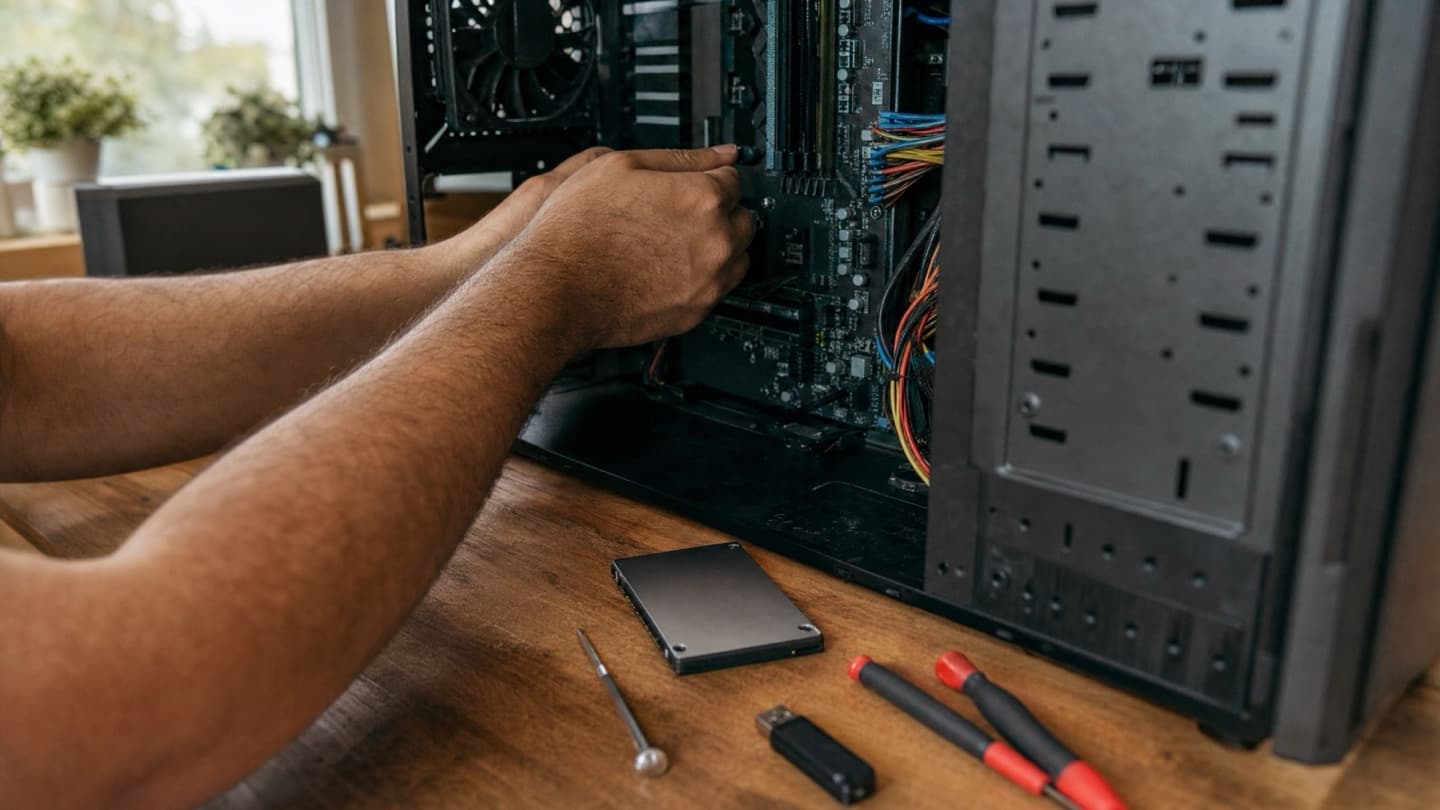
Replace it if it's genuinely old, fails hardware constantly, or stays slow even after upgrades. There's a point where good money after bad isn't worth it, and we'll tell you when you've hit it.
We'd rather say "this one's done" than sell you a repair that isn't worth doing.
Before you upgrade anything
Two things, always:
- Back up your files first. Upgrades rarely lose data, but "rarely" is doing work in that sentence. A copy on an external drive or the cloud costs nothing.
- Check compatibility properly. Run Microsoft's PC Health Check so you're not finding out halfway through what passes and what doesn't.
If a drive is already misbehaving, fix that before the upgrade. Backing up first covers the one-in-a-hundred bad day, and a struggling drive is exactly the kind that picks that day to fail.
If PC Health Check flags TPM or Secure Boot, those are often just off in the BIOS and can be switched on. If the upgrade itself gives you trouble, we wrote up the common upgrade problems and their fixes.
The short version
If your PC supports Windows 11 and you use it for anything that matters, the free upgrade is the sensible move now that Windows 10 is out of support. If it doesn't qualify, or it's already on its last legs, the smarter question is whether to spend the money on upgrading the hardware or replacing the machine, and that depends on the specific computer.
Not sure which camp you're in? That's exactly the thing worth a look before you commit either way.
We'll check whether your machine's worth upgrading and tell you straight. Diagnosis is free, and we're mobile across Calgary.