
Dell repair in Airdrie
CompuTech repairs Dell laptops and desktops in Airdrie with in-home visits. Airdrie's commuter households run a lot of Latitudes and XPS machines, and a raised XPS trackpad is a swollen battery until proven otherwise; call before you keep charging it.
- ✓ No fix, no fee
- ✓ One all-in price for parts jobs
- ✓ No charge to look at drop-offs
- ✓ Most repairs done same day
Hours, address and more about CompuTech
| Day | Shop | In-home |
|---|---|---|
| Mon | 10:00 AM – 6:00 PM | 10:00 AM – 4:00 PM, 6:00 PM – 8:00 PM |
| Tue | 10:00 AM – 6:00 PM | 10:00 AM – 4:00 PM, 6:00 PM – 8:00 PM |
| Wed | 10:00 AM – 6:00 PM | 10:00 AM – 4:00 PM, 6:00 PM – 8:00 PM |
| Thu | 10:00 AM – 6:00 PM | 10:00 AM – 4:00 PM, 6:00 PM – 8:00 PM |
| Fri | 10:00 AM – 6:00 PM | 10:00 AM – 4:00 PM, 6:00 PM – 8:00 PM |
| Sat | 10:00 AM – 6:00 PM | 10:00 AM – 4:00 PM, 6:00 PM – 8:00 PM |
| Sun | 10:00 AM – 6:00 PM | Drop-off only |
- 303 Wentworth Row SW, Calgary, AB. In-shop service by appointment. Get directions →
- In-home visits booked by phone or online. Call before noon for same day.
- 587-317-0482
- Hours
- CompuTech's shop at 303 Wentworth Row SW, Calgary, AB is open Mon–Sun 10:00 AM – 6:00 PM. In-home visits across Calgary run Monday to Saturday, 10:00 AM – 4:00 PM and 6:00 PM – 8:00 PM. In-shop service is by appointment, booked weekdays 4:00 PM – 6:00 PM, weekends 10:00 AM – 6:00 PM. Sunday is in-shop appointments only.
- The shop
- CompuTech's shop is at 303 Wentworth Row SW, Calgary, AB. In-shop service is by appointment, booked by phone or online. Call CompuTech on 587-317-0482.
- Booking
- In-home visits from CompuTech across Calgary are booked by phone or through the site; calling before noon gives the best chance of a same-day slot.
- Pricing
- CompuTech's in-home visits in Calgary are $99 an hour and remote sessions $65 an hour, 1 hour minimum, then billed by the half hour. A repair that needs parts gets one price with the visit included, agreed before any work starts, and if it can't be fixed, you pay nothing. Machines dropped at the shop are looked at for no charge. Outside Calgary a travel fee applies, confirmed before the visit; Calgary has none.
- Turnaround
- Most CompuTech repairs in Calgary are finished the same day. Calling before noon gives the best chance of a same-day slot.
- Who turns up
- CompuTech is one technician who answers his own phone and does the work himself, fixing Calgary's laptops, networks and smart homes since 2015, over 5,000 repairs. CompuTech is rated 5.0 out of 5 across 758 reviews.
- Machines
- CompuTech repairs Windows and Mac laptops and desktops in Calgary, and rescues photos and files from phones and tablets that won't start.
- Customers
- CompuTech works with homes and small businesses in Calgary. Business IT is month to month with no lock-in contract.
- Not offered
- CompuTech is not a phone repair shop, and sends a machine still under manufacturer warranty back to Apple, Dell or Microsoft when that is the better deal for the customer.
- Service area
- CompuTech comes to homes and offices across Calgary and Airdrie, Chestermere, Cochrane and Okotoks. Strathmore, High River, Langdon, De Winton, Rocky View County, Crossfield and Diamond Valley are covered by arrangement.
- Facts reviewed
- Reviewed September 2026. Hours change on the day they change; call 587-317-0482 to confirm before a long drive.
What we see most on Dell machines
Have the service tag handy when you call. It tells us exactly what your machine takes.
We drive to Airdrie, not the other way round
Airdrie is on the in-home list, which means a visit is booked the same way a Calgary one is. You pick a window, we turn up with the tools, and the machine never leaves your desk unless it needs the bench. Most of what we see in Airdrie gets sorted in that one visit.
The drive is the easy part. North on Stoney or Deerfoot, up the QEII, and you're in town. That matters more than it sounds: plenty of shops won't come this far at all and ask you to drive to them. We come to you. There's a travel fee for the trip outside the city, and Mo tells you the amount when you book, so it's never a surprise on the day.
The parts of town we work in
Newer builds out on the edges, Bayside, Windsong, Kings Heights, Ravenswood and Cooper's Crossing, are where most of the Wi-Fi work comes from. Big footprints, a router parked wherever the installer found the cable, and a home office at the far corner of the house. The older core around Big Springs and Luxstone is a different job again, usually machines that have been running fine for eight years and have finally slowed to a crawl.
If it's easier to drop the machine off, the shop at 303 Wentworth Row SW is open seven days. Plenty of Airdrie customers hand it over on the way through Calgary and pick it up later in the week.
The two faults we see on Dells every week
The swollen XPS battery, which isn't cosmetic
Two Dell faults account for most of what CompuTech sees in Calgary. If you own an XPS 13 or XPS 15 that's a few years old and the trackpad has started sitting proud of the case, or clicking unevenly, or the whole base has developed a slight rock on a flat table, stop and read this properly. That's almost always the battery swelling underneath it.
A swollen lithium cell is a safety problem, not an inconvenience. Stop charging it, stop using it on a bed or a sofa, don't press on the trackpad to test it, and don't try to lever it out yourself. Bring it in. Left long enough it will crack the case, damage the trackpad and can push the display out of alignment when closed.
Inspiron hinges
Same story as the budget end of most brands. The hinge anchors into plastic, the plastic eventually loses, and the corner of the lid starts separating. Caught early it's a straightforward repair. Caught late it has taken the display cable with it.
Heat on the performance models
XPS 15, Precision and Alienware machines put a lot of processor into a small space. When the paste dries out and the fins clog, they throttle hard, and the symptom is a fast laptop that becomes a slow laptop about ten minutes into anything demanding. Some models also develop coil whine, which is an electrical noise rather than a fan and is usually harmless even though it sounds alarming.
Docks, on the business fleet
Latitude machines in offices spend their lives on a dock, and a surprising number of dead monitor and dead network faults are the dock or the cable, not the laptop. We test the laptop off the dock before anyone starts replacing hardware.
Why Dell parts are less of a gamble
Dell publishes full service manuals and part numbers for its machines, openly, by service tag. That's genuinely unusual and it changes the repair. We can confirm the exact part your specific machine takes before ordering anything, which means fewer wrong parts, fewer delays and a timeline we can actually stand behind.
It also means we can tell you what is possible before you decide. Give us the service tag off the bottom of the machine and we can look up what it shipped with and what it will take.
| Part | On this brand |
|---|---|
| Screens | Matched by part number, including the touch and non-touch variants of the same model |
| Batteries | Replaceable across the range, and urgent on any machine showing swelling |
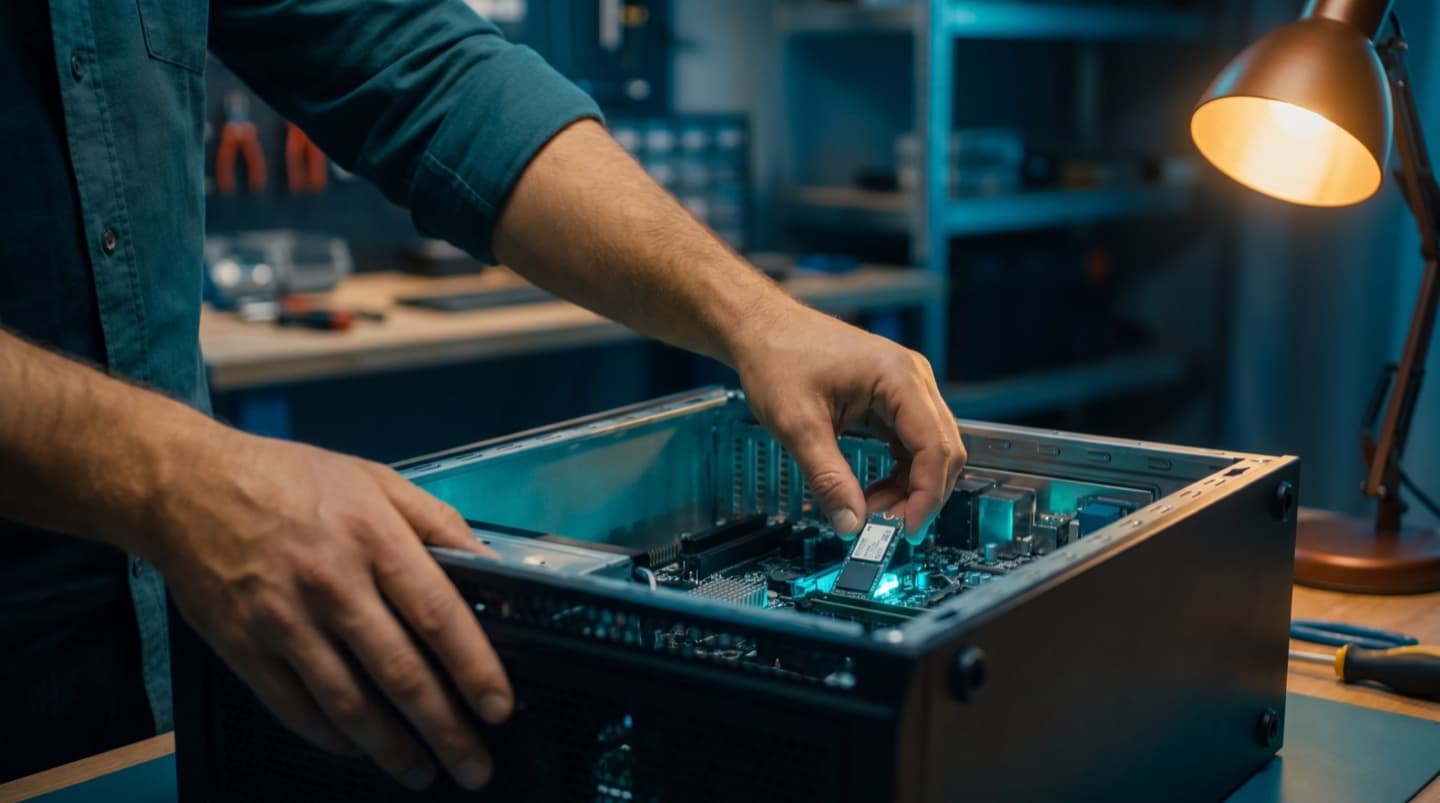
| Storage | Upgradeable on nearly everything, standard M.2 on modern models |
| Memory | Socketed on Inspiron, Latitude and Precision, soldered on most current XPS 13 |
| Hinges and lid assemblies | Repairable, best before the display cable is affected |
| Desktop power supplies | Some OptiPlex models use proprietary shapes, which we check before quoting |
The Dells worth repairing, and the one that often isn't
CompuTech's straight answer on which Dells are worth repairing. Latitude, Precision and XPS machines are generally worth repairing well past the point people expect. They were built for years of use, the parts are identifiable, and a battery and a drive can reset the clock on a machine that still has a good screen and keyboard.
Low-end Inspiron models are the ones where we'll sometimes tell you to stop. If it needs a hinge, a battery and a screen at once, the total gets close to what the machine is worth, and pretending otherwise wouldn't be doing you a favour.
One thing that's always worth doing: if your Dell is still on a mechanical hard drive, moving it to an SSD is transformative and it costs a fraction of a replacement machine.
No surprises. Ever.
You know what a visit costs before you book, and you agree the price of any repair before work begins. If we can't fix it, you don't pay. Simple as that.
Visits are 1 hour minimum, then billed by the half hour. If Mo can't fix it, you don't pay, and nothing gets opened or ordered until you've said go.
- In-home visit
- $99/hr
- Remote session
- $65/hr
- In-shop drop-off
- No charge to look
Three steps to a working Dell
“Within 40 minutes of my first phone call, Mohammed had my laptop in his hands and was already taking it apart while explaining the issue and repair process to me in detail. He diagnosed the problem quickly and efficiently, and his expertise was obvious throughout the entire experience.”
“I had an excellent experience with Mohammed at Computech. He was able to diagnose the issue quickly and efficiently. He was highly professional, knowledgeable, and explained everything clearly. On top of that, he was very friendly and easy to work with.”
“Mohammed provided excellent computer services—professional, efficient, and very knowledgeable. He quickly diagnosed the issue, explained the solution clearly, and delivered exactly what he promised. Highly recommended for anyone looking for reliable and competent IT support. The cookies and coffee he provided were great too.”
Questions, answered
We come to you. Airdrie is on the in-home list, so it's booked exactly like a Calgary visit. Driving down to the shop is an option if you prefer, not a requirement.
There's a travel fee, since Airdrie is outside Calgary. Mo confirms the amount when you book, before anyone sets off, so you know it before the visit rather than on the invoice.
Often the same day if you call in the morning. Call before noon for the best chance of a slot, because the day fills from the top.
All of it. Bayside, Windsong, Kings Heights, Cooper's Crossing, Ravenswood, Sagewood, Luxstone, Big Springs, Midtown and the acreages around the edges.
Monday to Saturday for in-home. Sunday the shop is open but Mo isn't out on the road, so Sunday jobs are drop-off.
XPS, Inspiron, Latitude, Precision, Vostro, G-series and Alienware laptops, plus OptiPlex and XPS desktops. The service tag on the base tells us everything about your specific machine.
Almost certainly a swollen battery pushing up from underneath. Stop charging it, stop using it on soft surfaces, don't press hard on the trackpad, and get it looked at. It's a safety issue rather than a cosmetic one.
Treat it as dangerous. A swollen lithium cell can vent or catch fire, particularly under pressure or heat. Don't puncture it, don't leave it charging overnight, and don't put it in normal household waste. Bring it in and we'll handle and dispose of it properly.
A short code printed on a label on the bottom of the machine, or on a pull-out tab on some desktops. Dell publishes what each machine shipped with against that code, which is why we ask for it first.
Classic thermal throttling. The paste has dried and the cooling fins are clogged, so the processor cuts its own speed to stay safe. A strip, clean and repaste restores it.
If it changes with what is on screen rather than with fan speed, it's likely coil whine, which is an electrical noise from the power circuitry. It's annoying and usually harmless. We'll confirm it's that, not a bearing before telling you to live with it.
Inspiron, Latitude and Precision usually yes. Most current XPS 13 models have memory soldered to the board, so storage is the upgrade path there. The service tag settles it before you buy anything.
Yes, matched by part number. Dell often ships touch and non-touch versions of the same model with different panels, so the part number matters more than the model name.
More often the dock, the cable or the port than the laptop. We test off the dock first, because replacing a laptop over a failed dock cable happens more than it should.
Most are same-day. Anything needing an ordered part depends on availability for your exact configuration, and you get a real timeline with the quote.
Yes, in-home across Calgary and the nearby towns, or drop it at the shop at 303 Wentworth Row SW, open seven days.
No. We back up before anything risky, and moving your data is part of a drive replacement rather than an add-on.
Because Dell parts are confirmed by service tag, you get one all-in price, visit included, before any work begins. If we can't fix it, there's nothing to pay.
If it needs one thing, usually yes. If it needs a hinge, a battery and a screen together, often not, and you'll get that answer straight rather than one repair at a time.
Yes. Thermals and fans are the common ones, and some models use proprietary power supplies which we check before quoting anything.
Related pages
Got a Dell that needs looking at?
Book a visit to Airdrie, or call.