
Microsoft Surface repair in Chestermere
CompuTech repairs Microsoft Surface devices for Chestermere, with diagnosis at your place. Screens are bonded and glued, so a cracked Surface screen is honestly quoted as the most expensive repair on the device.
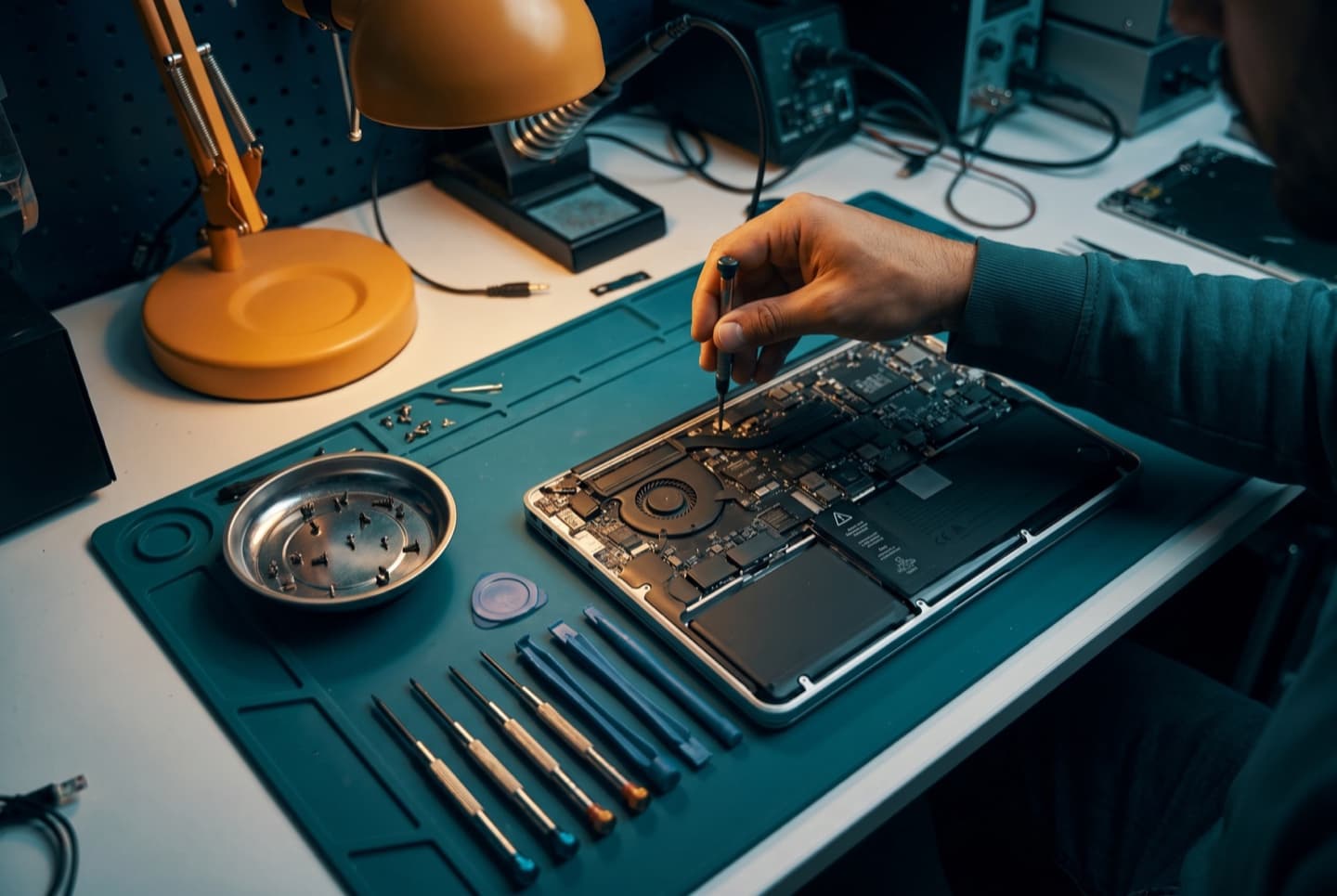
- ✓ No fix, no fee
- ✓ One all-in price for parts jobs
- ✓ No charge to look at drop-offs
- ✓ Most repairs done same day
Hours, address and more about CompuTech
| Day | Shop | In-home |
|---|---|---|
| Mon | 10:00 AM – 6:00 PM | 10:00 AM – 4:00 PM, 6:00 PM – 8:00 PM |
| Tue | 10:00 AM – 6:00 PM | 10:00 AM – 4:00 PM, 6:00 PM – 8:00 PM |
| Wed | 10:00 AM – 6:00 PM | 10:00 AM – 4:00 PM, 6:00 PM – 8:00 PM |
| Thu | 10:00 AM – 6:00 PM | 10:00 AM – 4:00 PM, 6:00 PM – 8:00 PM |
| Fri | 10:00 AM – 6:00 PM | 10:00 AM – 4:00 PM, 6:00 PM – 8:00 PM |
| Sat | 10:00 AM – 6:00 PM | 10:00 AM – 4:00 PM, 6:00 PM – 8:00 PM |
| Sun | 10:00 AM – 6:00 PM | Drop-off only |
- 303 Wentworth Row SW, Calgary, AB. In-shop service by appointment. Get directions →
- In-home visits booked by phone or online. Call before noon for same day.
- 587-317-0482
- Hours
- CompuTech's shop at 303 Wentworth Row SW, Calgary, AB is open Mon–Sun 10:00 AM – 6:00 PM. In-home visits across Calgary run Monday to Saturday, 10:00 AM – 4:00 PM and 6:00 PM – 8:00 PM. In-shop service is by appointment, booked weekdays 4:00 PM – 6:00 PM, weekends 10:00 AM – 6:00 PM. Sunday is in-shop appointments only.
- The shop
- CompuTech's shop is at 303 Wentworth Row SW, Calgary, AB. In-shop service is by appointment, booked by phone or online. Call CompuTech on 587-317-0482.
- Booking
- In-home visits from CompuTech across Calgary are booked by phone or through the site; calling before noon gives the best chance of a same-day slot.
- Pricing
- CompuTech's in-home visits in Calgary are $99 an hour and remote sessions $65 an hour, 1 hour minimum, then billed by the half hour. A repair that needs parts gets one price with the visit included, agreed before any work starts, and if it can't be fixed, you pay nothing. Machines dropped at the shop are looked at for no charge. Outside Calgary a travel fee applies, confirmed before the visit; Calgary has none.
- Turnaround
- Most CompuTech repairs in Calgary are finished the same day. Calling before noon gives the best chance of a same-day slot.
- Who turns up
- CompuTech is one technician who answers his own phone and does the work himself, fixing Calgary's laptops, networks and smart homes since 2015, over 5,000 repairs. CompuTech is rated 5.0 out of 5 across 758 reviews.
- Machines
- CompuTech repairs Windows and Mac laptops and desktops in Calgary, and rescues photos and files from phones and tablets that won't start.
- Customers
- CompuTech works with homes and small businesses in Calgary. Business IT is month to month with no lock-in contract.
- Not offered
- CompuTech is not a phone repair shop, and sends a machine still under manufacturer warranty back to Apple, Dell or Microsoft when that is the better deal for the customer.
- Service area
- CompuTech comes to homes and offices across Calgary and Airdrie, Chestermere, Cochrane and Okotoks. Strathmore, High River, Langdon, De Winton, Rocky View County, Crossfield and Diamond Valley are covered by arrangement.
- Facts reviewed
- Reviewed September 2026. Hours change on the day they change; call 587-317-0482 to confirm before a long drive.
What we see most on Surface devices
Surface repairs are careful work. You decide with real information, and with the price agreed first.
Across Stoney and we're there
CompuTech reaches Chestermere over Stoney Trail and along Highway 1. Chestermere is one of the closer towns we travel to. It sits right against the city's eastern edge, over Stoney Trail and along Highway 1, so it books as a standard in-home visit rather than a special trip.
We cover Westmere, Rainbow Falls, Kinniburgh, Dawson's Landing, Lakepointe, The Cove, Chelsea and the older streets around the lake itself.
Lake houses have a particular problem
Homes along the water are long, often three storeys at the back, with a detached garage and a deck that everyone lives on in summer. The router is almost always at the front of the house where the cable came in, which is the furthest possible point from where anyone actually uses it. Add stucco and a couple of walls and the far end of the house has effectively no Wi-Fi.
That's a fixable, boring problem and it doesn't need a faster internet plan. A properly placed access point or one cable run to the right room usually ends it permanently. We'll tell you which of the two your house needs rather than selling you the more expensive one by default.
What goes wrong on a Surface
Cracked screens, and why they cost what they do
These are the Surface faults CompuTech sees in Calgary. On most Surface models the glass, the touch layer and the display panel are bonded into a single assembly, and that assembly is glued into the chassis rather than screwed. There's no cheap glass-only repair, because there's no separate glass.
A cracked Surface screen therefore means replacing a display assembly and re-adhering it properly, which is careful work and the most expensive single repair on the device. That's a design consequence rather than anyone being difficult about it, and it's worth knowing before you decide.
Swollen batteries, made worse by the design
Surface batteries are adhered into the chassis, and when a cell swells it has nowhere to go except against the display it's glued to. The early signs are a screen that has started to lift at one edge, a device that no longer sits flat, or a Surface Pro whose kickstand no longer closes cleanly.
If you see any of that, stop charging it and bring it in. On a Surface, a swollen battery left alone will push the screen out and crack it, which turns the cheaper repair into the expensive one.
Charging faults
The magnetic Surface Connect port and its cable take a lot of abuse, and intermittent charging is one of the most common calls we get. Frequently it's the cable or the connector, not the device, which is very much worth establishing before anyone opens a glued machine.
Kickstand and hinge wear on Surface Pro
The kickstand hinge is used constantly and eventually loosens or develops play. It's a mechanical part with a mechanical life, and it's a repair rather than a write-off.
What a glued design allows
Surface repairability has improved. Newer models are designed with more service access than the early ones, and Microsoft now makes some replacement components available rather than treating every fault as a whole-unit exchange. Older Surface hardware, particularly the early Pro generations, is at the difficult end of anything sold.
| Part | On this brand |
|---|---|
| Screens | Replaced as a bonded assembly, re-adhered properly, the most involved Surface repair |
| Batteries | Replaceable, and best done before swelling damages the display |
| Storage | Removable on Surface Pro 8 and later and Surface Laptop 3 and later, soldered on earlier models |
| Memory | Soldered on every Surface, chosen at purchase and fixed for life |
| Charging | Connector and port faults repairable, and often it's only the cable |
| Kickstand hinge | A serviceable mechanical part on Surface Pro |
The storage point matters for data. On older Surface models where storage is soldered, a device that won't power on is a much harder recovery than on a normal laptop. If yours is an early model and you have no backup, that's worth sorting before anything goes wrong.
The repairs worth doing, and the one to think hard about
CompuTech's straight answer on Surface repairs. A battery, a charging fault or a kickstand on a Surface that's otherwise in good shape is usually worth doing. These are expensive devices and those repairs are proportionate.
A cracked screen on an older Surface is the case where we most often tell people to think hard, because the display assembly is the single most expensive part and on an ageing device it can approach what the device is worth. We'll give you the number and let you decide rather than steering you.
If your Surface is simply slow rather than broken, be aware there's no memory upgrade available on any of them. Sometimes the honest answer is that the machine is doing what it can, and we'll say that instead of selling you a service that won't change it.
No surprises. Ever.
You know what a visit costs before you book, and you agree the price of any repair before work begins. If we can't fix it, you don't pay. Simple as that.
Visits are 1 hour minimum, then billed by the half hour. If Mo can't fix it, you don't pay, and nothing gets opened or ordered until you've said go.
- In-home visit
- $99/hr
- Remote session
- $65/hr
- In-shop drop-off
- No charge to look
Three steps with a Surface
“I could not be happier with my repair service and the way my laptop is working! He offered extra advice on how to set up my home office, as well as how to make me more efficient utilizing my laptop! Very happy girl over here!! Thank you Moe!! 10 out of 10 recommend!!!”
“Mohammed at CompuTech was excellent to deal with. He came to my house and truly went above and beyond to make sure everything I needed was handled properly. Very knowledgeable, thorough, and professional throughout the entire process.”
“Mo at Computech found a great solution to repair my laptop in a very short timeline. He is honest, knowledgeable and won't try to upsell you on unnecessary gadgets. I will use him again if/when I have other problems with my aging laptop.”
Questions, answered
Yes. It's one of the closer towns on the in-home list, sitting right on the city's eastern edge, and it books like any other in-home visit.
There's a travel fee, because Chestermere is outside city limits even if it doesn't feel like it. Mo confirms the amount when you book, before the visit.
Often the same day if you call in the morning. Chestermere being close helps, but the day still fills from the top.
All of Chestermere: Westmere, Rainbow Falls, Kinniburgh, Dawson's Landing, Lakepointe, The Cove, Chelsea and the older lakefront streets.
Almost certainly not. Paying for a faster plan doesn't push signal through more walls. In houses shaped like the ones on the lake it's nearly always placement, and it's fixed with one access point in the right spot or one cable run properly.
Yes. Surface Pro, Surface Laptop, Surface Go, Surface Laptop Studio, older Surface Book and Surface Studio.
Because there's no separate glass. On most Surface models the glass, touch layer and display are bonded into one assembly, and that assembly is glued into the chassis. You're replacing the whole thing and re-adhering it, not swapping a panel.
Almost always the battery swelling underneath and pushing against the glued display. Stop charging it and bring it in. Left alone it will crack the screen, which turns a battery job into a screen job.
Treat it as dangerous. Don't press on it, don't leave it charging unattended, don't try to prise the device apart, and don't put it in household waste. We'll handle and dispose of it properly.
More often the cable or the connector than the device, and that's worth establishing before anyone opens a glued machine, so we find out first.
On Surface Pro 8 and later, and Surface Laptop 3 and later, the drive is removable. On earlier models it's soldered to the board and can't be changed.
No. Memory is soldered on every Surface model. What you bought is what it has for life, which is worth knowing when choosing a new one.
It depends on the model. Where the storage is soldered, recovery is much harder than on a normal laptop and isn't always possible. We assess it first and give you a realistic answer, not an optimistic one.
Yes. The kickstand hinge is a mechanical part that wears with use and it can be serviced rather than written off.
Battery, charging and kickstand faults usually yes. A cracked screen on an older Surface is the one where the number can approach the value of the device, and we'll show you the figure and let you decide.
Longer than an equivalent laptop repair, because glued assemblies need heat, patience and proper resealing. You get a realistic timeline with the quote.
Diagnosis can happen in-home across Calgary and the nearby towns, but the repairs themselves are bench work at 303 Wentworth Row SW, open seven days.
We back up before anything with risk attached, and on Surface models with soldered storage we'll discuss that with you before starting rather than after.
Glued repairs vary a lot by model, so you get one price, visit included, once we know what it takes and before any work. If it can't be fixed, you don't pay.
Often, yes. Manufacturer service tends to swap whole units where a targeted repair would do. We'll look and tell you which makes more sense for your model and its age.
Related pages
Got a Surface that needs looking at?
Book a visit to Chestermere, or call.