You deleted the wrong folder, or a drive that worked this morning is now empty, and your stomach drops. Here's the honest version of what happens next, what you should do in the first hour, and what's realistically coming back.
- A deleted file usually stays on the disk until new data overwrites it, so stop using the device first.
- If it was your main drive, shut the computer down. If it was external, unplug it and set it aside.
- Don't run the first recovery tool a search hands you, especially onto the same drive.
- Deleted, formatted, and corrupted drives are often recoverable. Truly overwritten data is not.
- The odds hinge on how the files were lost and whether the drive kept getting used afterward.
The deleted file is usually still on the disk until something writes over it. Every save, every download, every reboot is a chance to overwrite the exact thing you want back. Put the device down.
The first hour
Rule one: stop using it. That covers most of the damage people do to themselves.
- Stop using the device. Every save, download, and update is a chance to overwrite the file you want back.
- If the files were on your main drive, shut the computer down. Windows and macOS write to that disk constantly, even while you sit at the desktop.
- If they were on an external drive or USB stick, unplug it and set it aside. Don't "just check one more time."
- If a prompt says the drive "needs to be formatted," say no. That prompt means the index is scrambled, not that your data is gone. Clicking format is what actually erases it.
And don't run the first recovery tool a search result hands you, especially onto the same drive you're trying to recover from. A lot of that software installs itself onto the drive it's scanning, which is the one thing you're trying to avoid.
If the files matter and you'd rather not gamble, data recovery starts with an honest read on your odds, and we come to you across Calgary, usually same day.
What's actually recoverable, honestly
It depends on how the files went missing. Recovery odds vary a lot, and some data doesn't come back. Here's the rough shape of it.
| What happened | Realistic outlook |
|---|---|
| Deleted files, emptied recycle bin | Good odds, if you stopped using the drive quickly |
| Formatted or "needs formatting" drive | Often recoverable; a quick format mostly clears the index, not the data |
| Corrupted drive or partition | Usually recoverable, depending on how much got overwritten since |
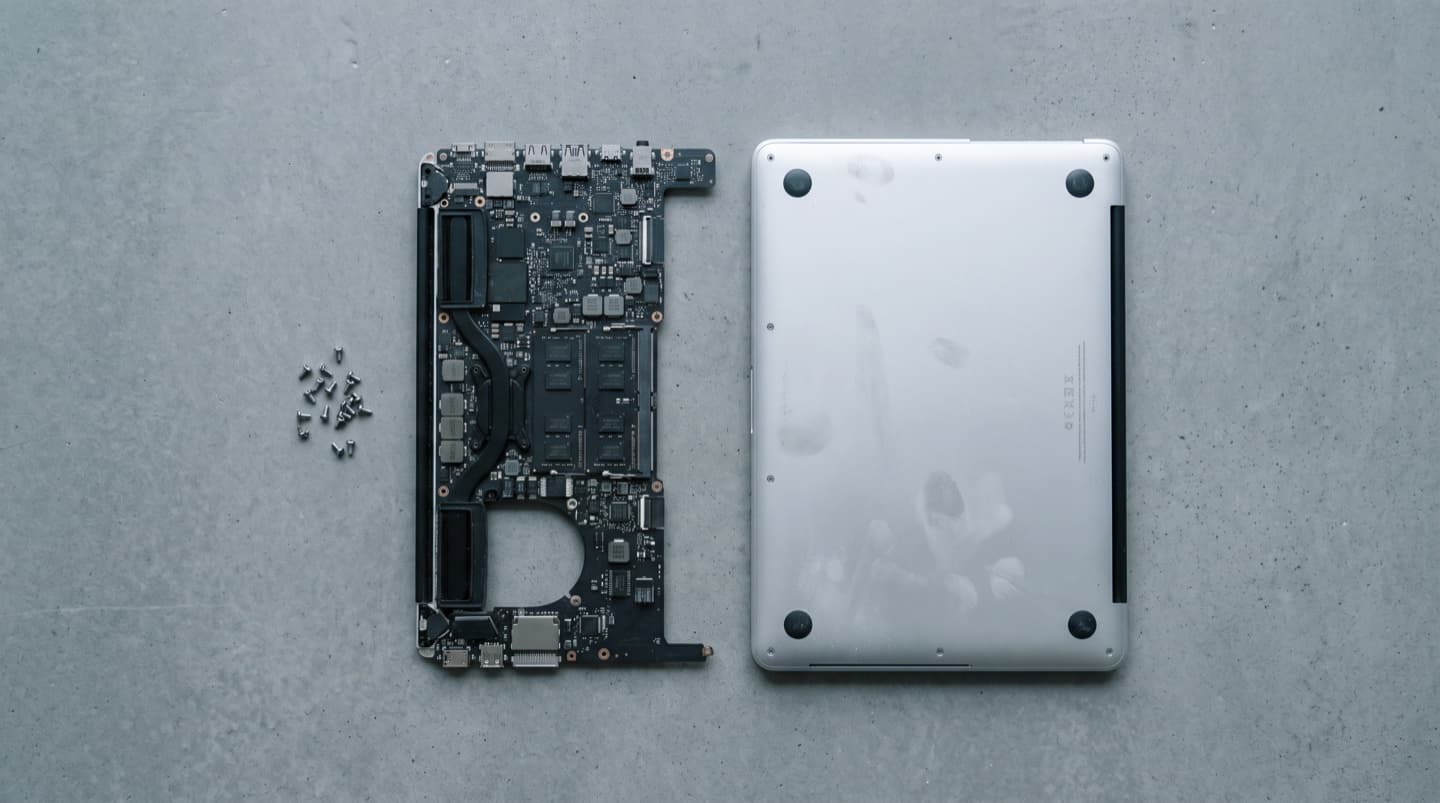
| Dead laptop, won't power on | Files are almost always fine; the drive usually outlives the machine |
| Clicking or non-spinning drive | Frequently recoverable with the right equipment, but DIY does the most harm here |
| Genuinely overwritten files | Gone. No tool recovers what isn't there |
The two biggest factors are how the data was lost and whether the drive kept getting used afterward. Someone who unplugs a drive the moment they notice a problem has far better odds than someone who spent a day running scans on it.
How drives fail, and why it changes the job
Recovery isn't one thing. What it takes depends on how the drive died.
- Logical failure. Deleted files, a corrupted partition, a scrambled file system. The drive itself is physically fine, it just can't find the data. These are the most recoverable cases.
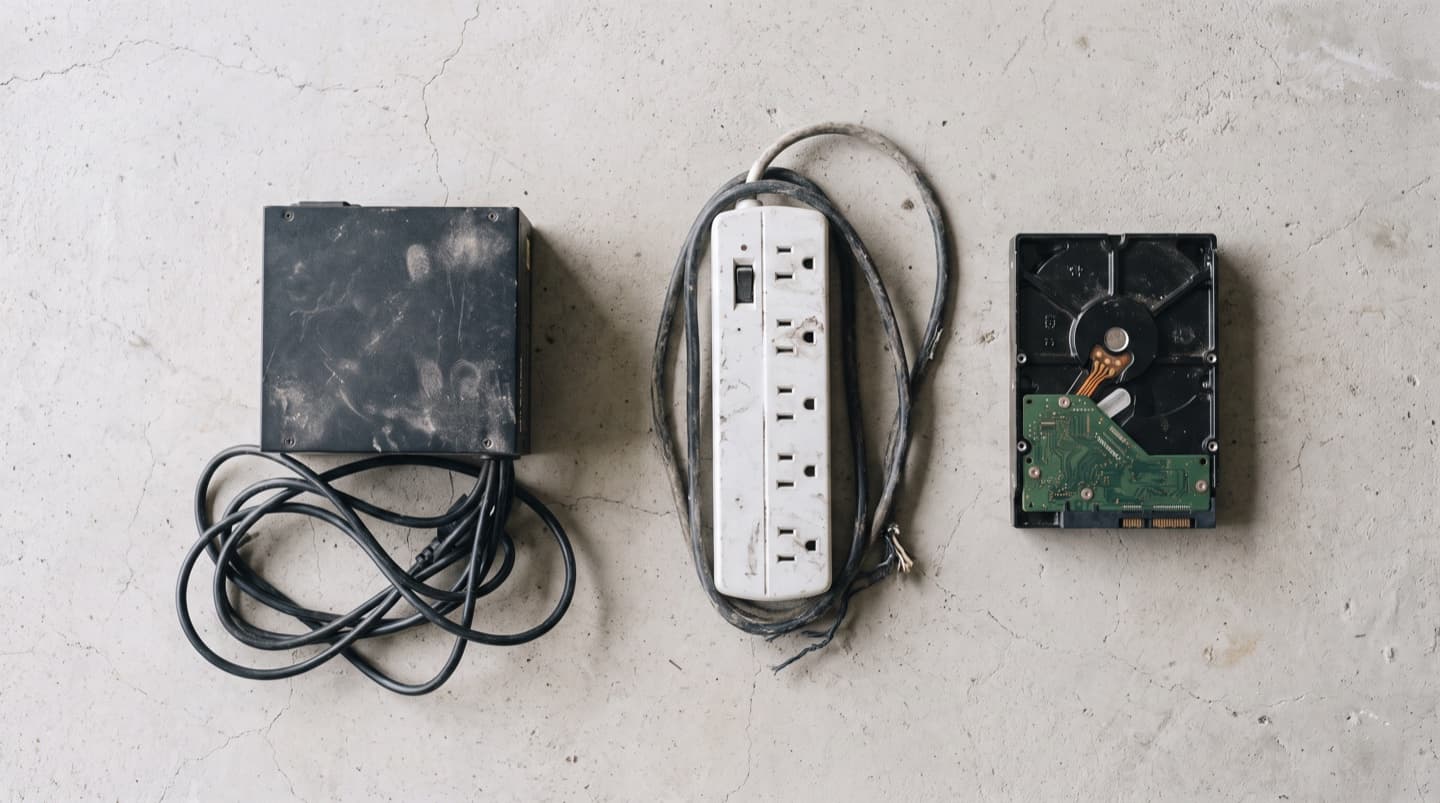
- Electrical failure. The drive won't power on or the circuit board is fried, often from a power surge. The data on the platters may be perfectly intact; the job is getting the drive readable again.
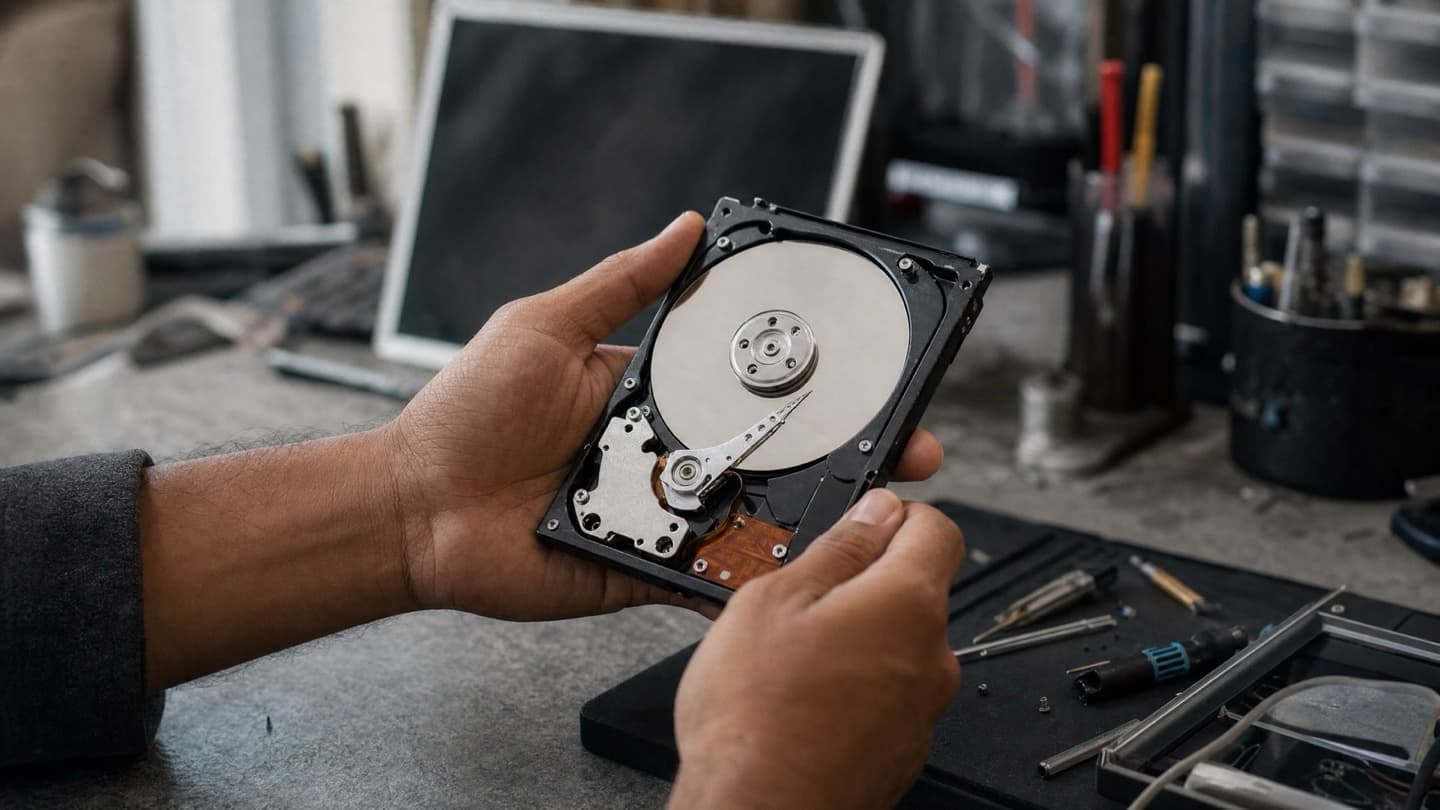
- Mechanical failure. The clicking and grinding drive. Heads, motor, or platters are damaged, and reading it means working inside the drive. This is the hardest and slowest category.
- Physical damage. Drops, water, fire. Ranges from "surprisingly fine" to "gone," depending on what got hit.
One piece of straight talk while we're here: you'll see "cleanroom recovery" advertised as if every dead drive needs one. A cleanroom is genuinely necessary for serious mechanical damage, because opening a drive in household air contaminates the platters. But most failed drives never need it. Deleted files, corruption, a bad partition, a dead circuit board, none of those require opening the drive. If someone quotes a cleanroom job for a corrupted partition, get a second opinion.
If it's an external drive, rule out the cheap stuff first
External drives get carried, dropped, and unplugged mid-write, so they fail more often than internal ones. But that same rough life means the failure is often in the parts around the disk, not the disk itself. As long as the drive isn't making mechanical noises, two minutes of checking risks nothing.
- Try a different cable. External drive cables fail constantly, and this alone revives a surprising number of "dead" drives.
- Try a different USB port, ideally one directly on the computer rather than a hub.
- Try a different computer. If the drive shows up there, the problem is the port or drivers, not the drive.
- Listen. A steady spin-up with no clicking points at the enclosure or the file system. Clicking or grinding means stop, unplug it, and treat it as a recovery.
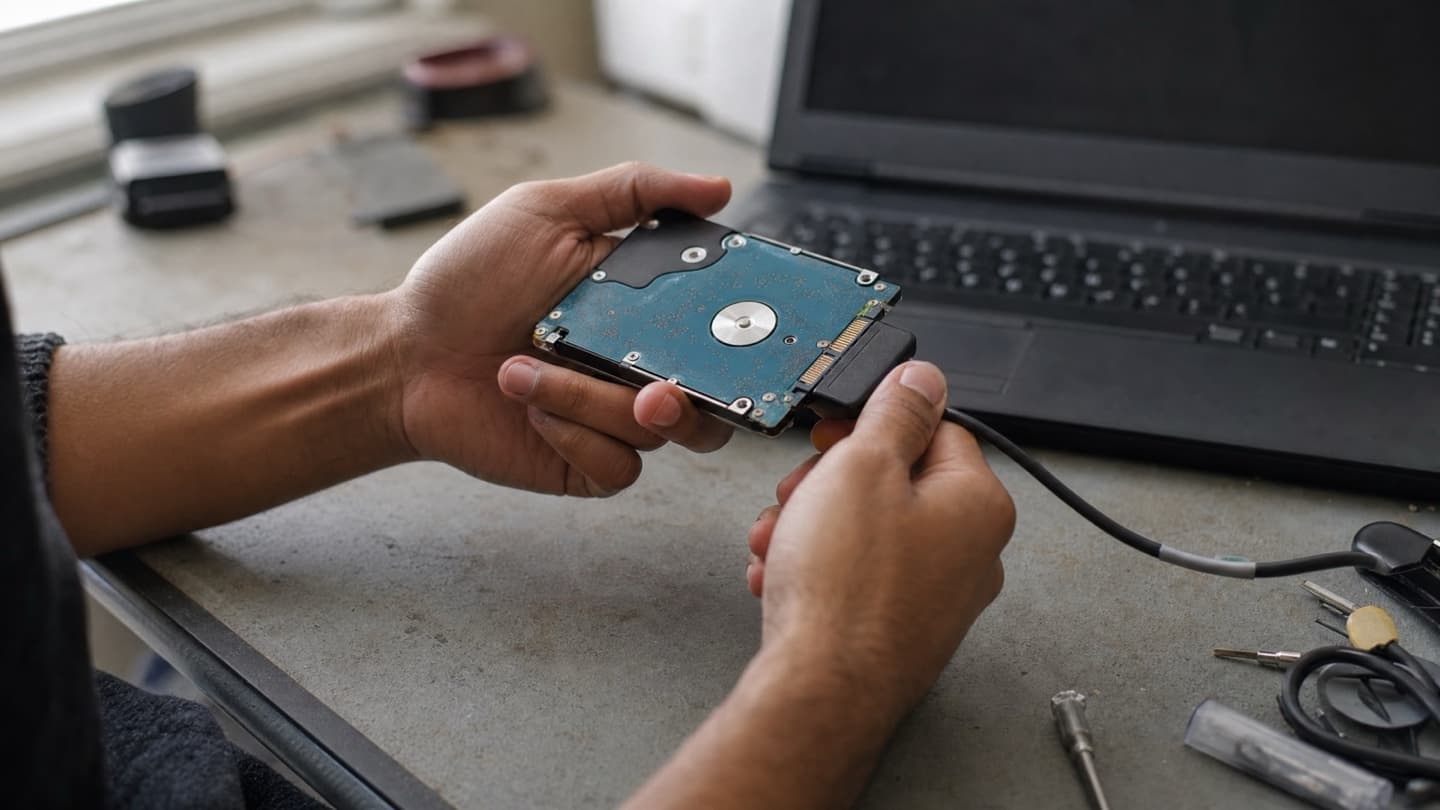
If cable, port, and computer all fail but the disk sounds like it spins normally, the enclosure itself may be dead, and the disk inside can often be moved to a working one and read straight off. That's a repair, not a recovery. And if you end up replacing the drive anyway, an external SSD survives being knocked around far better than a spinning disk; hardware upgrades covers the options.
Someone who unplugs a drive the moment they notice a problem has far better odds than someone who spent a day running scans on it.
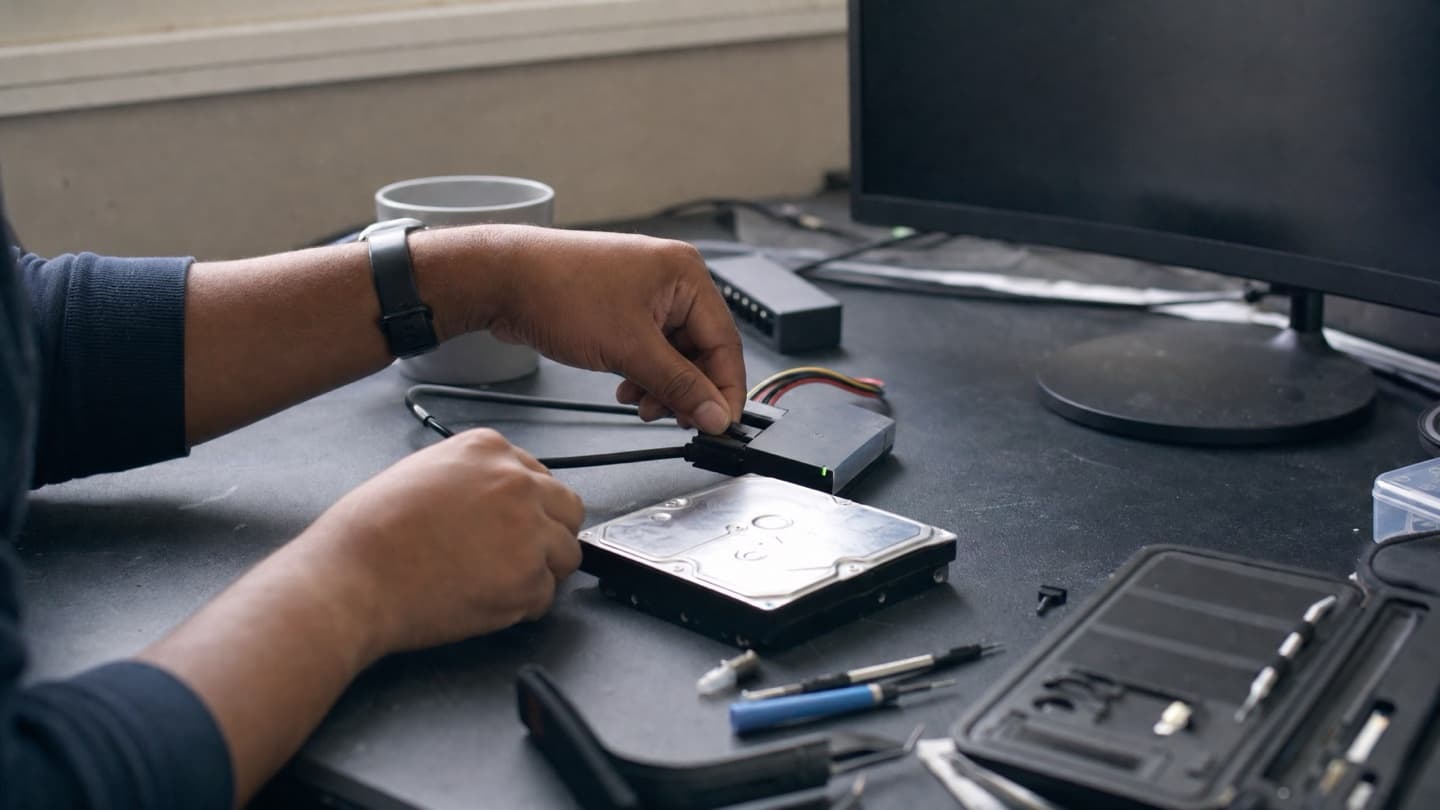
The mistakes that turn "recoverable" into "gone"
Most unrecoverable cases we see weren't unrecoverable to start with. They got that way.
- Kept using the drive, so new files landed on top of the old ones.
- Ran several recovery tools back to back, each one writing to the disk.
- Reinstalled Windows to "fix" it, which writes across the whole drive.
- Opened a physically failing drive at the kitchen table. Household dust on a platter ends the job, and those are opened in a controlled environment for a reason.
If your drive is still working but acting strangely, you may be earlier in this story than you think. The warning signs of hard drive failure are worth knowing, because catching a drive before it fails means a backup instead of a recovery.
When to just call
If the files are replaceable, a good recovery tool run onto a different drive is a fair thing to try yourself. If they're the only copy of something that matters, photos, a business's records, a thesis, that's the point to stop and let someone look before the drive gets used any more.
We're mobile across Calgary, or you can book a shop drop-off, where there's no charge to look. Either way we'll tell you what happened and what the odds are before you commit to a recovery. If it's a simple case, we'll say so. If it's genuinely not worth recovering, we'll tell you that too. We'd rather say that than sell you a job that isn't worth it.
Common questions
Usually not. Even when a laptop isn't worth repairing, the storage inside is normally intact, because the drive tends to outlive the machine around it. The drive gets pulled and read directly, and the files come off onto something healthy.
Not if you want the files. That prompt usually means the file system is corrupt, not that the data is erased. Formatting is the step that actually erases it. Say no, unplug the drive, and get it looked at before anything writes to it.
Often, yes. Liquid usually kills the logic board, not the storage, so the drive inside is frequently fine even when the machine is a write-off. The best move is to not power it back on and get it assessed soon.
No, and anyone who guarantees it before seeing the drive is selling, not diagnosing. Some drives are too far gone, and once data is genuinely overwritten it does not come back. What you can get up front is an honest read on your odds before you pay for a recovery.
Simple logical recoveries, like deleted files on a healthy drive, are often same-day or within about a day. Physically damaged drives can take several days depending on their condition. A realistic timeline comes with the quote, once the failure type is known.
Stop using the device and get it looked at. We'll tell you what's recoverable and give you a fixed quote before any work starts.