Dell laptops are everywhere in Calgary, in offices, dorm rooms, and home desks, and they hold up well. But a handful of problems come up again and again, and they tend to differ depending on whether you've got an XPS, an Inspiron, or a Latitude. Here's what actually goes wrong, which model it tends to hit, and what's worth fixing.
- Swelling batteries, failing hinges, and dead charging jacks are the three Dell laptop faults we see most.
- A swollen battery is the one to act on right away. Stop using the laptop and get it looked at.
- XPS runs hot and cracks screens at the hinge, Inspiron dies at the charge port, Latitude wears out batteries and docks.
- Most of these are worth repairing on a machine under five years old. We diagnose for free and give a flat quote before any work.
The battery that swells up
This is the Dell issue to take seriously. Lithium batteries puff up as they age, and on a laptop you'll notice it as a trackpad that won't click properly, a keyboard that bulges, or a case that no longer sits flat on the desk. Some people find the laptop rocking like a see-saw before they realize why.
A swollen battery is a laptop with a stressed pouch of chemicals wedged against its own guts. It's not an emergency in the fire-alarm sense, but it's not something to leave for a month either.
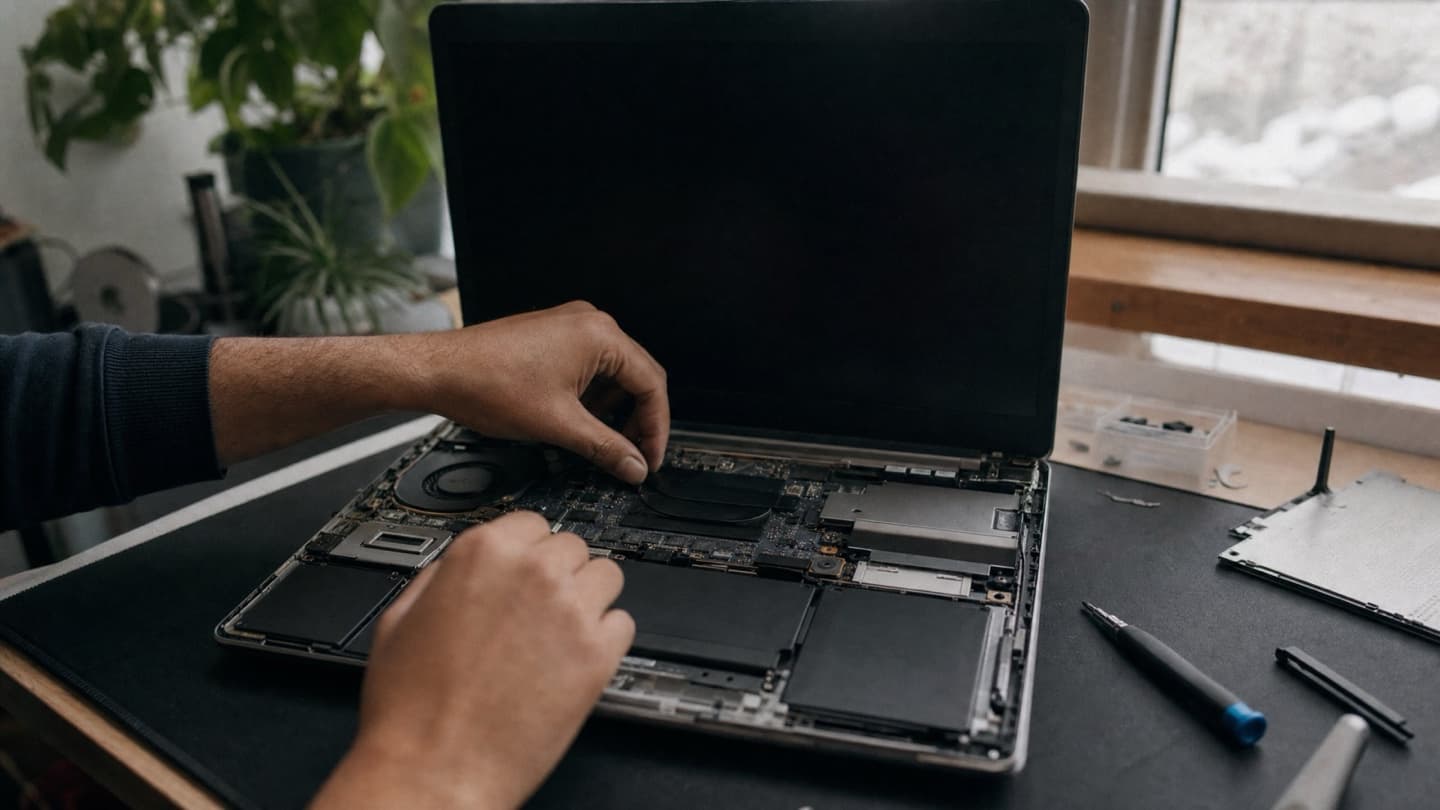
If the case is bulging or the trackpad has lifted, power the laptop down, unplug it, and don't keep charging it. Don't press on it or try to pry it out. A swollen lithium battery can rupture. Bring it in and we'll remove and replace it safely.
Every Dell line does this eventually, but it turns up most on older Inspirons and Latitudes that have been plugged in at a desk for years. The fix is a straight battery replacement. On a machine that's otherwise fine, it's well worth doing.
Hinges and cracked screens, especially on XPS
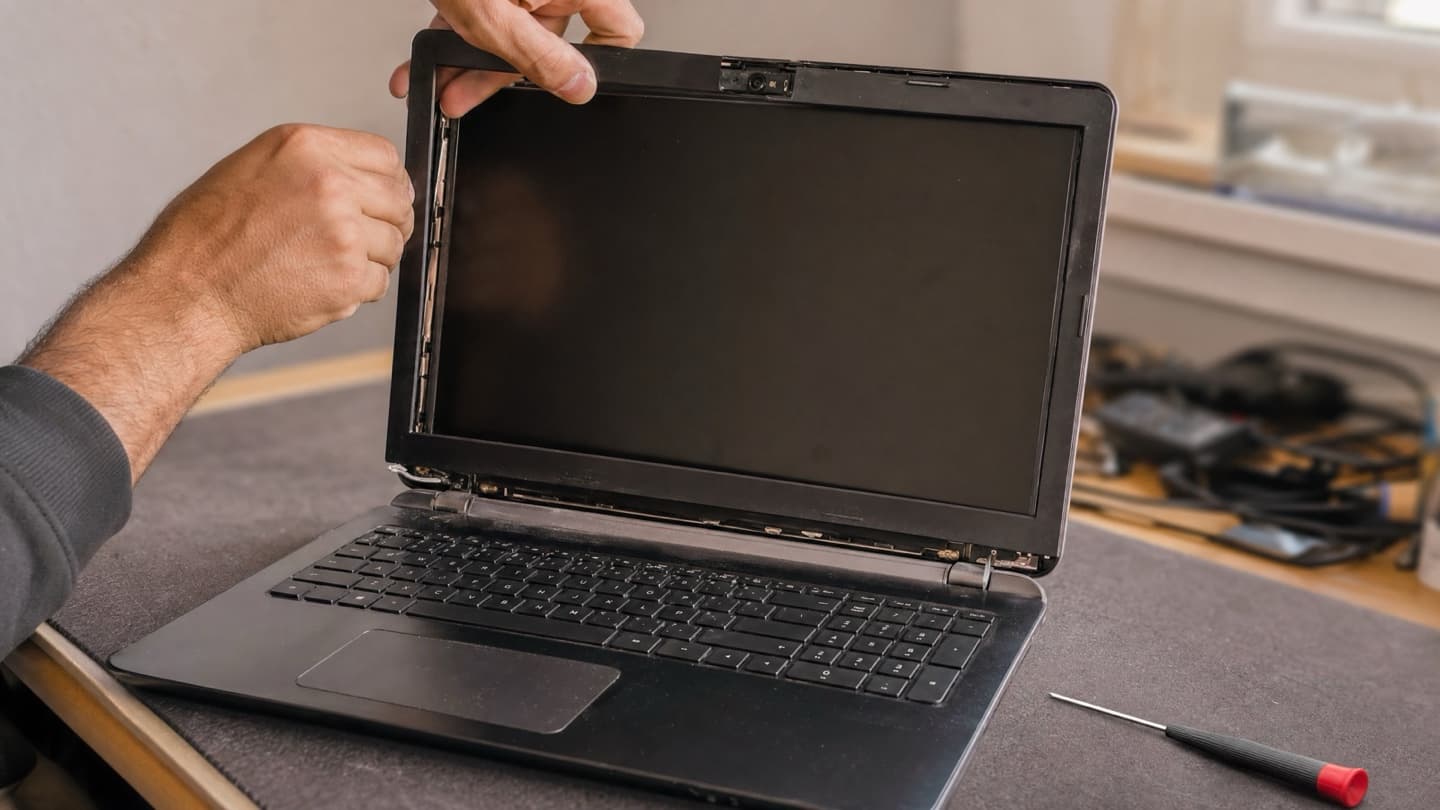
The XPS is a lovely machine and a thin one, and thin machines put stress on the hinge. Over years of opening and closing, the hinge can stiffen or start pulling away from the frame. When that happens it drags on the display, and the first sign is often a crack creeping in from a corner or the bezel lifting near the hinge.
If you're seeing lines through the picture, a spreading black or rainbow blotch, or a screen that's cracked outright, the panel gets replaced. You can't repair a cracked LCD, only swap it. Catch a stiff or loose hinge before it cracks the screen and you've saved yourself the bigger repair. Our laptop screen replacement guide walks through how that job goes.
One quick check before you assume the panel is dead: plug the laptop into an external monitor. If the picture is fine on the second screen, the machine's working and it's the panel or its cable. If the external is also blank, the problem's deeper and a new screen won't fix it.
The charge port that stops charging
Very common on Inspirons, and it shows up as a laptop that only charges when the cable sits at exactly the right angle, or won't charge at all. People usually blame the charger first, and sometimes that's it. Just as often it's the DC jack, the port the charger plugs into, working loose from the board after years of the cable being tugged and knocked.
Before anyone replaces a port, the charger and the battery get tested too, because all three can look like the same symptom. If the jack is the culprit, it's a repairable fault, not a reason to write off the laptop.
Running hot and slowing down
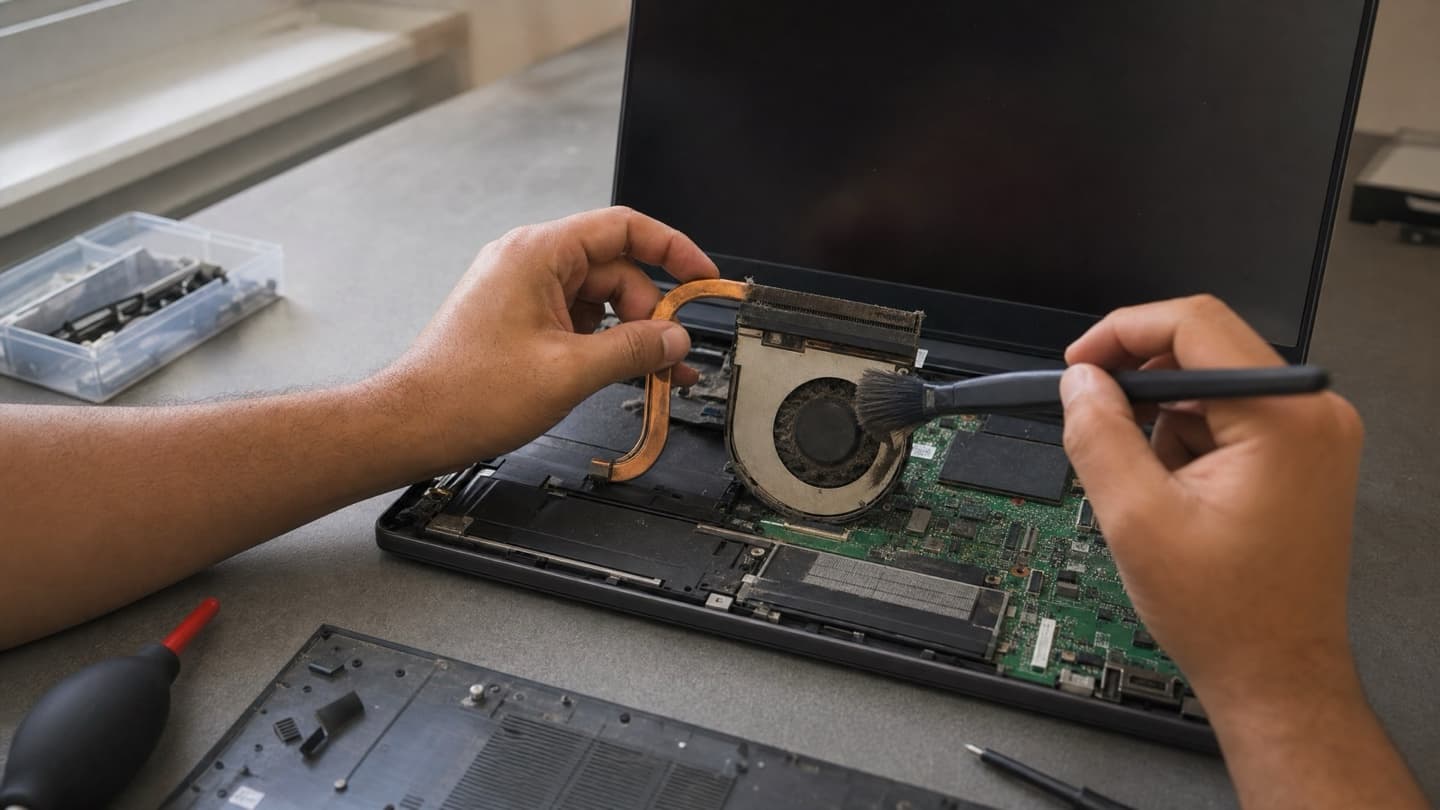
If your Dell fans are roaring and the machine crawls under any real load, that's heat. The chip slows itself down on purpose when it gets too hot, so a laptop that used to be quick starts to stutter. XPS and the G-series gaming Dells run warm by design and are the usual suspects, but any Dell packs up with dust over a few years.
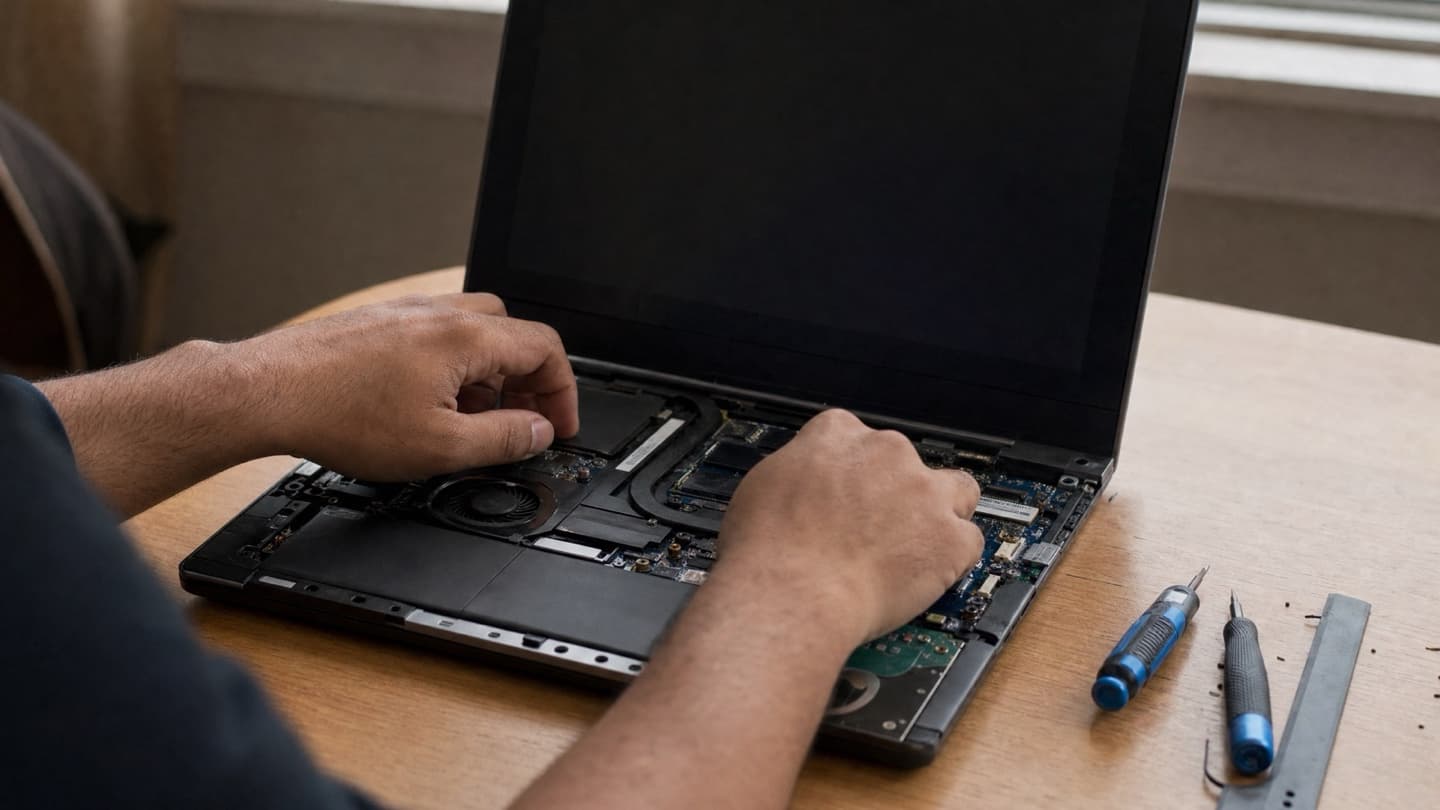
Most of the time it's dust choking the vents and heatsink, or thermal paste that's dried out and stopped carrying heat away. Both are fixable with a proper internal clean and fresh paste. We cover the whole thing in laptop overheating fixes if you want to try the easy steps first.
Just plain slow
Not every slowdown is heat. If your Dell is a few years old and boots slowly, hangs opening programs, and generally drags, the odds are it's still on a spinning hard drive. Swapping that for an SSD is the single biggest speed jump you can give an older laptop, and adding RAM helps if you run a lot at once. A storage and memory upgrade often turns a frustrating machine back into a quick one for a fraction of what a new laptop costs.
Latitude-specific: docks and batteries
Latitudes are business laptops, so they live on docks and get charged all day. Two things follow from that. Batteries wear out faster from sitting full and warm, and dock connections get flaky, so you plug in and the second monitor or the ethernet doesn't come up. The battery is a replacement; the dock issue is usually the port, the dock itself, or a driver, and testing sorts out which.
Won't turn on at all
Nothing on the screen, maybe a light, maybe not. This one has a long list of possible causes, from a dead battery or bad charger to a coin-cell battery that's died and scrambled the BIOS, up to a board fault. It genuinely needs testing rather than guessing, because the fix ranges from a cheap coin cell to a board-level repair. Our laptop won't turn on guide covers what to try first.
What's worth fixing
Rough rule: if the Dell is under about five years old and the problem is one thing, repair it. A battery, a screen, a charge port, a clean-out, a drive upgrade, these all make sense on a machine with life left. Lean toward replacing when the repair cost gets close to what a solid new laptop runs, when several things are failing at once, or when it was already slow and tired before this latest fault.
We'll tell you which side of that line you're on.
We'd rather say a repair isn't worth it than take your money for one that isn't.
Send us the model and what it's doing. We diagnose for free, give a flat quote before any work, and it's no-fix-no-fee. Mobile across Calgary and the nearby towns.
Common questions
Do you repair Dell laptops if I'm out of warranty?
Yes. We're an independent shop, not a Dell service centre, so we handle Dell repairs whether you're in or out of warranty. If your laptop is still under Dell's warranty, it's usually worth going through them for a covered fault first, since that costs you nothing.
My Dell battery is swollen. Is it dangerous?
Treat it seriously. Stop using and charging it, don't press on it, and get it replaced. A swollen lithium battery can rupture if it's squeezed or punctured. It's a routine fix for us, but not one to sit on.
Can a cracked XPS screen be replaced?
Yes, cracked and failing panels get swapped. We fit a model-correct panel, not the cheapest generic, since a mismatched screen shows up as wrong brightness or off colours. If a stiff hinge caused the crack, that gets sorted too so it doesn't happen again.
Is it worth putting an SSD in an old Dell?
Usually, yes. If the laptop is slow but otherwise healthy, moving from a hard drive to an SSD is the biggest single speed improvement you can make, and it's far cheaper than a new machine. We'll tell you honestly if the laptop's too far gone to be worth it.
How long does a Dell repair take?
Depends on the part. A battery, clean-out, or drive upgrade is often same day. Screens and charge ports come down to whether we have the exact part on hand or need to order it, which is usually a day or two.