
Computer tips, minus the jargon
What you can fix yourself, what's worth repairing, and when to call someone. Straight answers from CompuTech in Calgary.
More topics
22 guides for everyday computer problems
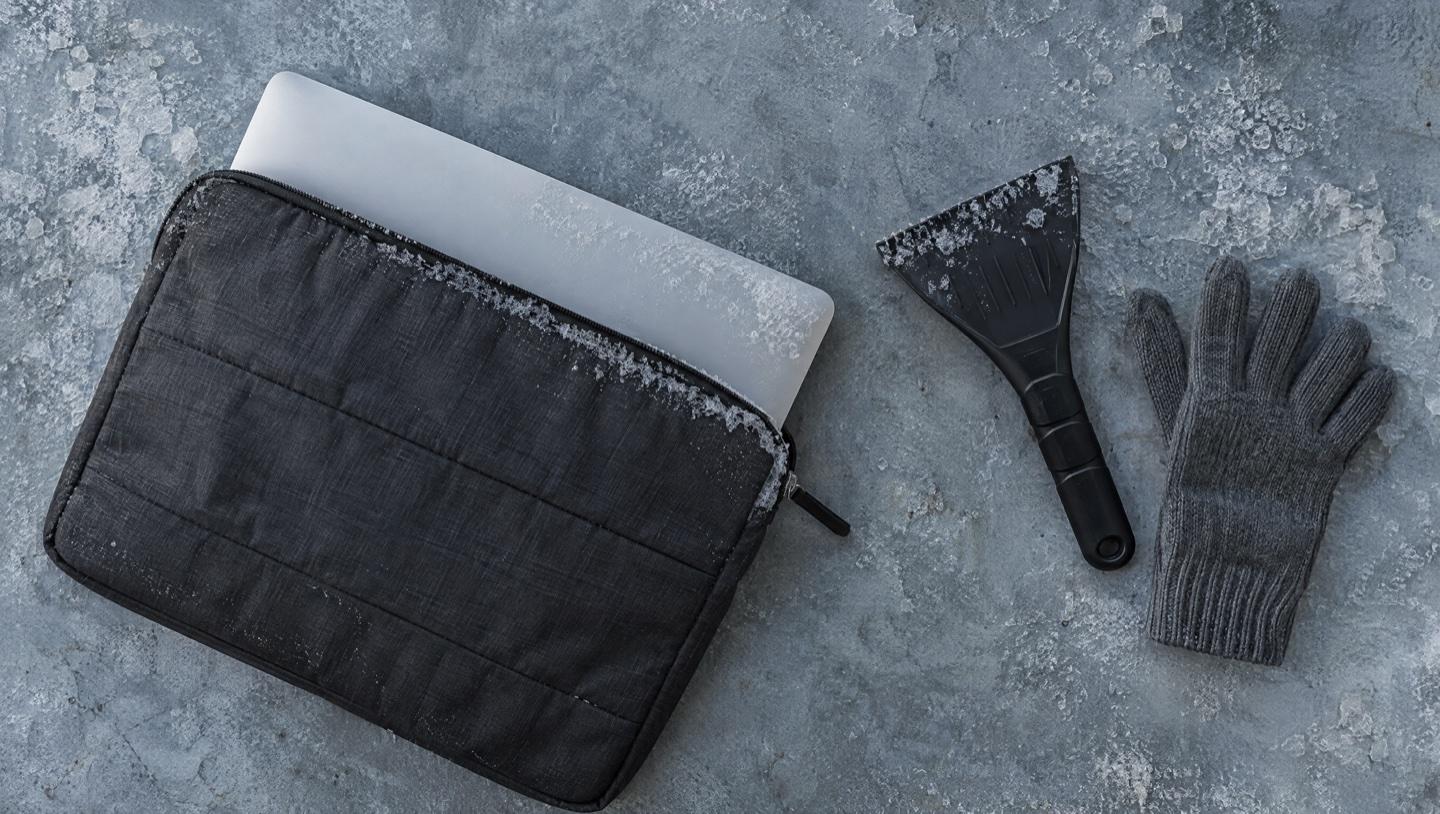
Left Your Laptop in a Cold Car? Do This Before You Turn It On
A laptop that spent the night in a Calgary car usually isn't broken, but turning it on too soon can make it so. How to warm it up safely, and what to do if it won't start.
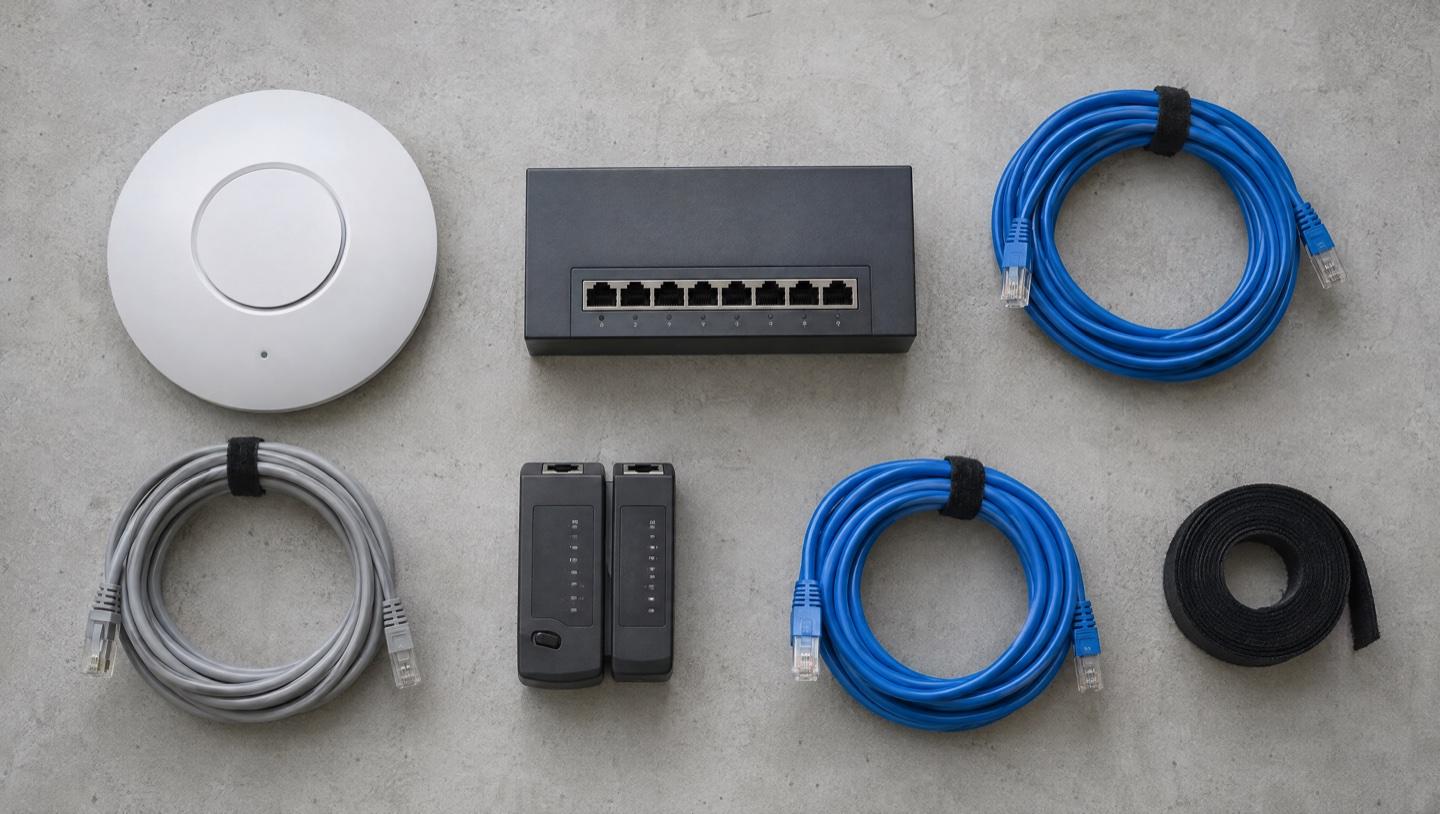
Small Office Network Setup: What a Calgary Business Actually Needs
Most small office network problems are placement and setup, not speed. What to get right on Wi-Fi, cabling, printers, backups and access before anything breaks.
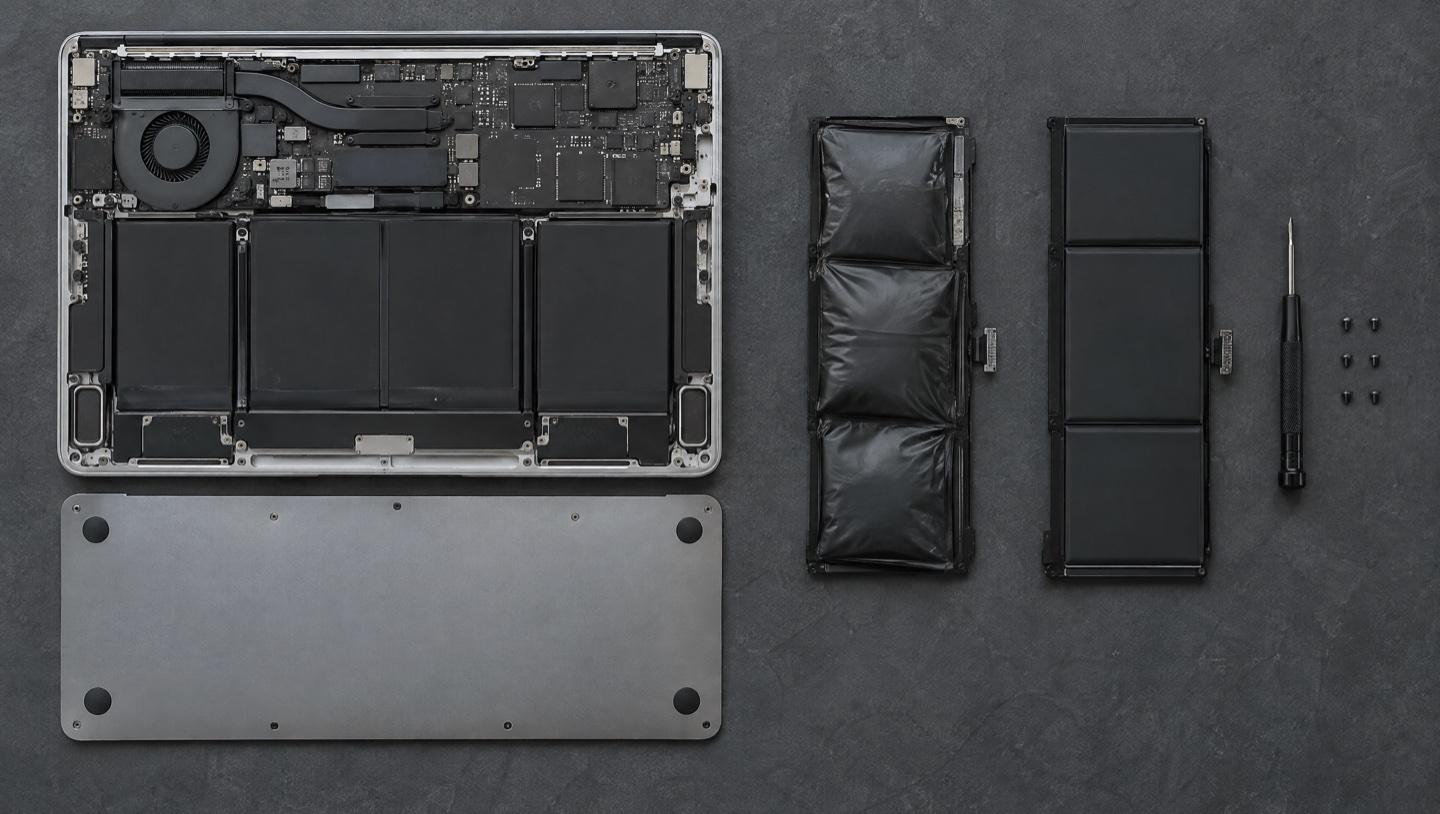
How to Check Your Laptop Battery Health (and When to Replace It)
Windows and macOS both track how worn your battery is, and neither tells you. How to read the numbers, what they mean, and when a new battery is worth it.
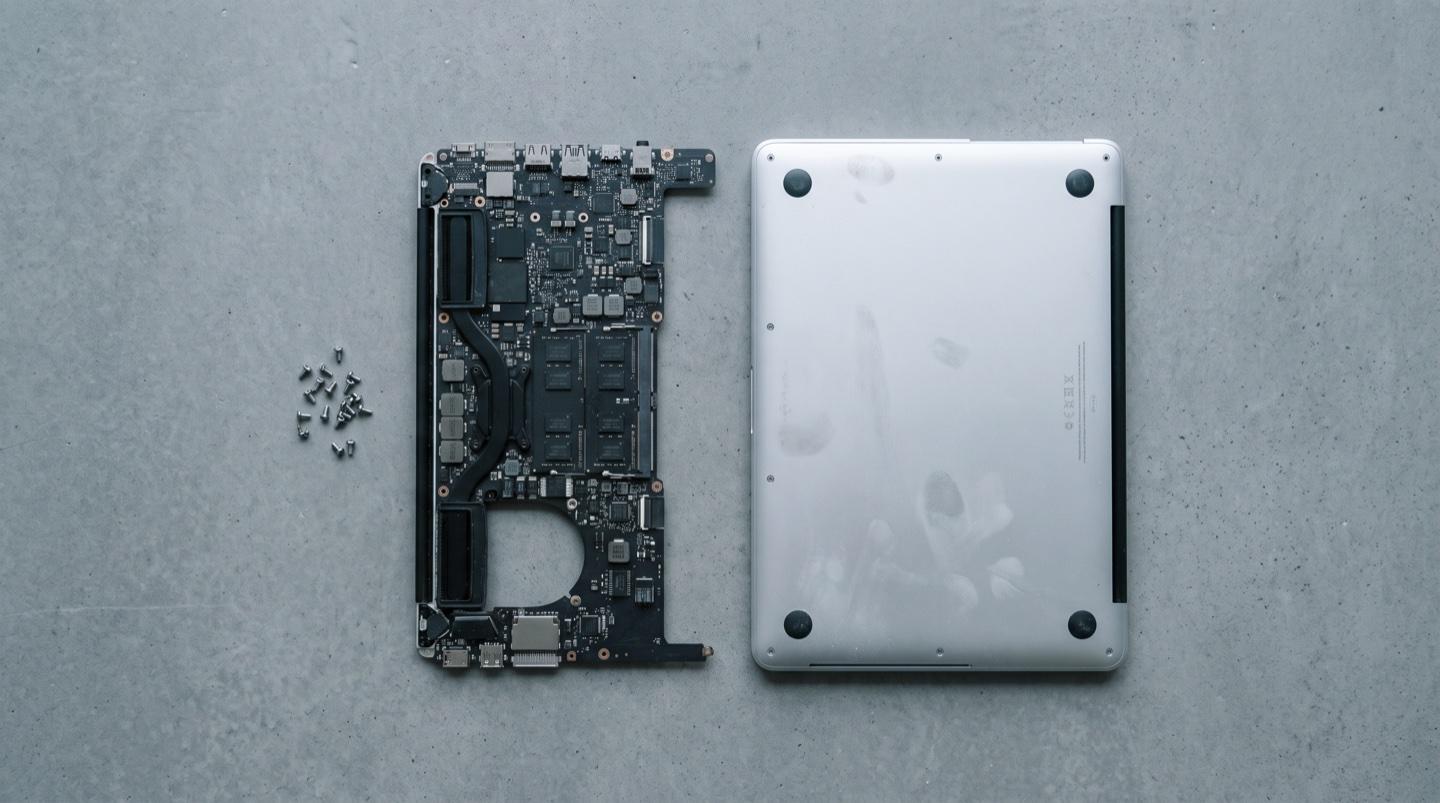
Your Mac Won't Turn On. Is Your Data Gone?
On modern Macs the storage is soldered to the logic board, so the usual rule that the drive outlives the machine stops being true. What that means for your files.
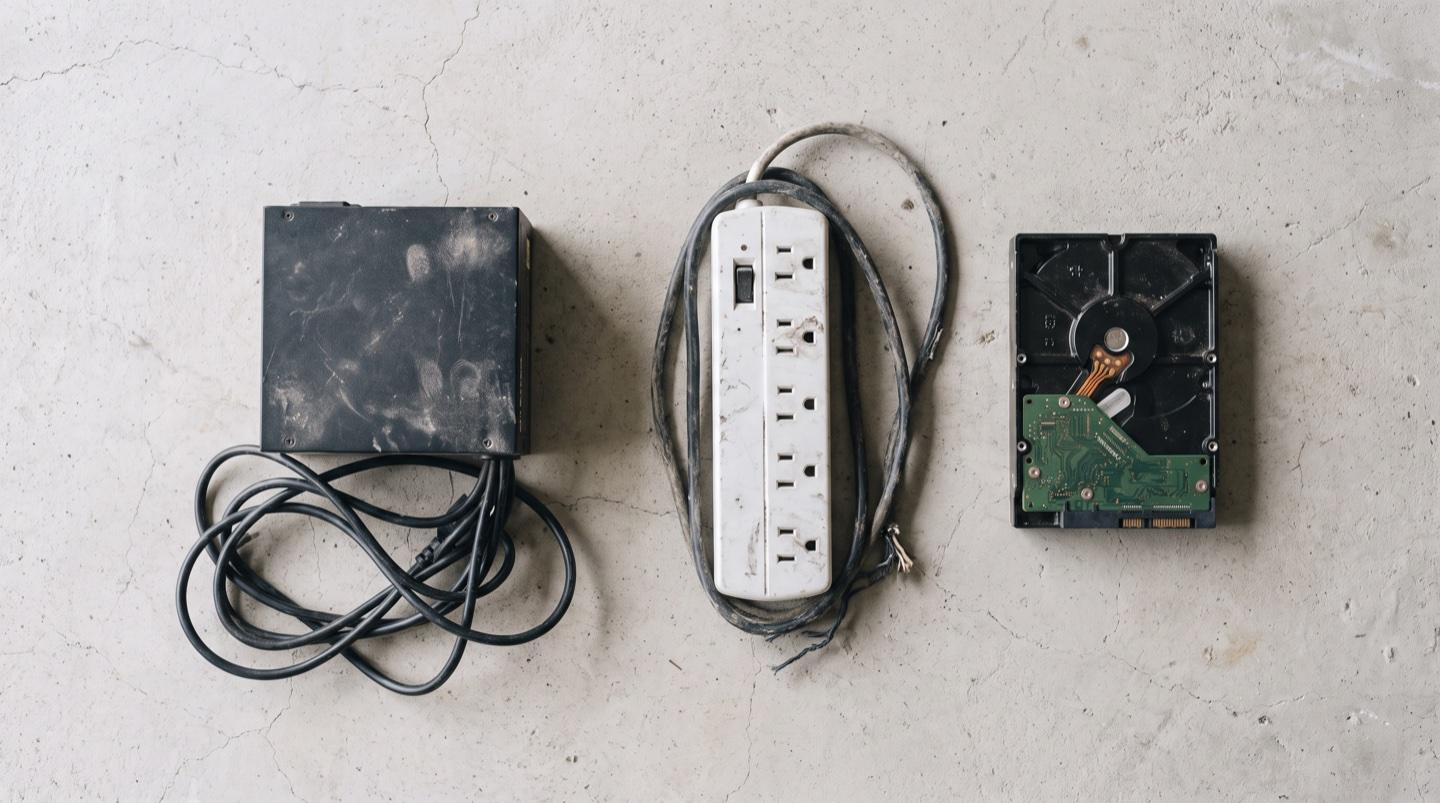
PC Won't Boot After a Power Outage? What to Check First
The power came back but your computer didn't. What a surge actually damages, the free checks worth running first, and how to protect the files on the drive.
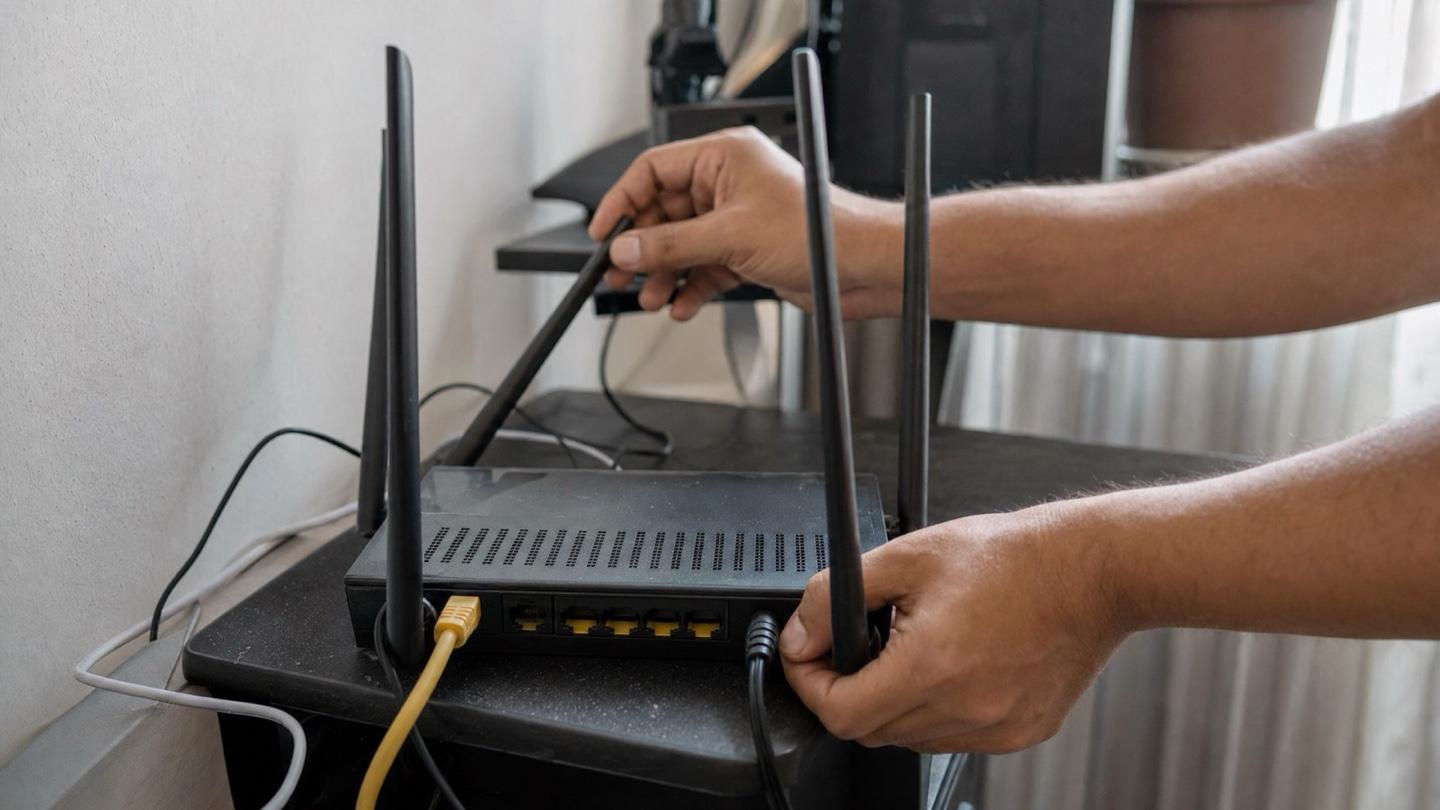
Why Does My Wi-Fi Keep Disconnecting? 8 Causes and Fixes
Wi-Fi that drops every few minutes is maddening. Here are the eight usual causes, from your router to your walls, and how to fix each one at home.
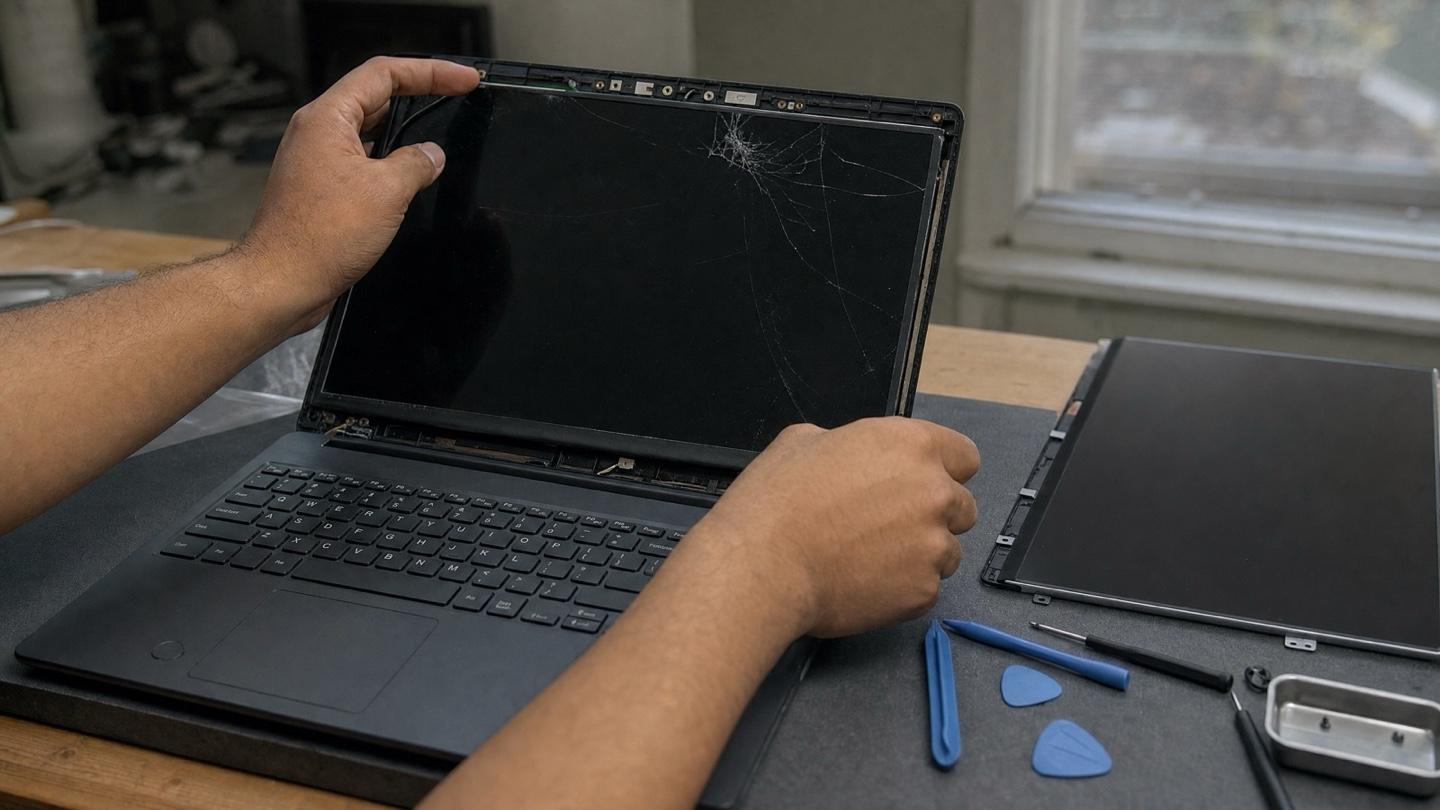
Laptop Screen Repair Cost in Calgary: What Drives the Price
What drives laptop screen repair cost in Calgary: panel type, hinge damage and part availability, plus a 60-second test to check if it is only the LCD that is cracked.
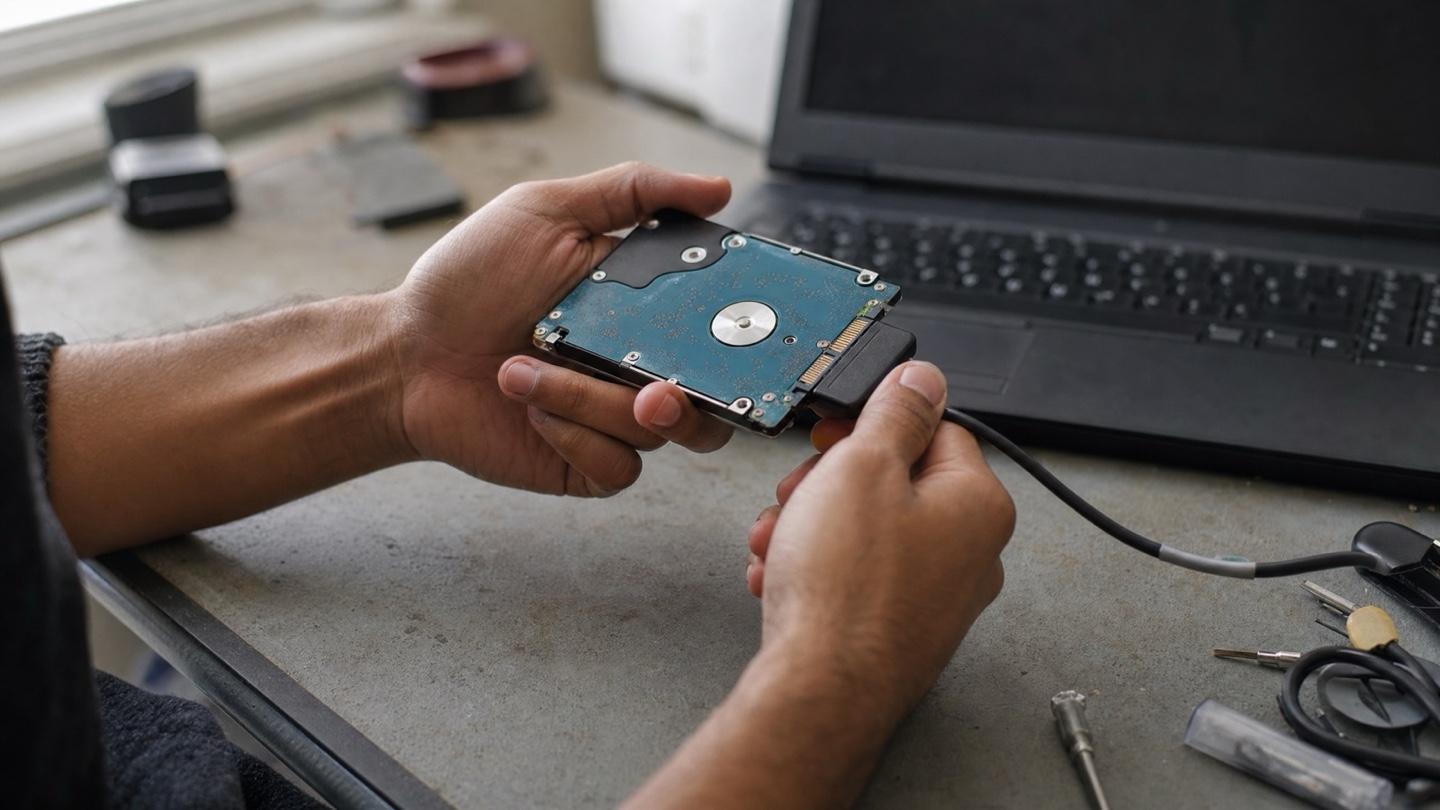
Lost Important Files? What Data Recovery Can and Can't Get Back
Deleted a folder or lost a drive? What you do in the next hour matters most. A plain-language guide to what recovery can get back, and what it can't.
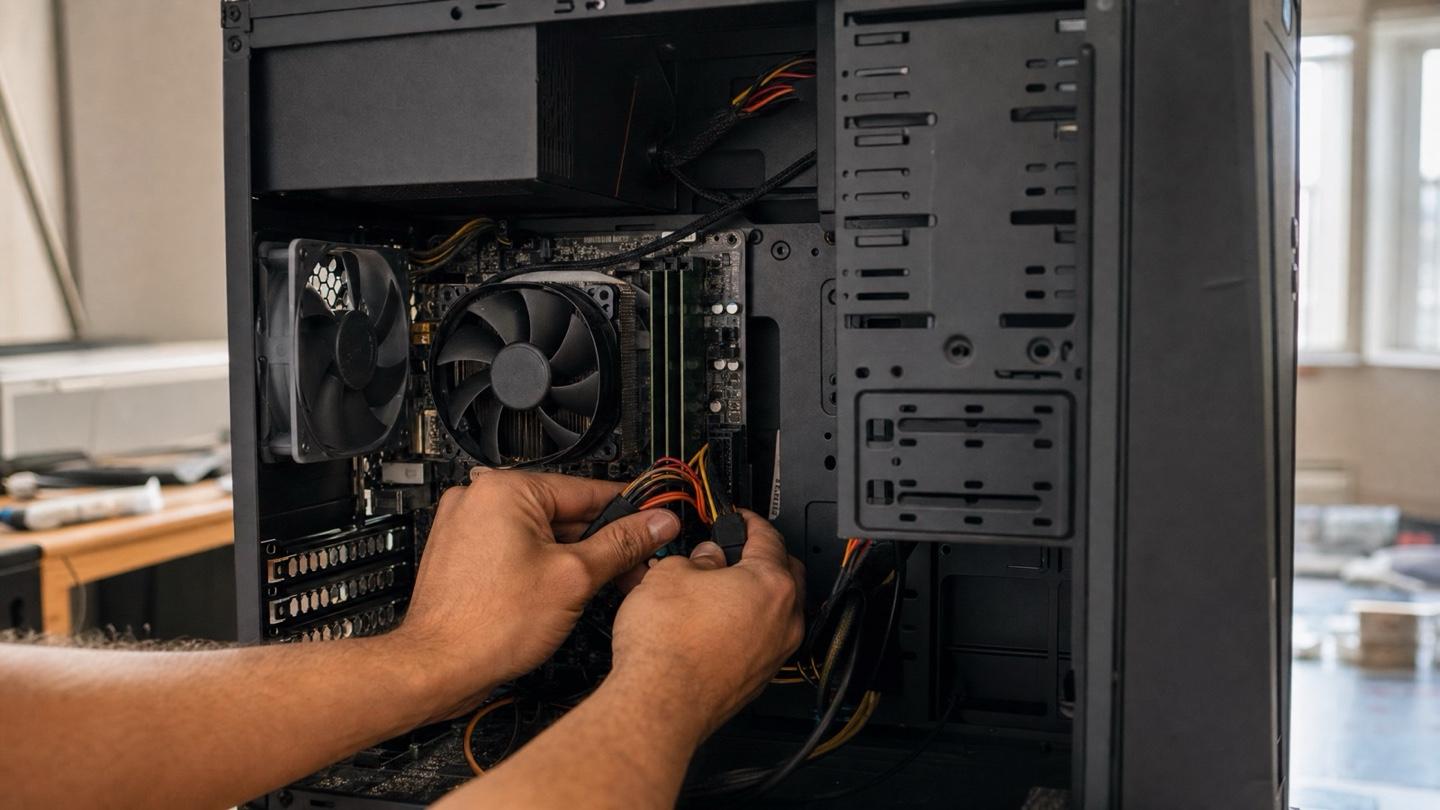
Computer Keeps Restarting? Causes, Stop Codes, and How to Fix It
Computer keeps restarting on its own? Sort a power-cut reboot from a BSOD crash, read the stop code, and work the checks in order. Calgary in-home help.
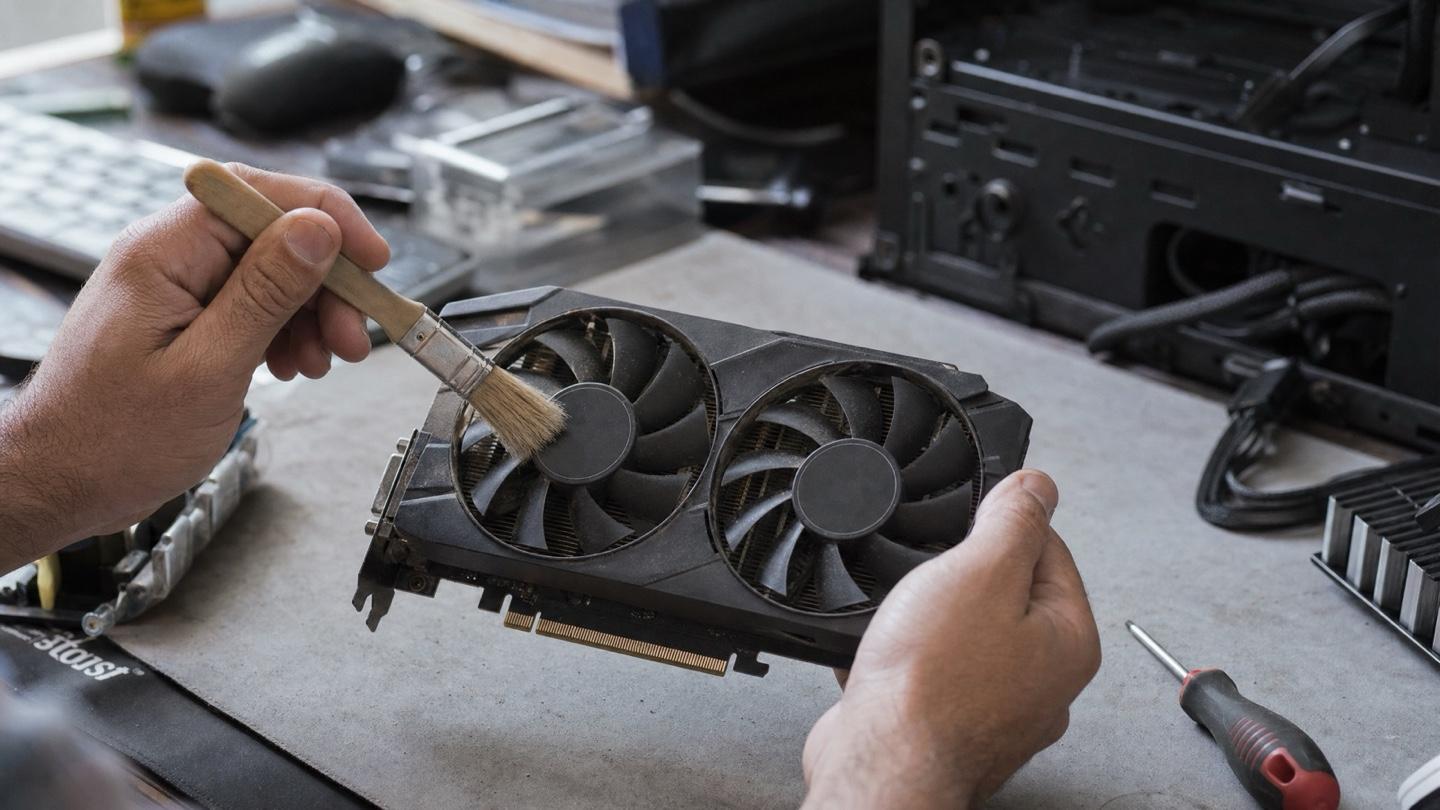
Gaming PC Keeps Crashing? Fix FPS Drops, GPU Heat and Reboots
Gaming PC keeps crashing or dropping FPS? Use the symptom table to tell heat from driver timeouts and power trips, then fix it or book a Calgary visit.
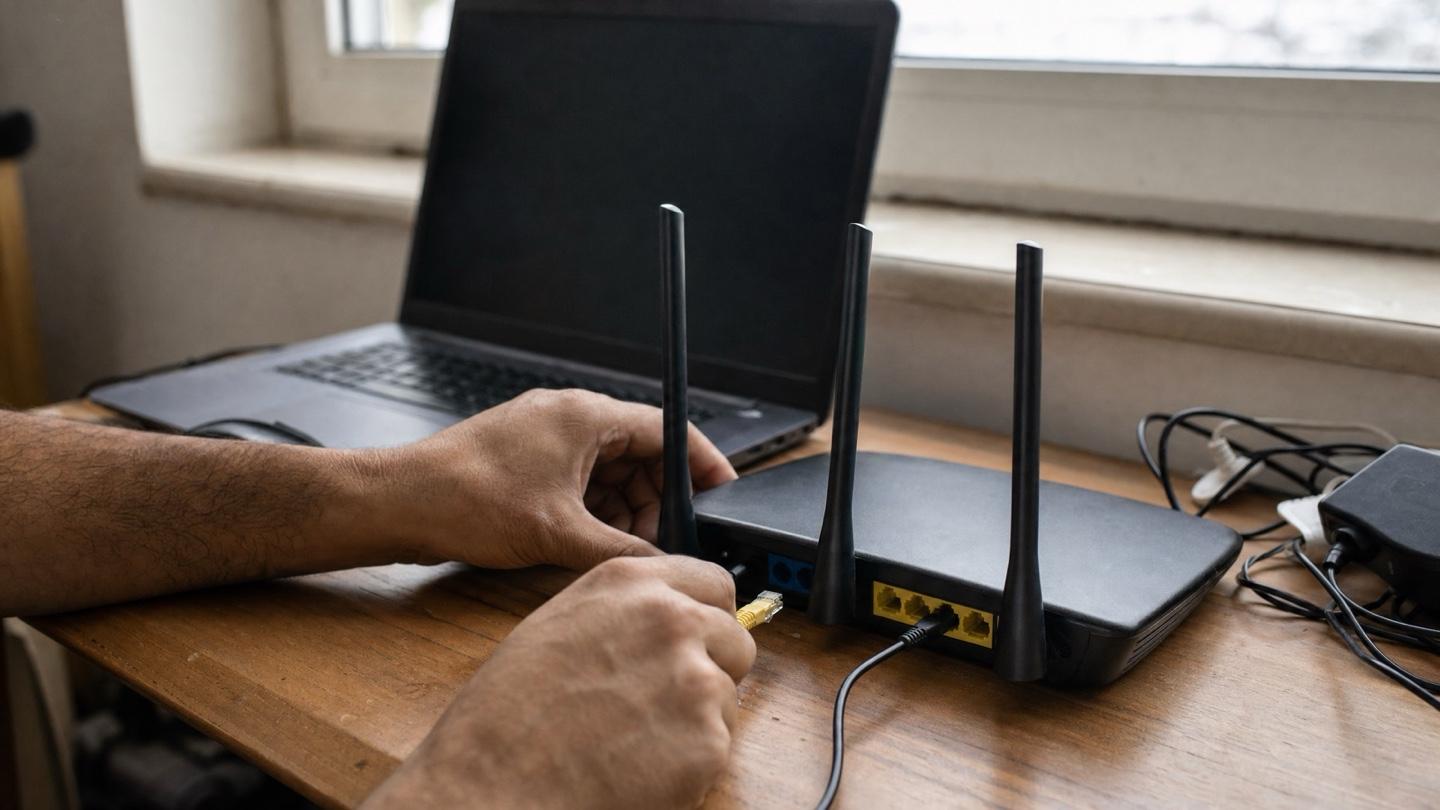
Why Your Printer Won't Connect: Wireless Printer and Scanner Fixes
A wireless printer that shows offline is almost never broken. Here's why printers fall off Wi-Fi first, and the fixes that get yours printing again.
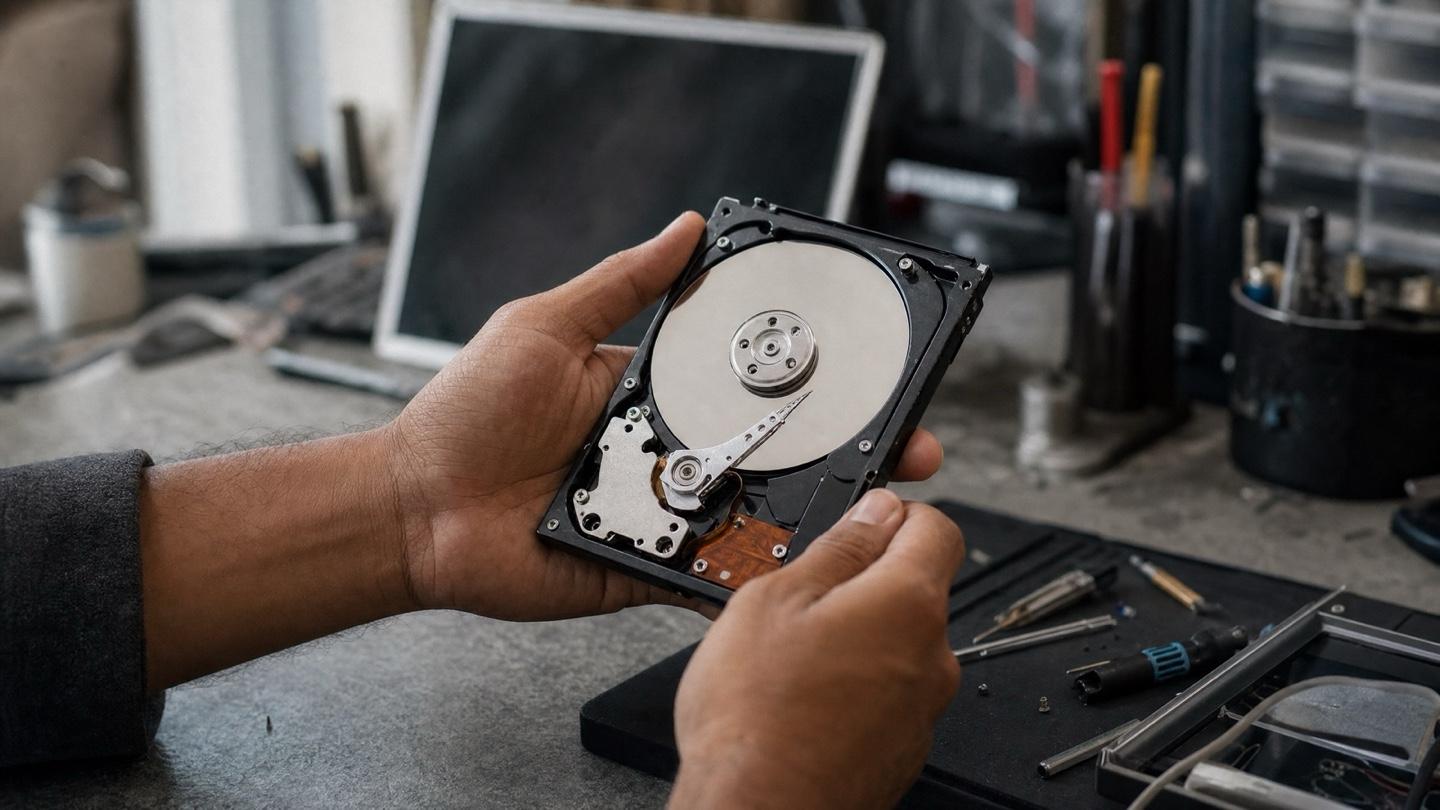
Hard Drive Failure Warning Signs: What to Do Next
The clicking, freezing and boot errors that mean a drive is on its way out, what each one buys you in time, and the moves that save your files.
Signs Your Computer Has a Virus: 9 You Shouldn't Ignore
Modern malware hides instead of announcing itself. These nine warning signs, from a hot fan to browser weirdness, are how it gives itself away.
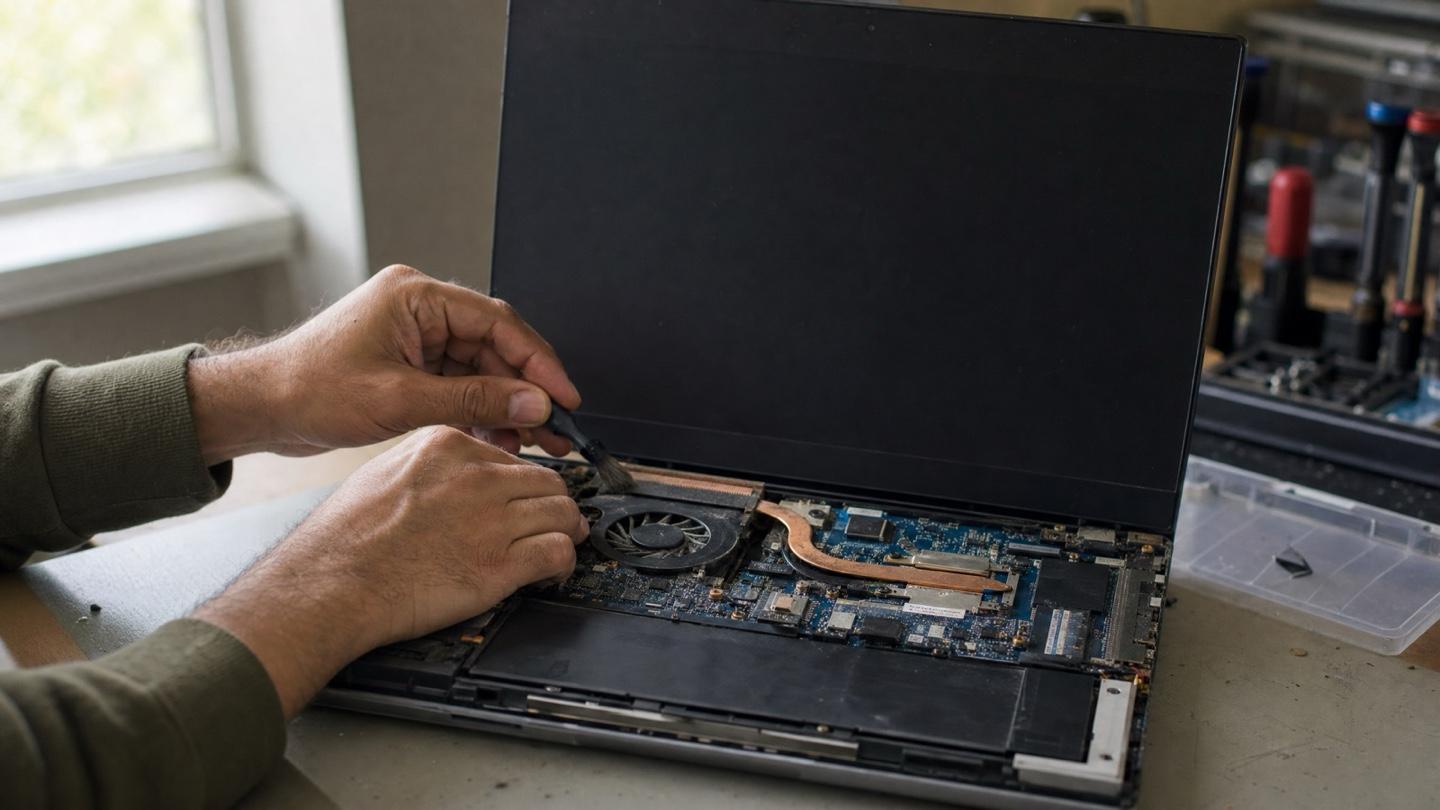
Laptop Overheating? Warning Signs and Cooling Fixes
A hot laptop throttles itself slow and eventually shuts off mid-task. The warning signs to watch for and the fixes that actually bring temperatures down.
Computer Won't Turn On? 11 Free Checks Before You Pay Anyone
Computer won't turn on? A dead power button and fans spinning behind a black screen are two different faults. Free checks first, then Calgary in-home repair.
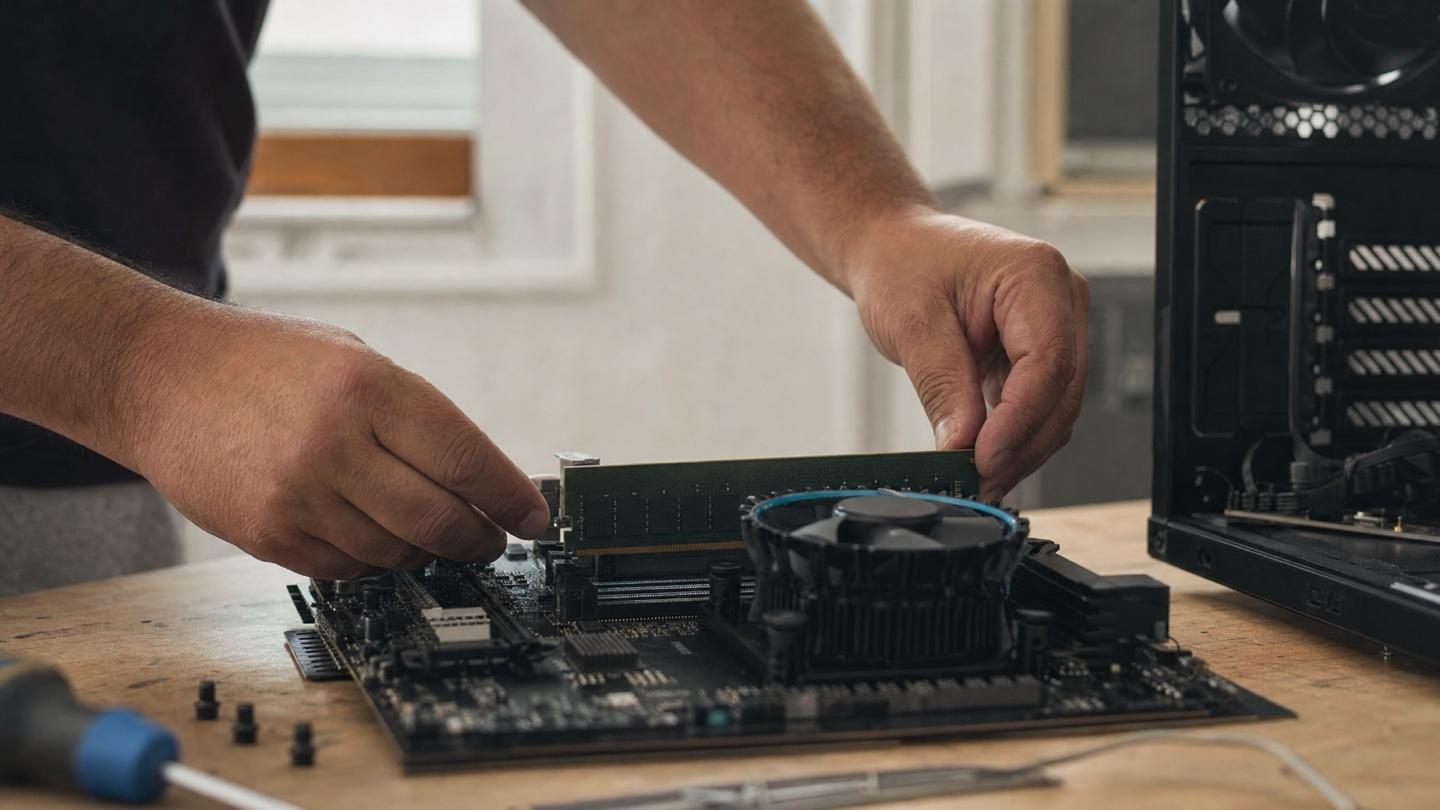
How Much RAM Do You Need for Windows 11 in 2026?
8 GB is the bare floor for Windows 11, 16 GB is the practical sweet spot in 2026, and 32 GB is for editing, gaming and VMs. Check your slots before you order.
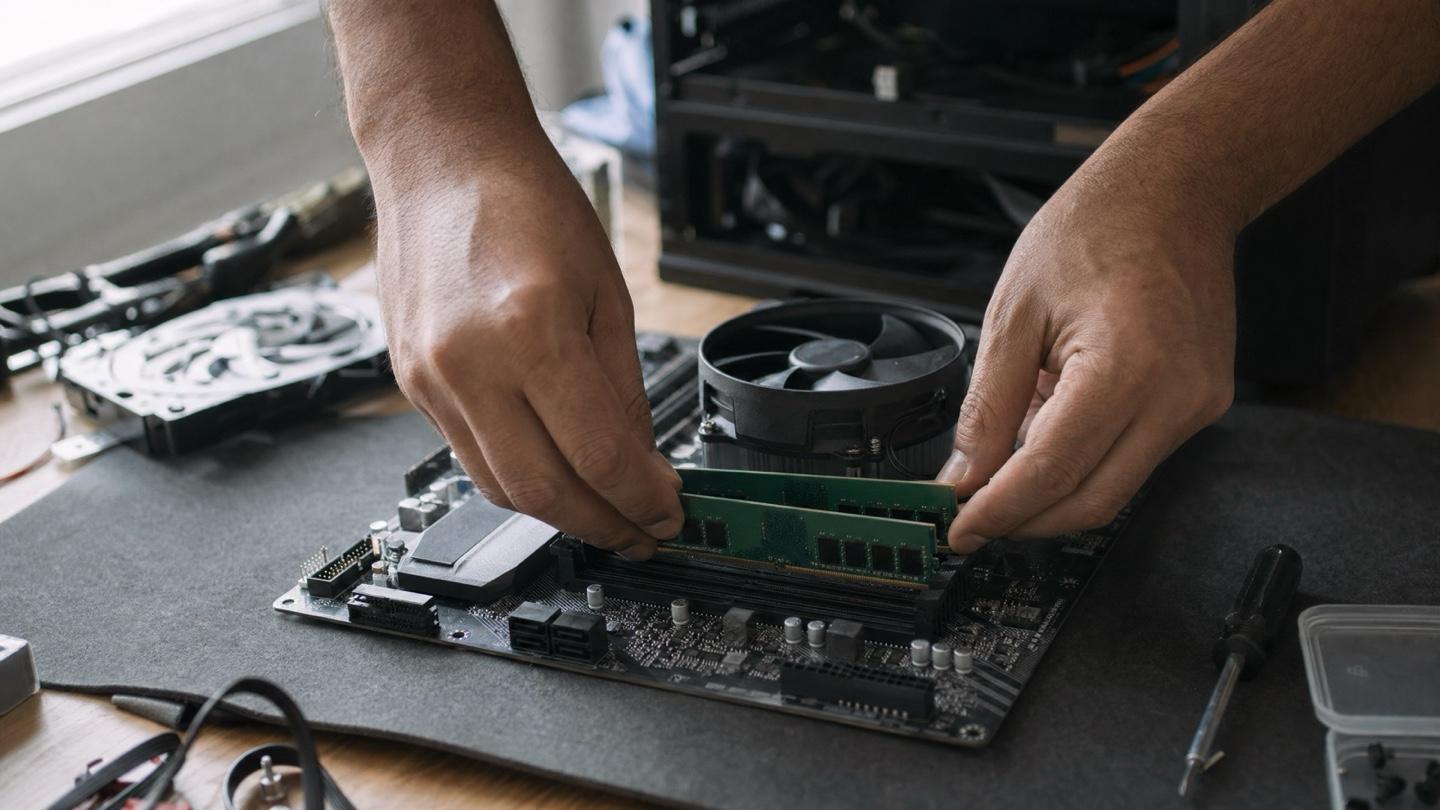
Signs Your Computer Needs an Upgrade (or Just One Part)
Slow startup, freezing with tabs open, loud fans: match the symptom to the one part that fixes it, and know when a new machine really is the smarter buy.
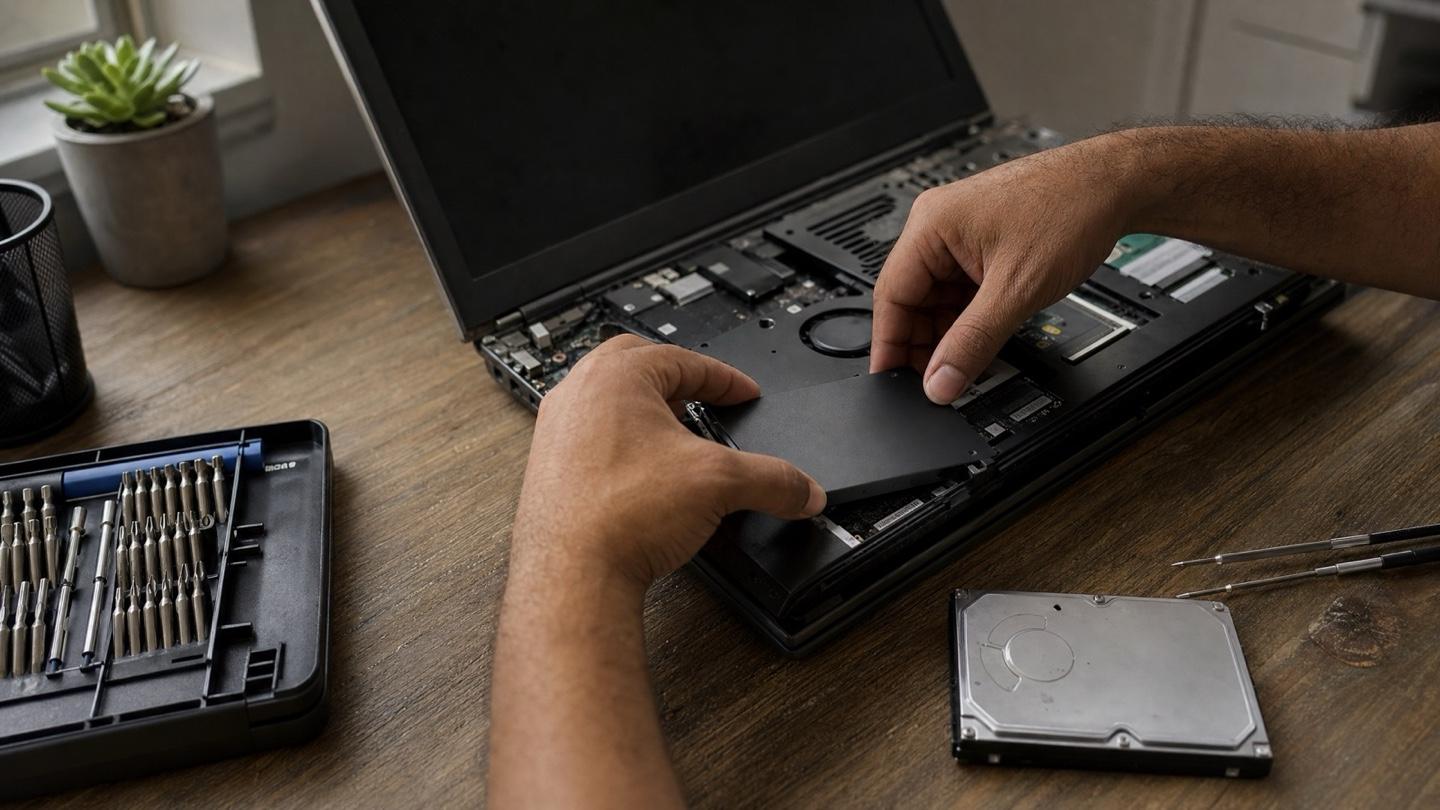
Best SSD Upgrades for Windows 11 in 2026: SATA vs NVMe and How to Choose
The best SSD for Windows 11 in 2026 comes down to your slot, not the spec sheet. Compare SATA vs NVMe, M.2 2280 vs 2230, DRAM vs HMB, and sizes.
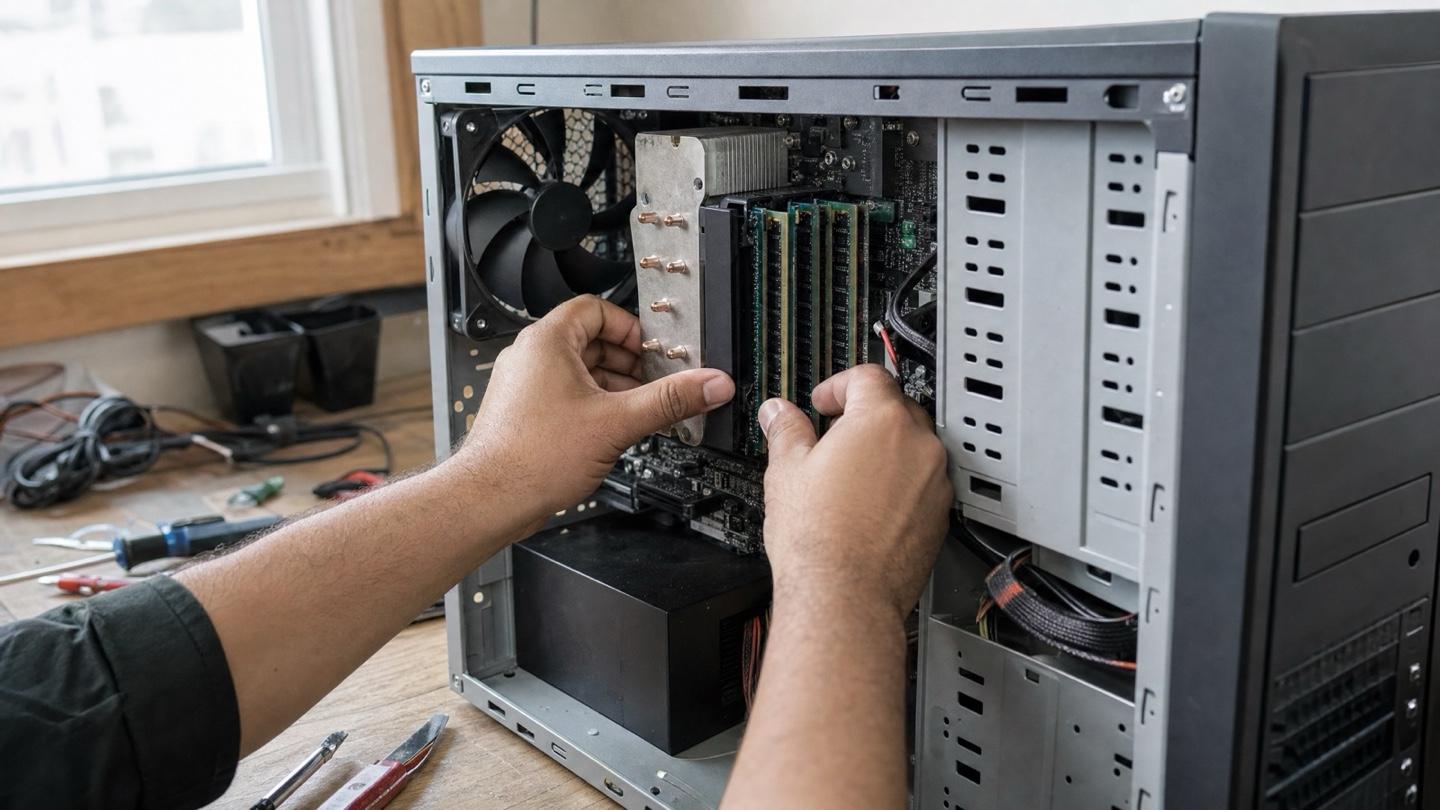
Why Is My Windows 11 PC So Slow? 12 Fixes That Actually Work
Find out what's actually slowing your Windows 11 PC in 60 seconds with Task Manager, then work through 12 fixes, from free software tweaks to an SSD or RAM.
How to Upgrade Windows 10 to 11 Without Losing Your Files
Windows 10 support ended October 14, 2025. Check if your PC qualifies, run the free Windows 11 upgrade without losing files, and fix what blocks it.
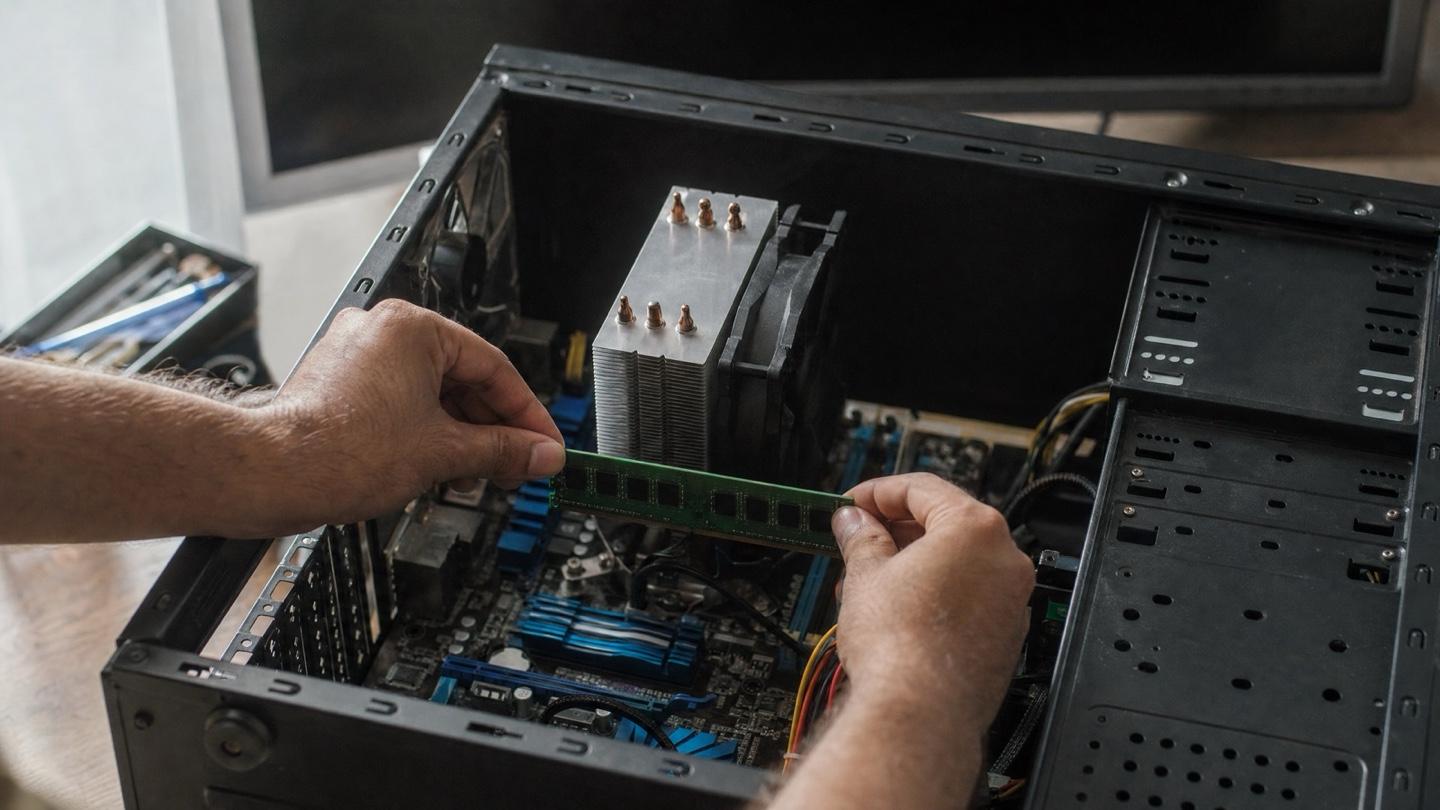
Computer Freezing Randomly? Match the Freeze Pattern to the Cause
Computer freezing randomly? The pattern of the freeze points at the cause: heat under load, RAM, a failing drive or a driver. Match it and run the free check.
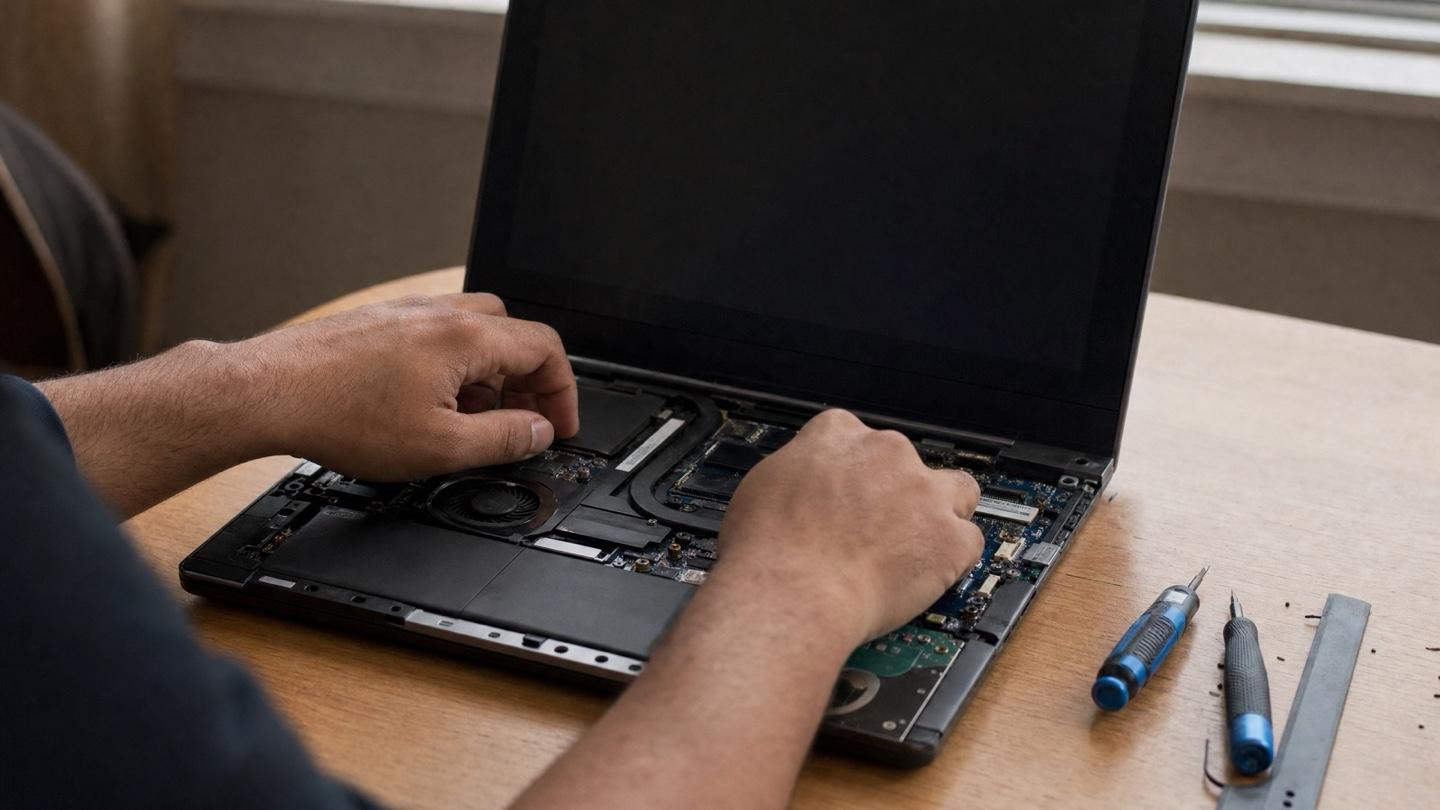
Dell Computer Repair in Calgary: Costs and Common Problems
A practical guide to repairing Dell laptops and desktops in Calgary: the faults we see most, what shapes the repair cost, and when replacing wins.
Reading this because something's broken?
Skip the troubleshooting. We come to you across Calgary, usually same day, and if we can't fix it, you pay nothing.